01
Get a YouTube transcript
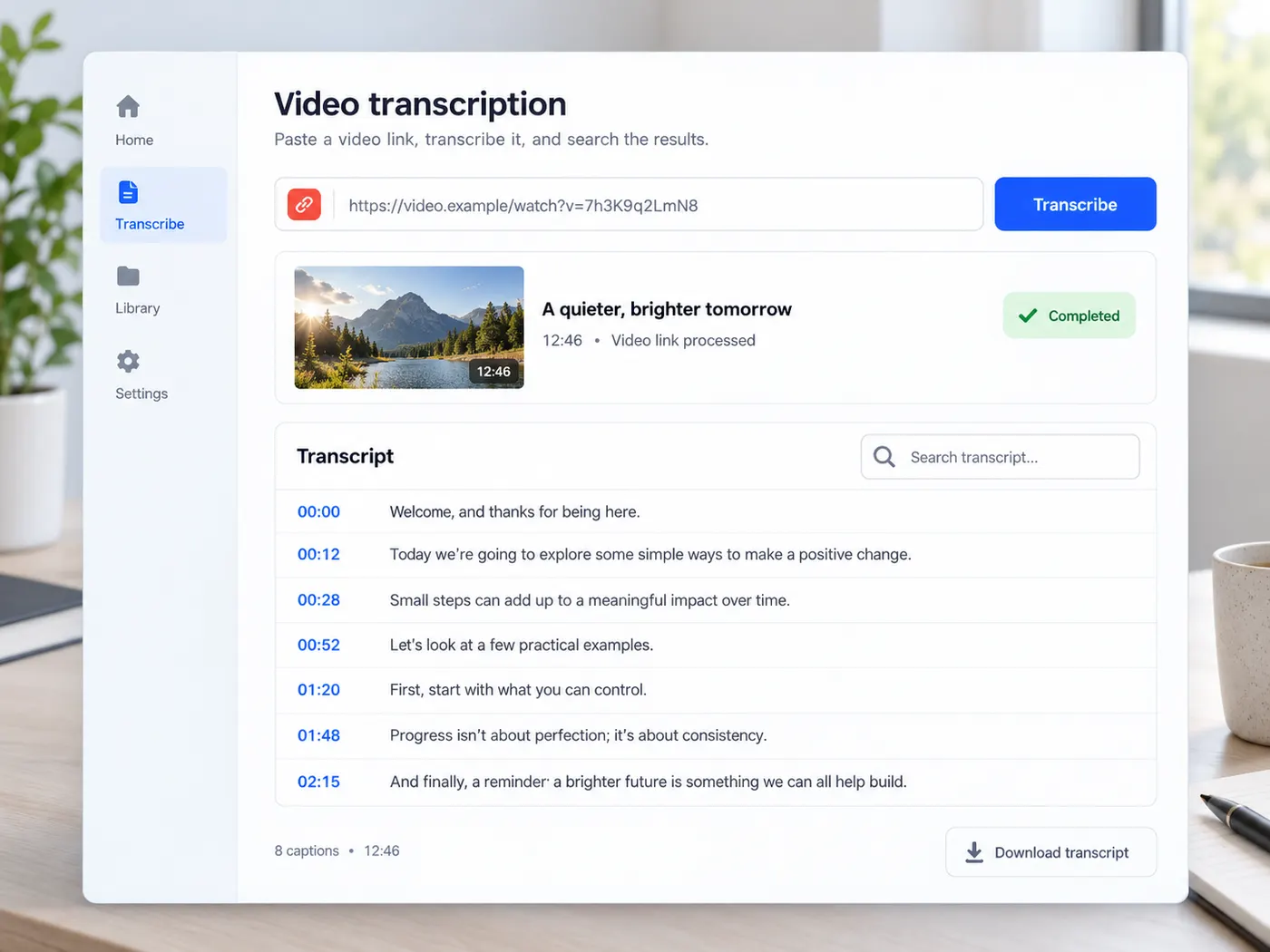
Paste a YouTube link and get the video’s own captions as timestamped text you can search, copy and export.
Paste a YouTube link and get the full transcript with timestamps — search it, copy it, or export it as TXT or SRT.
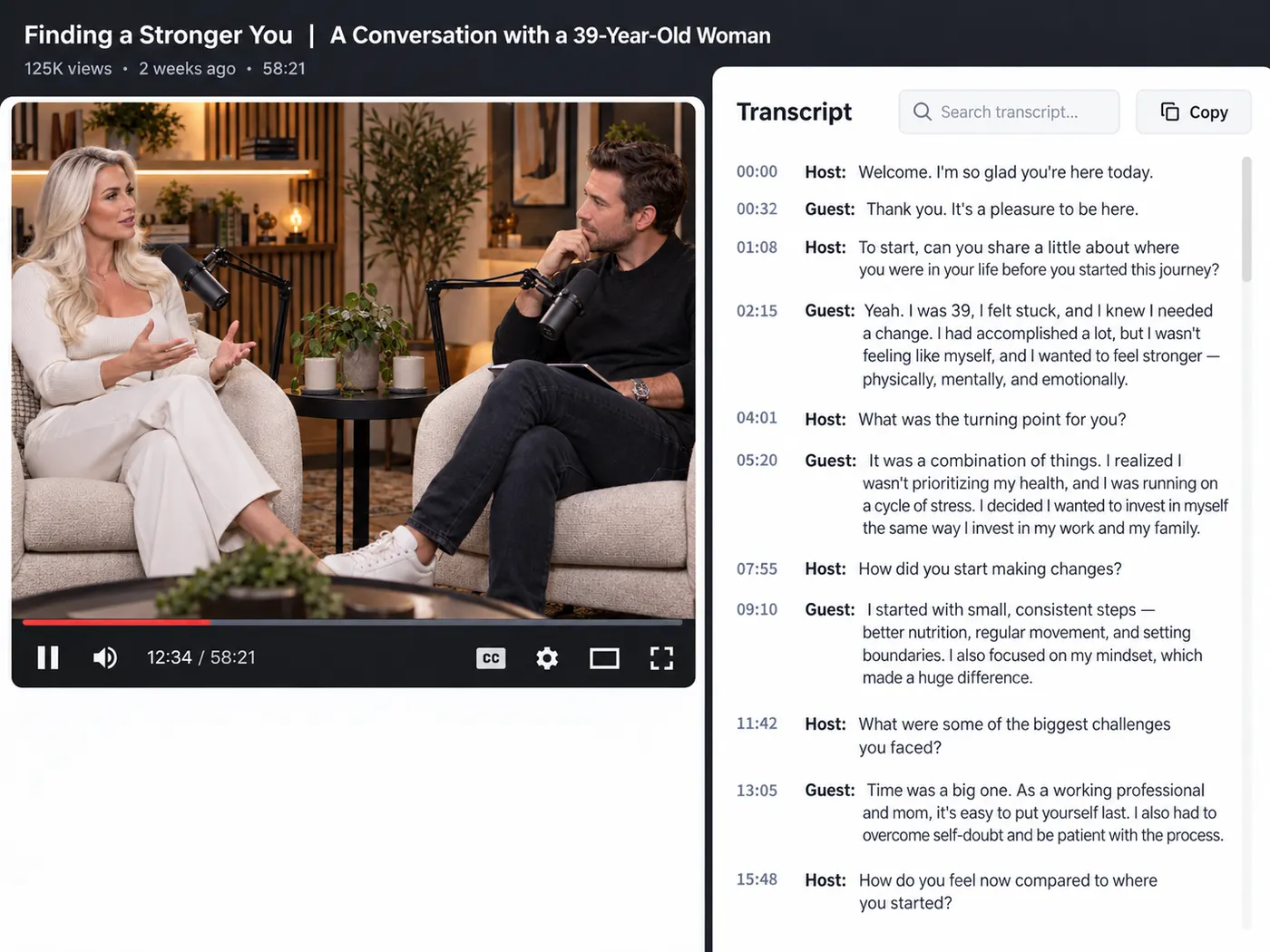
Every tool gives you accurate, exportable text — copy, TXT or SRT. Free credits to start. Here’s what each tool does.
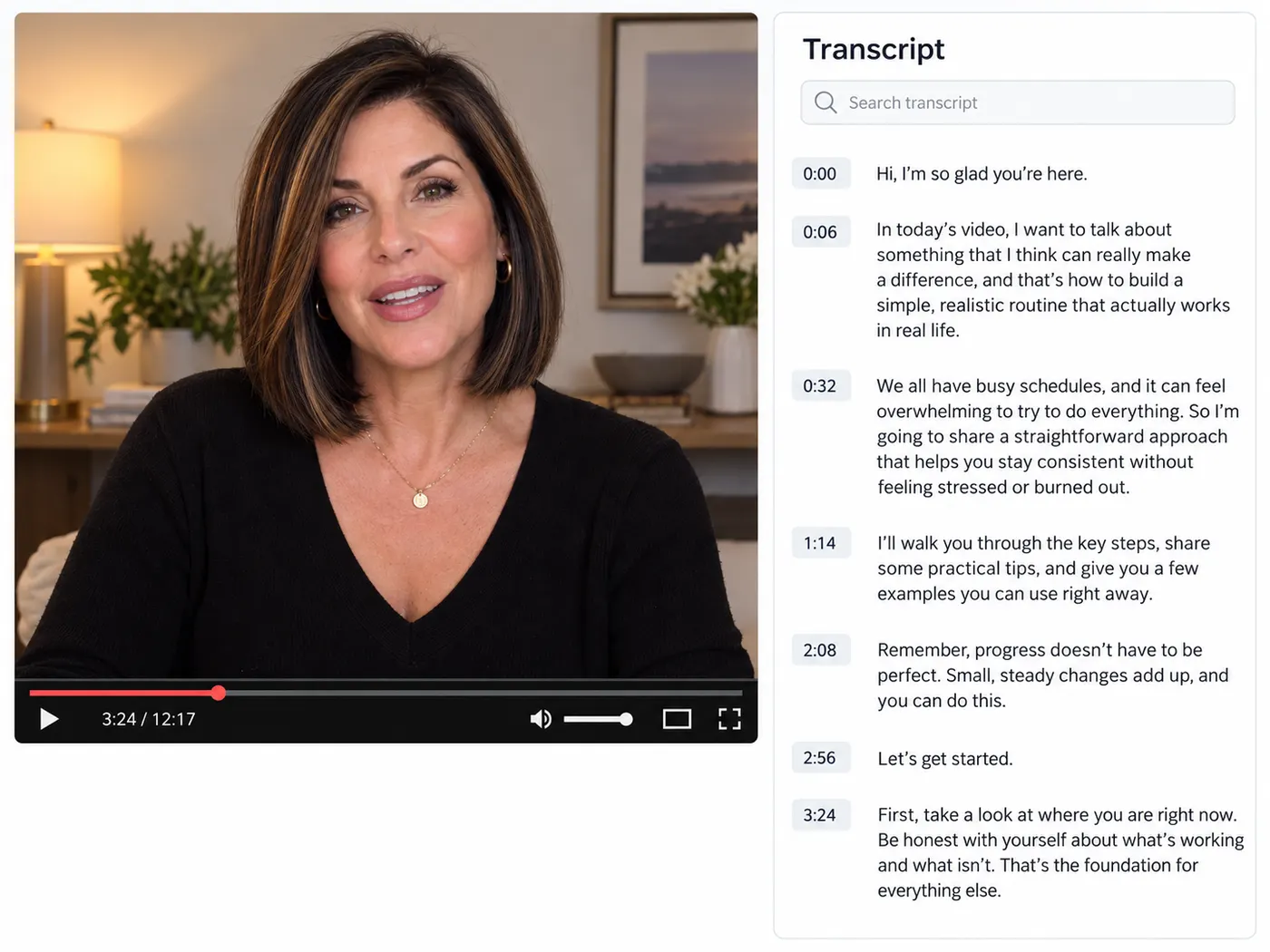
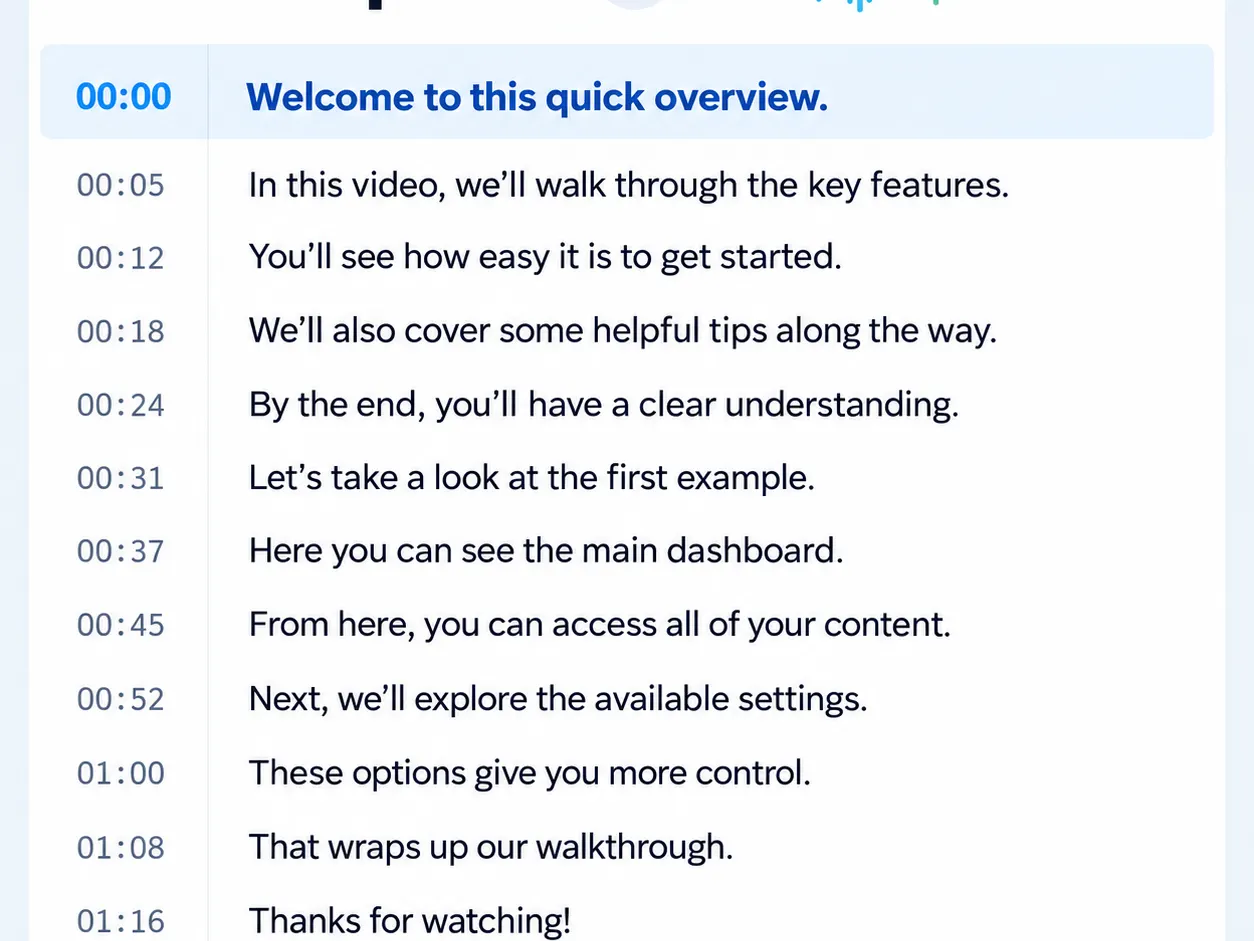
Paste a link and get every caption line with its timestamp.
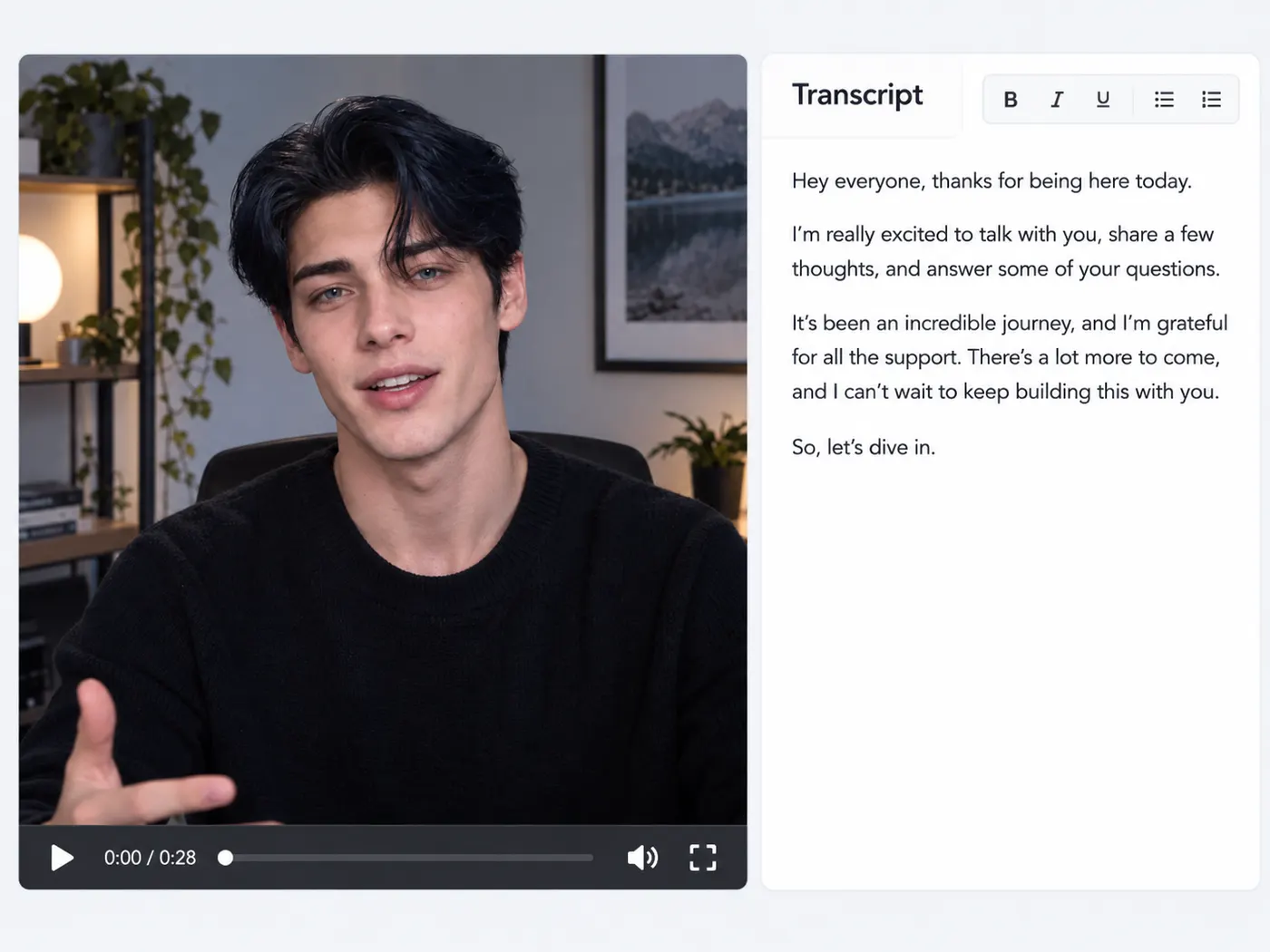
Upload a video file and AI writes down what is said (Pro).
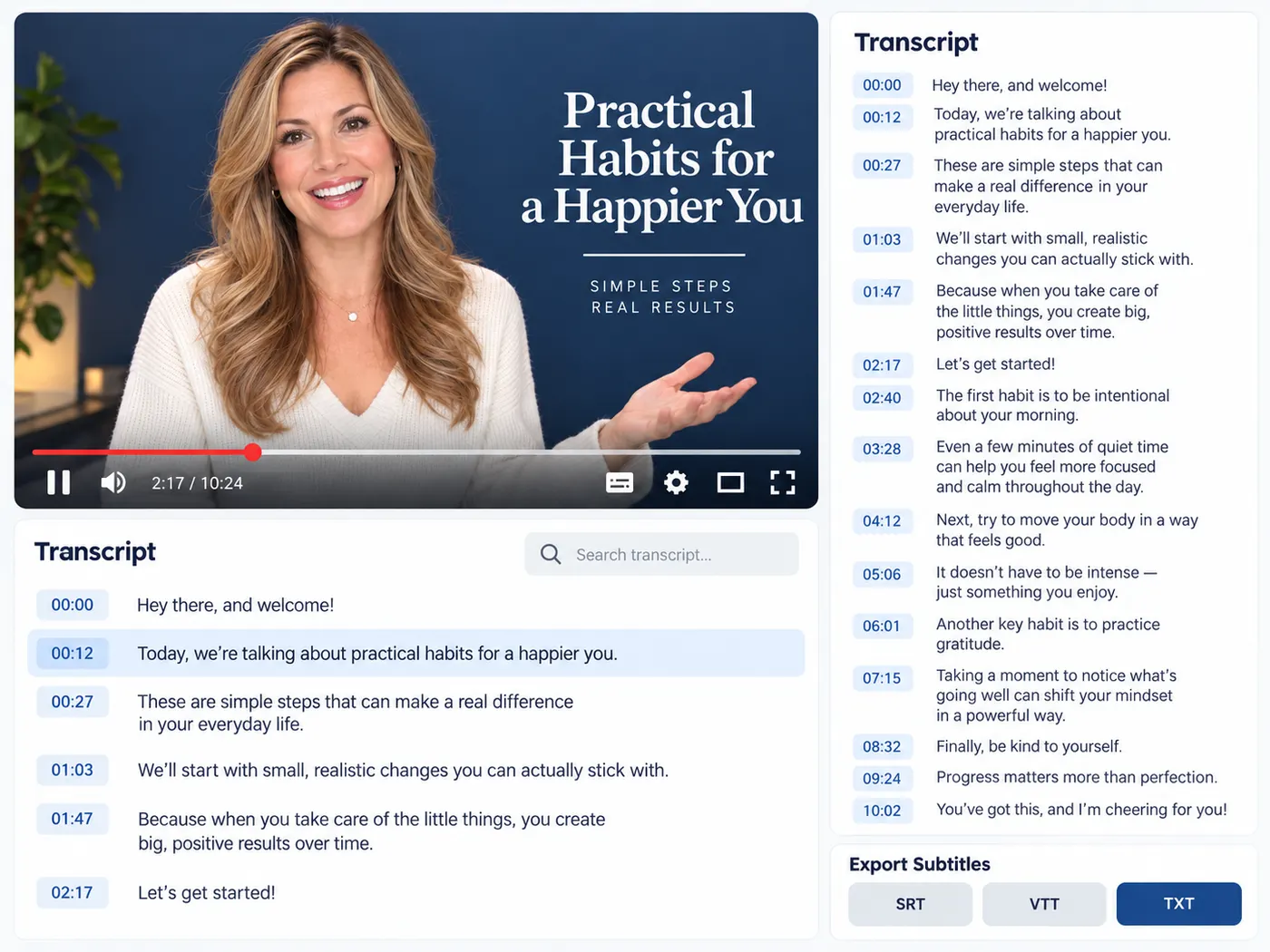
Export a transcript as SRT, VTT or plain TXT.
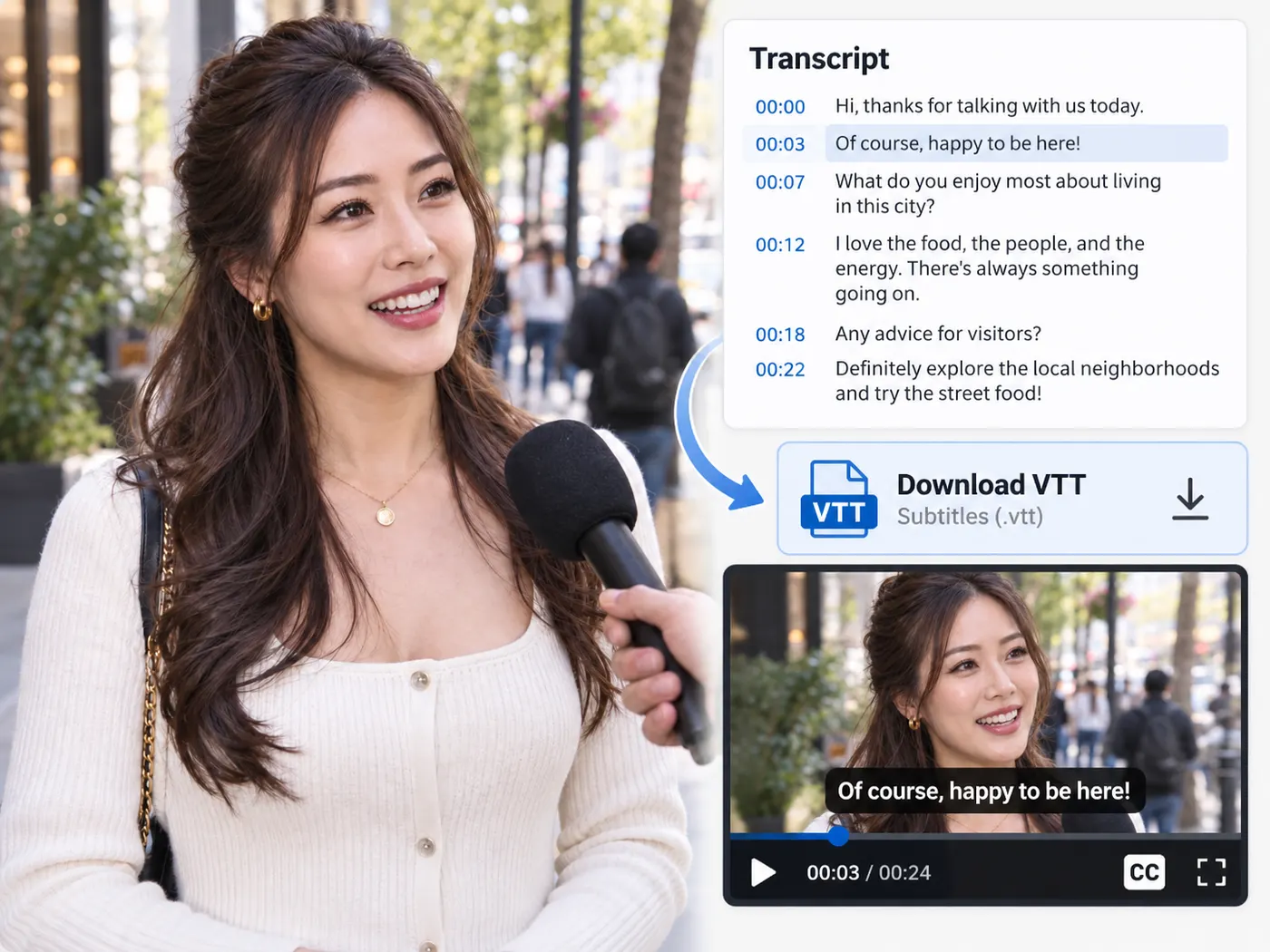
Download the captions a YouTube video already has.
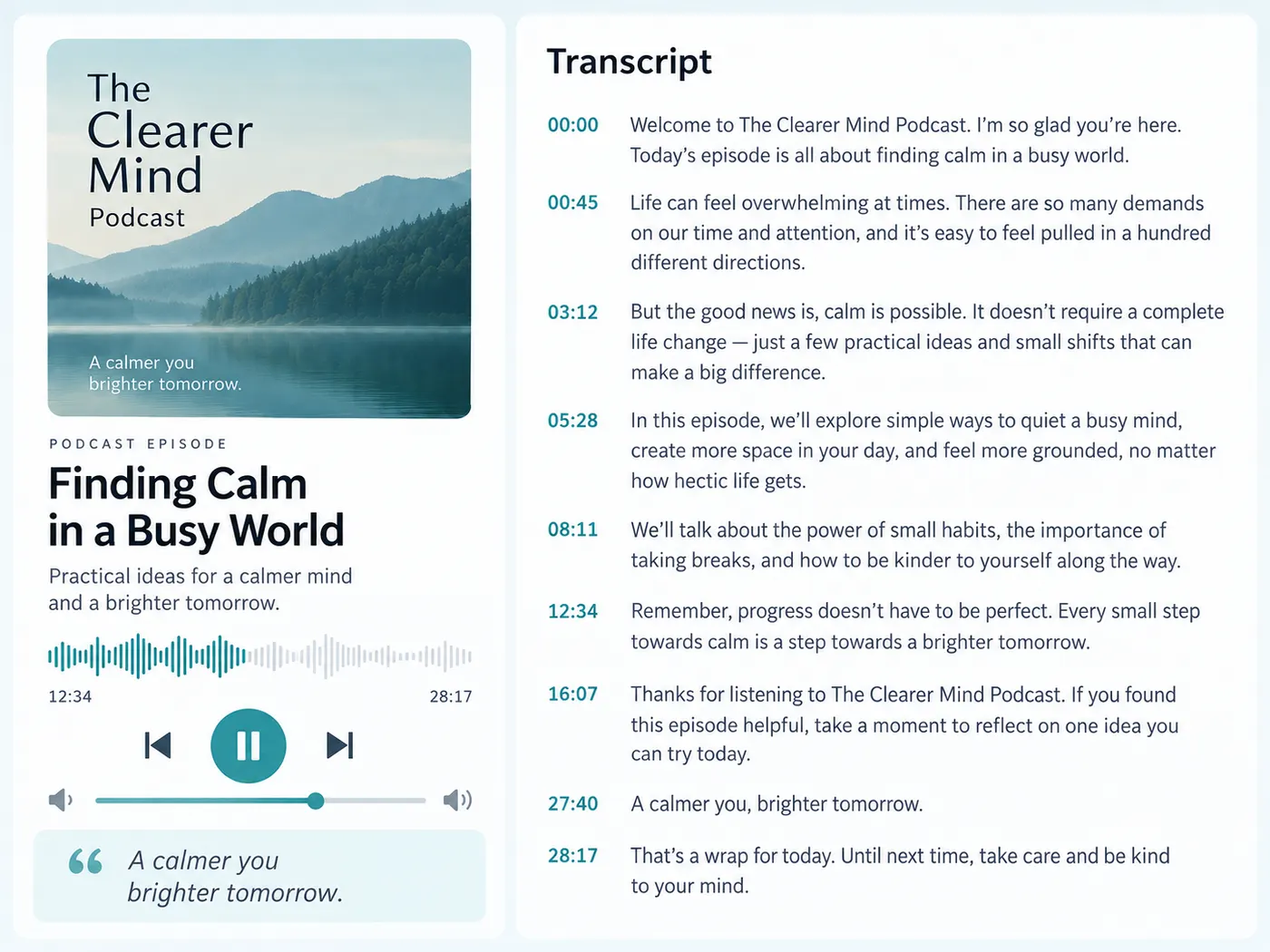
Turn an M4A or MP3 episode into searchable text (Pro).
Any source
Paste a YouTube, TikTok or Instagram link, or drop a video, audio or podcast file — gistmint returns an accurate, readable transcript you can search, quote and reuse. No hunting for a hidden caption track.
Get a transcript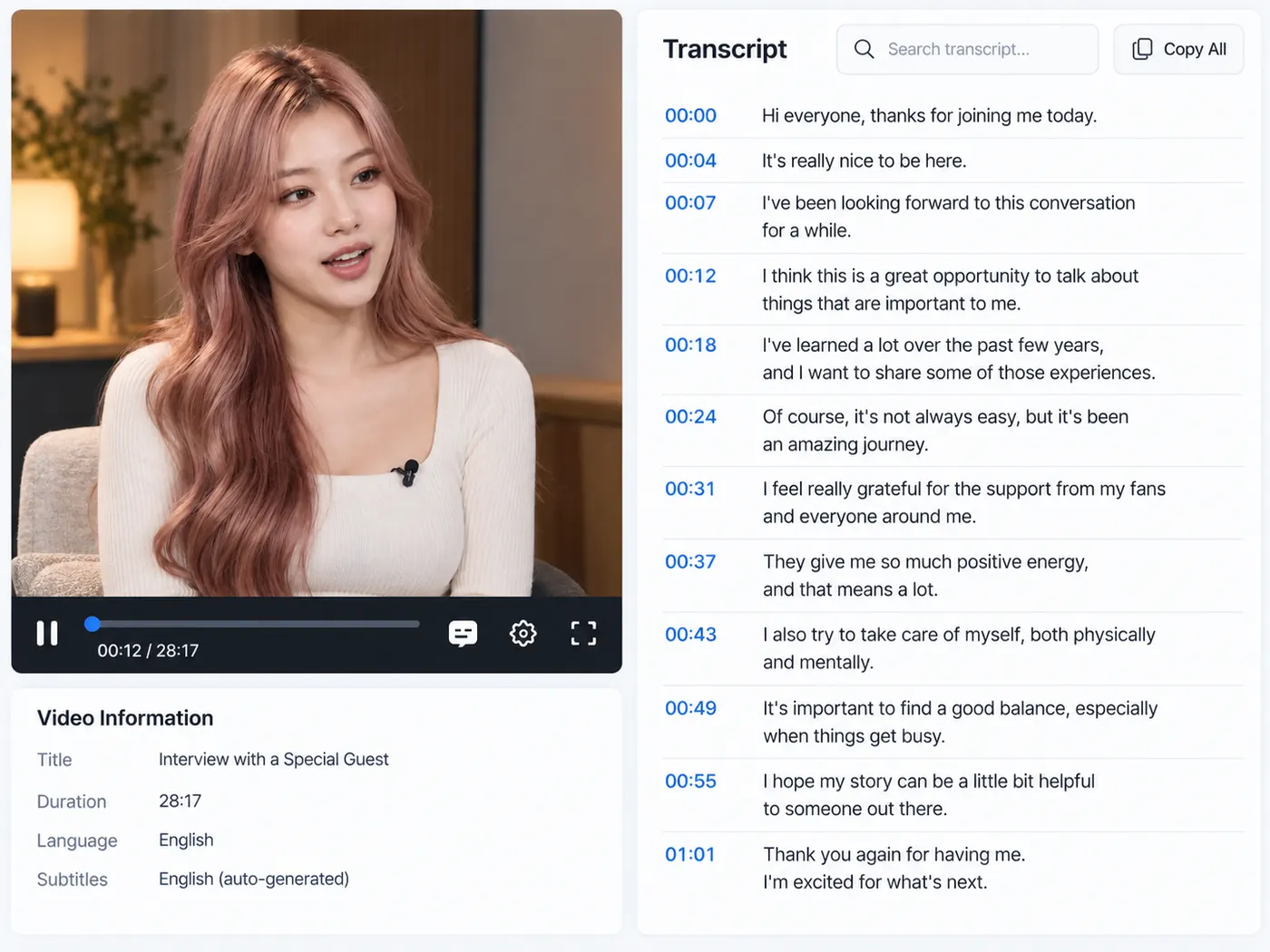
Export how you need it
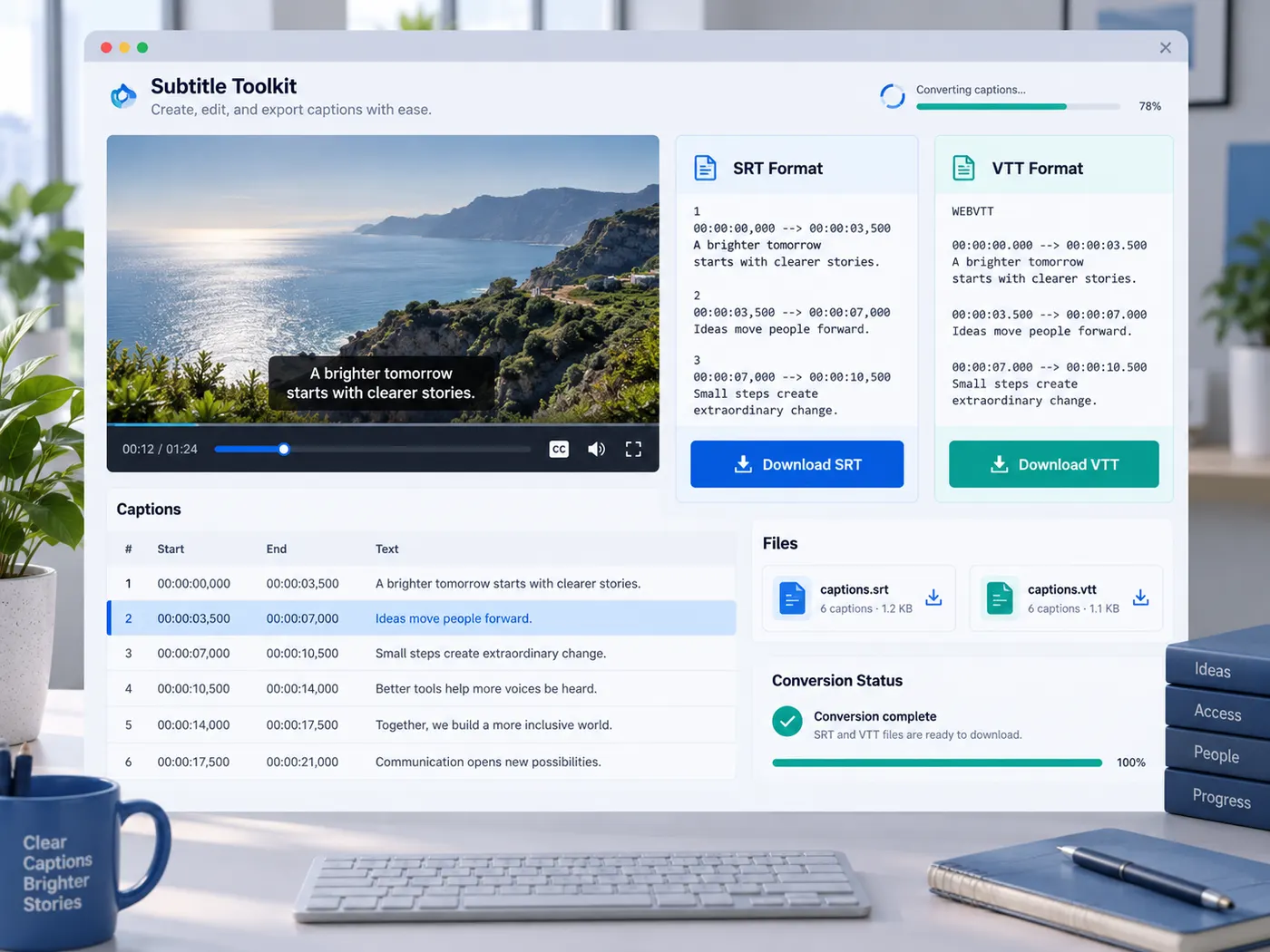
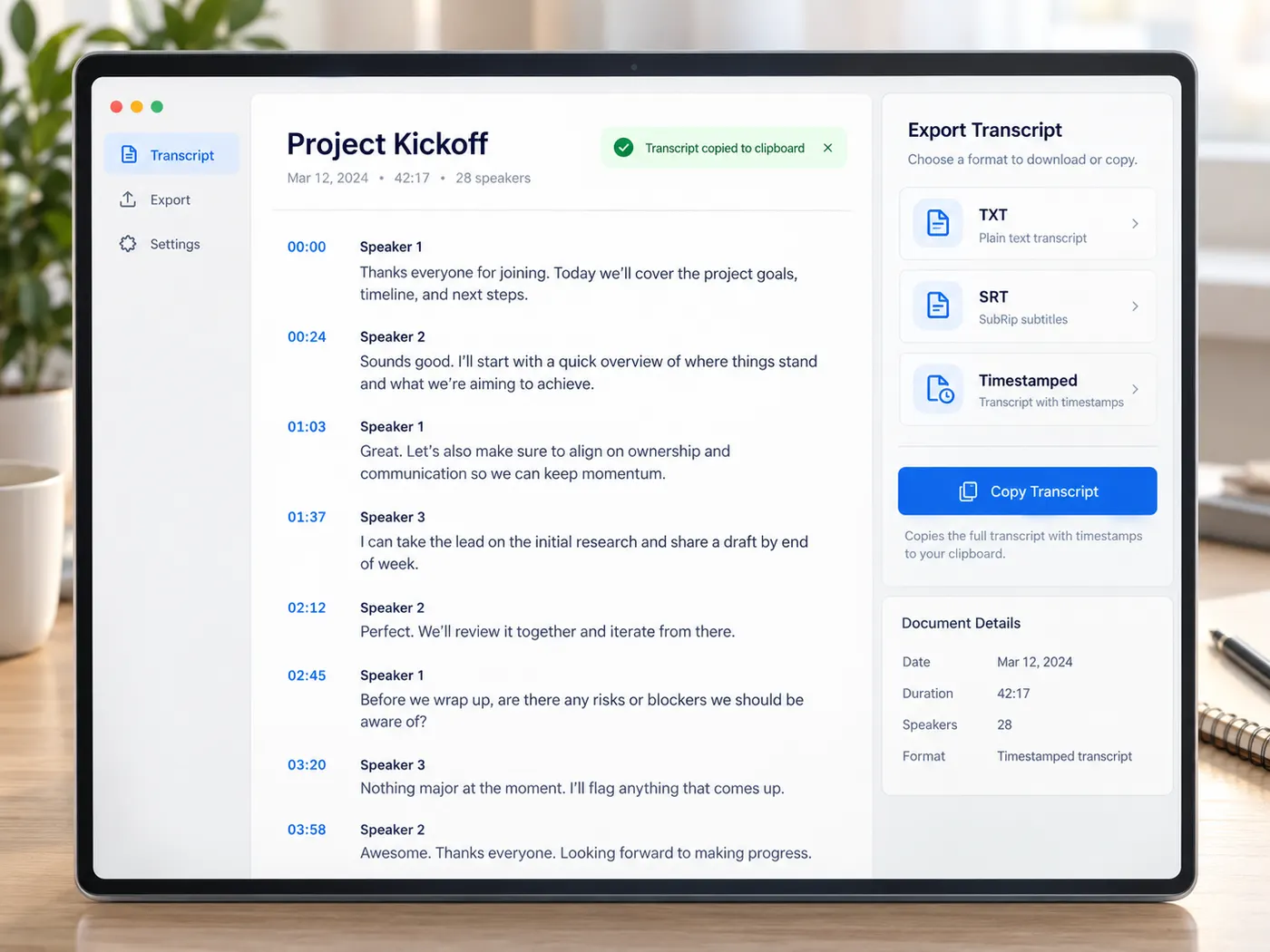
Download the transcript as plain text, copy it straight into your notes, or export SRT/VTT subtitles with timestamps. Convert between subtitle formats without wrangling files by hand.
Download subtitles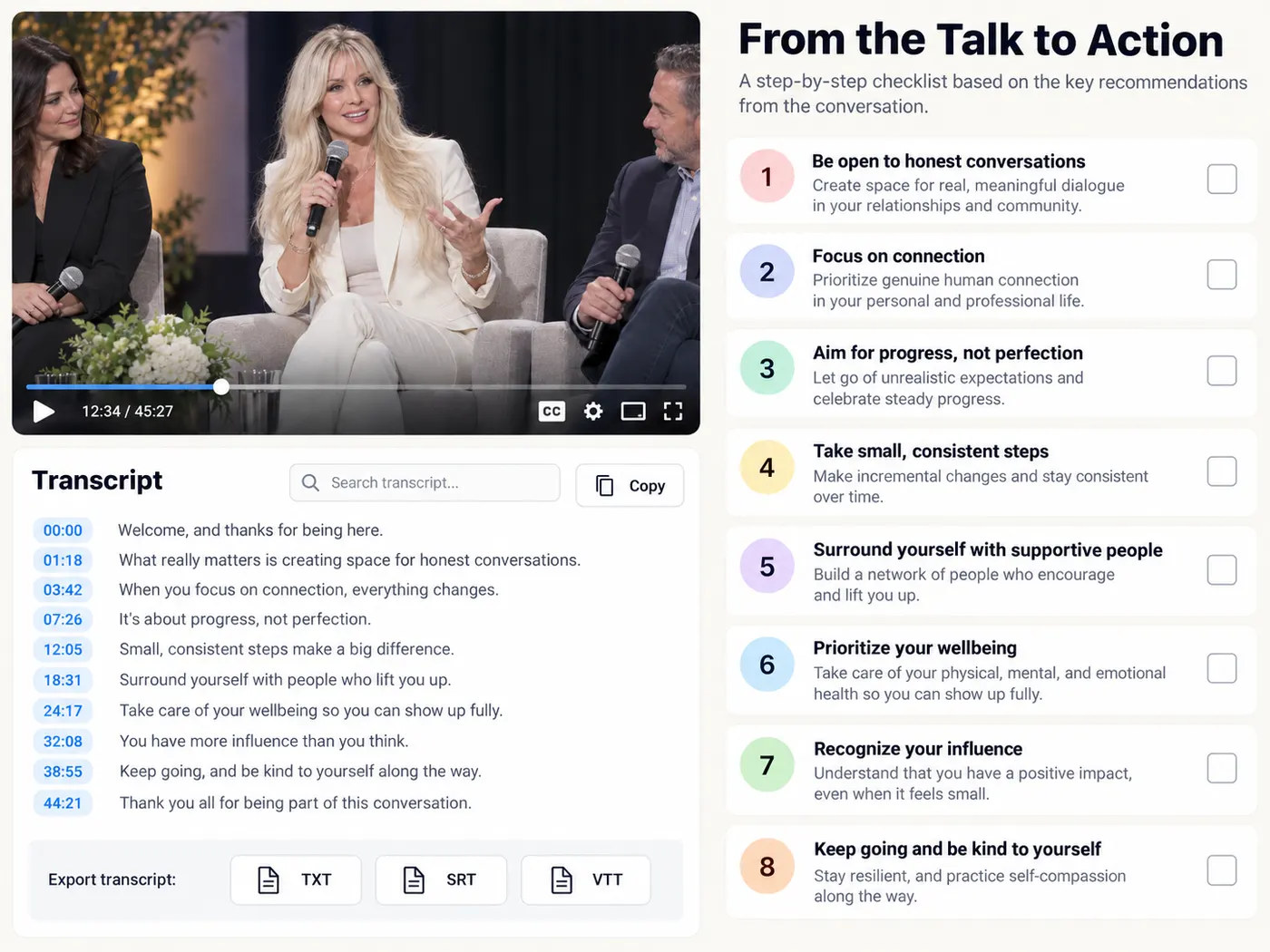
Free to start
Create an account and you get 5 free credits to try a YouTube transcript. Upgrade to Pro when you want a monthly credit balance and AI transcription of your own video and audio files.
Transcribe a video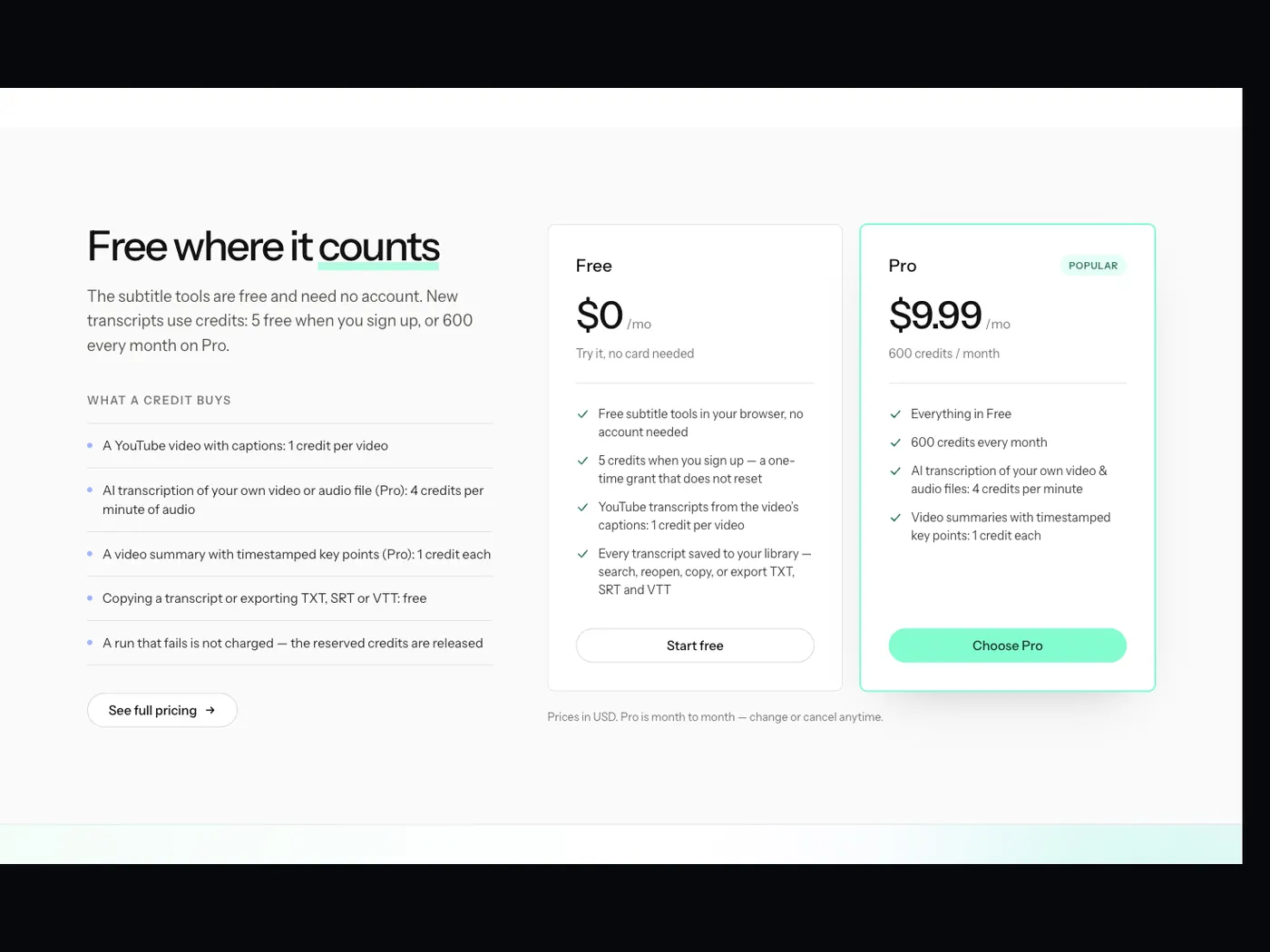
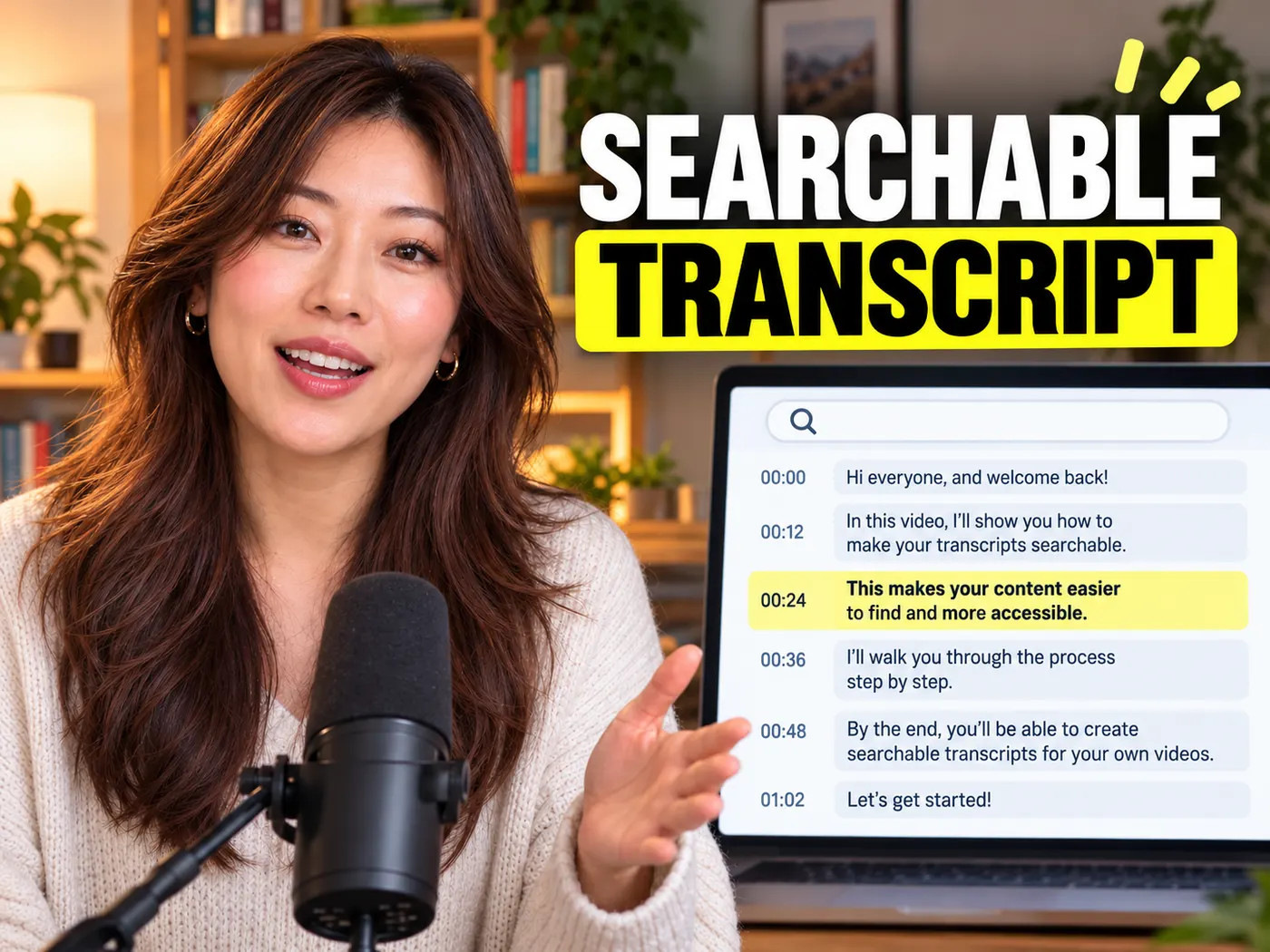
Search a whole talk in seconds.
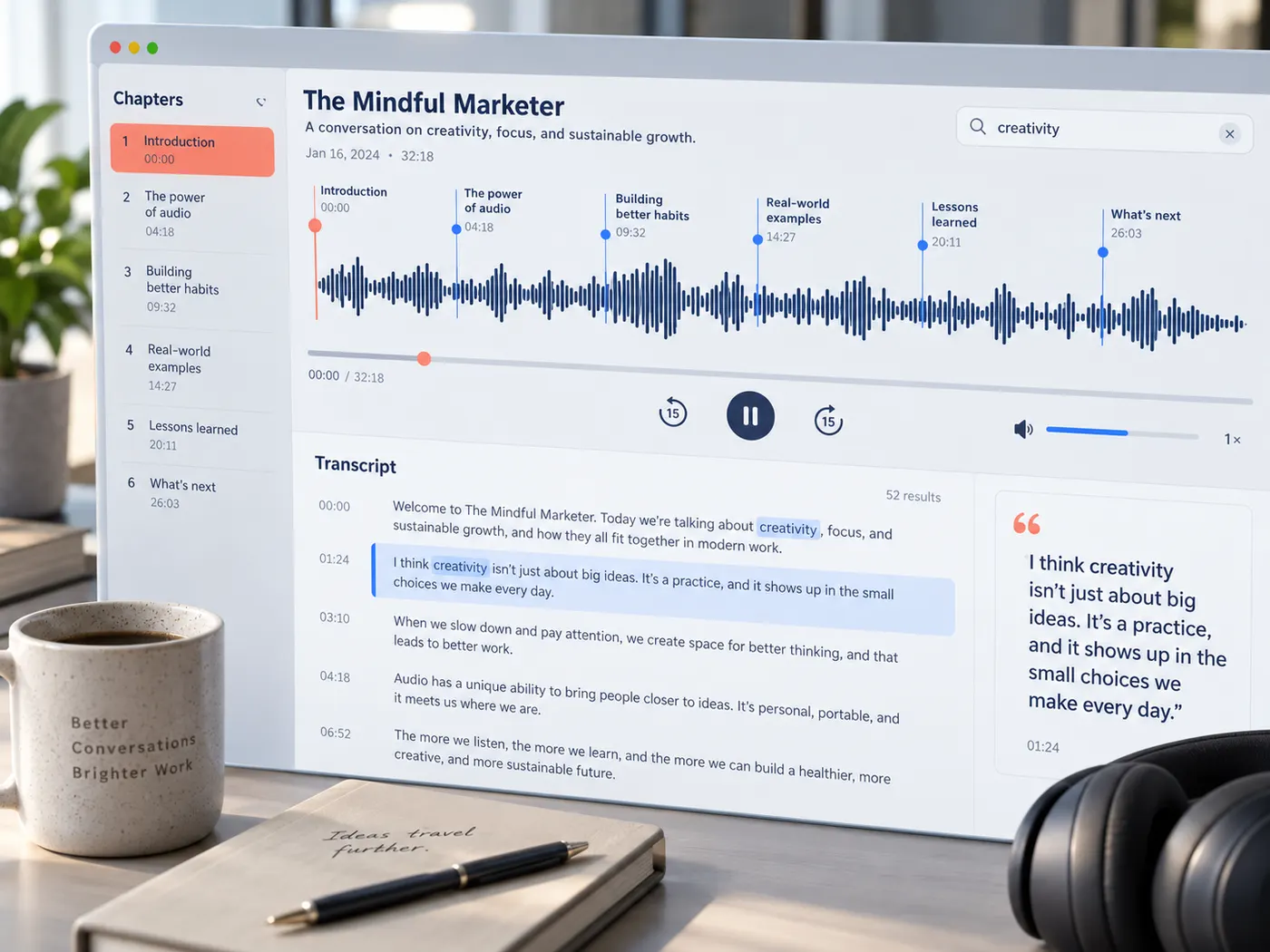
Turn a lecture, interview or webinar into readable text you can Ctrl-F, skim and jump around.
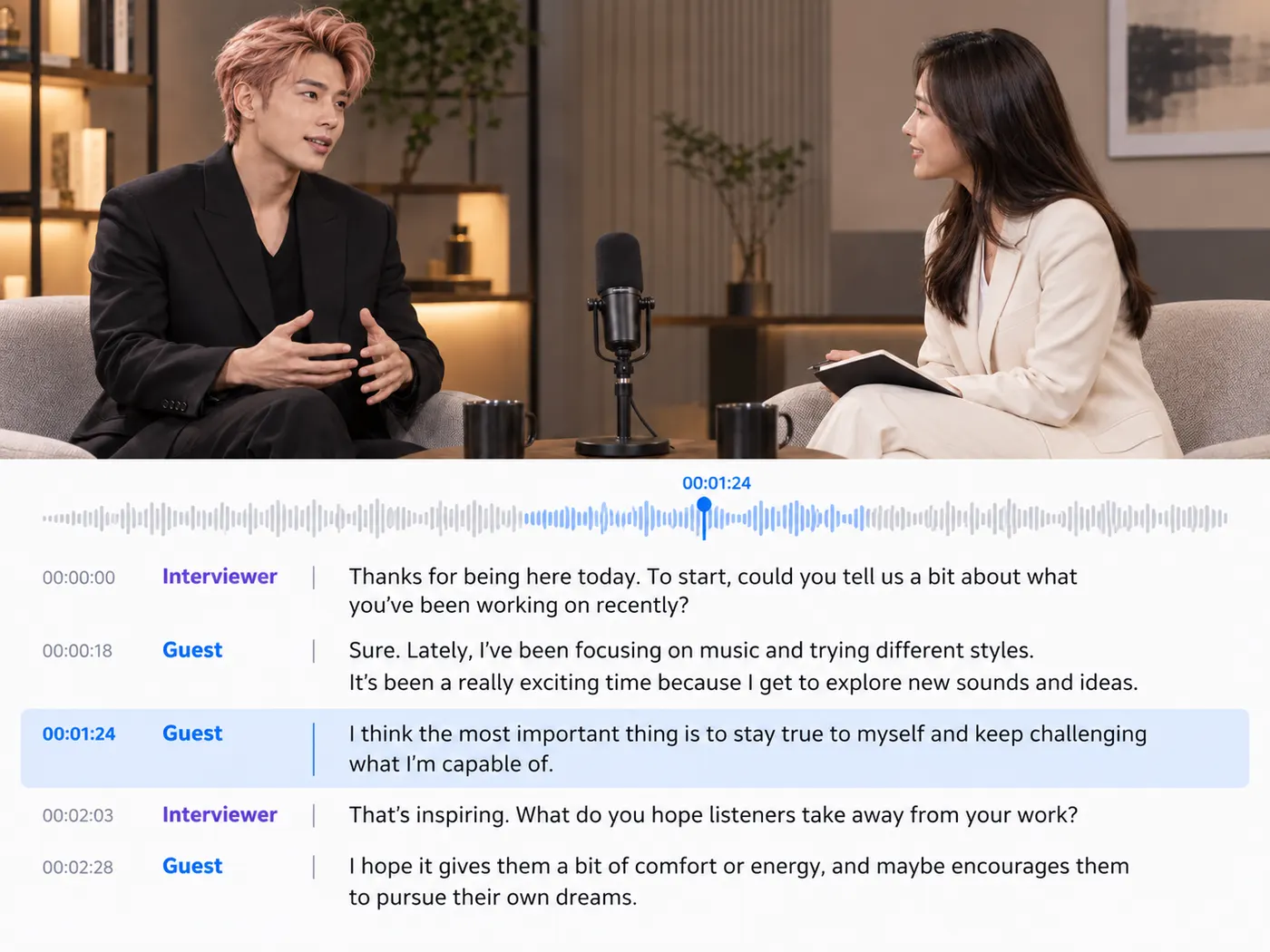
Pull an exact quote with its timestamp.
Get accurate, speaker-aware text so you can cite the line and the moment it was said.
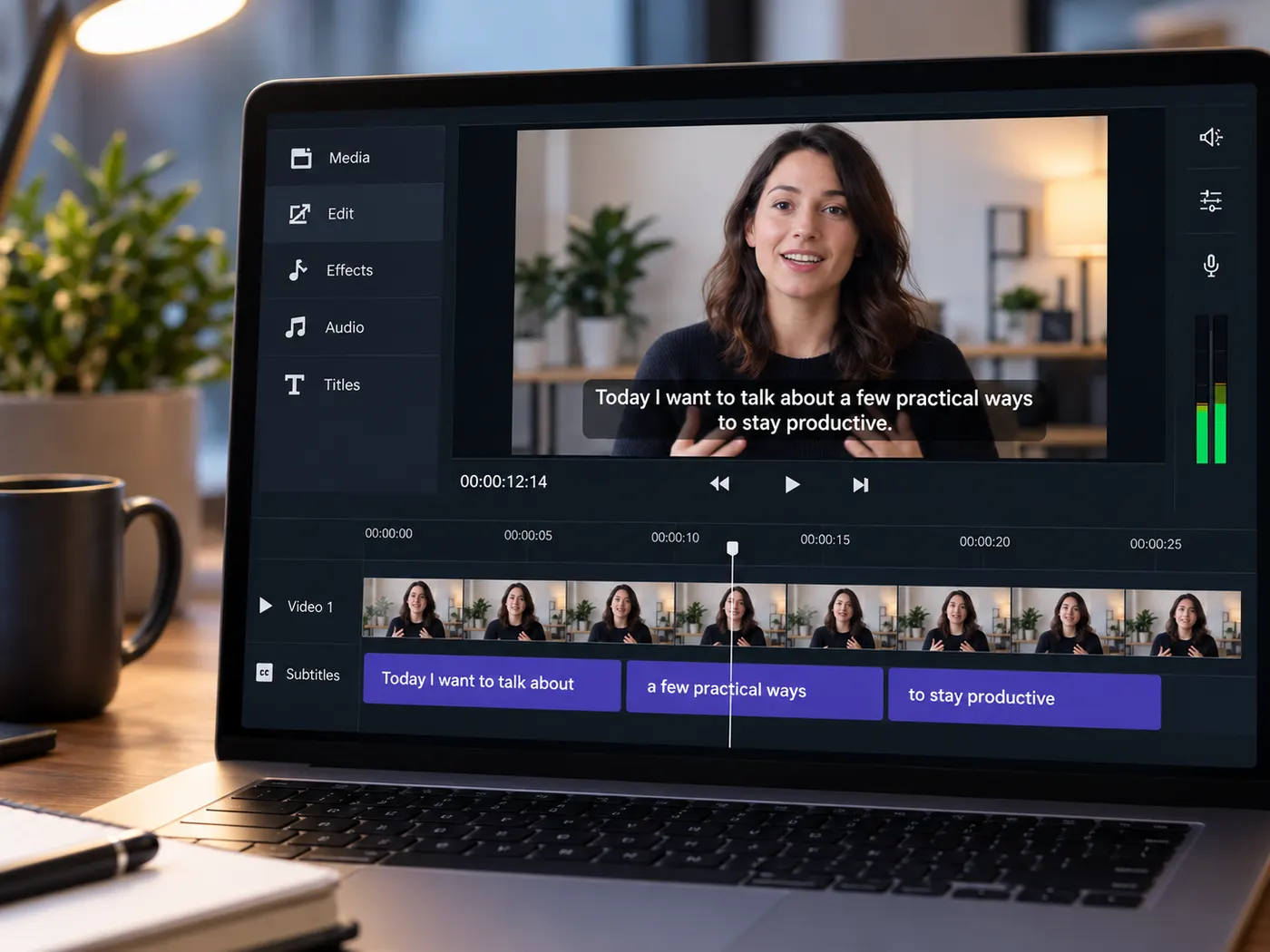
Caption a clip in one click.
Download clean SRT or VTT subtitles ready to upload — no manual timing, no reformatting.
Paste a link or drop a file and gistmint returns a clean, accurate transcript you can search, quote, caption and export — free credits to start.
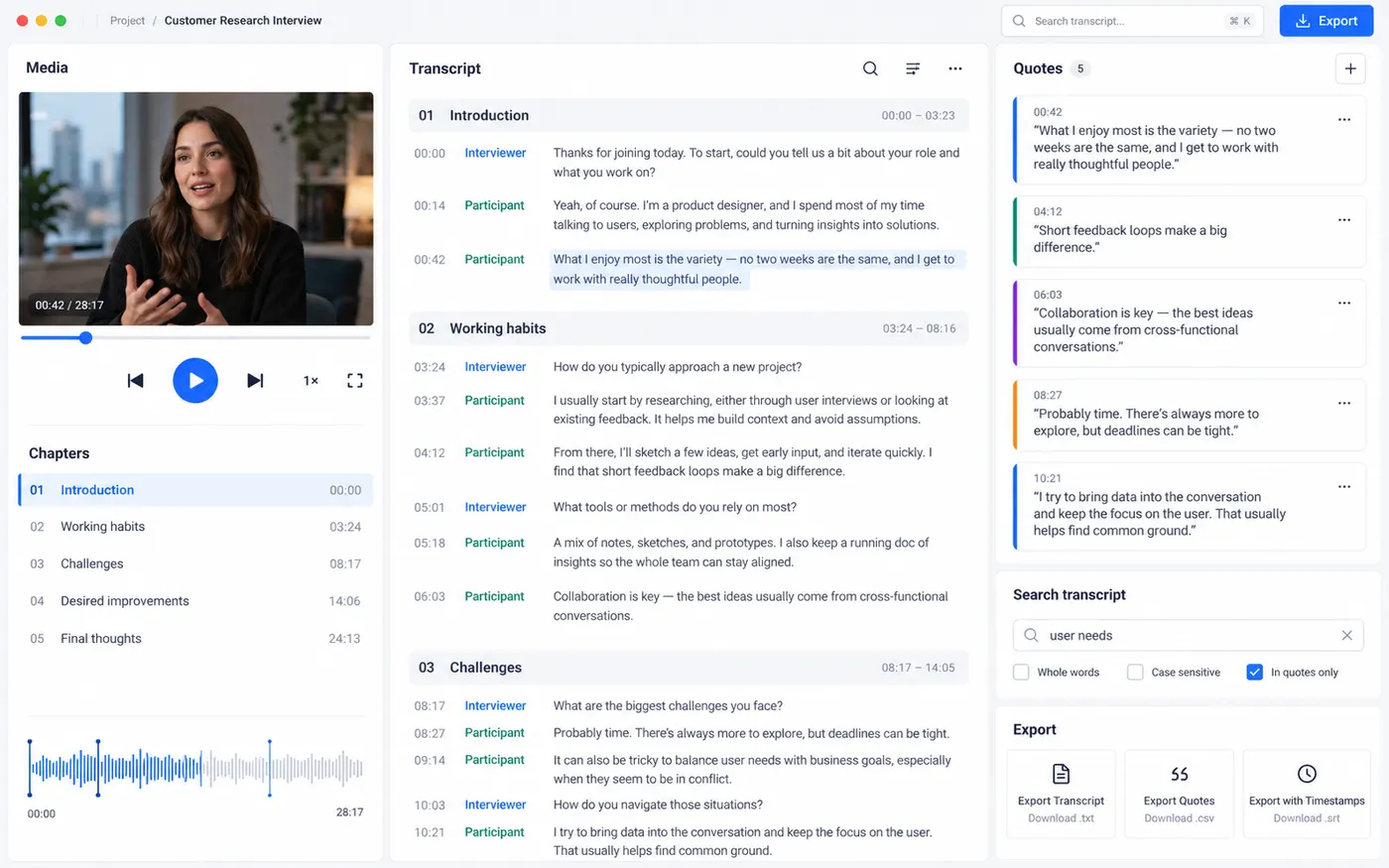
Four jobs, one place. Pick yours and open the tool that does exactly that.
Paste a YouTube link and get the video’s own captions as timestamped text you can search, copy and export.
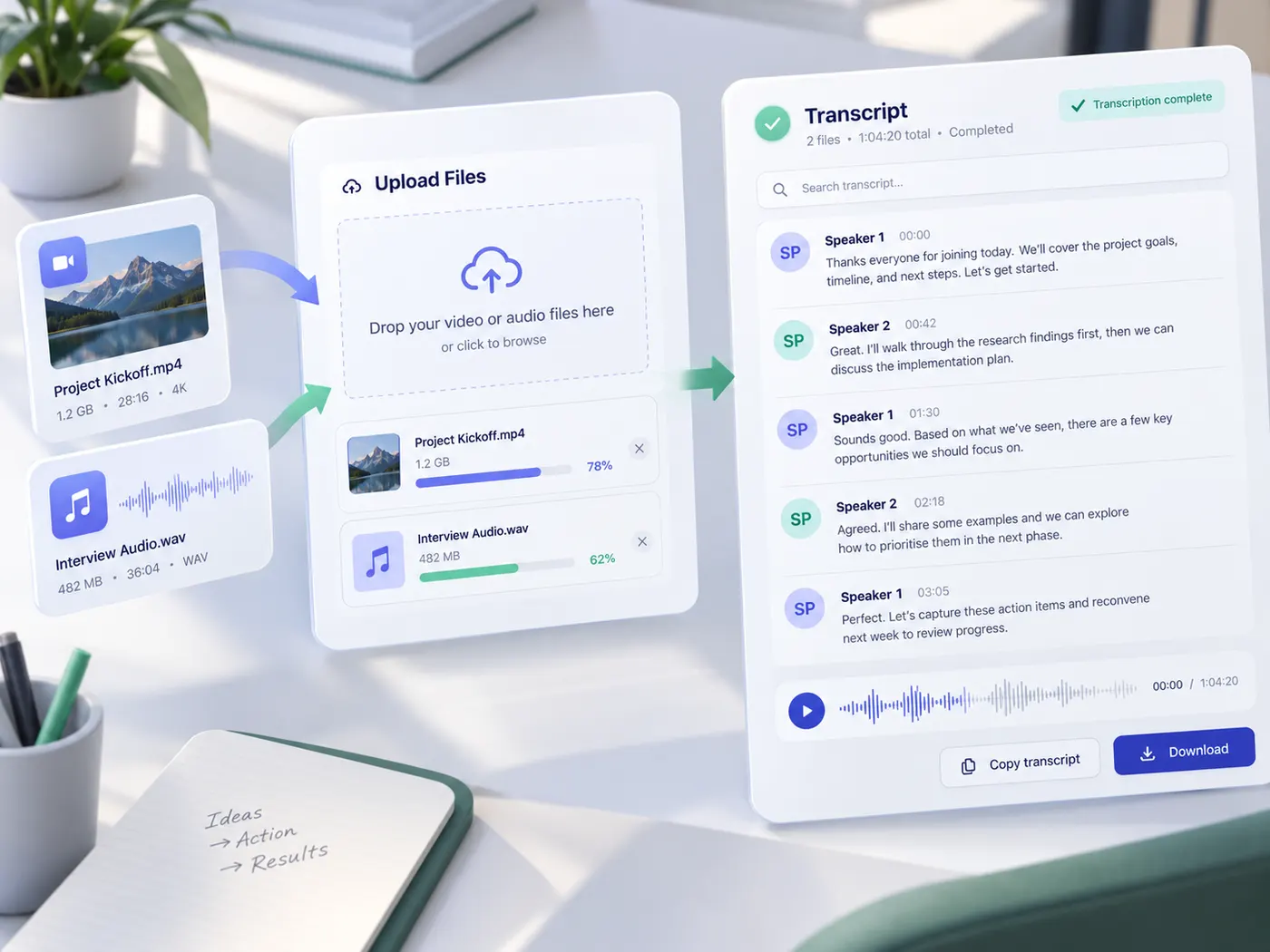
Upload a video or audio recording and AI writes down every word, with timestamps — part of Pro.
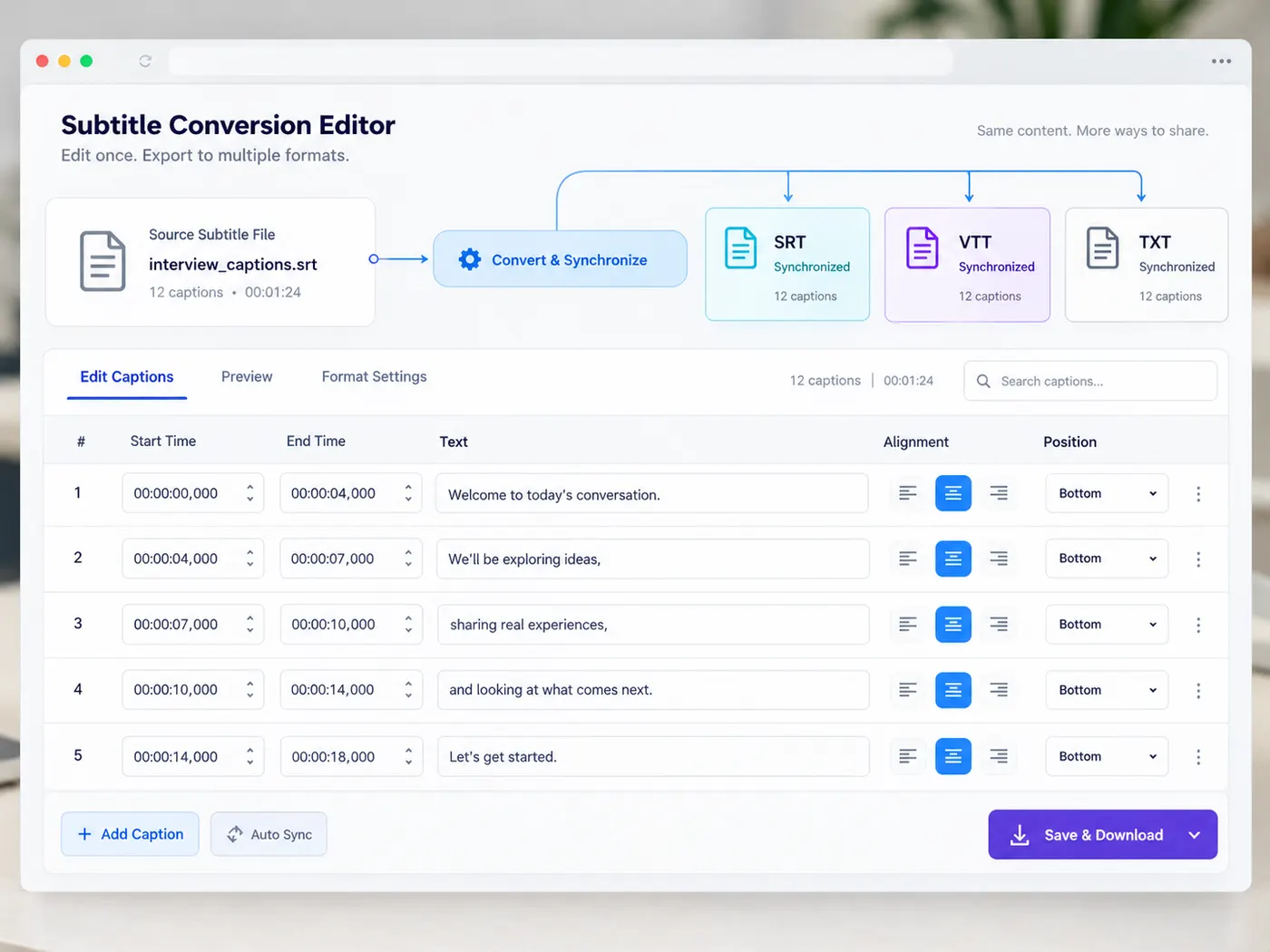
Pull a video’s subtitles out as text, or convert and edit subtitle files free in your browser.
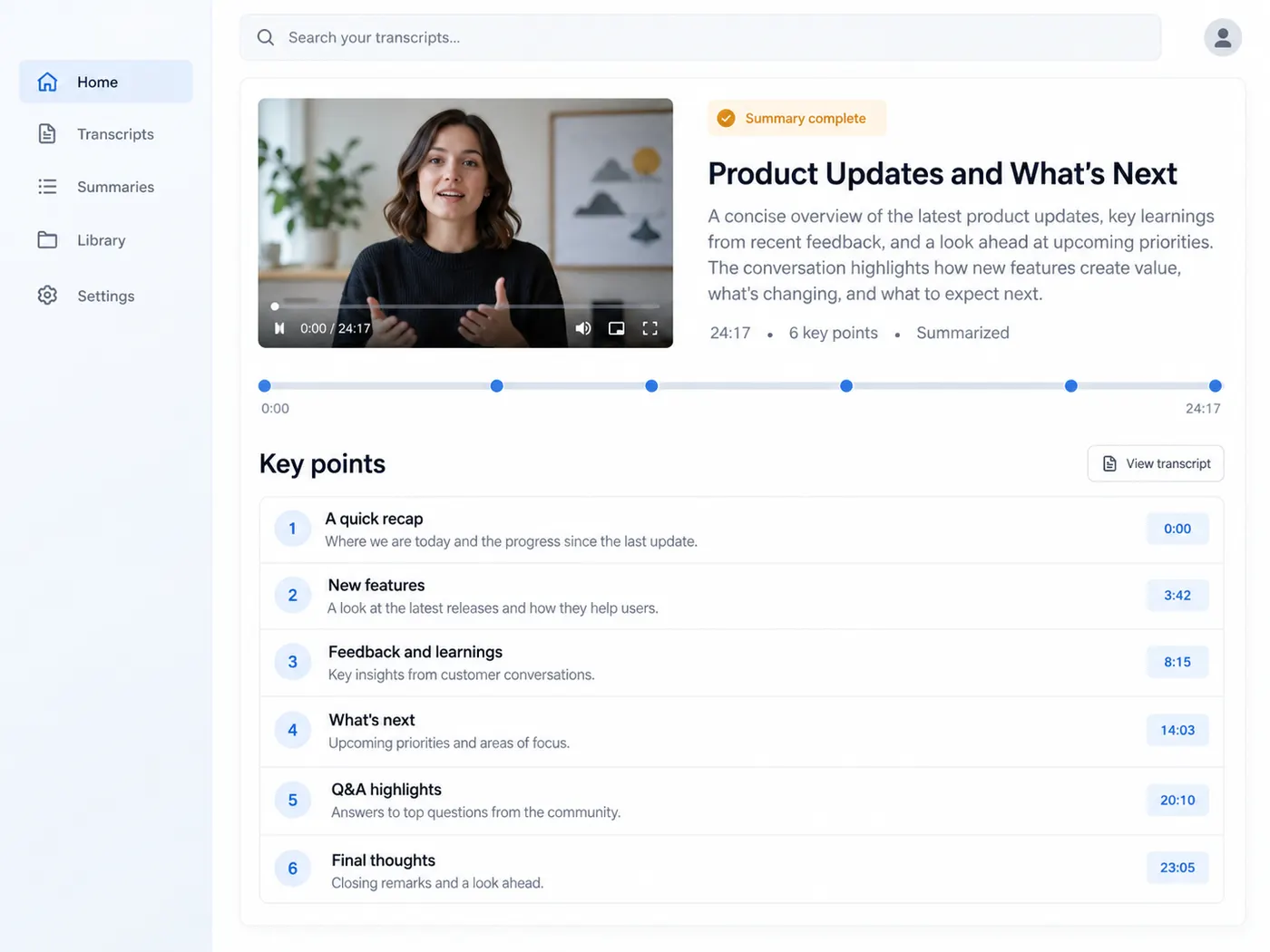
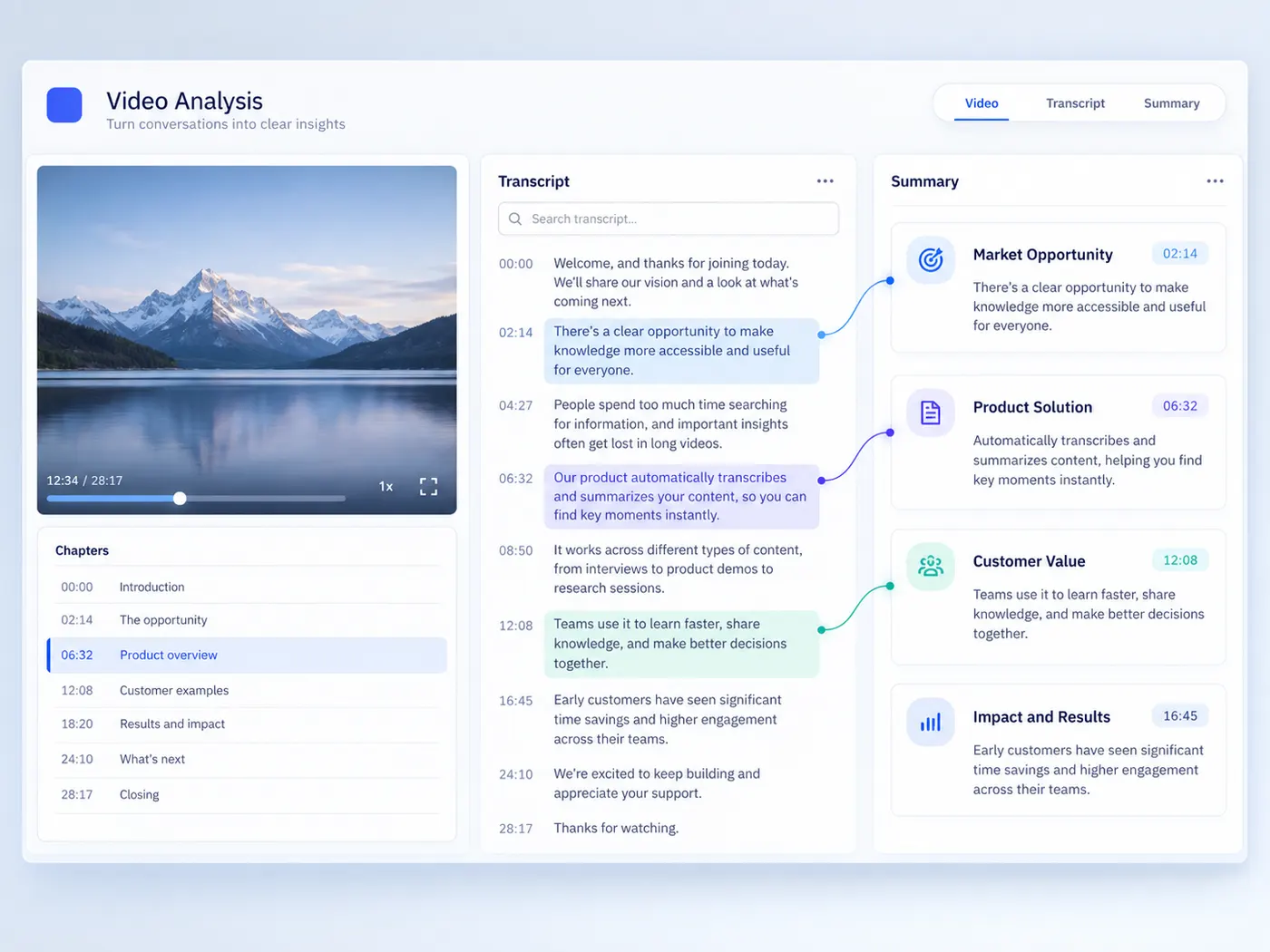
Get a short overview and timestamped key points of a YouTube video — part of Pro.
Who it's for
If you ever have a one-off video task and do not want to install software or sign up for a subscription — yes.
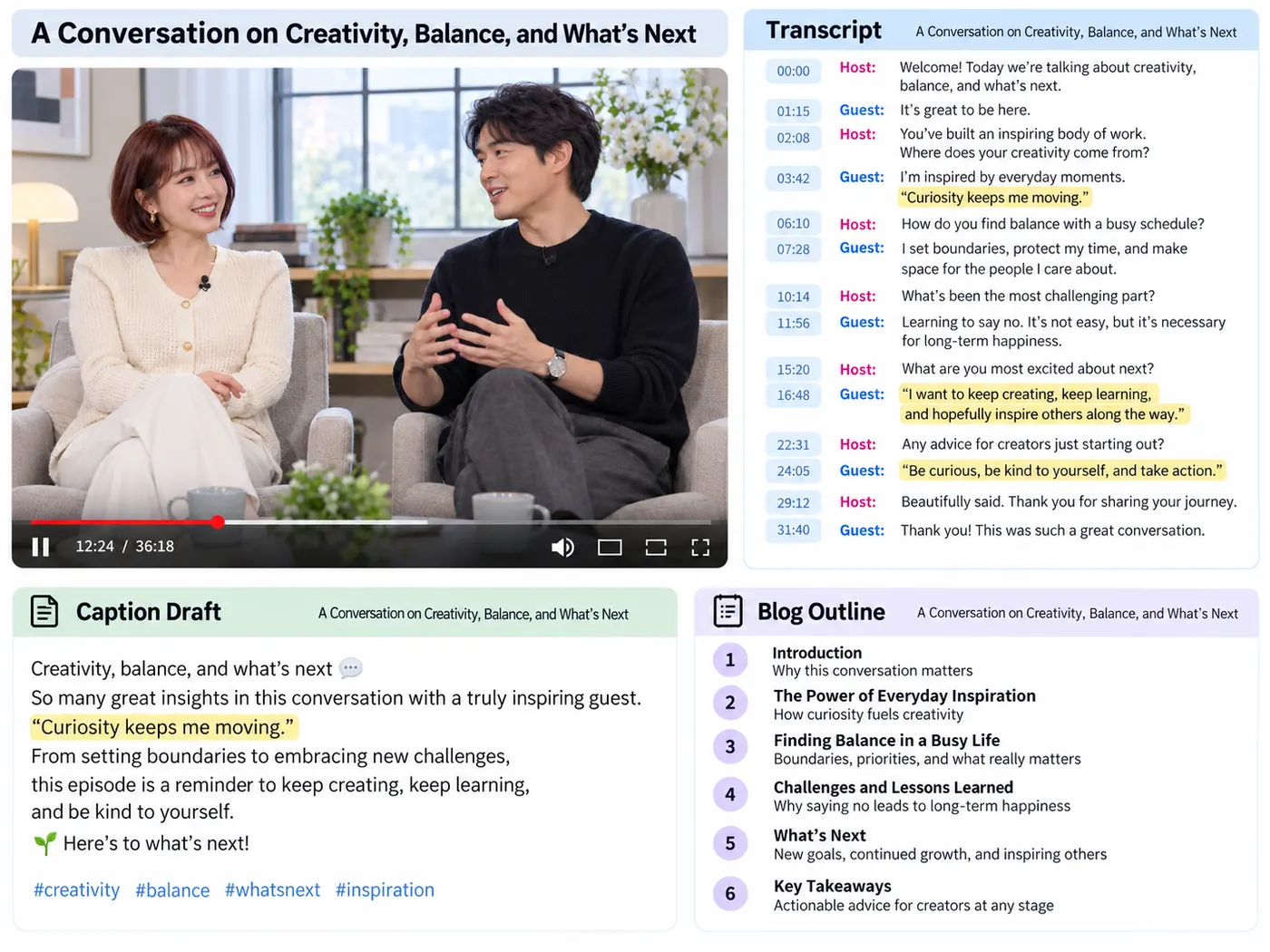
Pull a clean transcript, captions or a quote from a clip without scrubbing through a heavy editor. Free credits to start, and nothing to install.

Turn every clip into a clean transcript, then pull captions, subtitles and quote cards from the text — no scrubbing the timeline to find the good line.
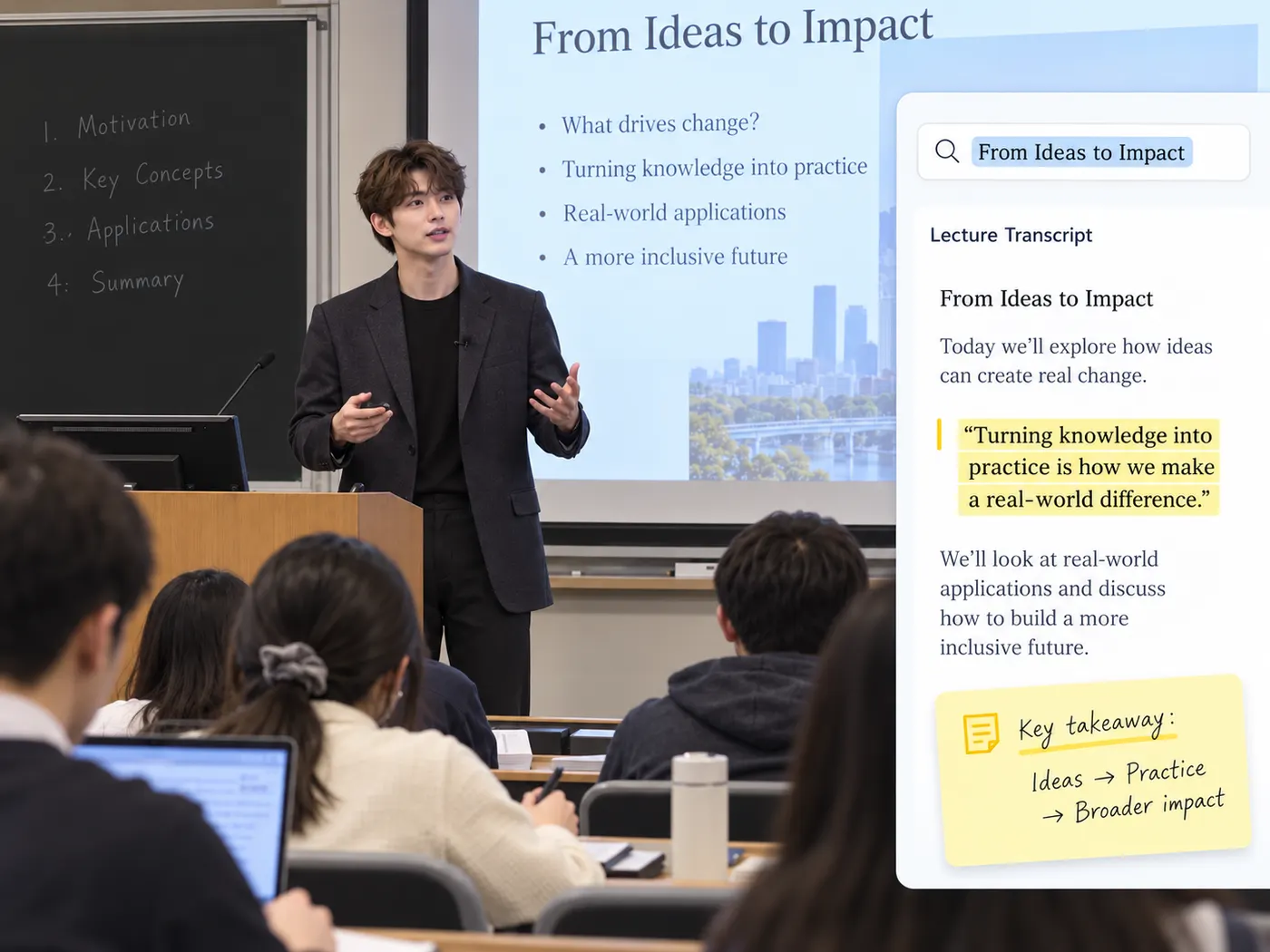
Turn a lecture recording or interview into searchable, timestamped text you can quote, cite and revise from — free credits to try it before you commit.
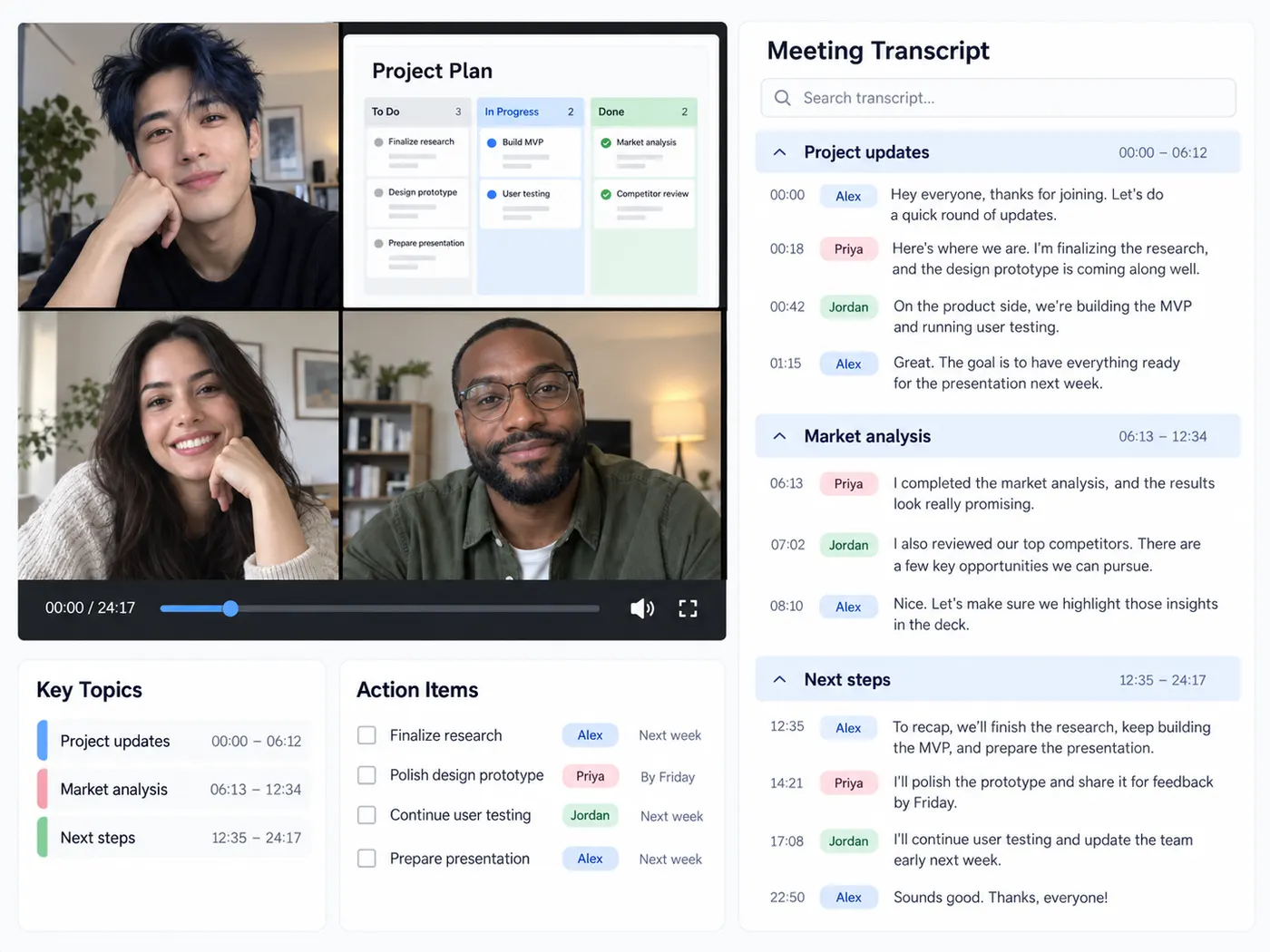
A meeting recording, a webinar, a voice memo you need in writing — the everyday transcript chores, each with its own tool that just works.
Accurate AI transcription, honest credits, and files used only to make your transcript — just tools that do exactly what they say.
Transcribe YouTube, TikTok and Instagram links or your own video, audio and podcast files — one place for every source.
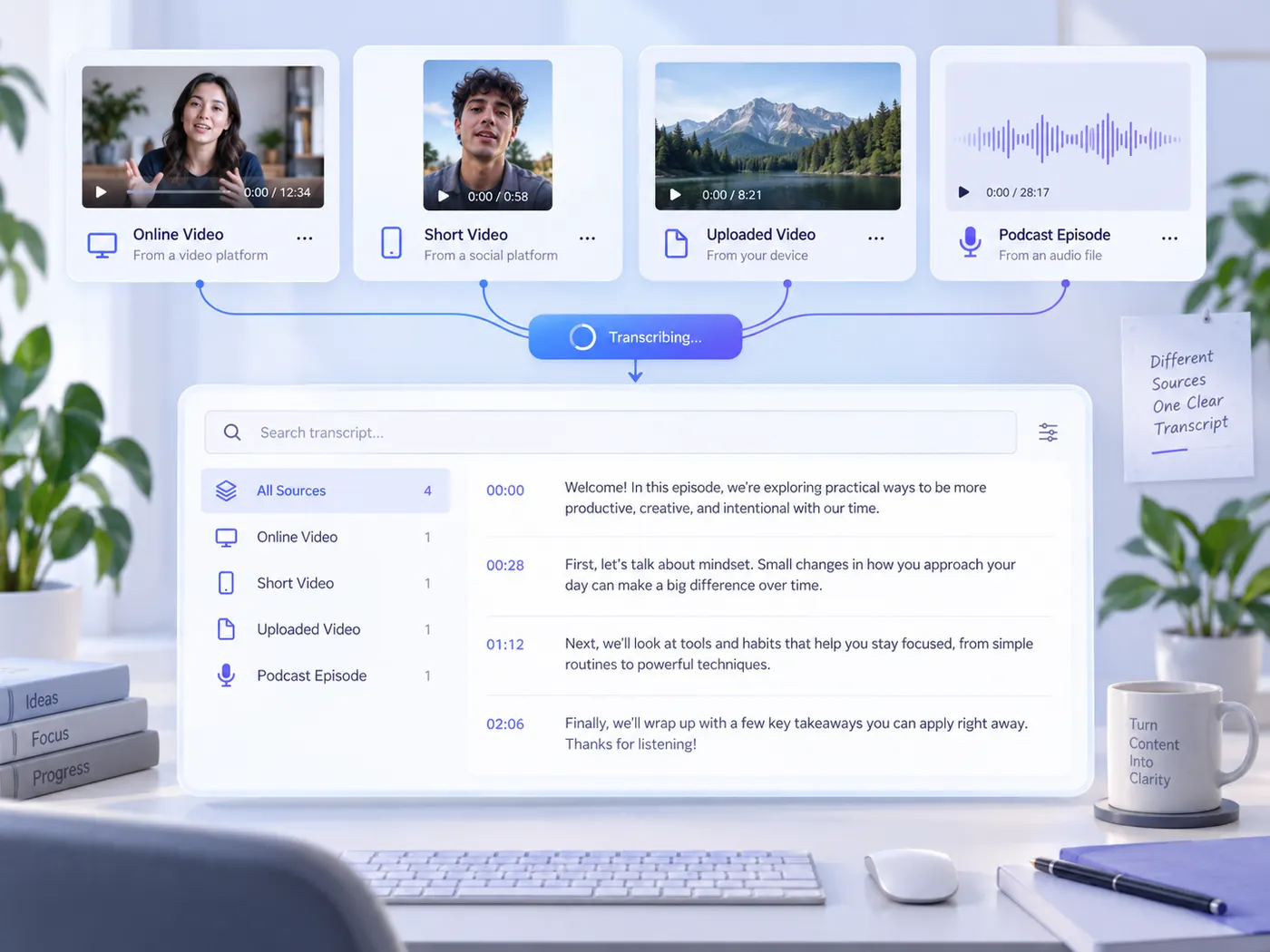
Get clean, readable transcripts with punctuation and paragraphs — not a raw caption dump you have to fix by hand.
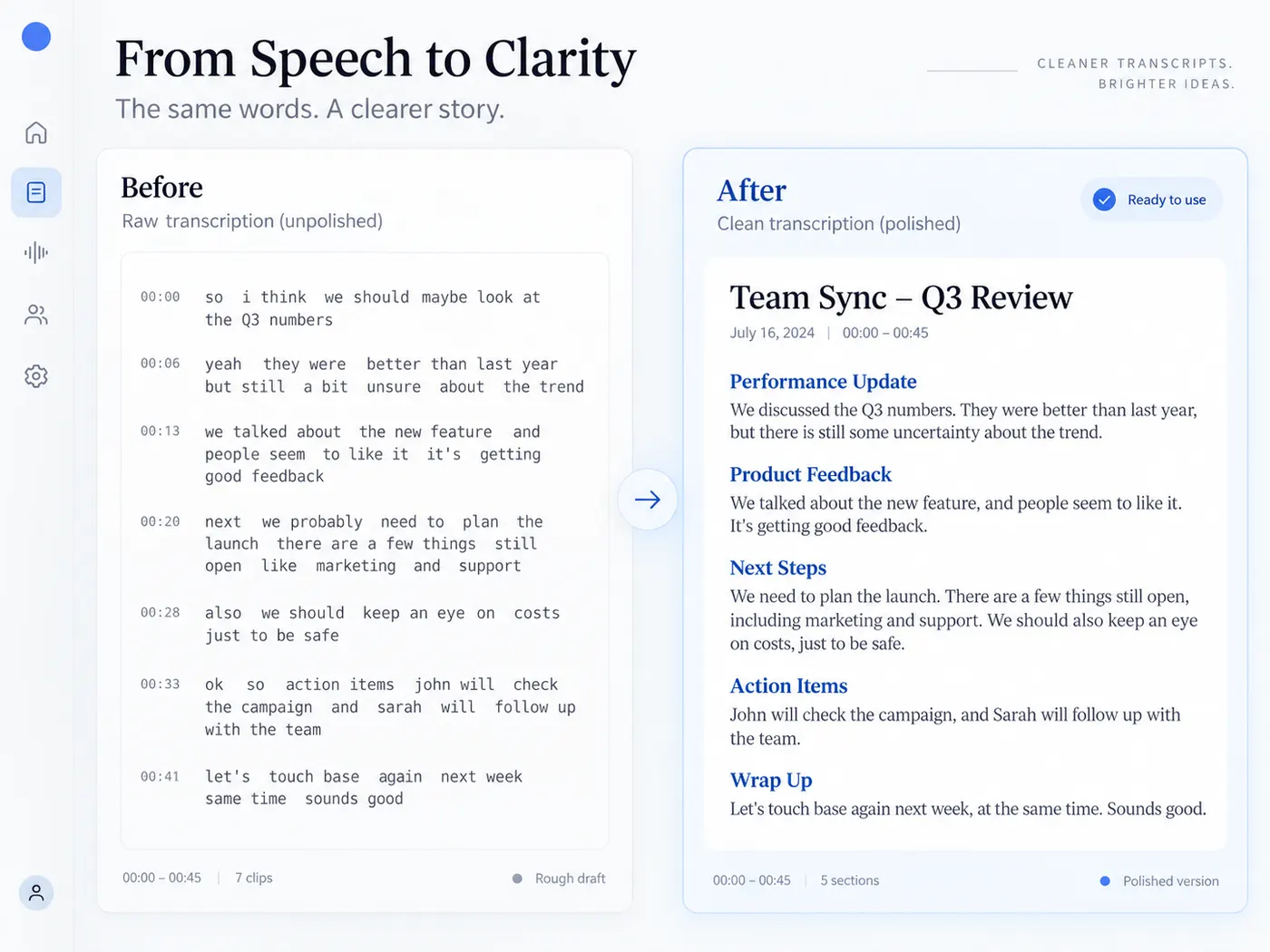
Download the transcript as SRT or VTT subtitles, or grab a video’s existing captions in one click.
Copy the text straight into your notes, or export TXT and SRT — timestamped or plain, whichever your workflow needs.
Turn an M4A, MP3 or podcast episode into structured text you can search, quote and repurpose.
New accounts get 5 free credits to try a YouTube transcript; Pro adds a monthly credit balance and AI transcription of your own files.
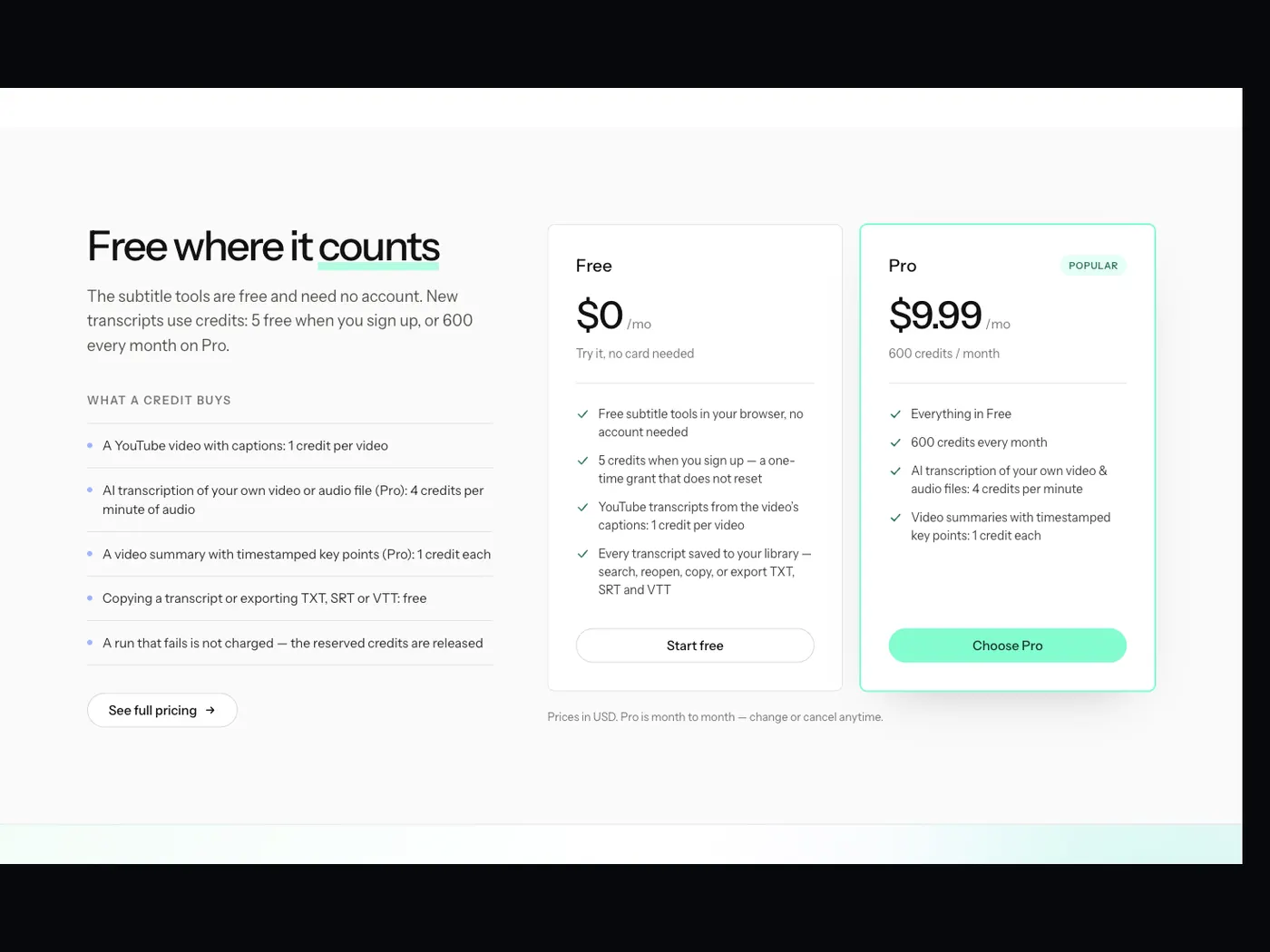
The subtitle tools are free and need no account. New transcripts use credits: 5 free when you sign up, or 600 every month on Pro.
$0/mo
Try it, no card needed
$9.99/mo
600 credits / month
Prices in USD. Pro is month to month — change or cancel anytime.
Sign up free and get 5 credits to try a YouTube transcript right away. Upgrade to Pro when you want a monthly balance and AI transcription of your own files.