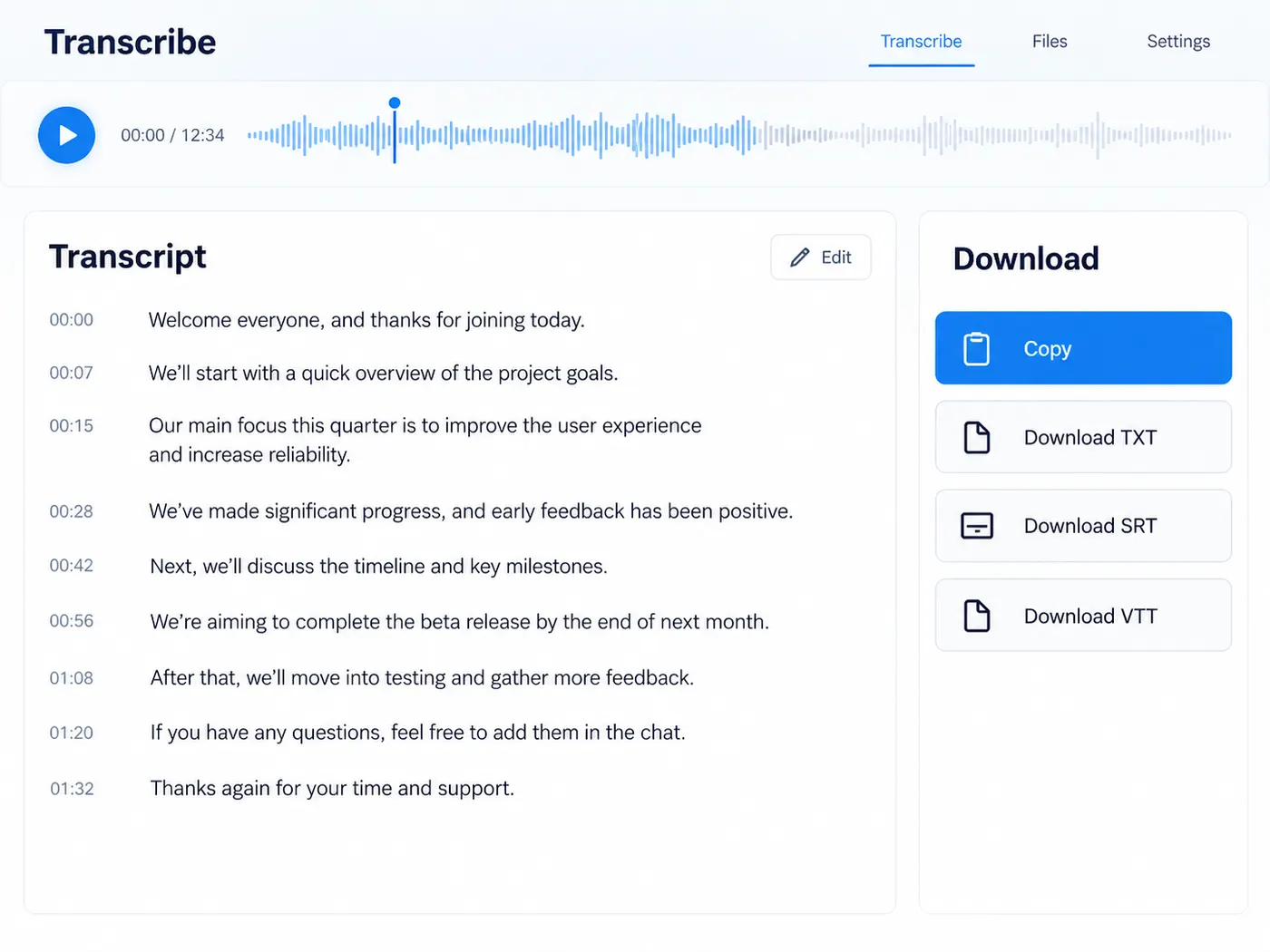
Editable text from MP3, M4A, WAV & more · copy or export · preview first
Audio to text you can edit and reuse
Convert audio to text when you need the words in a document, not just a recording. Upload the file, run the conversion, and get plain text you can copy into notes, an article draft or a subtitle file — with timing kept when it is available.
Audio to text that lands in your document
Most of the work happens after the conversion: editing, quoting, summarising for someone else. The result here is ordinary text. Copy it in one click or download a .txt file, and paste it into whatever you write in — a doc, an email, a CMS or a notes app.
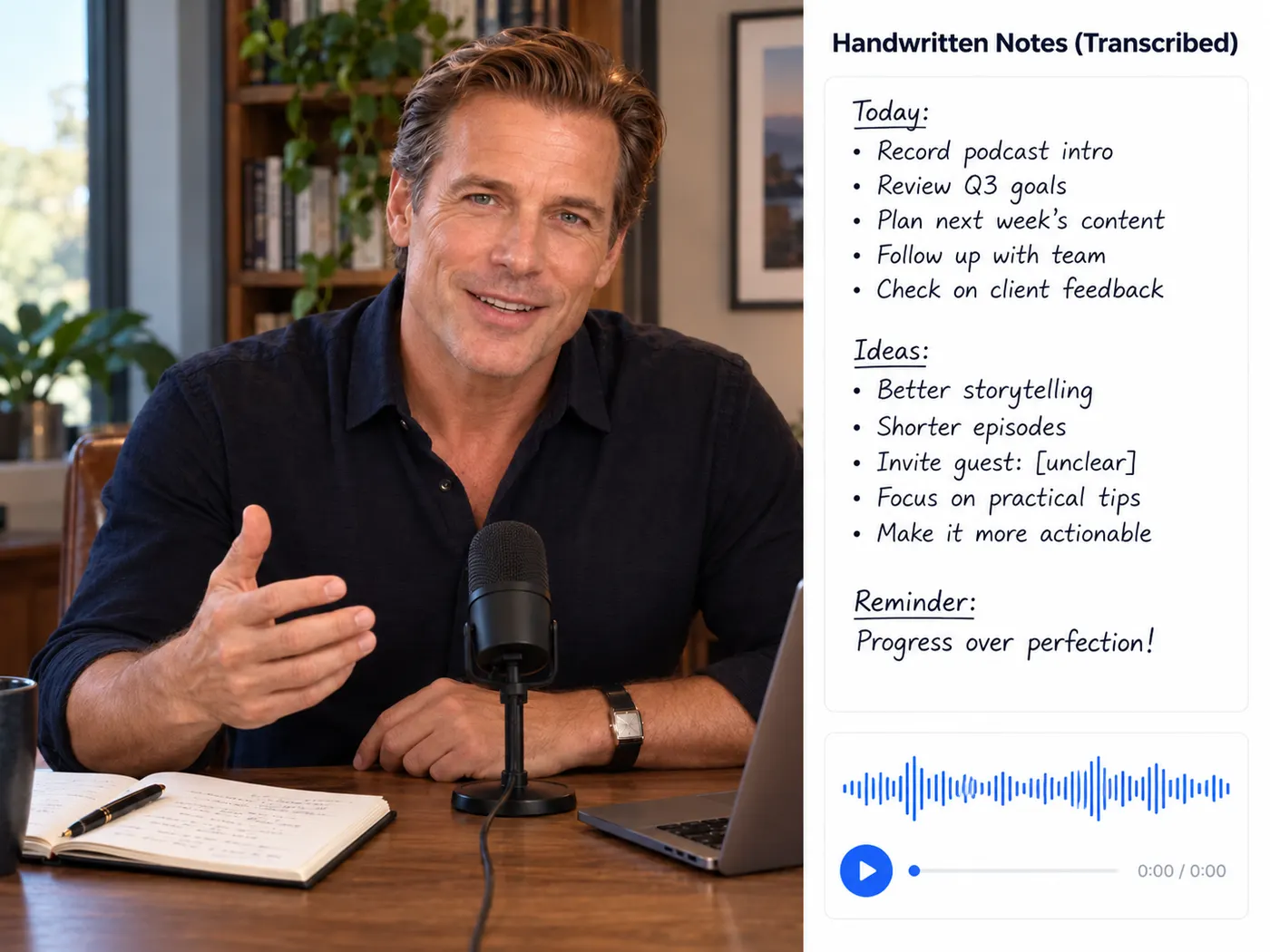
Pick the shape of the text
When the conversion returns timing you can choose how to take it away: plain text for reading and editing, timestamped text for reference, or SRT and VTT if the words are going back onto a video as captions. The same transcript, four useful shapes.

Nothing runs until you say so
The upload previews locally so you can check it is the right recording. Converting is the step that uses credits: it is part of the Pro plan at 4 credits per minute of audio, rounded up. If the conversion fails, the reserved credits are released.

Recording in, editable text out
Choose the file, convert it once, and take the text where you need it.
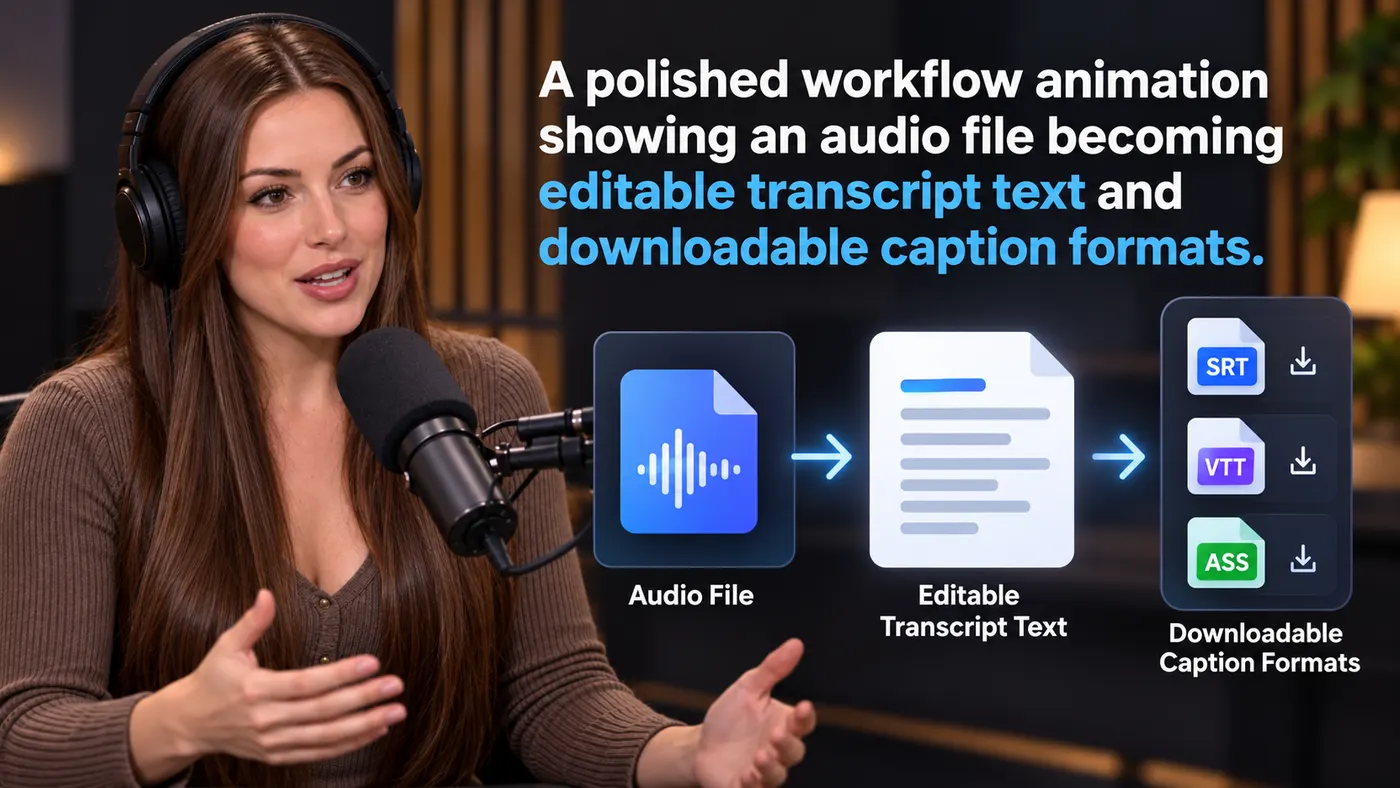
How to convert audio to text
Step 1
Upload your audio
Drag in the recording or choose it from your device — MP3, M4A, WAV, AAC, FLAC or OGG.
Step 2
Check the preview
Listen to the start to make sure you picked the right file, then sign in to continue.
Step 3
Convert to text
Run the conversion. It costs 4 credits per minute of audio, rounded up to the whole minute, on the Pro plan.
Step 4
Edit, copy or download
Copy the text into your document, or download TXT — and SRT or VTT when timing came back.
Text first
The output is plain, editable text.
Built for documents, not just playback.
One-click copy
Copy the whole transcript at once.
Paste it straight into notes or a draft.
TXT, SRT and VTT
Download the format the next tool expects.
Timestamped text when you need a reference copy.
Works with common audio
MP3, M4A, WAV, AAC, FLAC and OGG.
Upload the original recording as it is.
Preview locally
The file plays in your browser before processing.
You decide when the conversion runs.
Honest pricing
4 credits per minute of audio on Pro.
Failed conversions release their credits.
Getting better text from audio
Small things that save editing time later.



What this tool gives you
| What you get | A real preview or structured result produced by the embedded tool, with a download or export action when available. |
|---|---|
| On this page | The tool itself, step-by-step guidance, honest examples, and related tools — all on this same page. |
| Best for | Audio to text you can edit and reuse when you want a direct browser workflow without leaving the page. |
Where audio-to-text helps

Article drafts
Talk through an idea, convert it, and edit the text into a first draft.
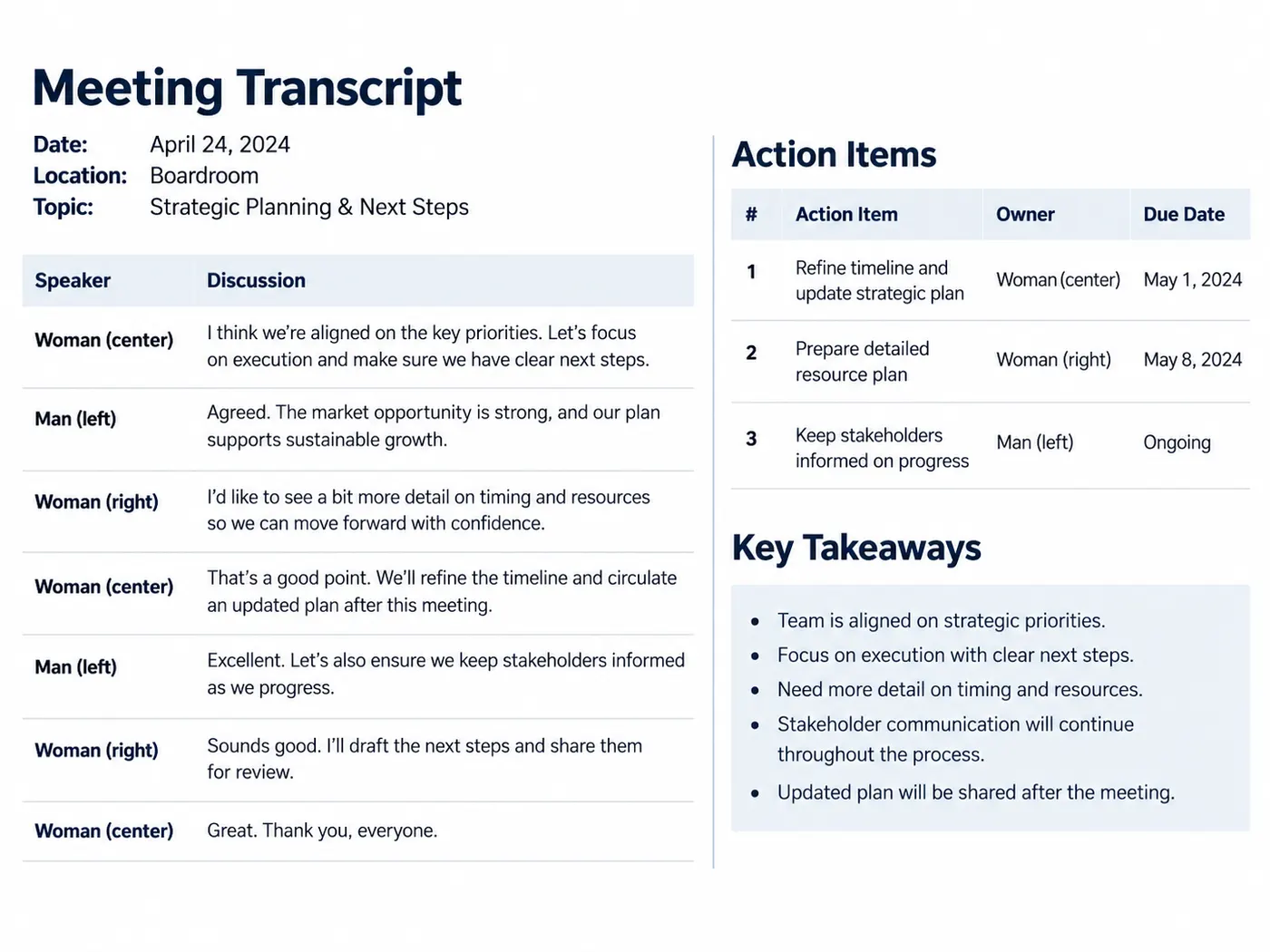
Meeting notes
Turn a recorded meeting into text you can skim and share with people who missed it.

Study notes
Convert a lecture or seminar recording into text you can highlight and revise from.

Captions
Download SRT or VTT and use it as the starting point for captions on your video.
Quotes for social posts
Find the strongest line in a recording and copy it word for word.
Accessible versions
Offer a text version of audio content, then review names and formatting before publishing.
More gistmint tools
- Video TranscriptionTranscribe a video file into timestamped text.
- M4A TranscriberUpload an M4A voice memo or recording.
- Transcribe AudioTurn an audio recording into a timestamped transcript.
- Video to TextGet the spoken words out of a video file.
- MP3 to TextUpload an MP3 and get its transcript.
- Video SummarizerTimestamped key points of a YouTube video (Pro).
Simple, honest pricing
Copying and exporting a transcript you already have is free. New transcripts use credits — pick a plan when you need more.
- Free
- $0 — 5 credits on sign-up
- ProPopular
- $9.99/mo — 600 credits
Get your audio into words
Upload the recording, convert it once, and keep the text in the format your next step needs.