Free preview for a quick summary
Video note taker for YouTube Summaries
This video note taker summarizes a captioned YouTube video from a pasted link and returns concise notes, so you can review the main points without watching the full recording.
Video summaries are part of Pro ($9.99/mo, 600 credits) and costs 1 credit per summary — sign in and we bring you right back here.

Find the main points
The video note taker identifies the central ideas in a captioned YouTube video and puts them into a concise summary. That gives you a focused starting point for review instead of requiring a full watch-through before you know whether the recording matters.

Keep source context
With this video note taker, the summary can retain useful context from the source captions, making it easier to return to the relevant part of a long YouTube video. Use the concise result to decide what deserves closer review.
Use available captions
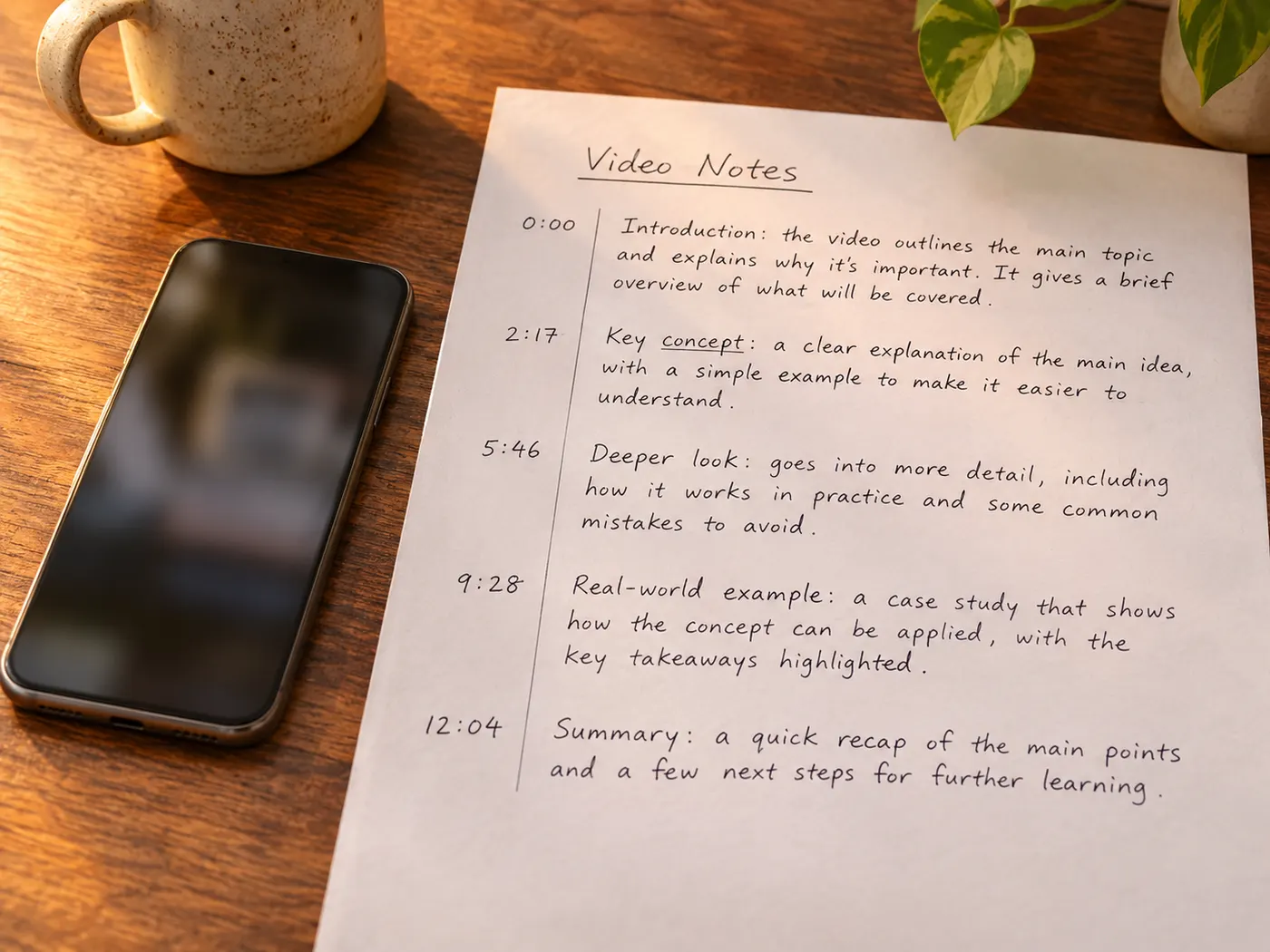
A captioned YouTube source is the required starting point. The video note taker reads those captions rather than asking you to type the recording yourself. The returned text gives the video note taker enough source material to surface ideas, while a video without captions may not be supported.
From link to readable notes
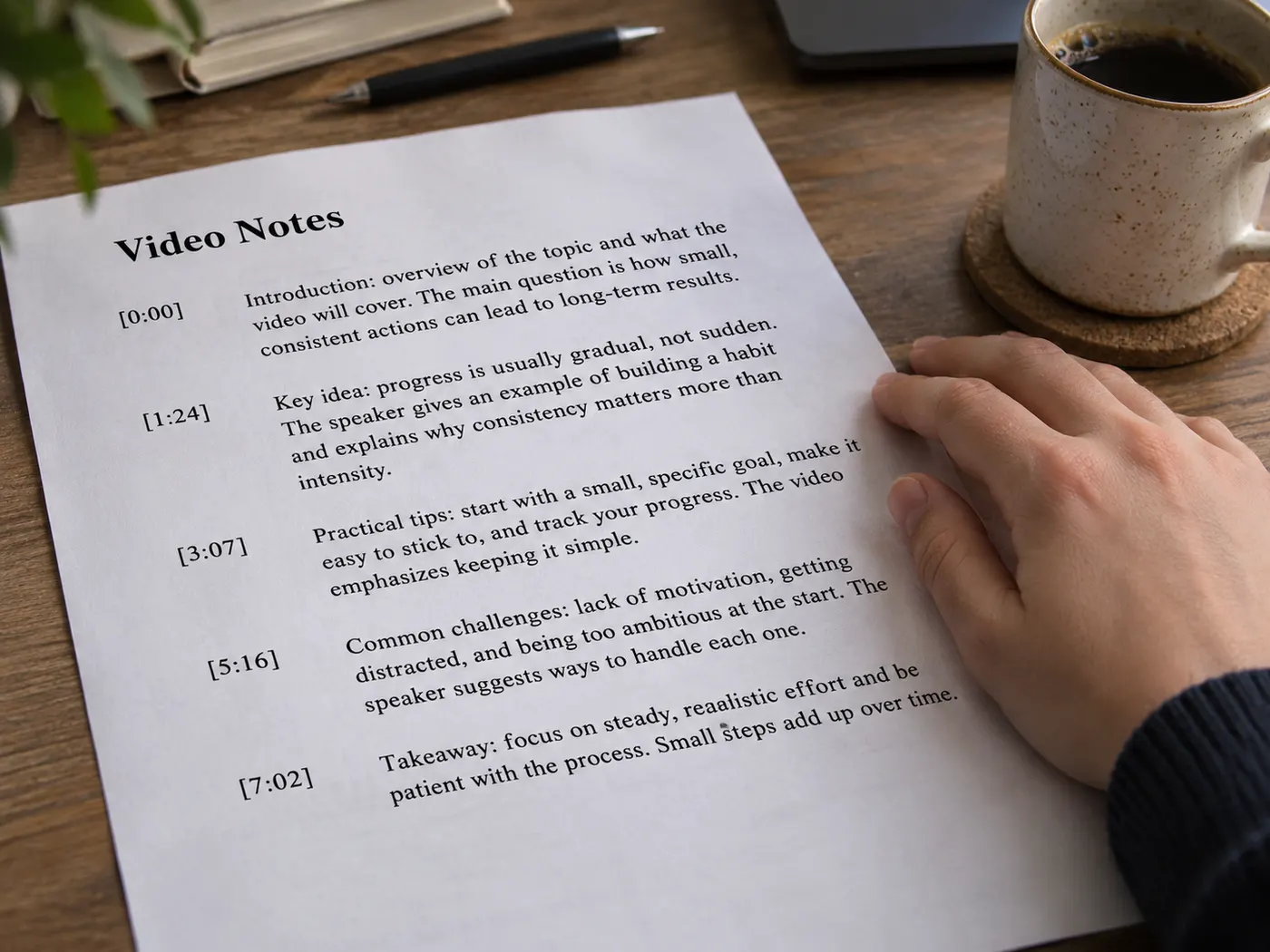
The video note taker starts with a pasted YouTube link, checks the captioned source, and turns it into text for a concise summary.

How to summarize a video
Start
Paste the source link
Enter a YouTube link in the tool. Choose a video with captions so the source can be read and summarized without manual note-taking.
Check
Confirm caption access
Check that captions are available for the selected video. If you already have a transcript in your library, use that saved transcript as the source instead.
Run
Run one summary
Start the video note taker when the source is ready. Each summary uses one credit, and the tool reports that it is reading captions and writing the summary while it runs.
Review
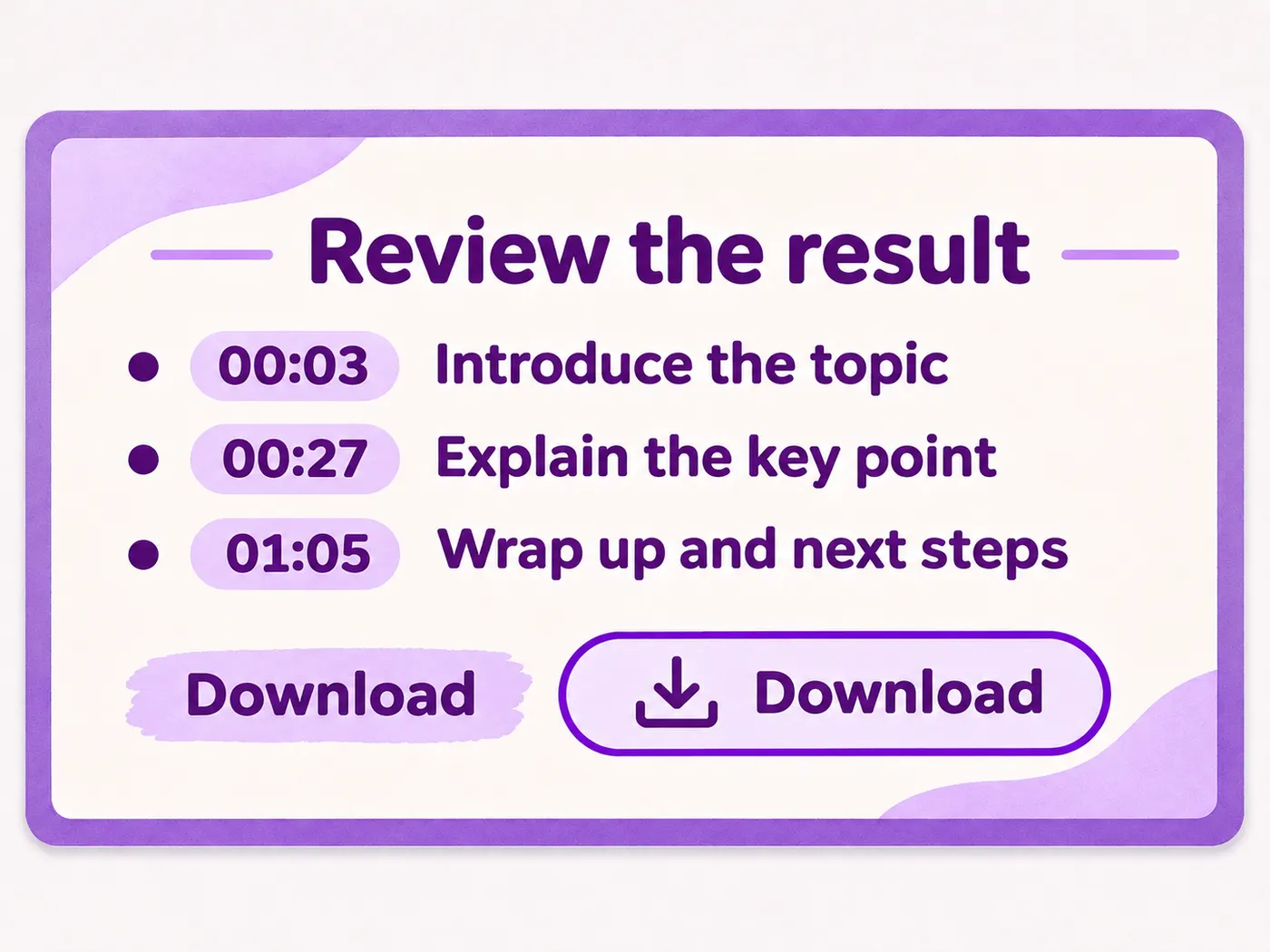
Review the result
Read the returned summary for its main points, then use it to guide review, learning, research, or content development. The video note taker keeps the first pass concise.
Captioned YouTube input
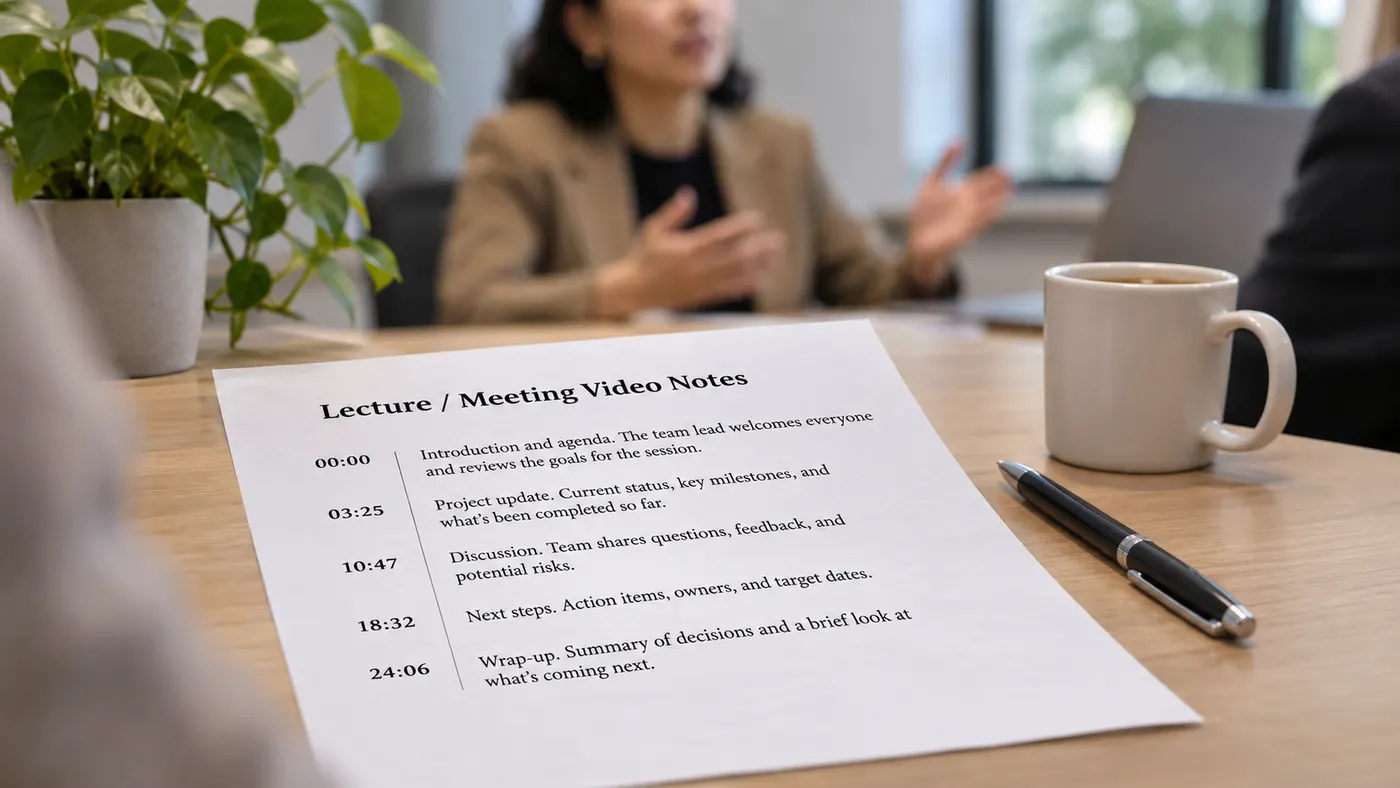
The video note taker accepts a pasted YouTube link when the video has captions. This keeps the starting material tied to the source recording rather than a blank note page.
Concise first pass
A video note taker creates a summary instead of asking you to review every minute before finding the central ideas. Use the result as a quick orientation to the recording.
Transcript library option
You can also summarize a transcript already in your library, which helps when the text has been collected before this run. The same summary workflow starts from that saved source.
One credit per summary
Each completed summary costs one credit. The price note is tied to the run, so a new summary uses another credit rather than charging by the minute of the source video.
Review-ready notes
For research or learning, the video note taker puts the main ideas into a concise result you can scan before returning to the full recording. It reduces the need for manual note-taking.
Caption limitation
The video note taker depends on captions for a YouTube source. A video without available captions may not be suitable, so verify the source before spending a credit on a summary.
See the text at a glance
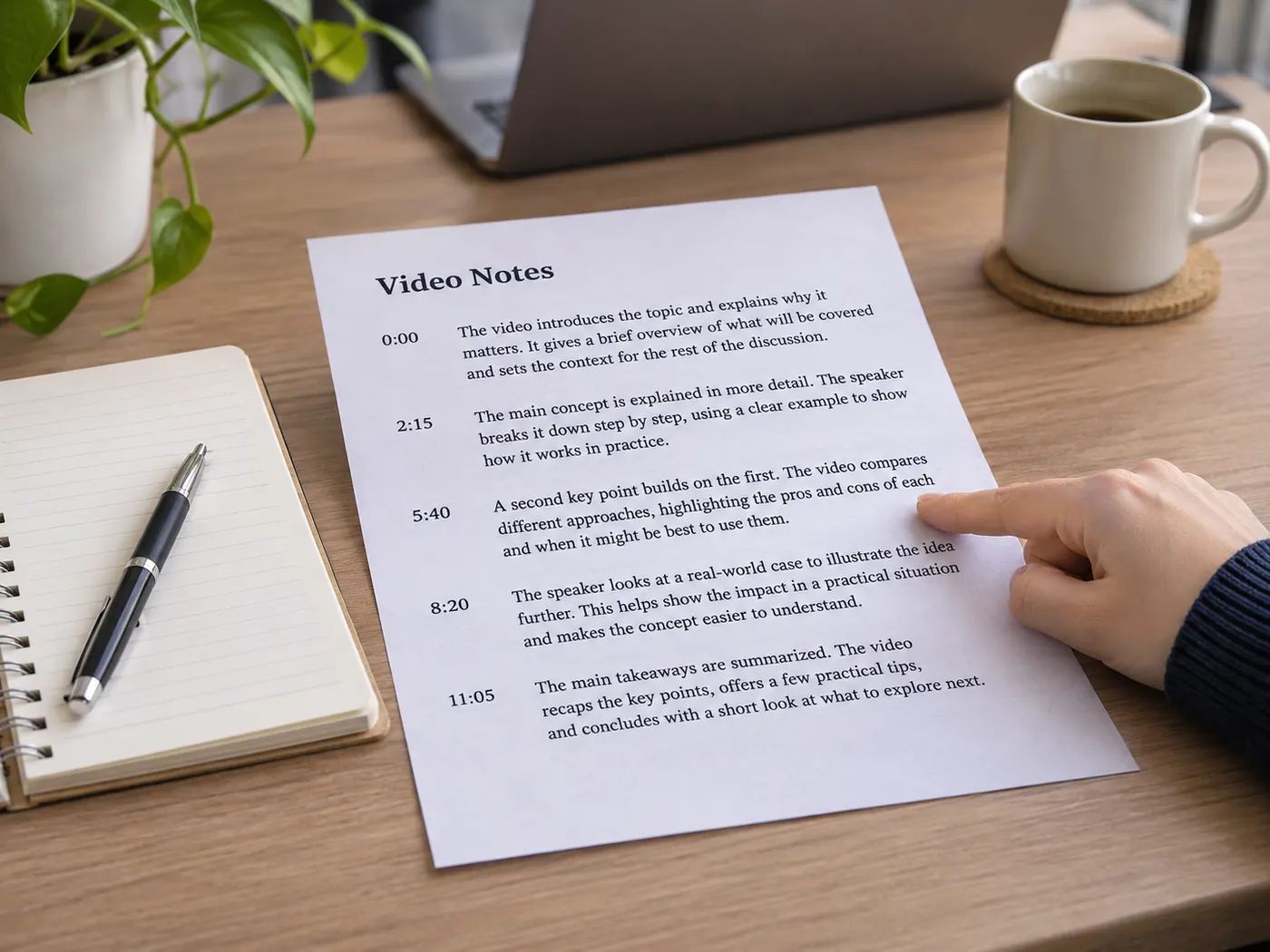
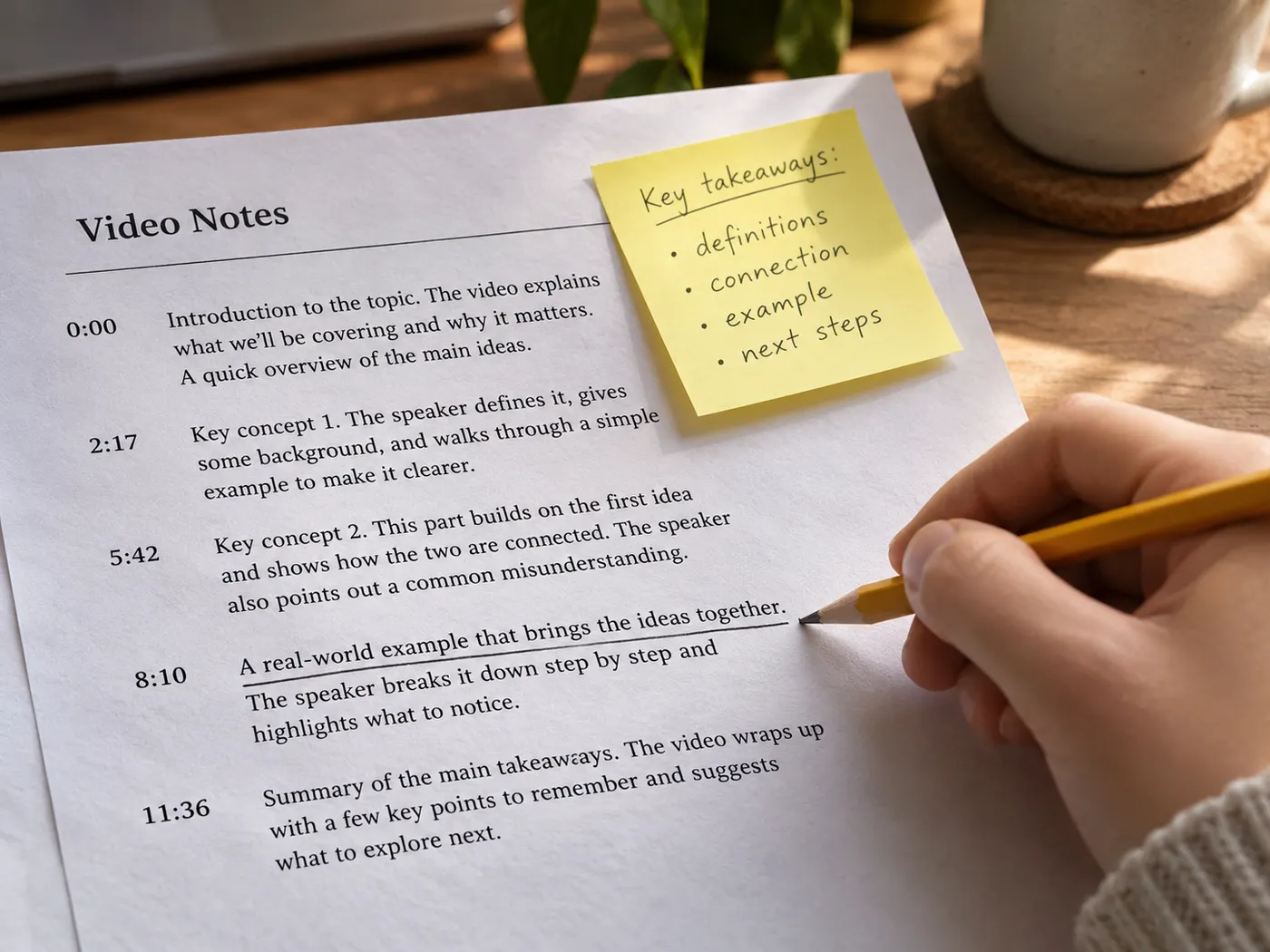
Small transcript details make long recordings easier to inspect.
What this tool gives you
| What you get | A real preview or structured result produced by the embedded tool, with a download or export action when available. |
|---|---|
| On this page | The tool itself, step-by-step guidance, honest examples, and related tools — all on this same page. |
| Best for | Video note taker for YouTube Summaries when you want a direct browser workflow without leaving the page. |
Who benefits from faster review

Students
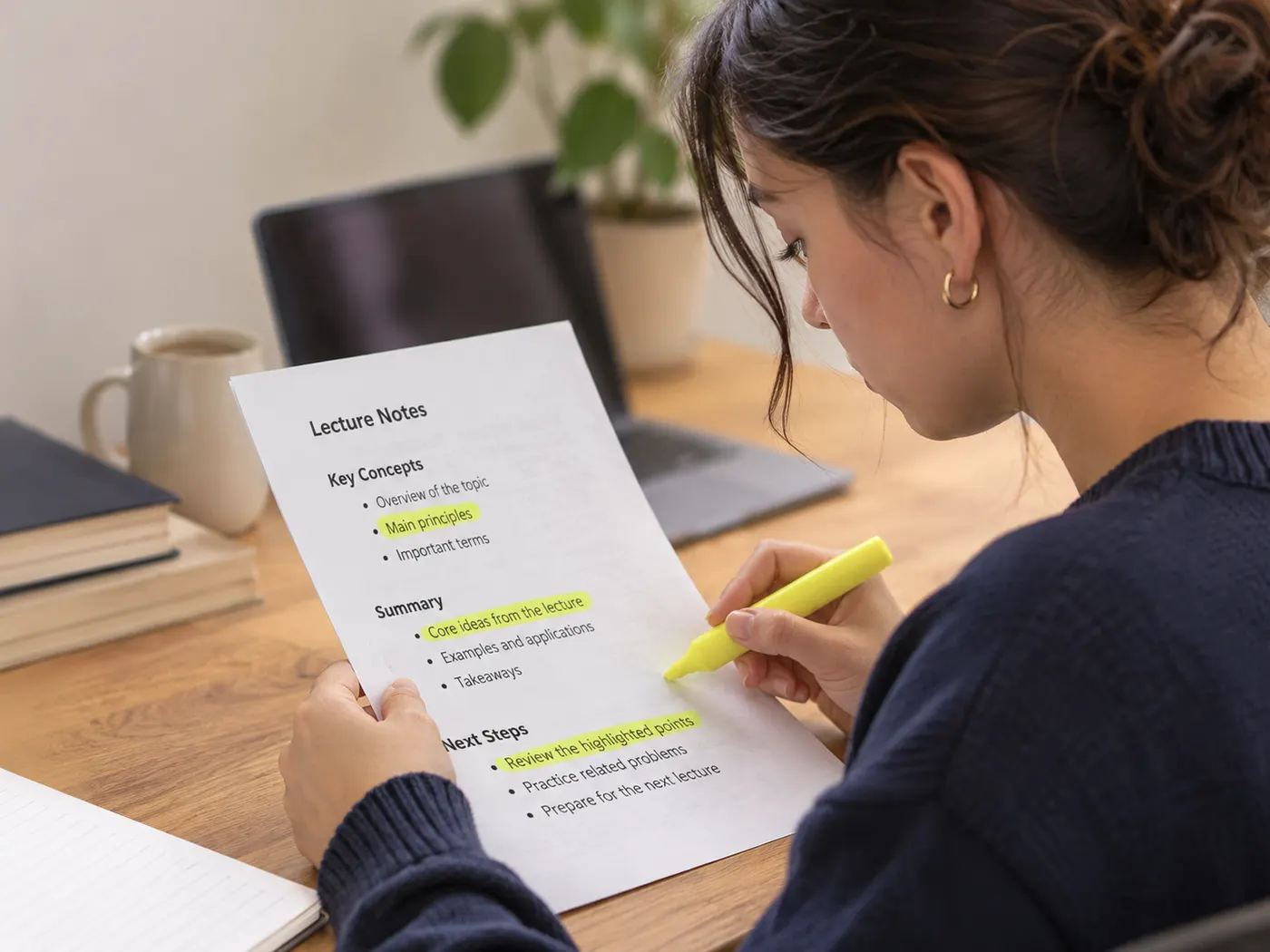
Students can use the video note taker to preview a lecture or study recording before a deeper review.

Journalists
Journalists can scan a source interview for central points before deciding which sections need closer checking.
Podcasters
Podcasters can use the video note taker to review reference videos and shape a focused content outline.
Researchers
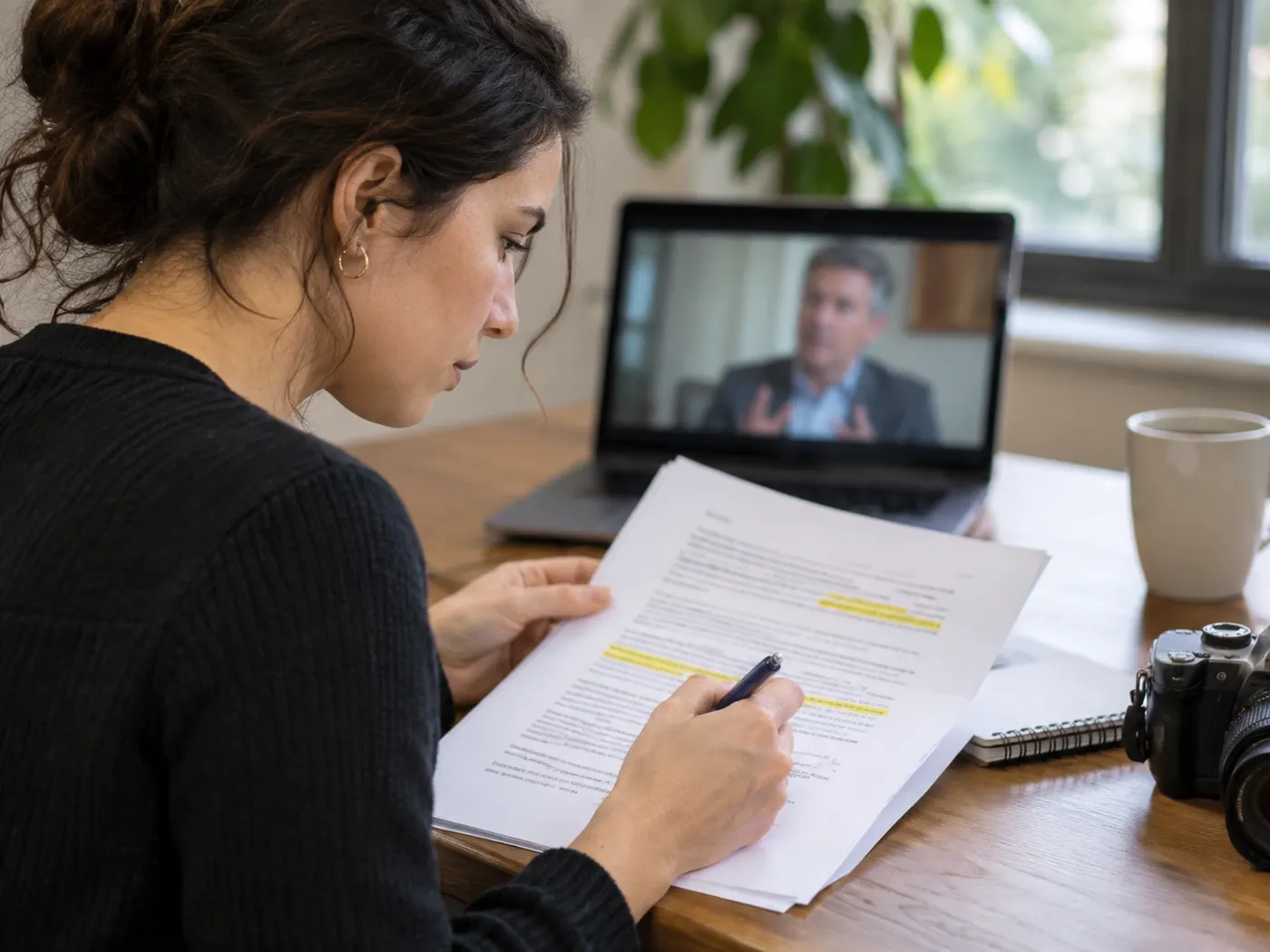
Researchers can scan a long video summary before choosing which claims or sections deserve closer investigation.

Content teams
Content teams can turn a concise video summary into a starting point for outlines, briefs, or follow-up research.

Small businesses
Small-business owners can review market or training videos quickly before deciding what information to discuss with a team.
Video summary questions
- What does this tool summarize?
- It summarizes a captioned YouTube video from a pasted link and returns a concise summary. The video note taker is intended for quick review when watching the full recording is not practical.
- Is the first preview free?
- Yes, the video note taker includes a free preview, so you can test the workflow before deciding whether it fits your review task. A completed summary still follows the stated credit rule.
- How many credits does a summary use?
- One credit pays for each summary run. The video note taker does not describe a per-minute charge; its stated price note is one credit per summary.
- Do YouTube videos need captions?
- Yes, the source must be a YouTube video that has captions. Without available captions, the video note taker may not be able to read the recording and produce its summary.
- Can I use a saved transcript?
- Yes, you can summarize a transcript already in your library. The saved text gives the video note taker an existing source, so you do not need to paste the same YouTube link again for that run.
- What does the result include?
- It returns a summary of the source content. A video note taker is useful for surfacing main points for review, learning, research, or content development, but the result is not described as a full transcript export.
Simple, honest pricing
Copying and exporting a transcript you already have is free. New transcripts use credits — pick a plan when you need more.
- Free
- $0 — 5 credits on sign-up
- ProPopular
- $9.99/mo — 600 credits
Start your video review
Paste a captioned YouTube link and let the video note taker surface the main points in a concise summary.