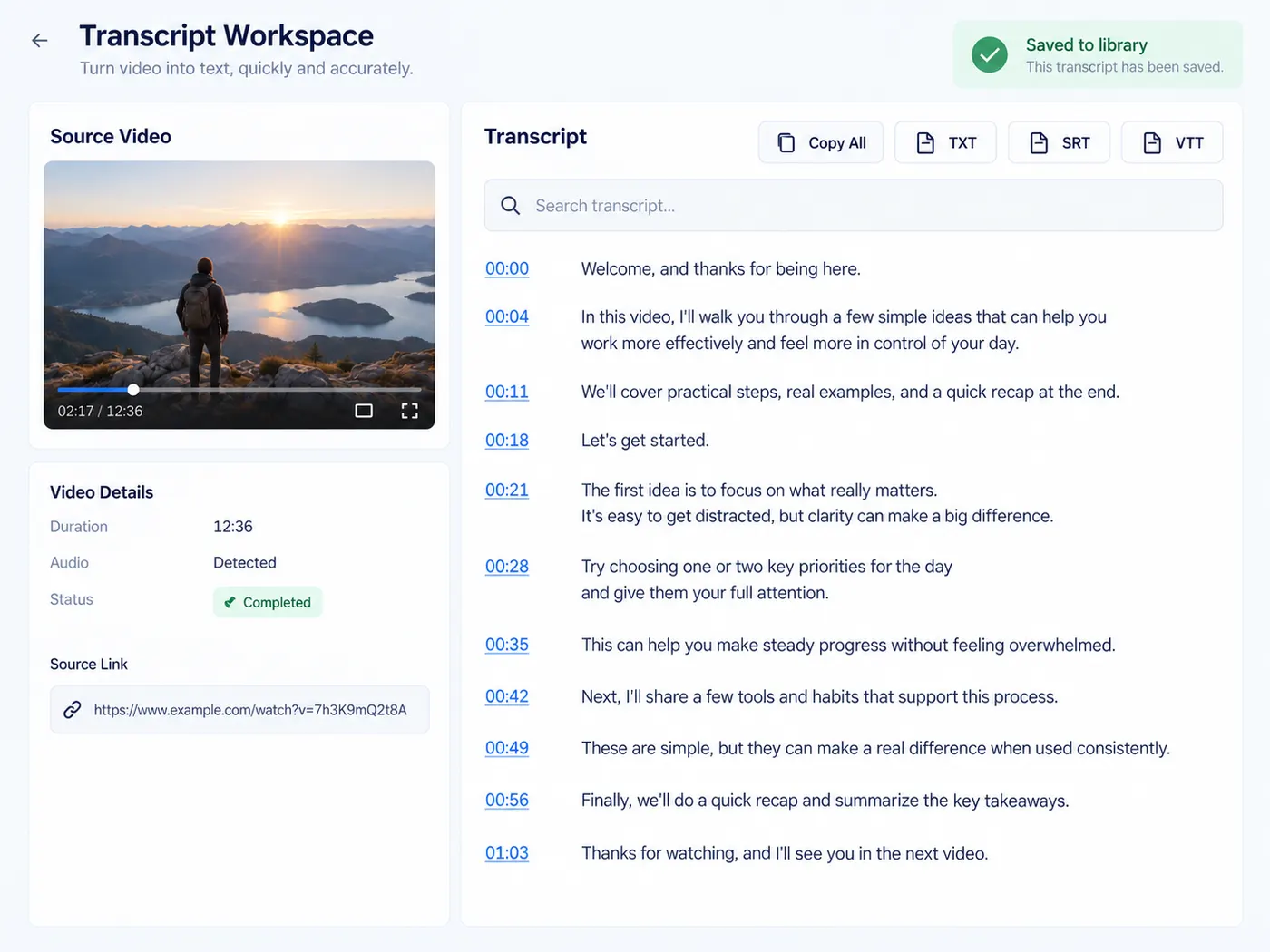
The video’s own captions · every language it has · you only pay when it works
YouTube transcript, ready to use
Paste a YouTube link and turn the spoken words into clean, searchable text you can copy, quote, and reuse.
Running it costs 1 credit per video and needs a free account (new accounts get 5 credits) — sign in and we bring you right back here.
youtube transcript: a cleaner starting point
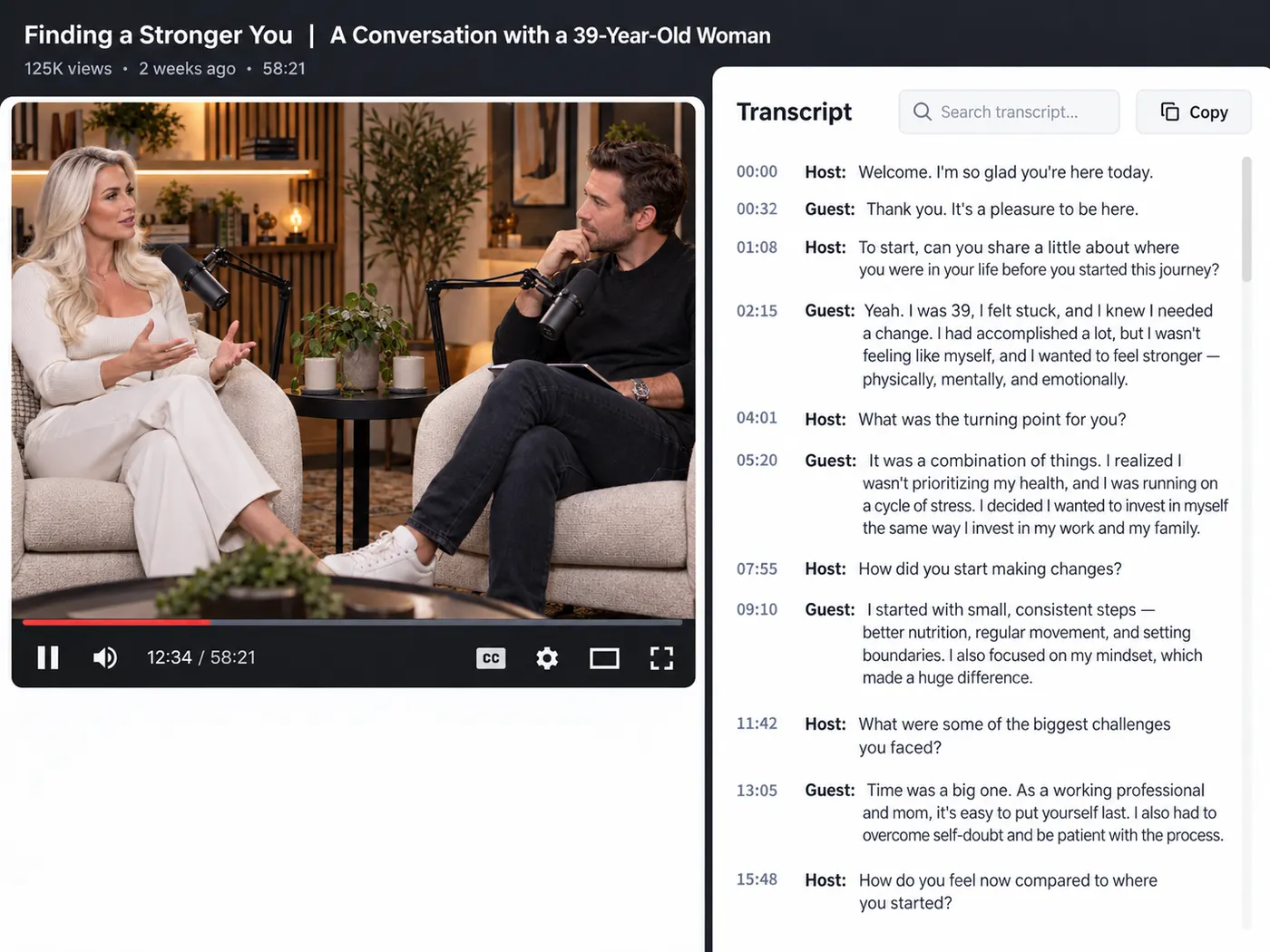
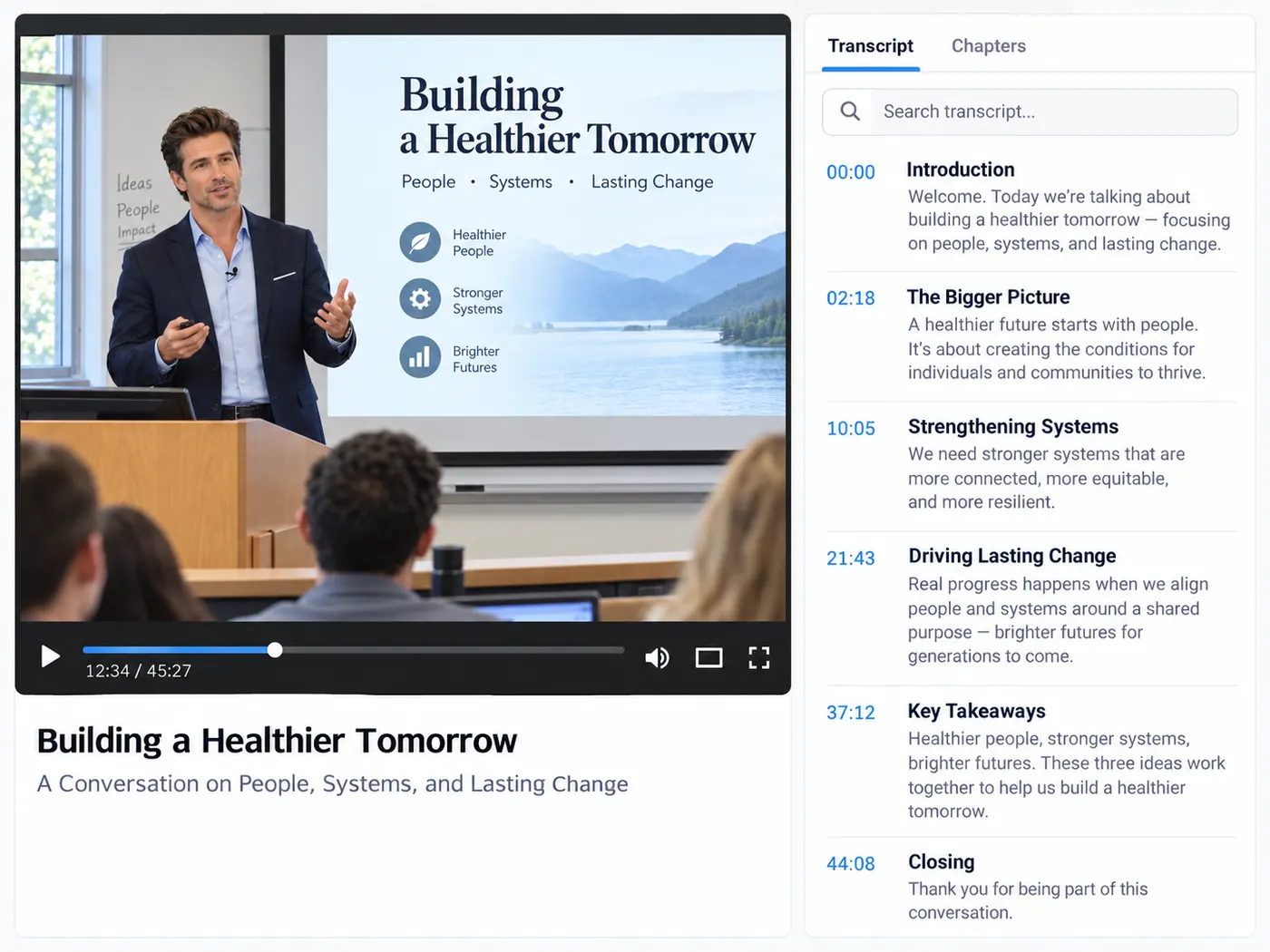
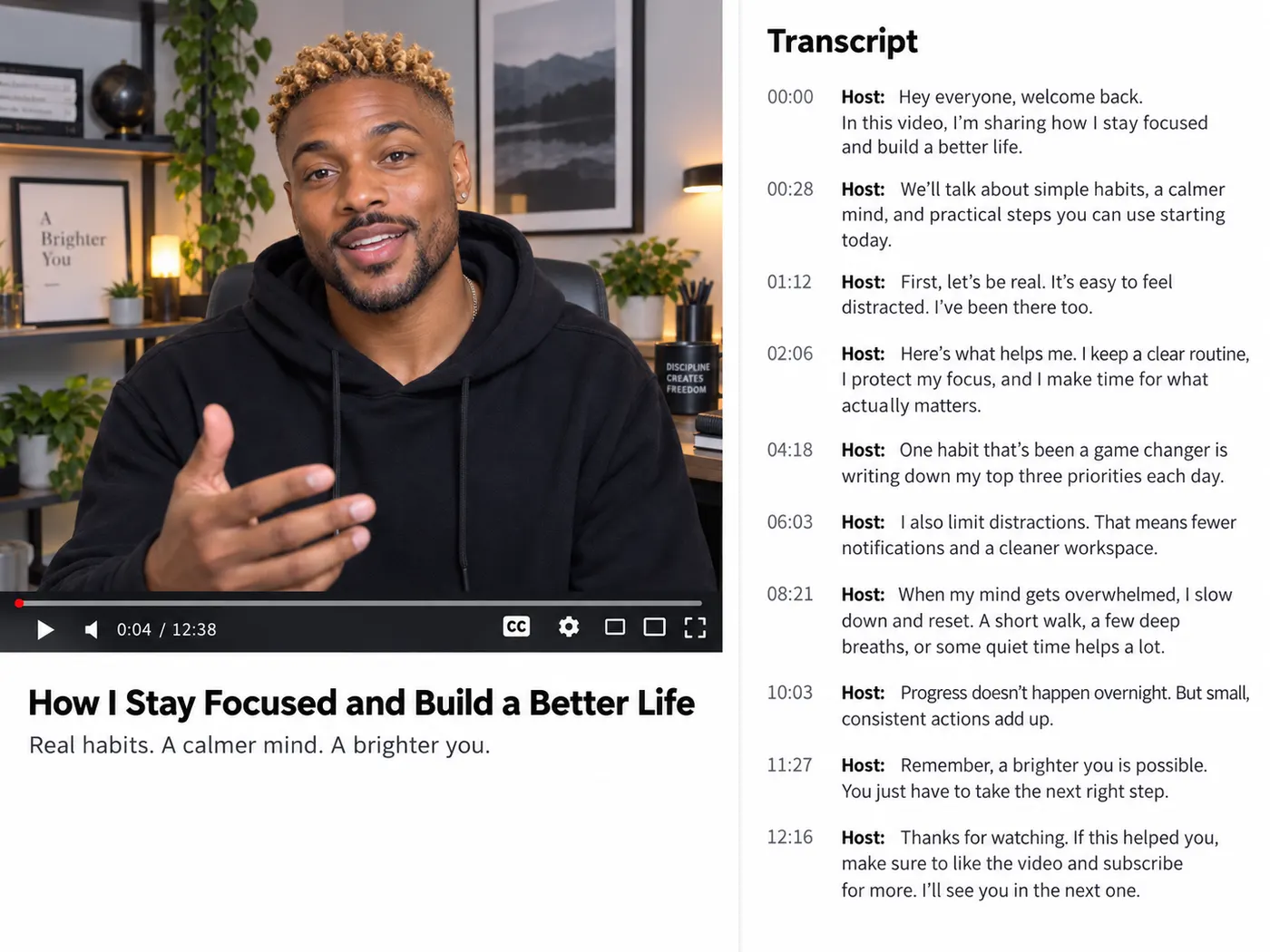
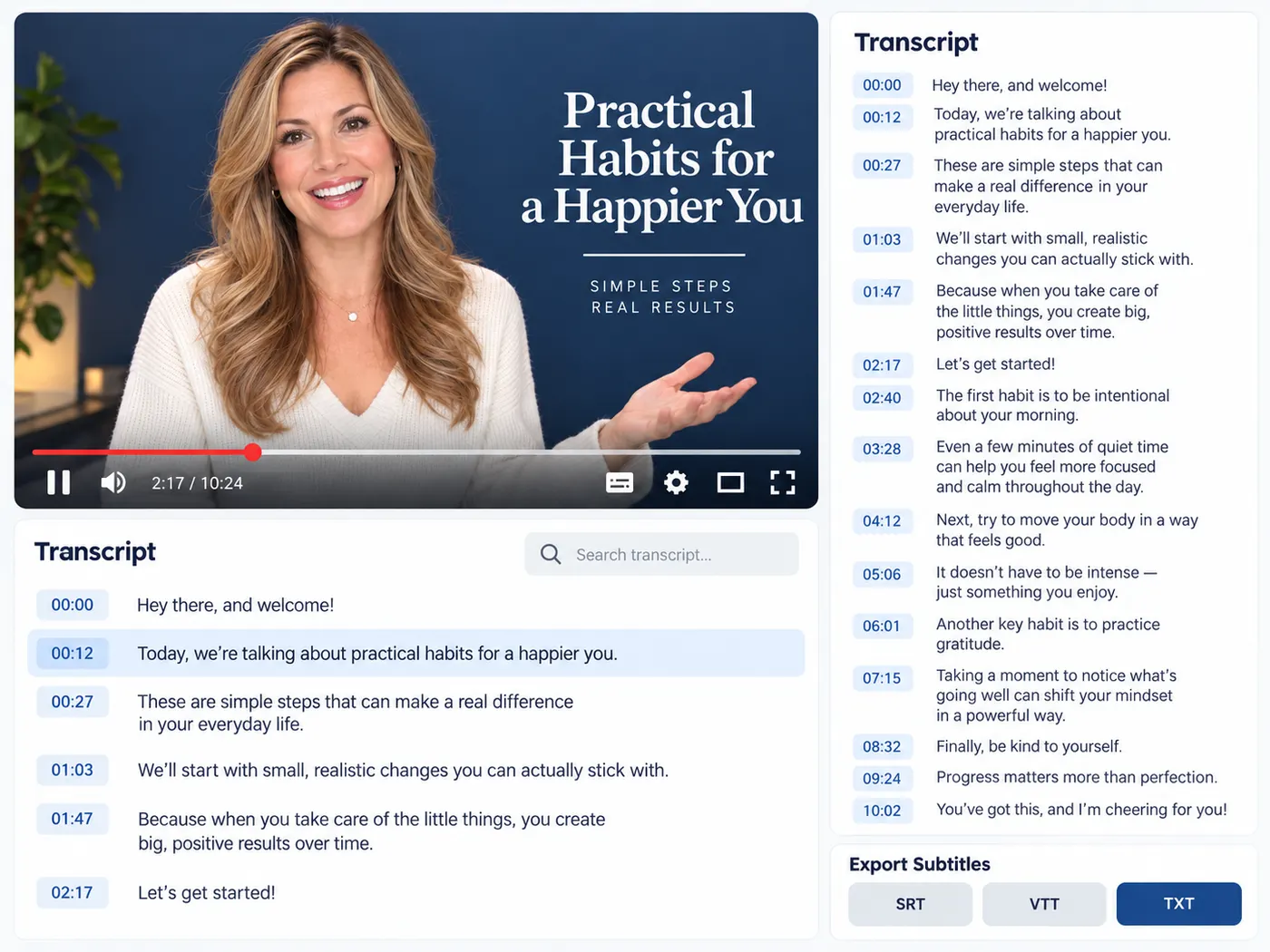
Point it at a talking-head clip, an interview, a lecture or a podcast on YouTube. gistmint takes the captions the video already has — the creator’s own subtitles and YouTube’s automatic ones, in every language the video offers — and hands back timestamped text you can search, paste into a document, a caption file or a blog post. Long videos that would take an afternoon to type out come back as clean copy you can skim, search and quote in a fraction of the time.
Accurate enough to publish from
Instead of guessing at what someone said, you start from the video’s real captions and only fix the odd name or acronym — automatic captions get those wrong most often. That turns an hour of manual typing into a few minutes of light editing, and gives you a base you can repurpose into subtitles, show notes or an article. Every line keeps its timestamp, so you can click back to the moment it was said and check it.
You only pay for a transcript you get
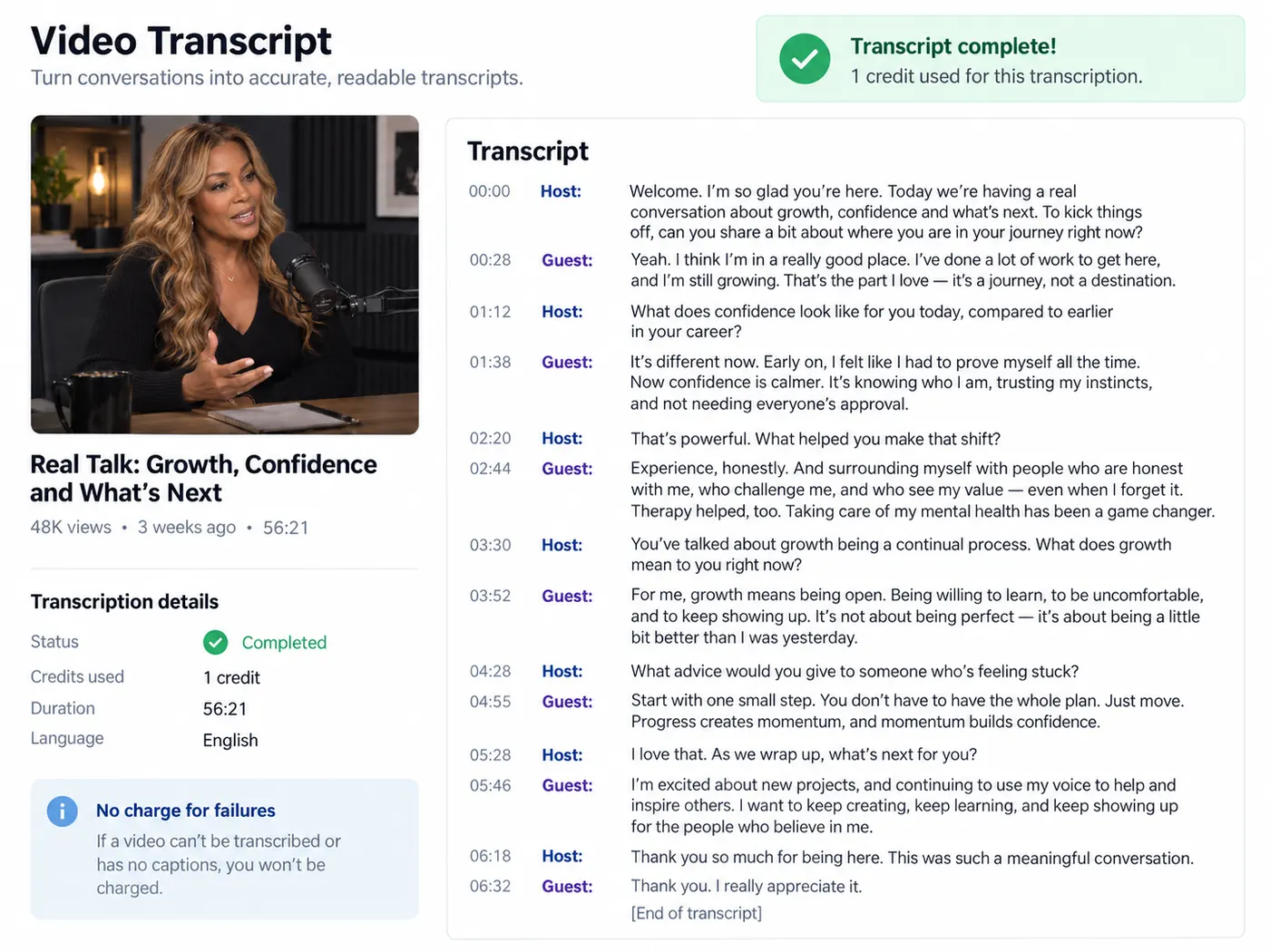
Pasting a link costs nothing. Getting the transcript is the one step that uses credits, so that is where sign-in comes in. If the video turns out to have no captions, or a run fails, the credits are released — you are only charged for a transcript you actually get back. No captions? If you have the video or audio file, upload it on video to text instead.
From speech to text, in a few steps
Paste a link, run it once, and get a clean, timestamped transcript you can search, copy and export.
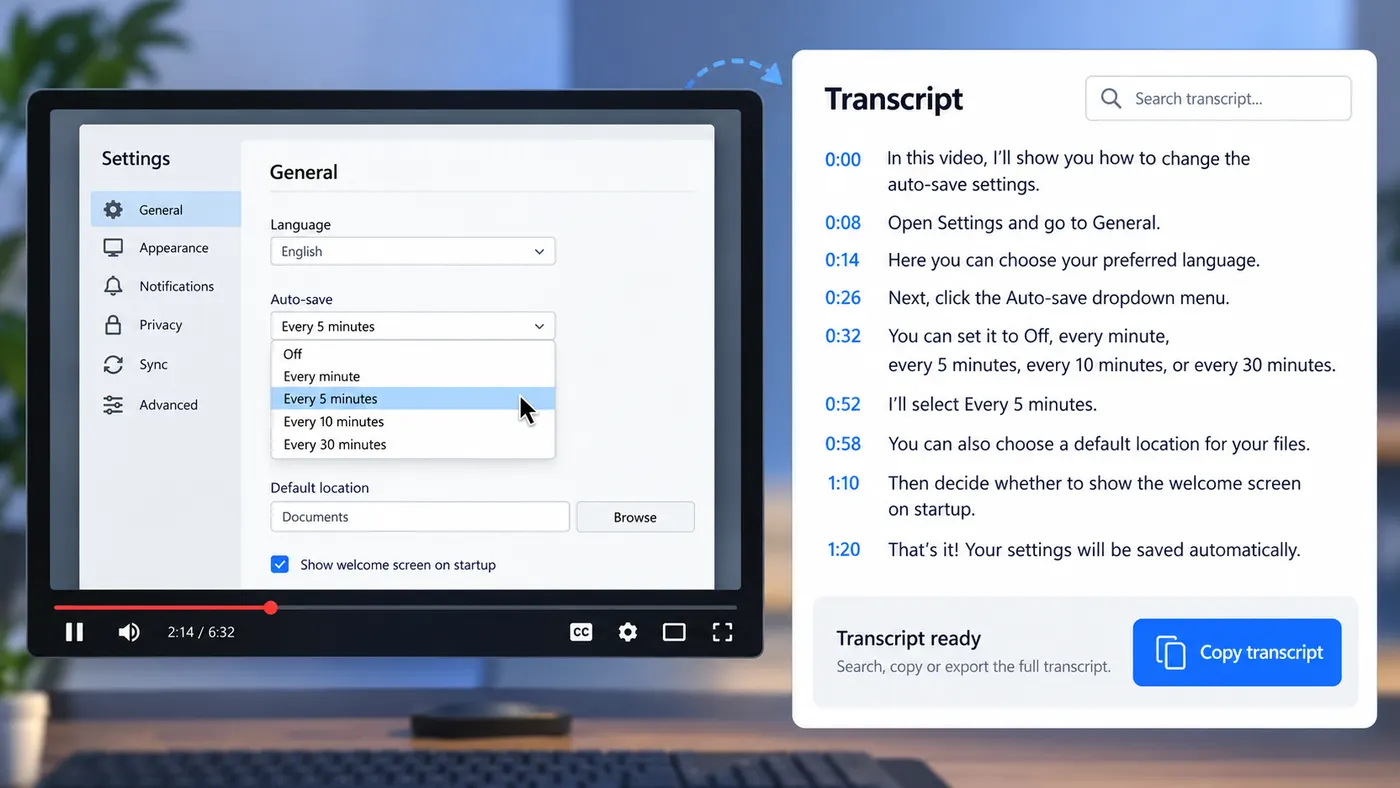
How to transcribe a video
Step 1
Paste the link
Copy the video’s address from YouTube — youtube.com/watch?v=… and youtu.be/… links both work — and paste it into the box.
Step 2
Sign in to run
Each transcript uses 1 credit per video, so we ask for a free account first — new accounts get 5 credits — and bring you right back to this page.
Step 3
Wait for the captions
gistmint fetches every caption track the video has — usually 20 to 40 seconds — and opens it in the language the video is spoken in. Other languages are one click away.
Step 4
Search, jump, export
Search the text, click a timestamp to jump the video to that moment, then copy it or download TXT, SRT or VTT. It is saved to your library too.
Every caption track
Creator subtitles and YouTube’s automatic captions, in every language the video has.
Overlapping automatic captions are cleaned up so every line reads once, in order.
Language on autopilot
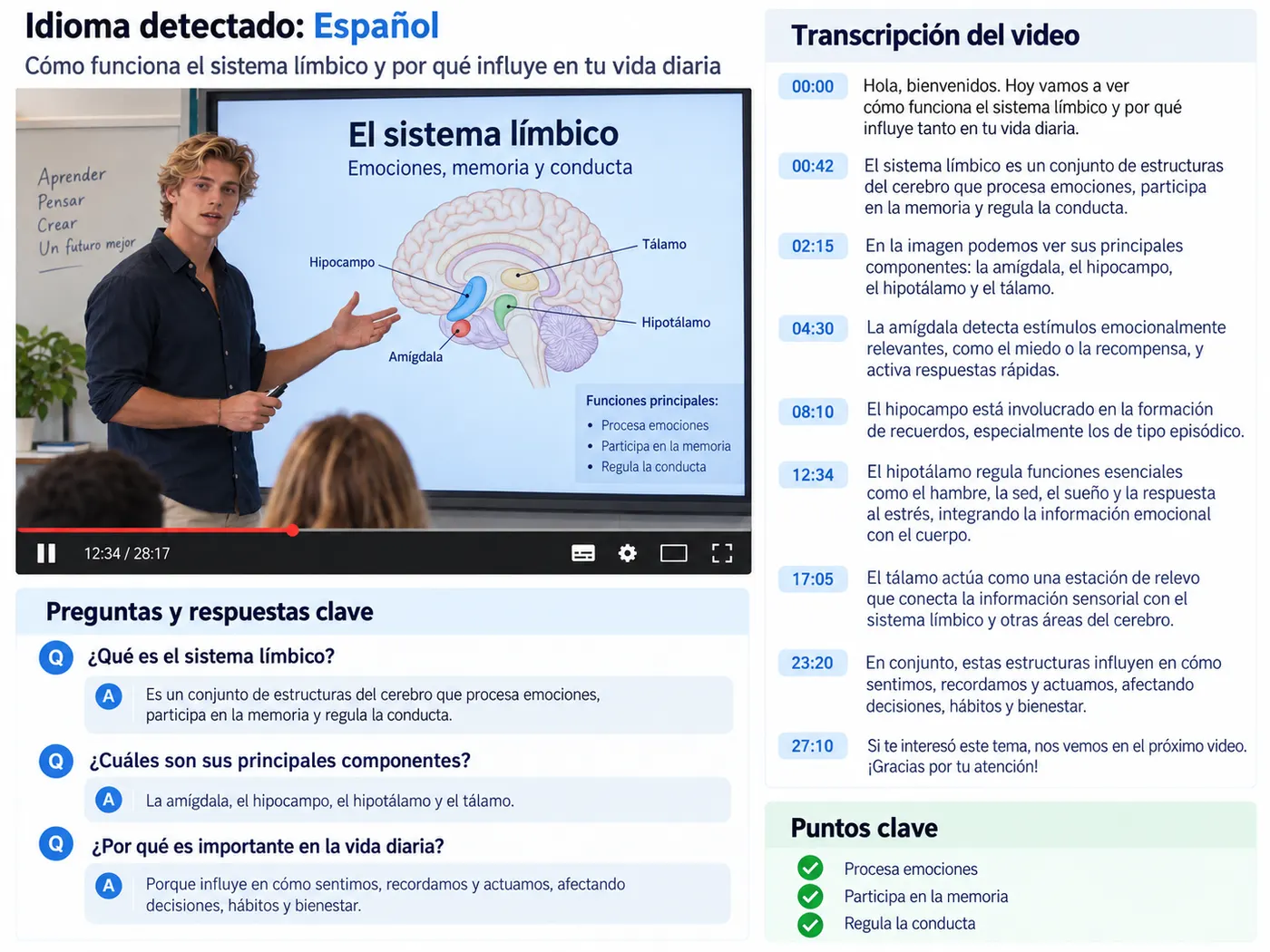
The transcript opens in the language the video is spoken in, so an English interview and a Spanish lecture both just work.
There is no menu to hunt through before you can start.
Built for reuse
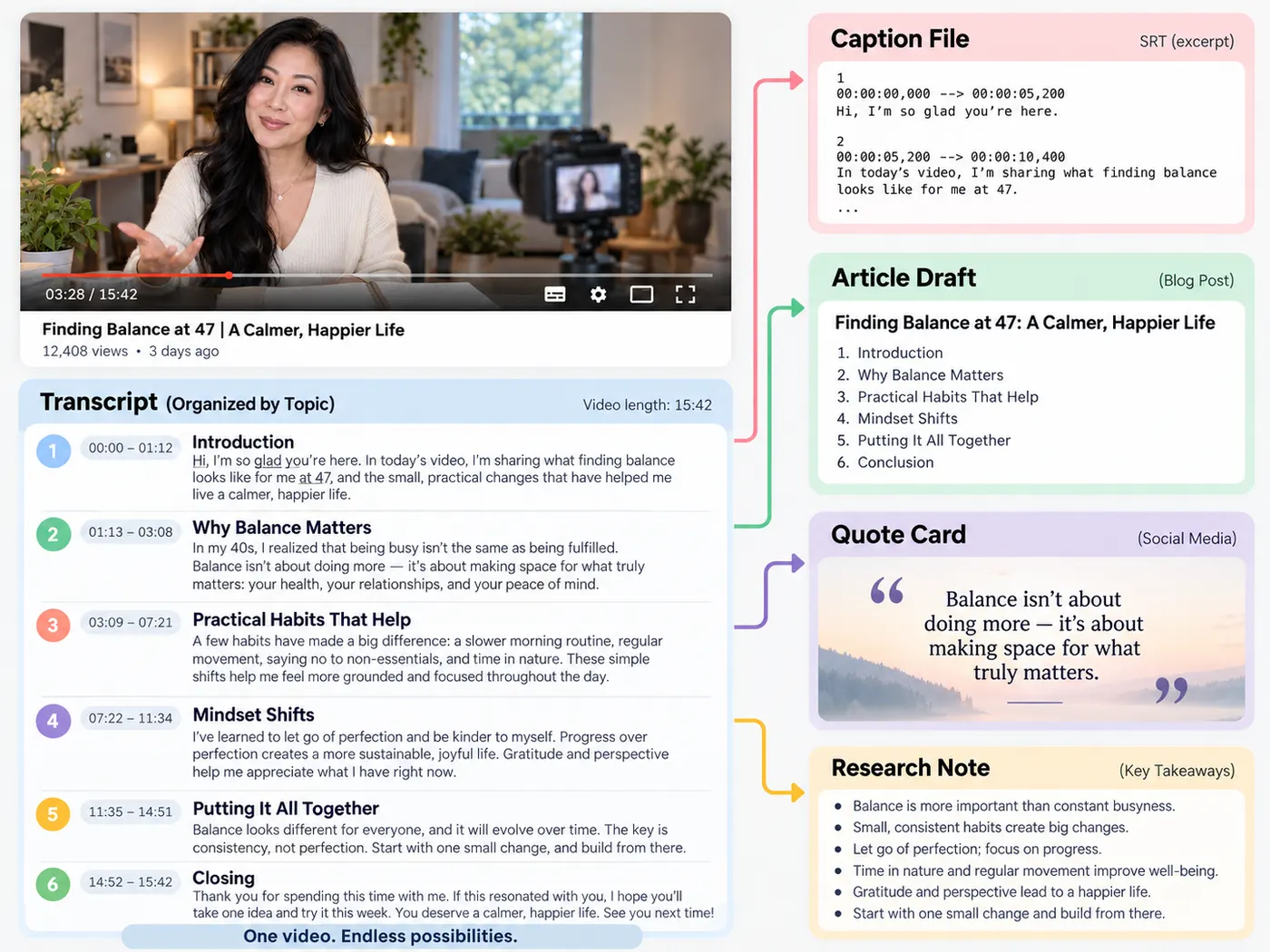
A transcript is the raw material for subtitles, summaries, quotes and articles.
Get it once and reuse it everywhere your content lives.
Fair, visible pricing
Each transcript uses 1 credit per video, shown on the button before you commit.
If the video has no captions or a run fails, you are not charged a thing.
Nothing to install
It runs in your browser on any machine — no desktop app, no plugin, no upload queue to manage.
Timed under the hood
Every line keeps the timing from the captions, which is exactly what you need when you turn the text into subtitles later.
Tips & good to know
A few quick pointers to get the best result from this tool.
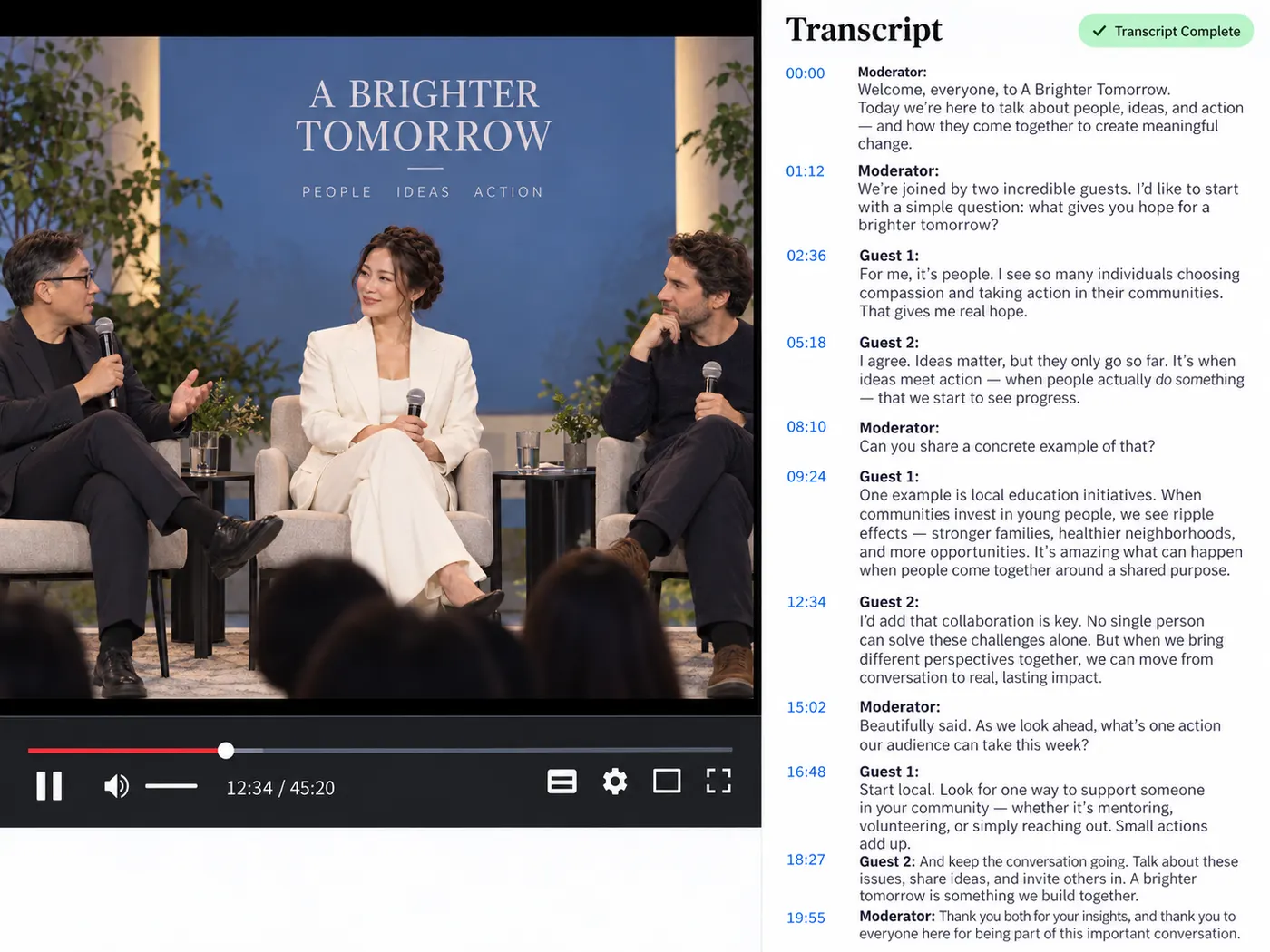
What this tool gives you
| What you get | A real preview or structured result produced by the embedded tool, with a download or export action when available. |
|---|---|
| On this page | The tool itself, step-by-step guidance, honest examples, and related tools — all on this same page. |
| Best for | YouTube transcript, ready to use when you want a direct browser workflow without leaving the page. |
What people transcribe
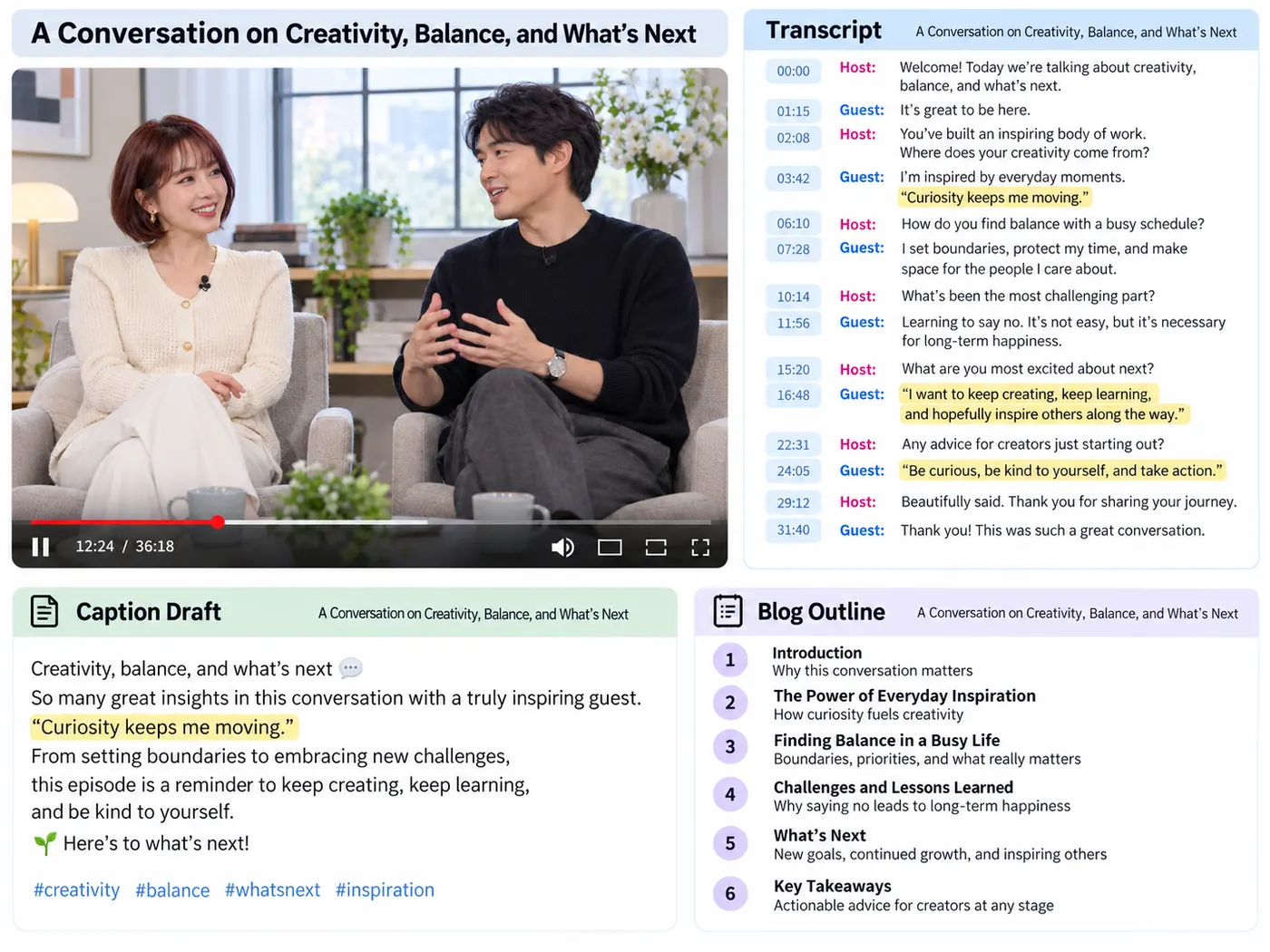
Content creators
Turn a talking-head video into captions and a blog post from the same recording.
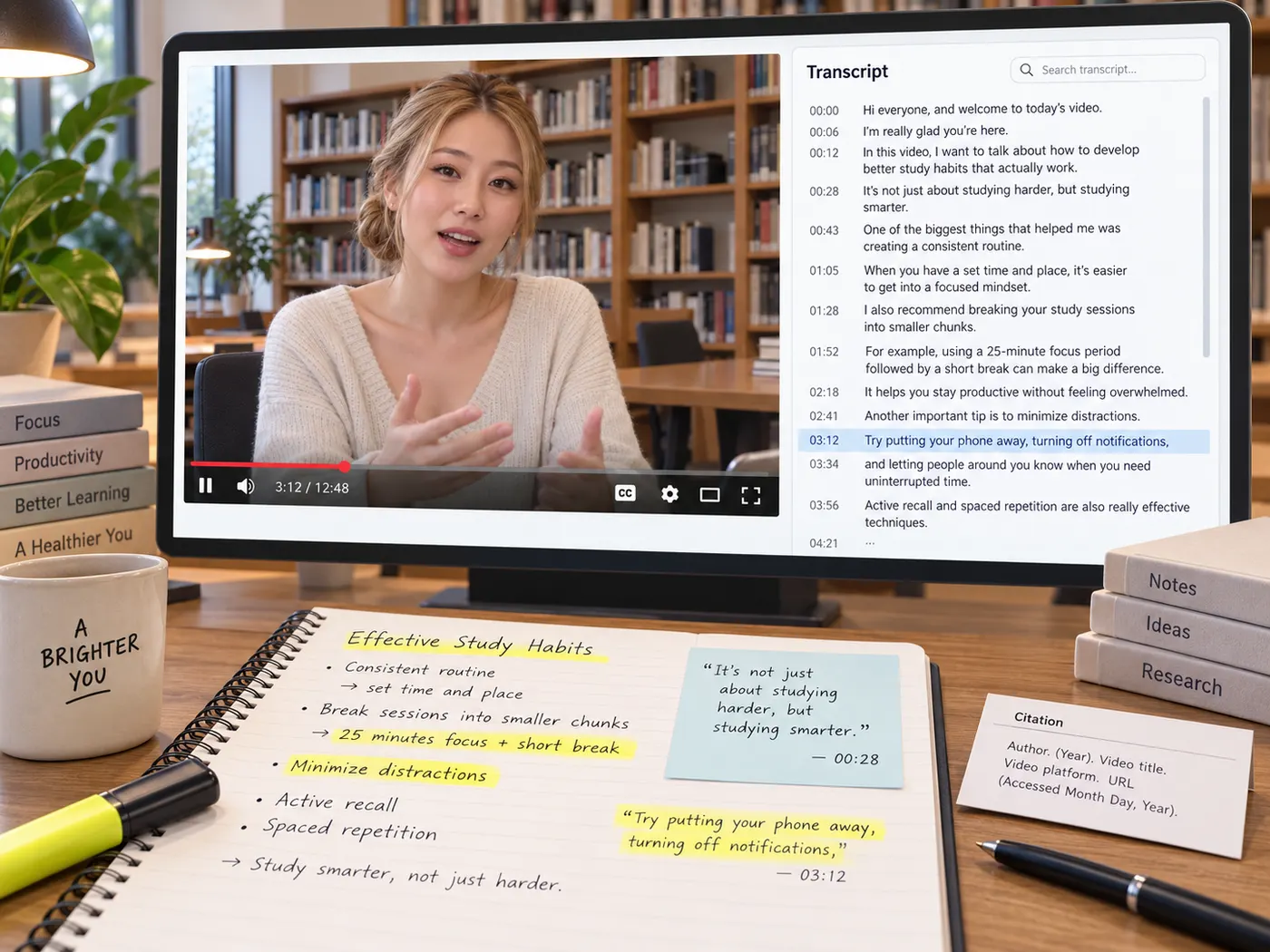
Students & researchers
Get a searchable text version of a lecture or interview to quote and study from.
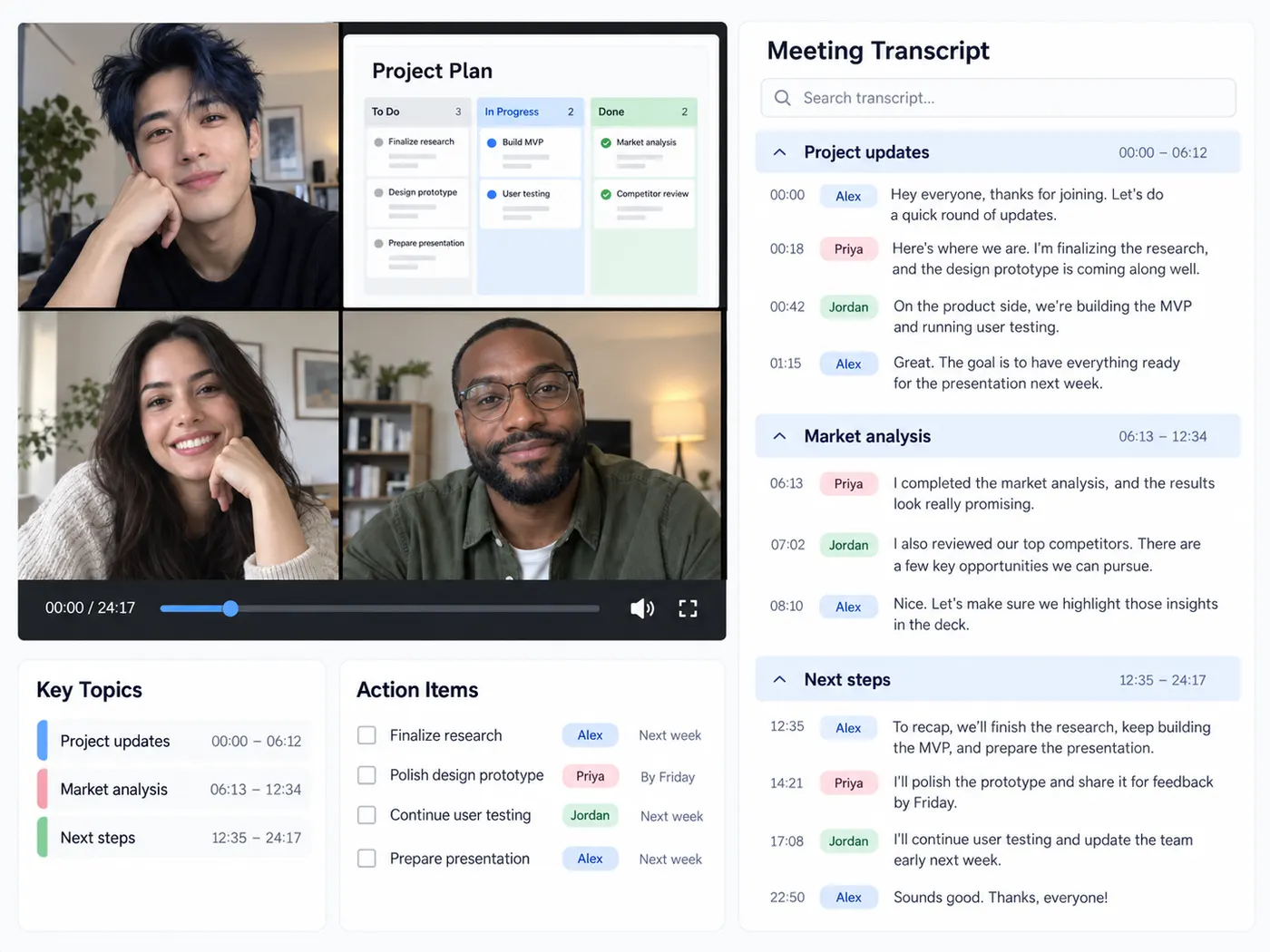
Teams
Capture what was said in a recorded call so nobody has to take notes by hand.
Accessibility
Produce a base transcript for subtitles so your videos work for everyone.
Journalists
Transcribe an interview and pull accurate quotes in minutes, not hours.
Course makers
Convert lessons into text for handouts, notes and searchable archives.
YouTube transcript questions
- How do I get a transcript of a YouTube video?
- Paste the video’s link into the box on this page, sign in, and run it. gistmint fetches the captions the video already has and returns timestamped text you can search, copy or download.
- Does this work on a YouTube video that has no captions?
- No, this page reads the captions a video already has. If the video turns out to have none, you are not charged. With the video or audio file in hand, upload it on the video to text page instead.
- How much does a YouTube transcript cost on gistmint?
- Pasting a link is free. Getting the transcript uses 1 credit per video, and new accounts get 5 credits. If a run fails or the video has no captions, the credits are released.
- Which languages can I get a YouTube transcript in?
- Every caption track the video offers, including the creator’s own subtitles and YouTube’s automatic captions. The transcript opens in the language the video is spoken in, and the other languages are one click away.
- Can I download a YouTube transcript as SRT or VTT?
- Yes. Once the transcript loads you can copy it or download it as TXT, SRT or VTT. Every line keeps its timestamp, and the transcript is saved to your library too.
- How long does it take to get a YouTube transcript?
- Usually 20 to 40 seconds. gistmint fetches the caption tracks the video already has, then opens the one in the language the video is spoken in.
- Do I need an account to transcribe a YouTube video?
- Pasting a link needs no account, but running the transcript does, because that step uses credits. The account is free, and after you sign in you come straight back to this page.
More gistmint tools
- YouTube Caption DownloaderDownload captions from a YouTube video.
- SRT FilesOpen, read and edit an SRT subtitle file, free.
- LRC to SRTConvert LRC lyric timing to SRT, free in your browser.
- Video to TextGet the spoken words out of a video file.
- Video SummarizerTimestamped key points of a YouTube video (Pro).
Simple, honest pricing
Copying and exporting a transcript you already have is free. New transcripts use credits — pick a plan when you need more.
- Free
- $0 — 5 credits on sign-up
- ProPopular
- $9.99/mo — 600 credits
Get your transcript in minutes
Paste a link, get the transcript, and start from clean text instead of a blank page.