MP3, M4A, WAV, AAC, FLAC & OGG · timestamped text · preview before you run
Transcribe audio into timestamped text
Transcribe audio from an interview, a meeting, a lecture or a voice note and get the words back as text with timing attached. Upload the recording, check that it is the right one, then run the transcription once and copy or export what comes back.
Transcribe audio in the format you already have
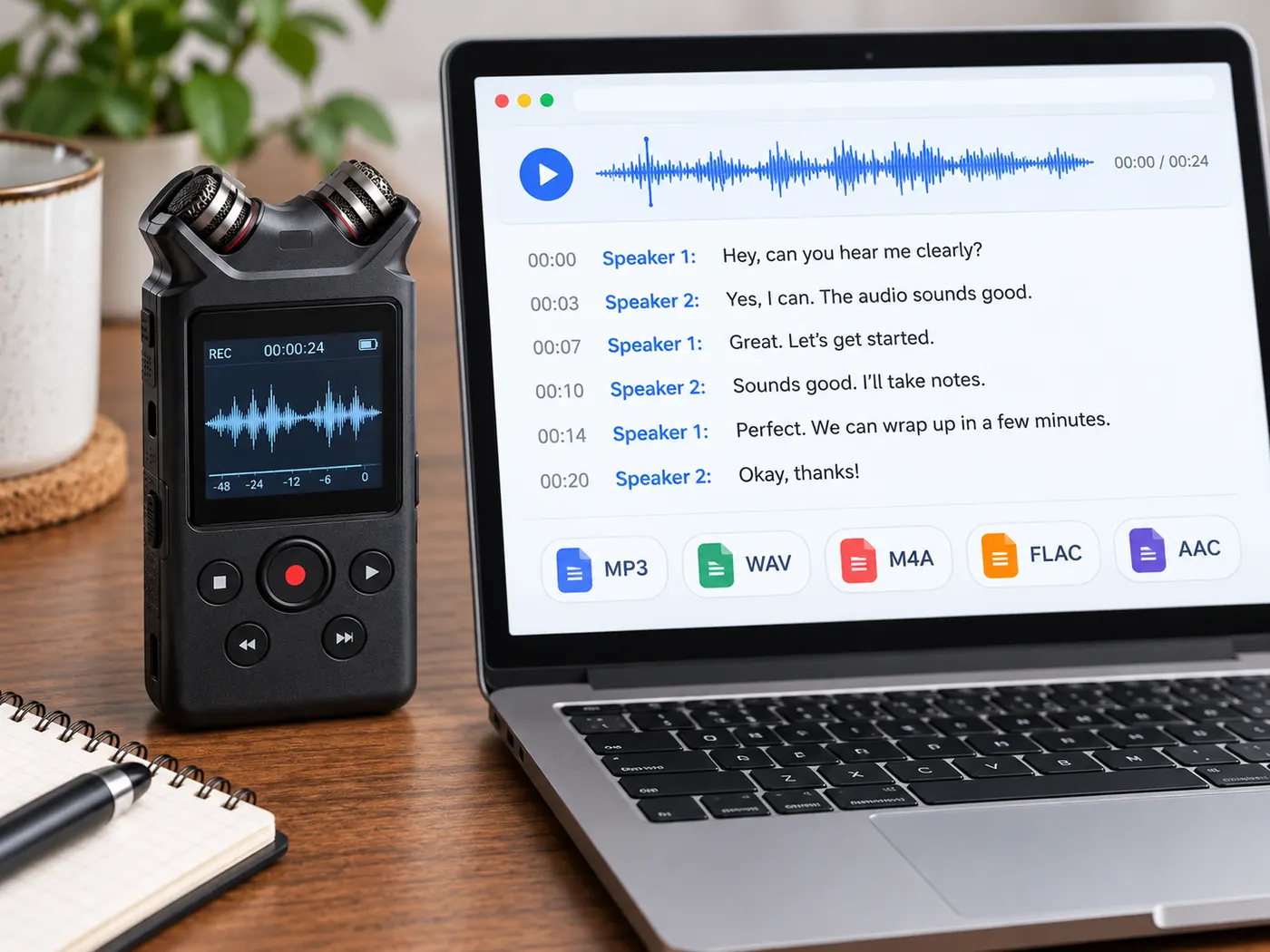
Recorders, phones and podcast tools all save in different formats. This page accepts the common ones — MP3, M4A, WAV, AAC, FLAC and OGG — so you can upload the original file instead of converting it first. The file previews in your browser before anything is sent for transcription.
Timing stays with the words
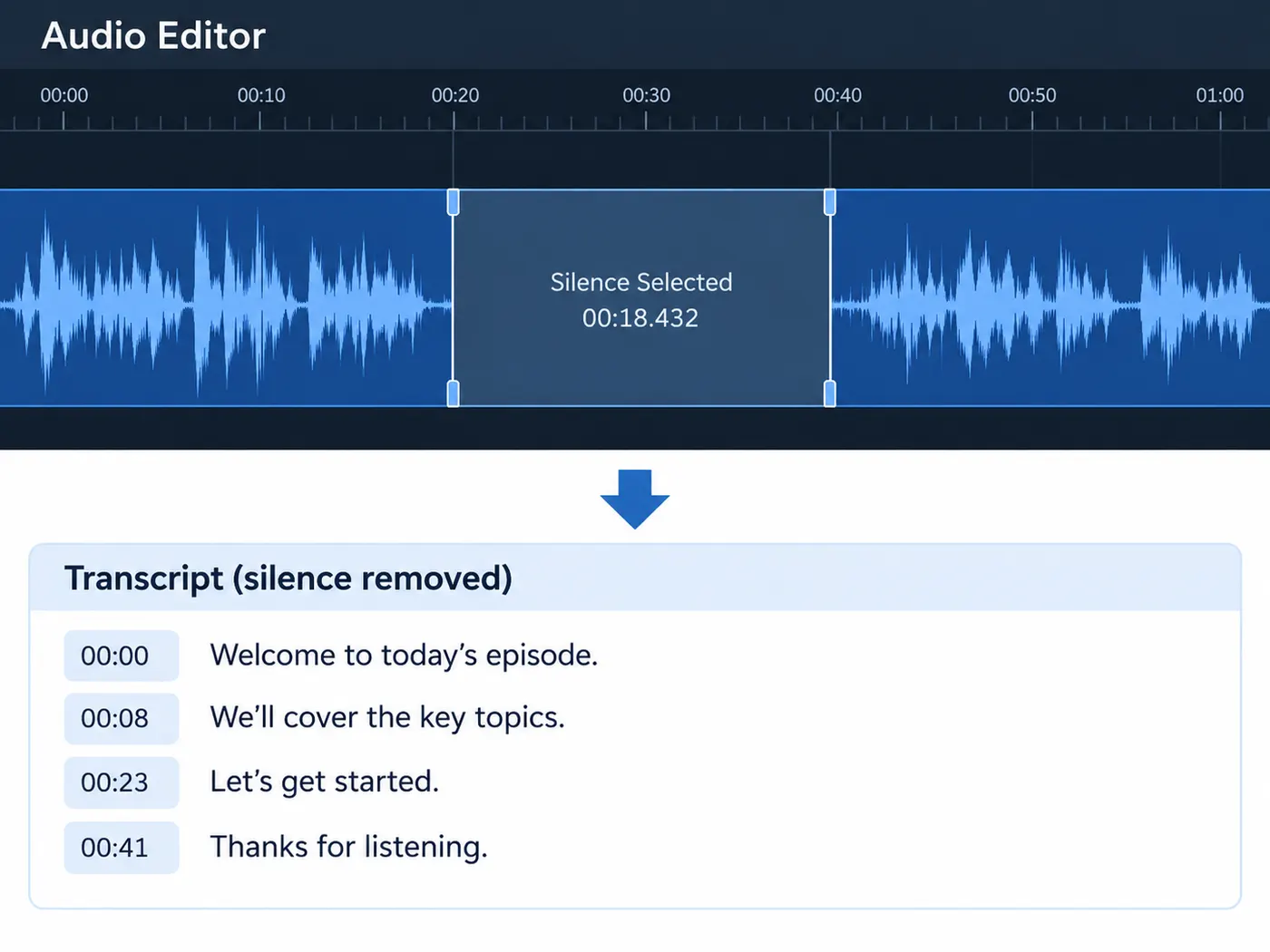
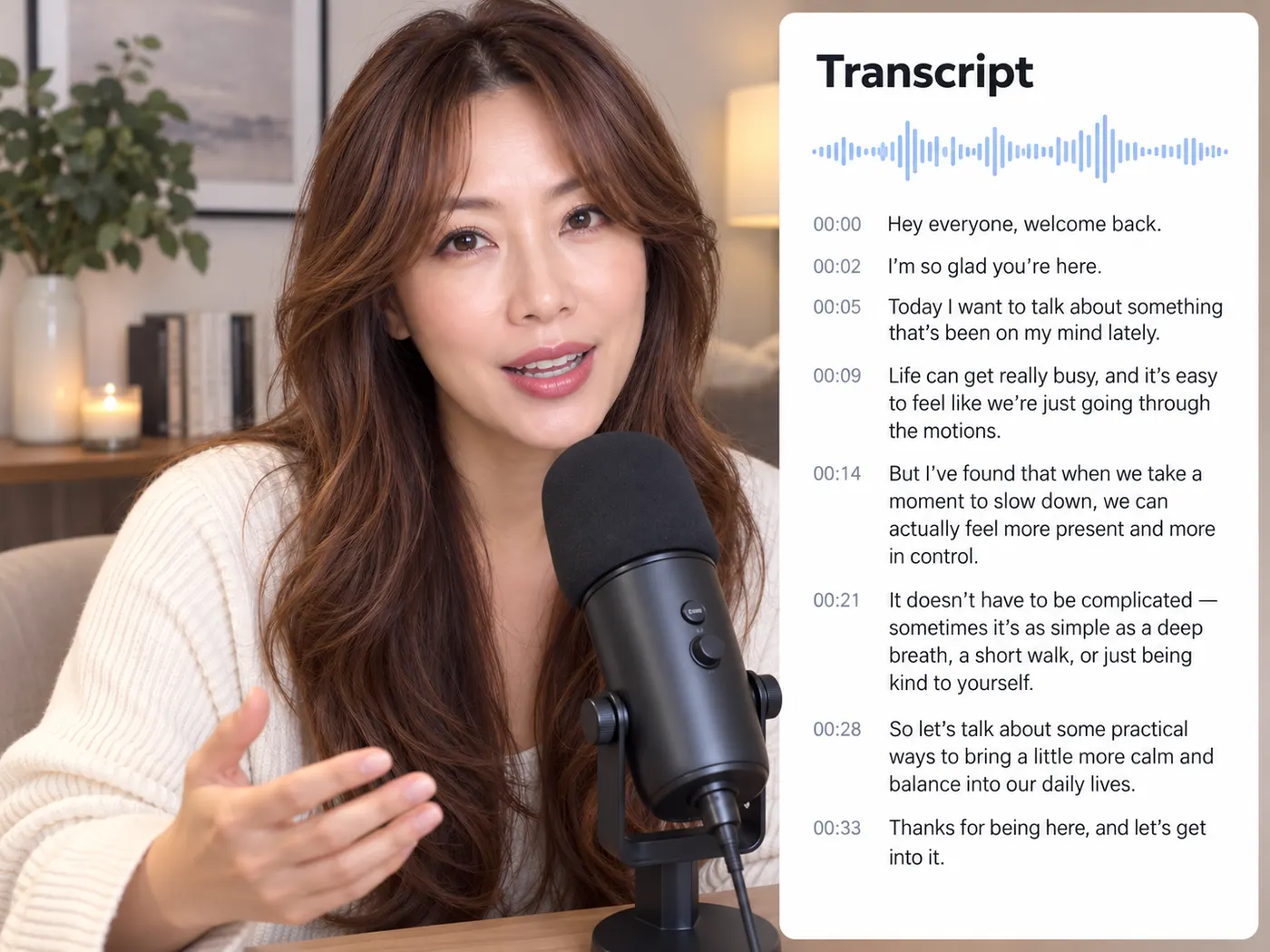
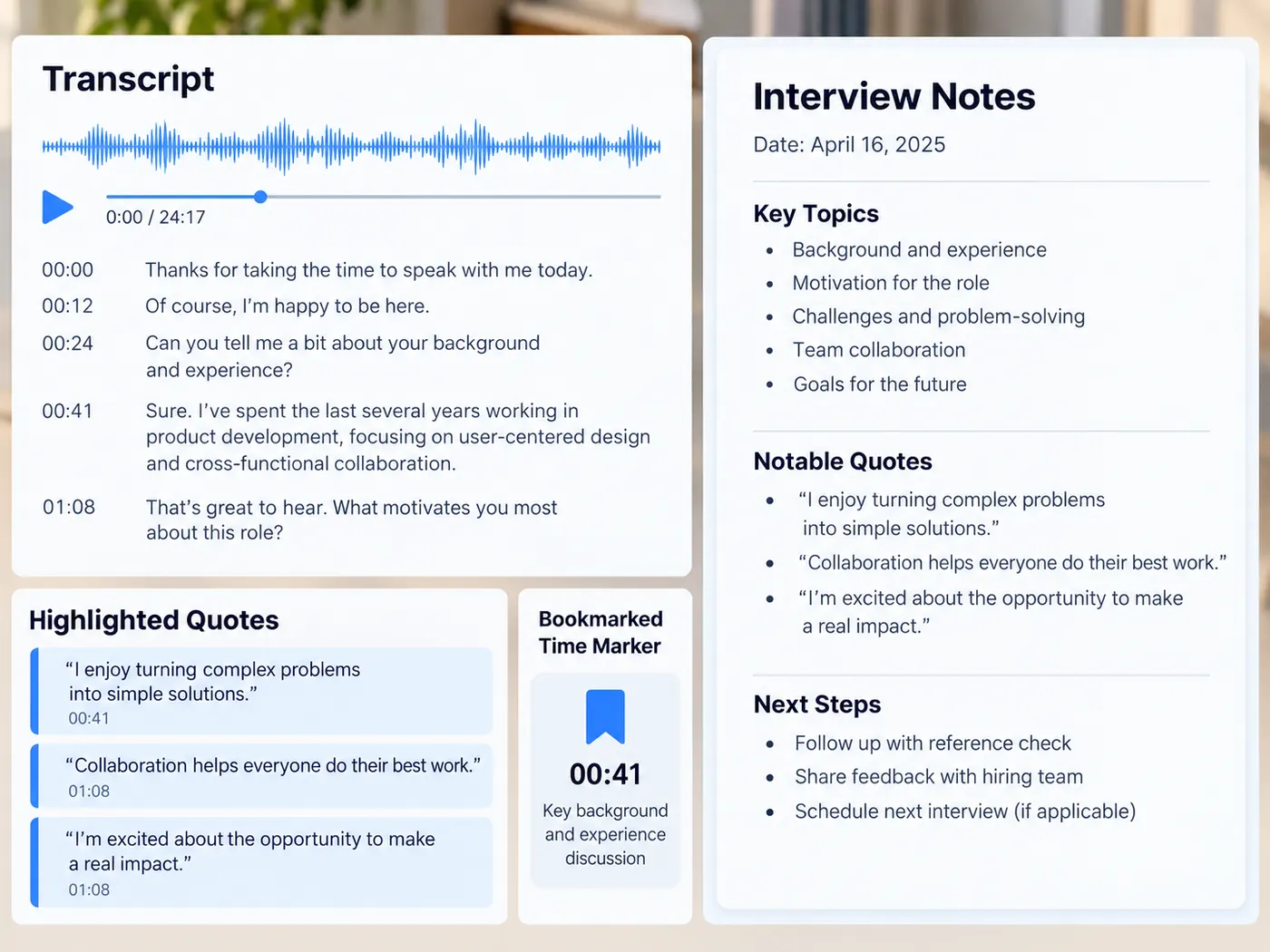
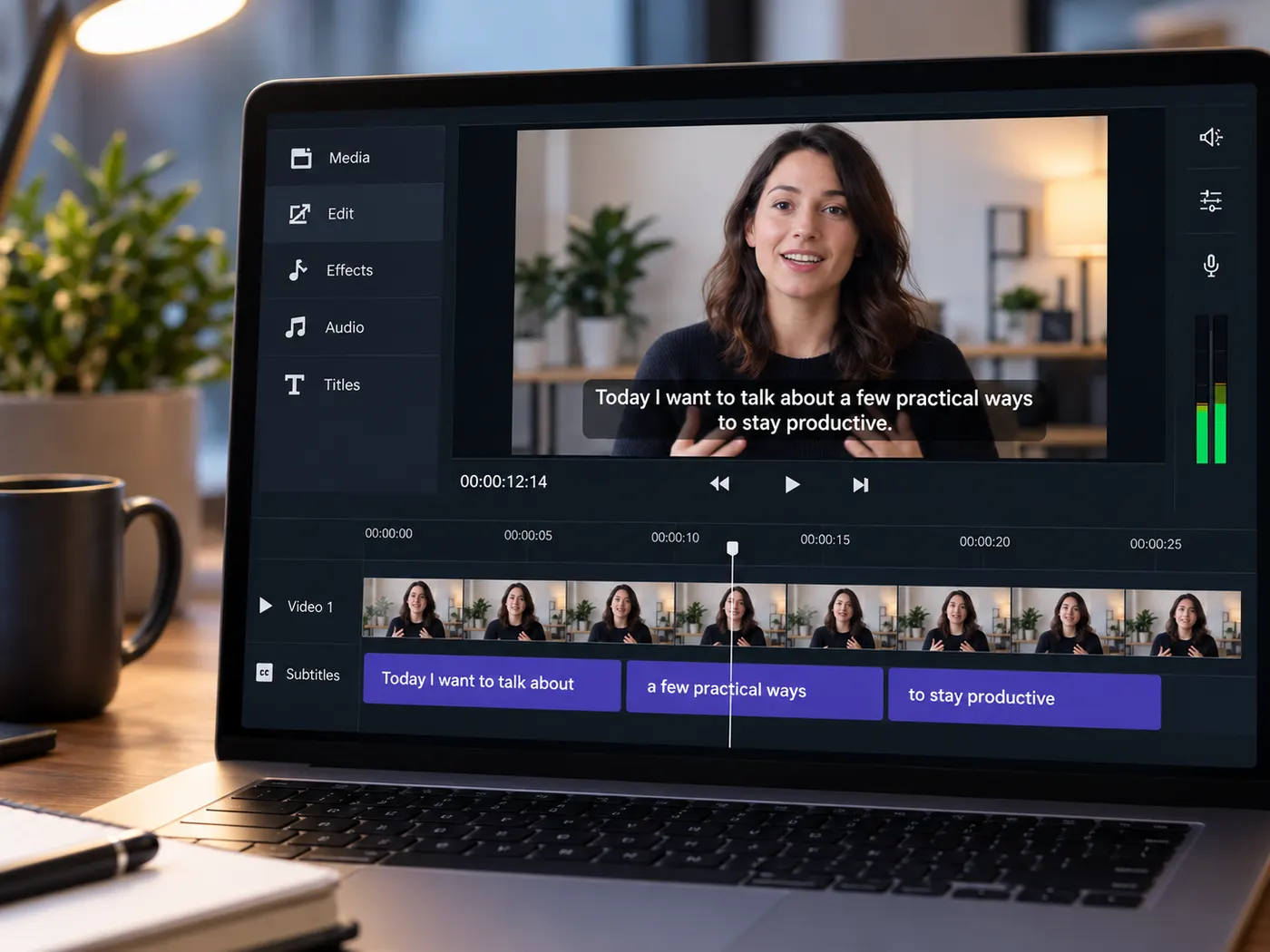
When the transcription returns timing, each line keeps its start time. That is what turns a transcript into something you can work with: you can jump back to the moment a quote was said, export subtitles, or keep a timestamped copy next to your notes instead of an unstructured block of text.

You see the price before you run
Uploading and previewing cost nothing. Running the transcription is a separate, explicit step: it is part of the Pro plan and costs 4 credits per minute of audio, rounded up to the whole minute. If a run fails, the credits reserved for it are released, so you only pay for a transcript that actually comes back.
From a recording to text, step by step
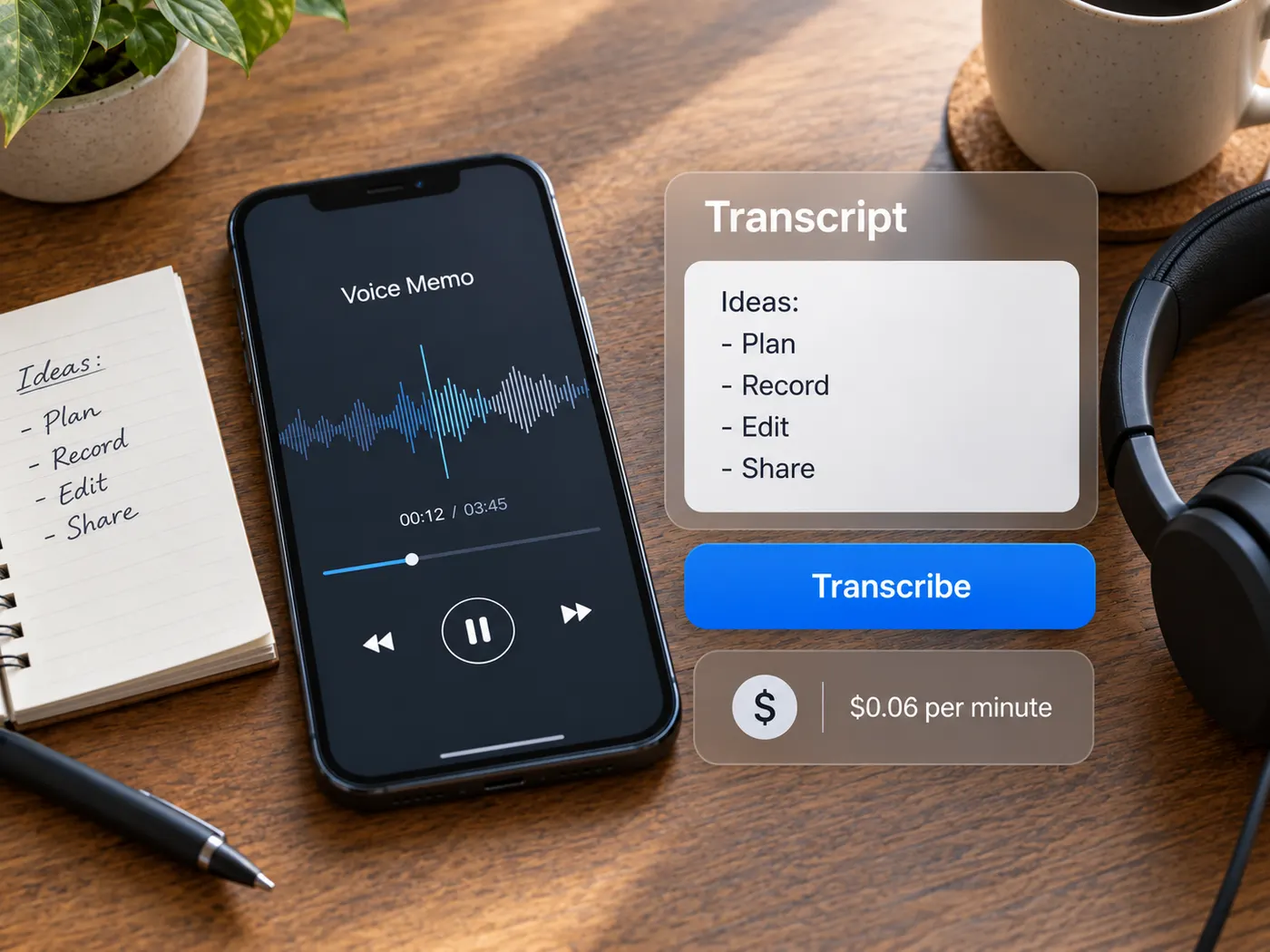
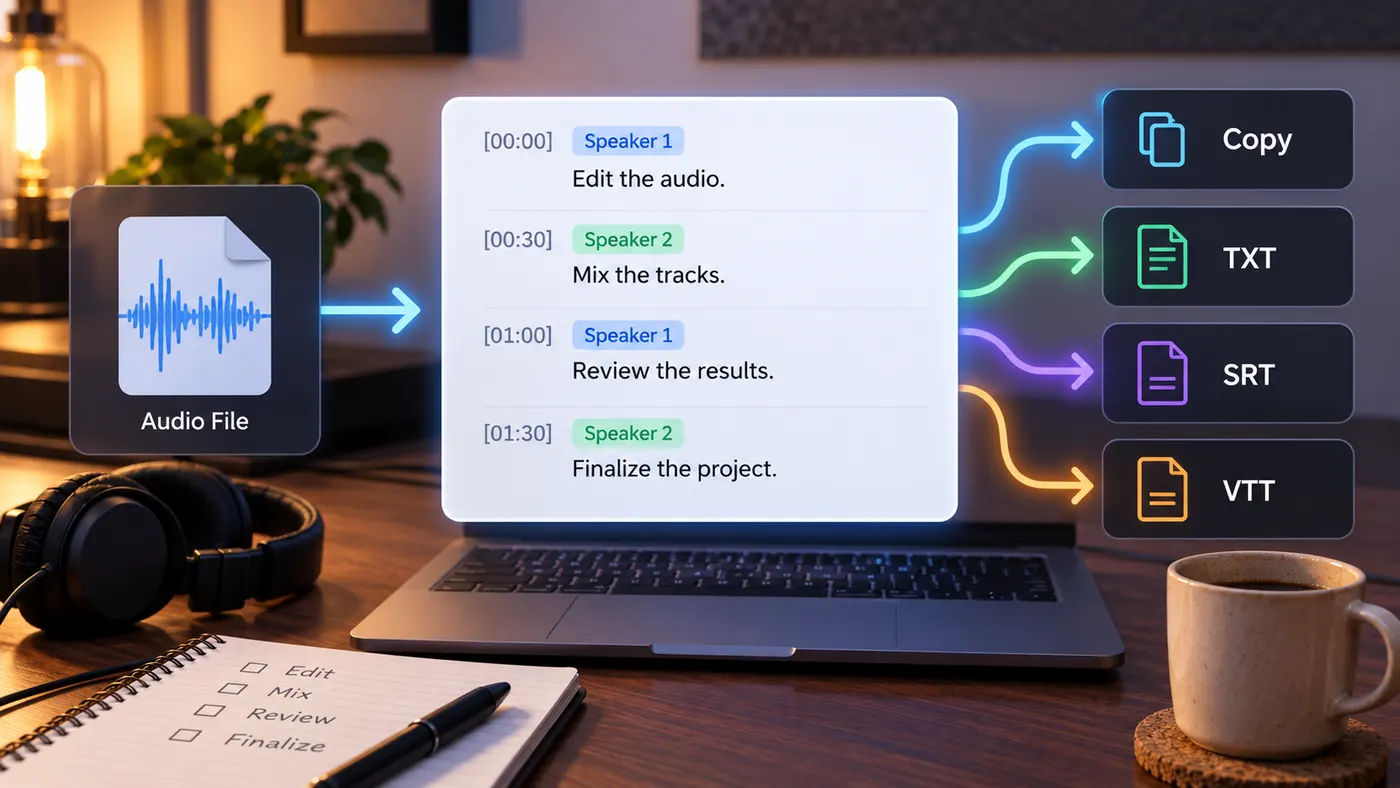
Upload the audio, run the transcription once, and get text you can copy, edit and export.
How to transcribe audio
Step 1
Choose the recording
Drop an audio file into the upload area or pick it from your device. MP3, M4A, WAV, AAC, FLAC and OGG are accepted.
Step 2
Preview and sign in
Play a few seconds to confirm it is the right file. Nothing is transcribed yet. Sign in when you are ready to run it.
Step 3
Run the transcription
Press the button to transcribe. The run costs 4 credits per minute of audio, rounded up, on the Pro plan.
Step 4
Copy or export
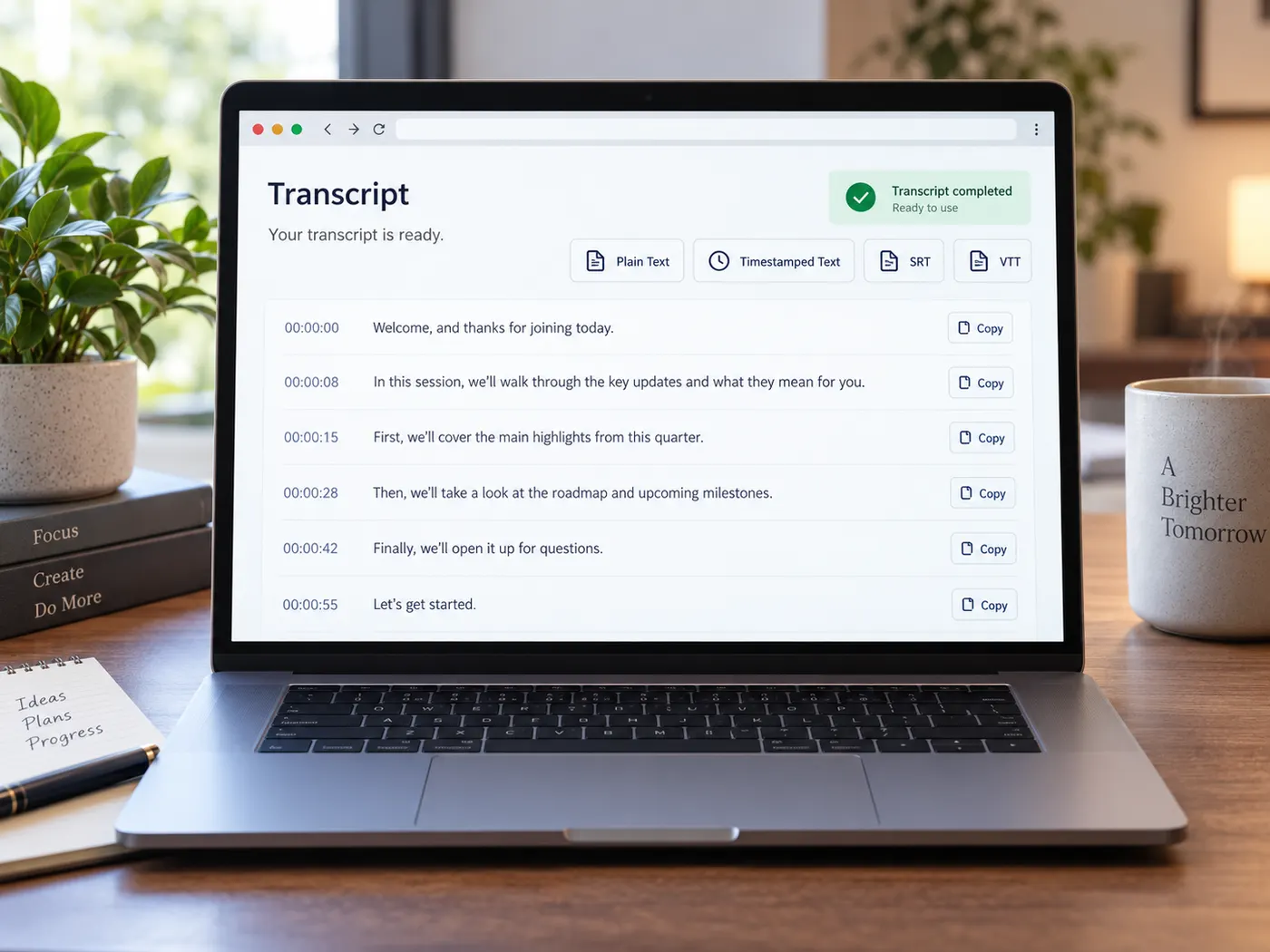
Read the transcript, copy it, or download it as plain text, timestamped text, SRT or VTT when timing is available.
Common audio formats
MP3, M4A, WAV, AAC, FLAC and OGG go in as they are.
No separate converter step before you transcribe.
Timestamped lines
Lines keep their start time when timing comes back.
Find a quote again without replaying the whole file.
Four export formats
Plain text, timestamped text, SRT and VTT.
Or copy the transcript straight into your notes.
Preview before you pay
The file plays in your browser first.
Transcribing is a separate button, never automatic.
Clear per-minute cost
4 credits per minute of audio, rounded up.
A failed run releases the credits it reserved.
Plain text you own
The result is ordinary text, not a locked format.
Paste it into a doc, a CMS or a subtitle editor.
Tips for a cleaner audio transcript
A few habits that make the text easier to use afterwards.
What this tool gives you
| What you get | A real preview or structured result produced by the embedded tool, with a download or export action when available. |
|---|---|
| On this page | The tool itself, step-by-step guidance, honest examples, and related tools — all on this same page. |
| Best for | Transcribe audio into timestamped text when you want a direct browser workflow without leaving the page. |
What people transcribe
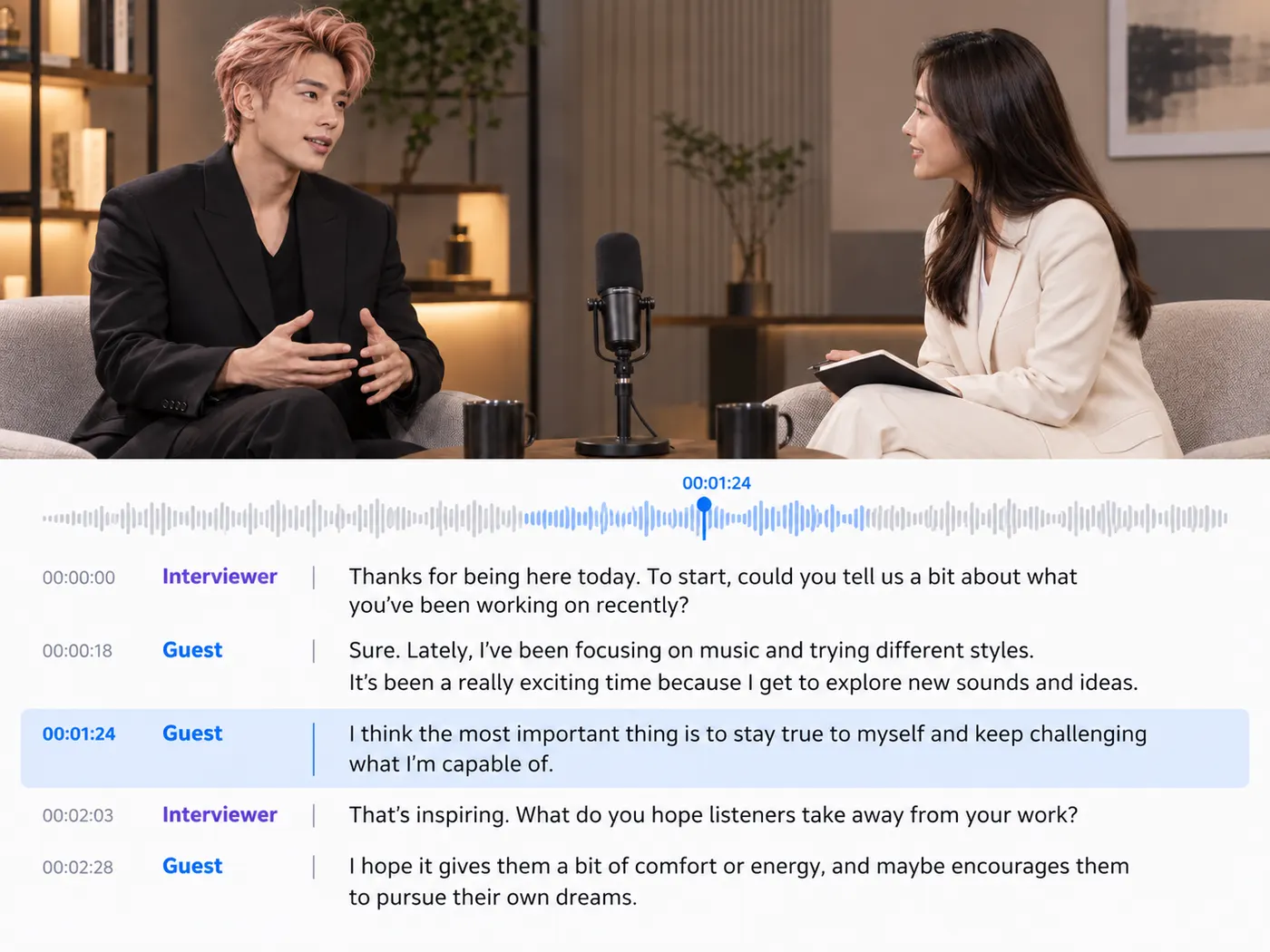
Interviews
Get every answer in writing, then pull exact quotes with the time they were said.
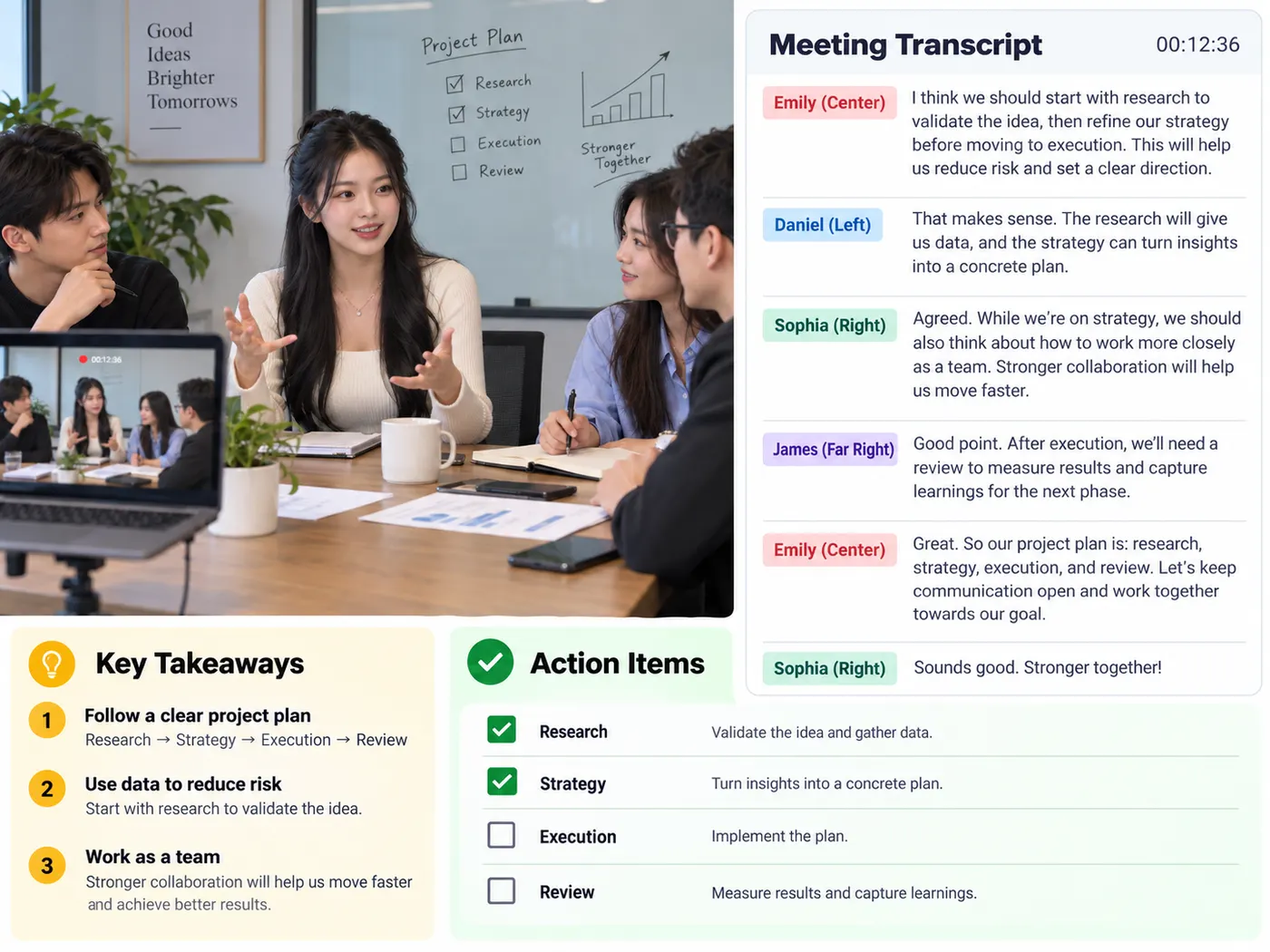
Meetings and calls
Turn a recorded call into text you can search for decisions and action items.

Lectures
Make a searchable study copy of a class recording and revise from the text.
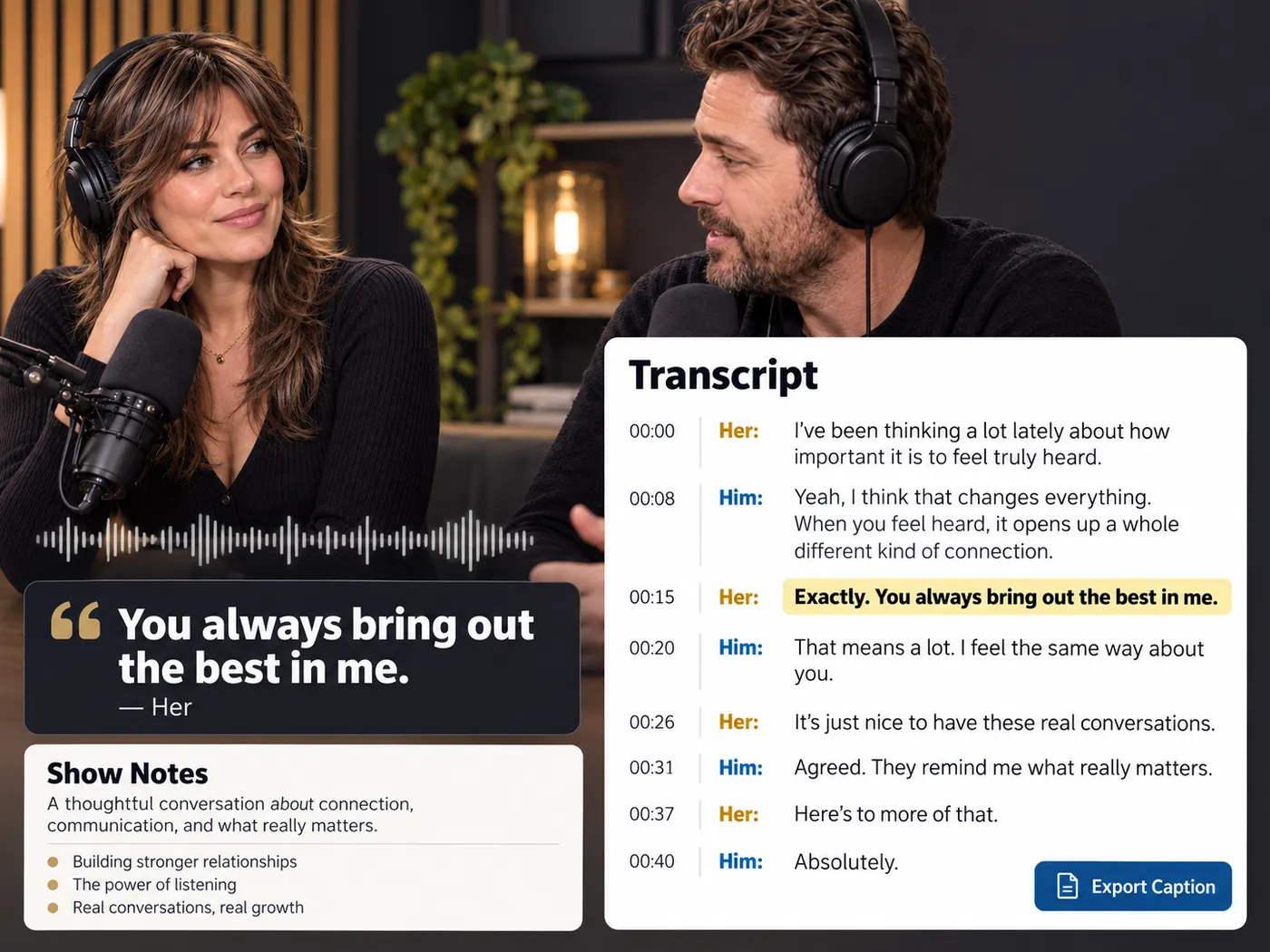
Podcast episodes
Start show notes, quotes or captions from the episode audio.
Voice notes
Get ideas you spoke into your phone into a document while they are still fresh.
Research recordings
Keep a working transcript beside the original audio while you check names, figures and wording.
More gistmint tools
- Video TranscriptionTranscribe a video file into timestamped text.
- M4A TranscriberUpload an M4A voice memo or recording.
- Audio to TextConvert a recording into editable text.
- Video to TextGet the spoken words out of a video file.
- MP3 to TextUpload an MP3 and get its transcript.
- Video SummarizerTimestamped key points of a YouTube video (Pro).
Simple, honest pricing
Copying and exporting a transcript you already have is free. New transcripts use credits — pick a plan when you need more.
- Free
- $0 — 5 credits on sign-up
- ProPopular
- $9.99/mo — 600 credits
Turn your recording into text
Upload the audio you already have, run one transcription, and keep the text, the timing and the export you need.