Free preview with clear credit pricing
Podcast transcripts with timestamps
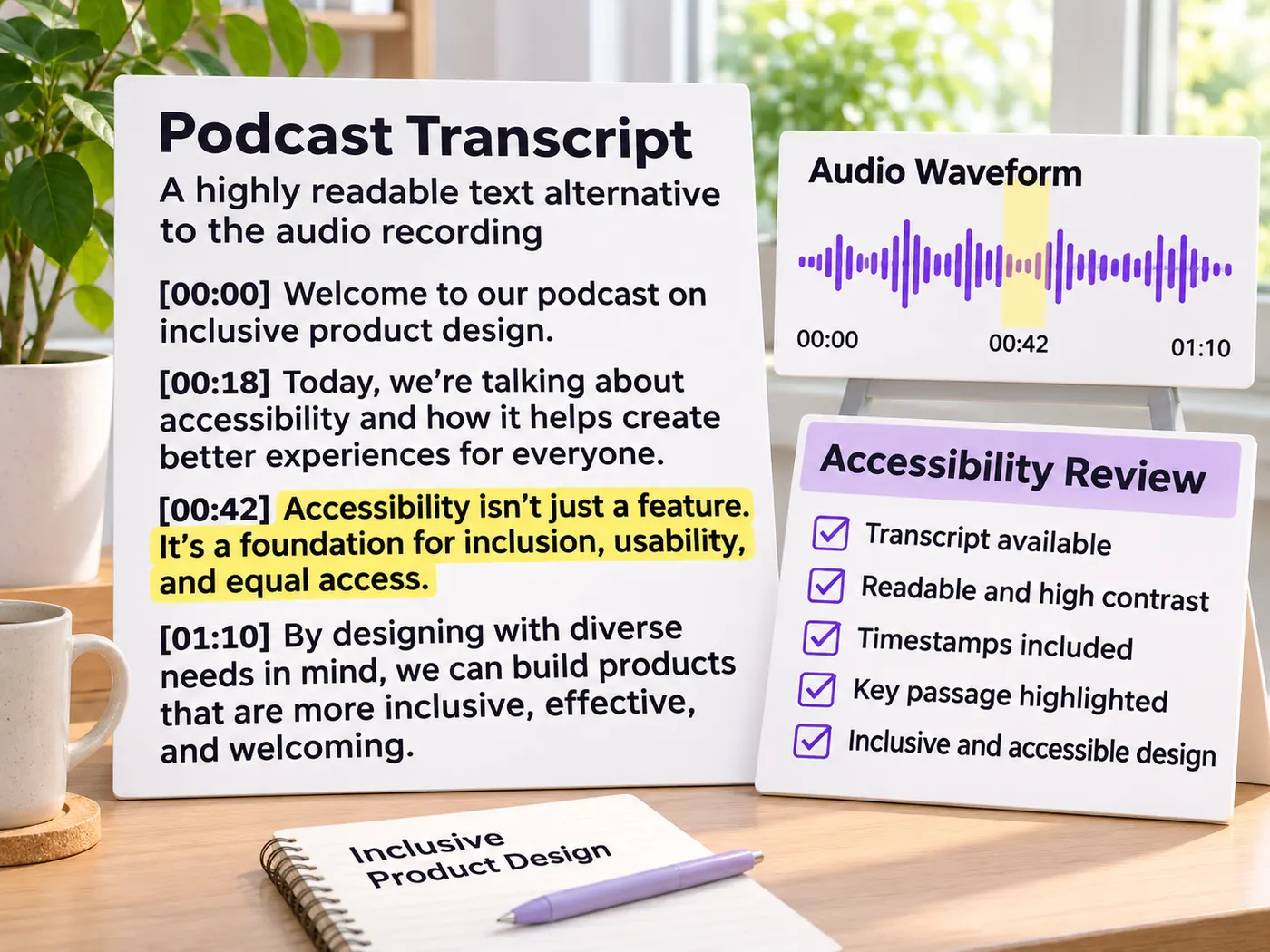
Upload audio and get timestamped text when timestamps are included, then scan, quote, copy, and use the result for show notes or accessibility. Podcast transcripts become easier to revisit.
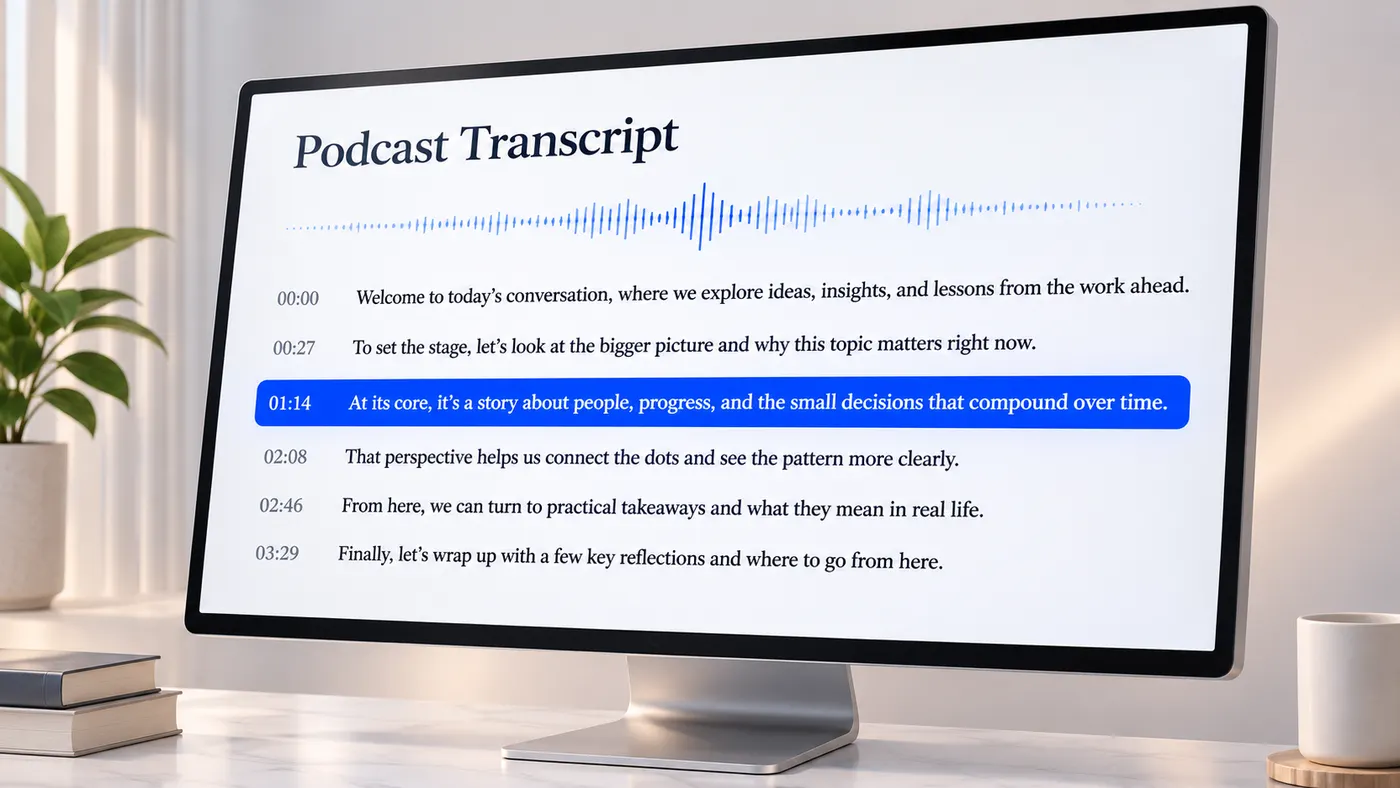
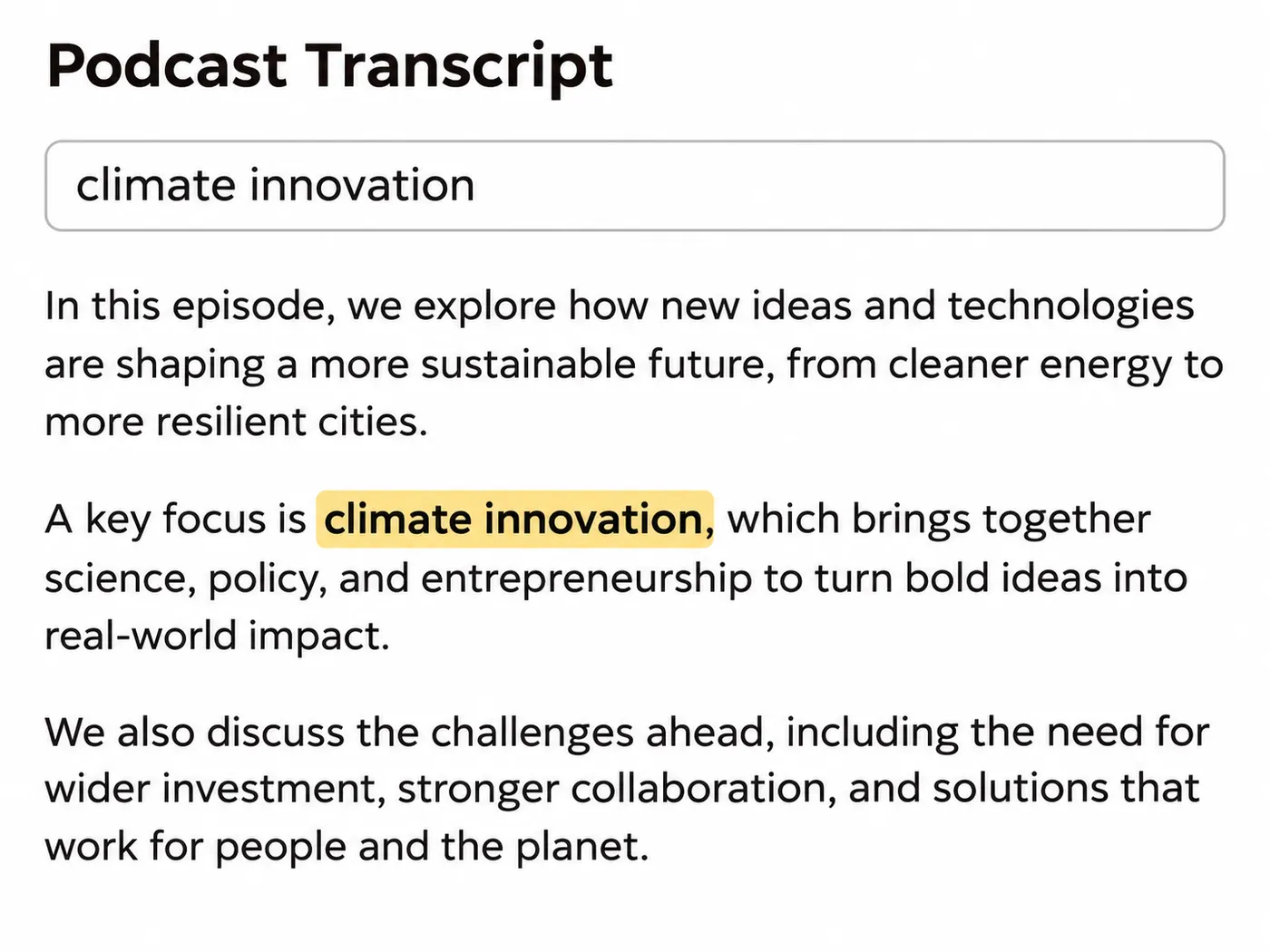
Searchable episode text
Podcast transcripts turn an uploaded episode into readable text, letting you scan a passage, search for a phrase, and quote the exact wording without replaying the audio. The generated result keeps the spoken content available in a form you can revisit.
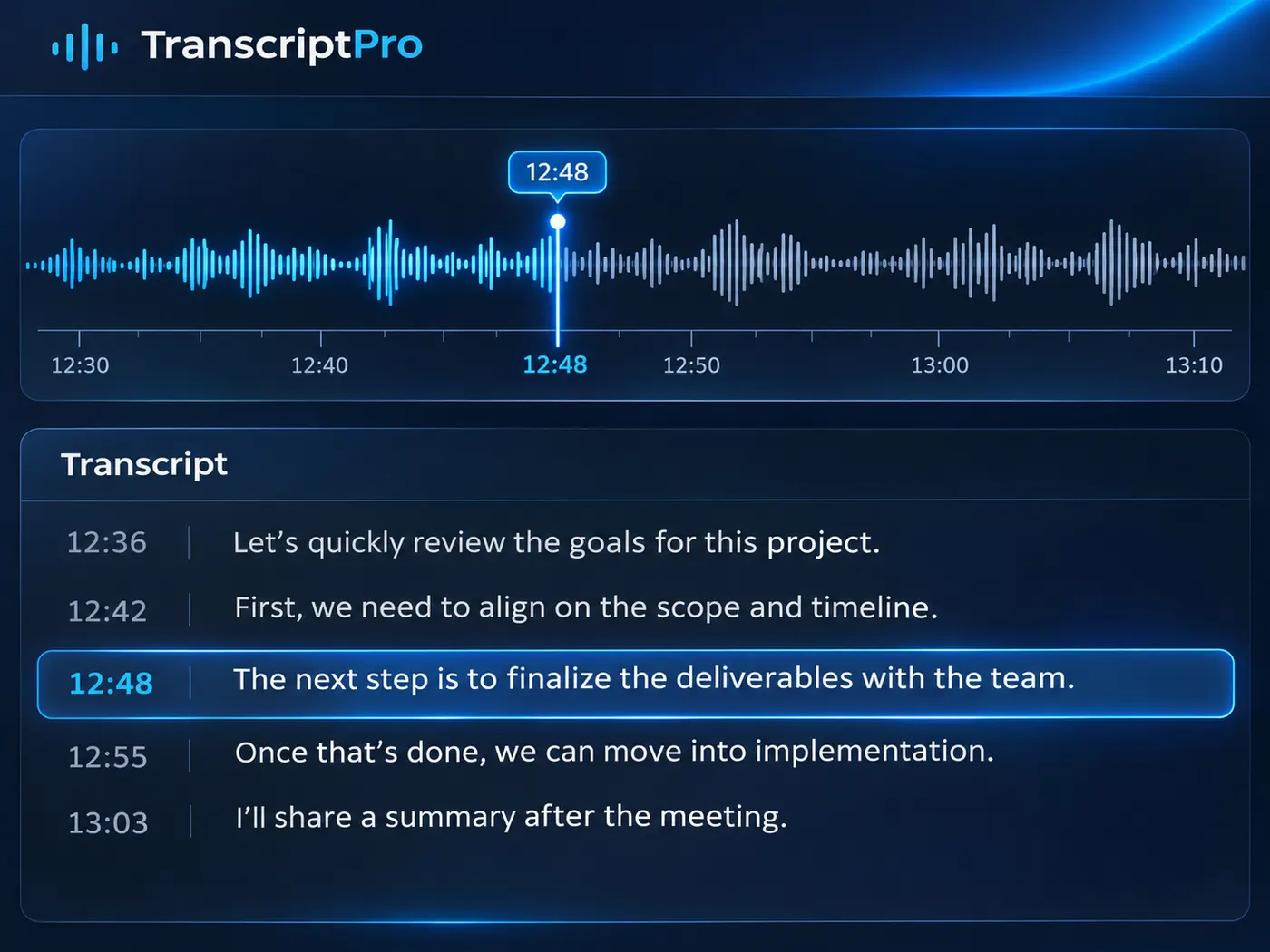
Timestamps for reference
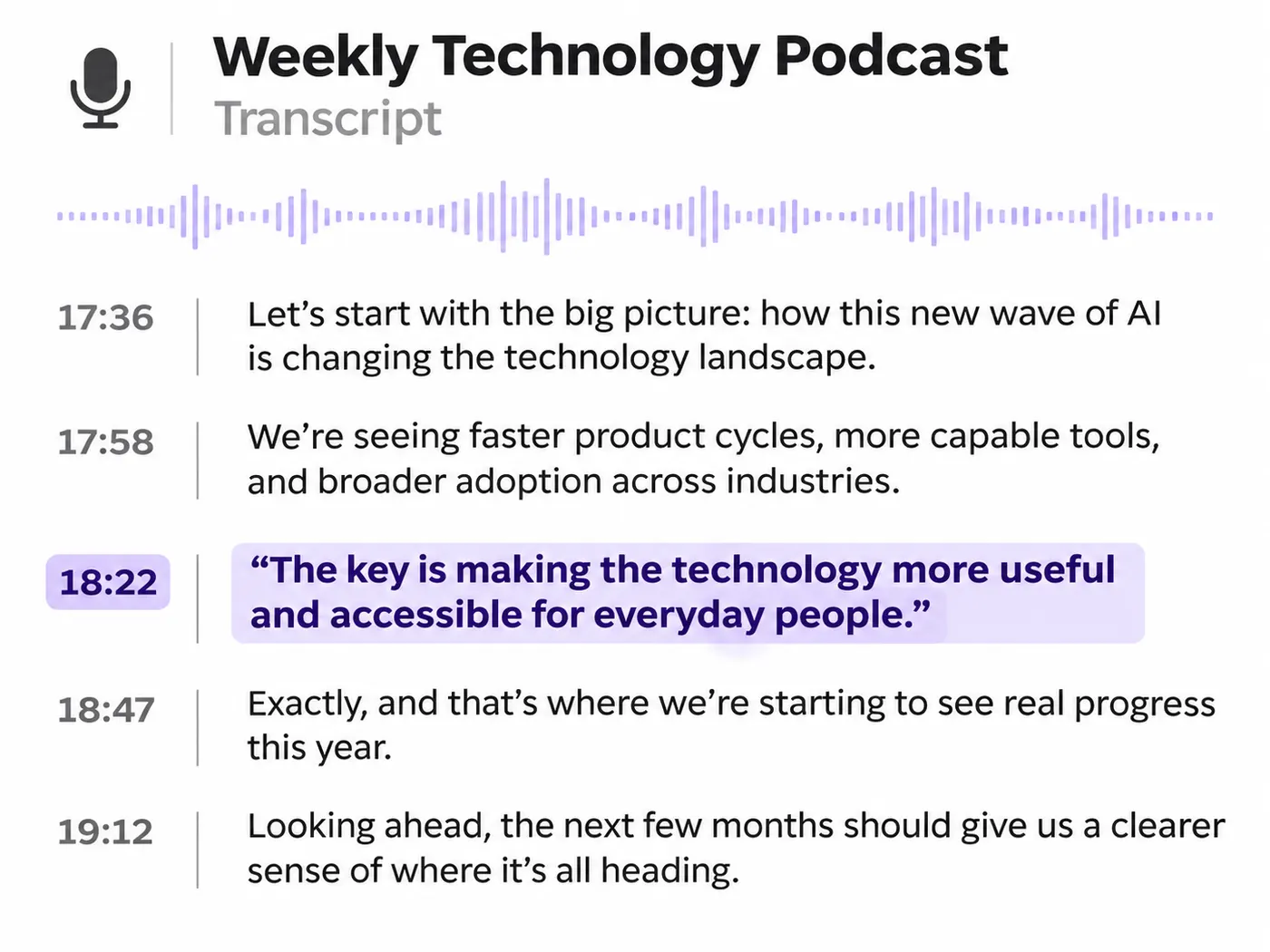
Timestamp support connects selected lines with their place in the recording when timestamps are included. Podcast transcripts become easier to check against the audio, which helps creators prepare notes and readers return to a specific moment.
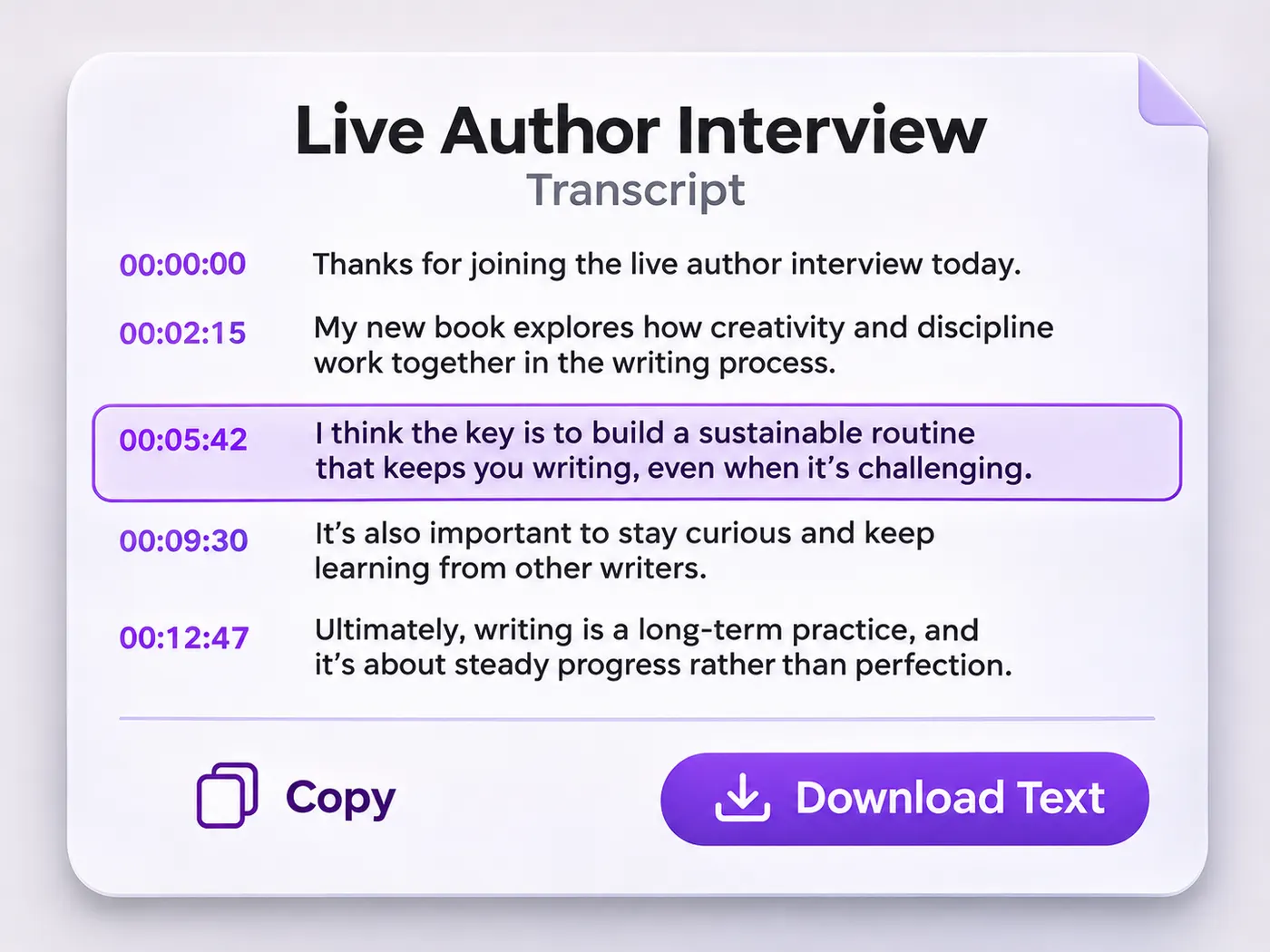
Copy-ready transcript
Podcast transcripts can be copied for show notes, while “podcast transcript ai free” describes the free-preview intent many users have. After the preview, you can decide whether full podcast transcripts fit the file and its credit budget.
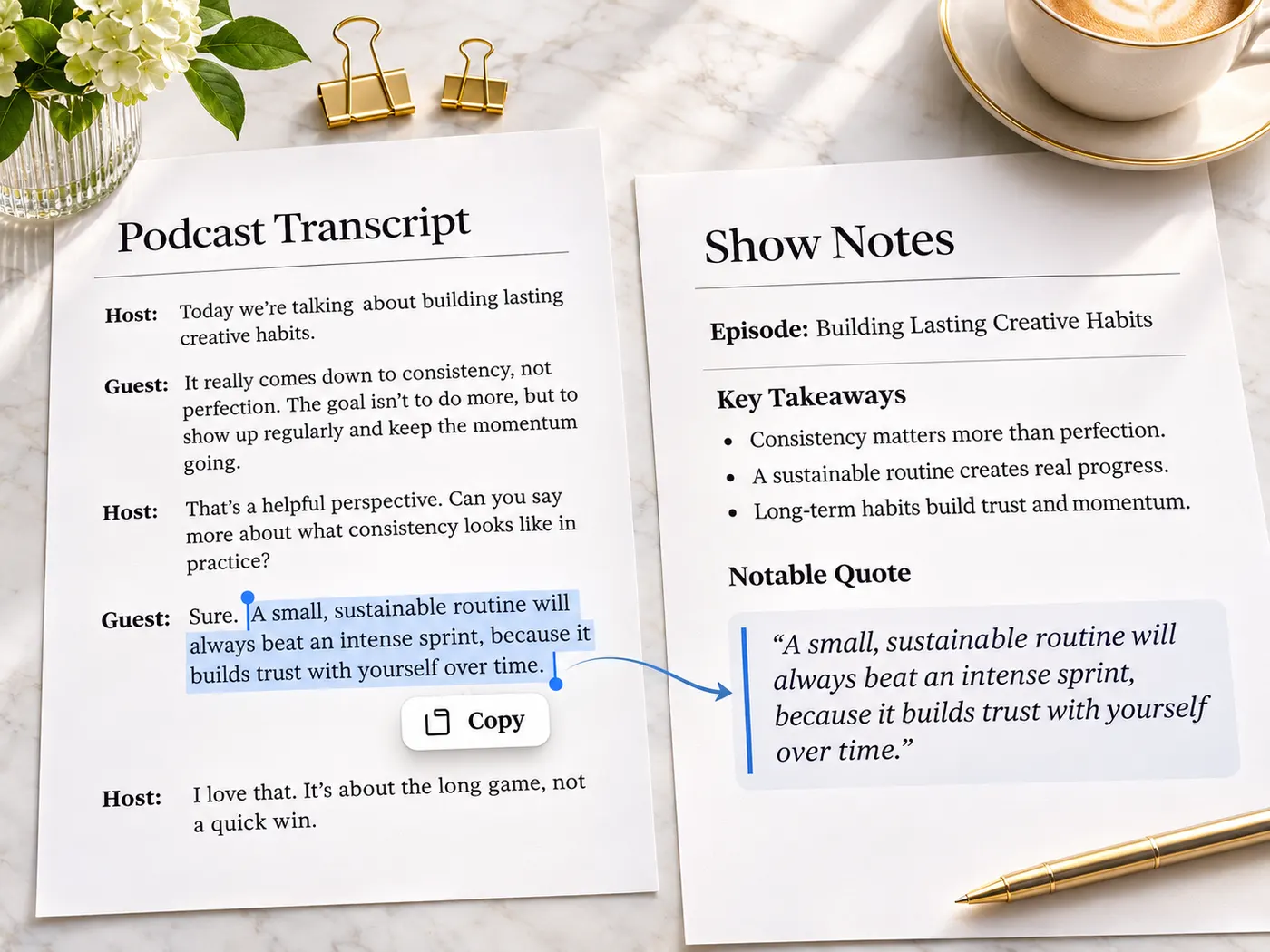
From audio file to readable transcript
Upload an episode, wait for transcription, and move from spoken audio to text you can read and reuse.
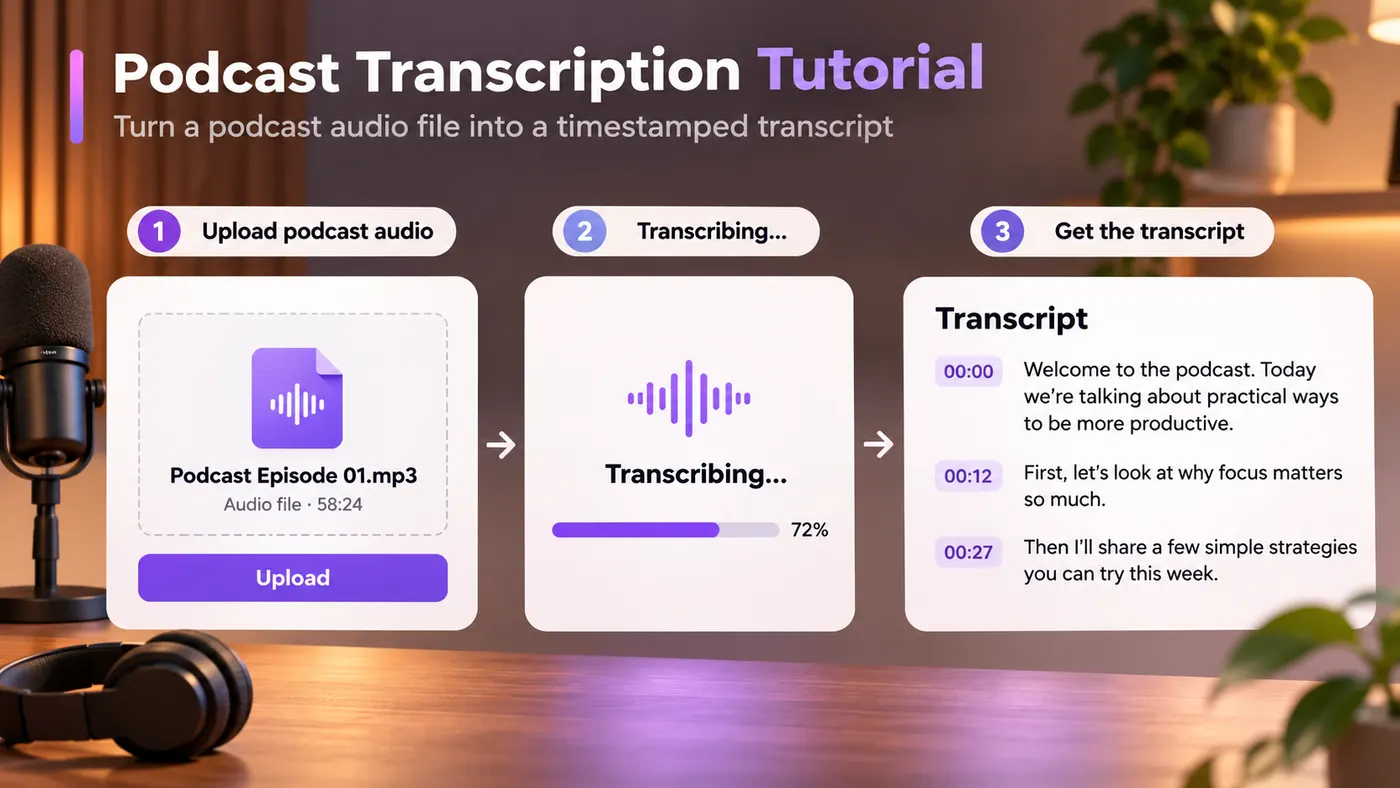
How to transcribe an episode
1
Upload audio
Choose one MP3, M4A, WAV, AAC, FLAC, OGG, or another accepted audio file. The tool accepts one audio file at a time.
2
Start transcription
Select Transcribe audio to begin. Podcast transcripts are generated from the uploaded file, with the job status shown while the tool listens.
3
Review the result
Read the returned text, check the passages you need, and use timestamps when they are included in your result. No manual typing is required.
4
Copy or download
Search or scan the text, copy a passage, or download .txt. Podcast transcripts stay ready for quoting, notes, and accessibility work after processing.
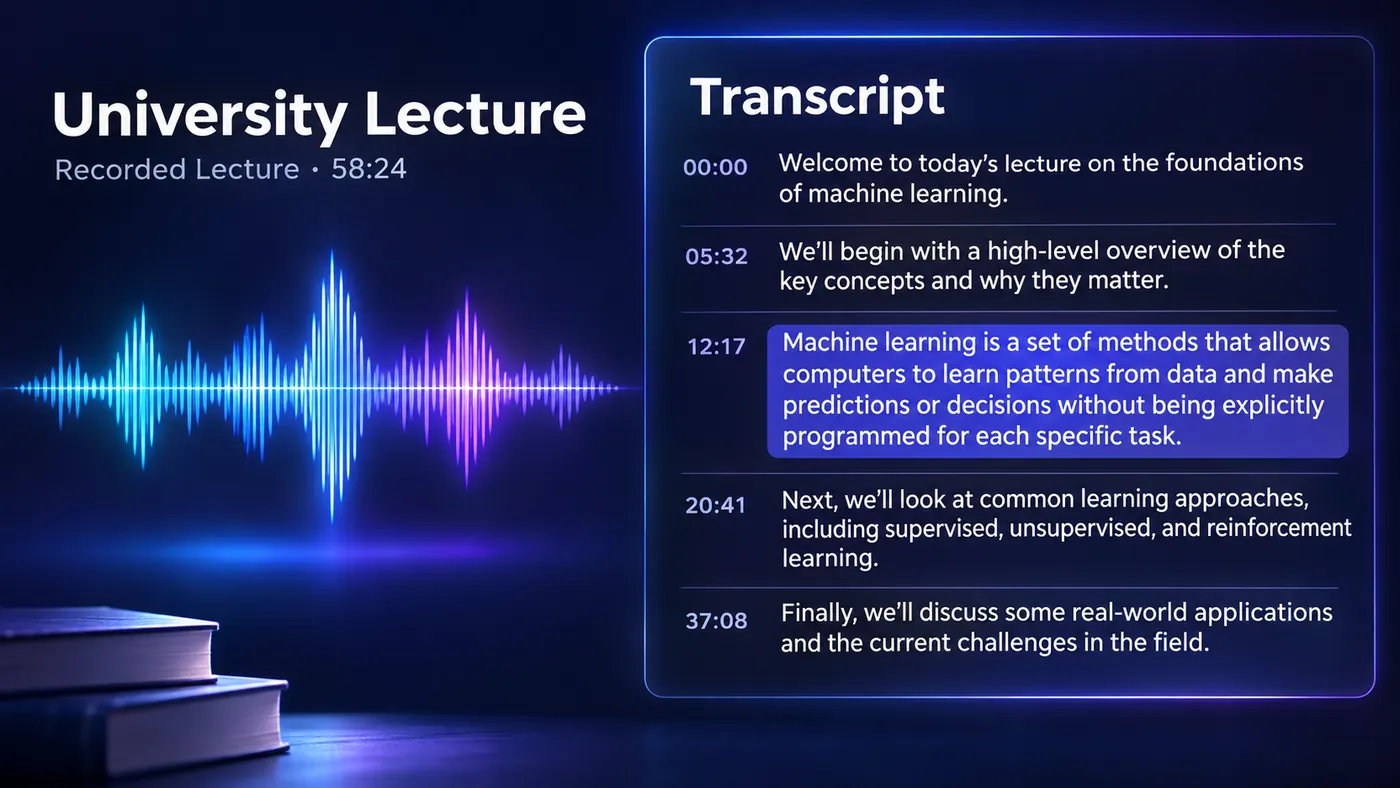
Read without replaying
An uploaded episode becomes a text view that is easier to scan because podcast transcripts turn spoken audio into readable words you can quote without replaying the same section.
Return to key passages
For a specific name, idea, or passage, podcast transcripts are easier to revisit than another full listen.
Reference timestamps
When Pro timestamp output is available, podcast transcripts include time markers that connect a written line with its place in the episode.
Upload common formats
Upload MP3, M4A, WAV, AAC, FLAC, OGG, and other audio accepted by the uploader.
Preview before processing
This podcast transcription workflow offers a free preview before paid processing; credit use is 4 credits per minute, rounded up to a whole minute.
Know the limits
The output can be copied or downloaded as .txt, but podcast transcripts do not pull episodes from podcast-app links or promise speaker labels.
Small details that help
A clear text result makes important lines easier to find and reuse.
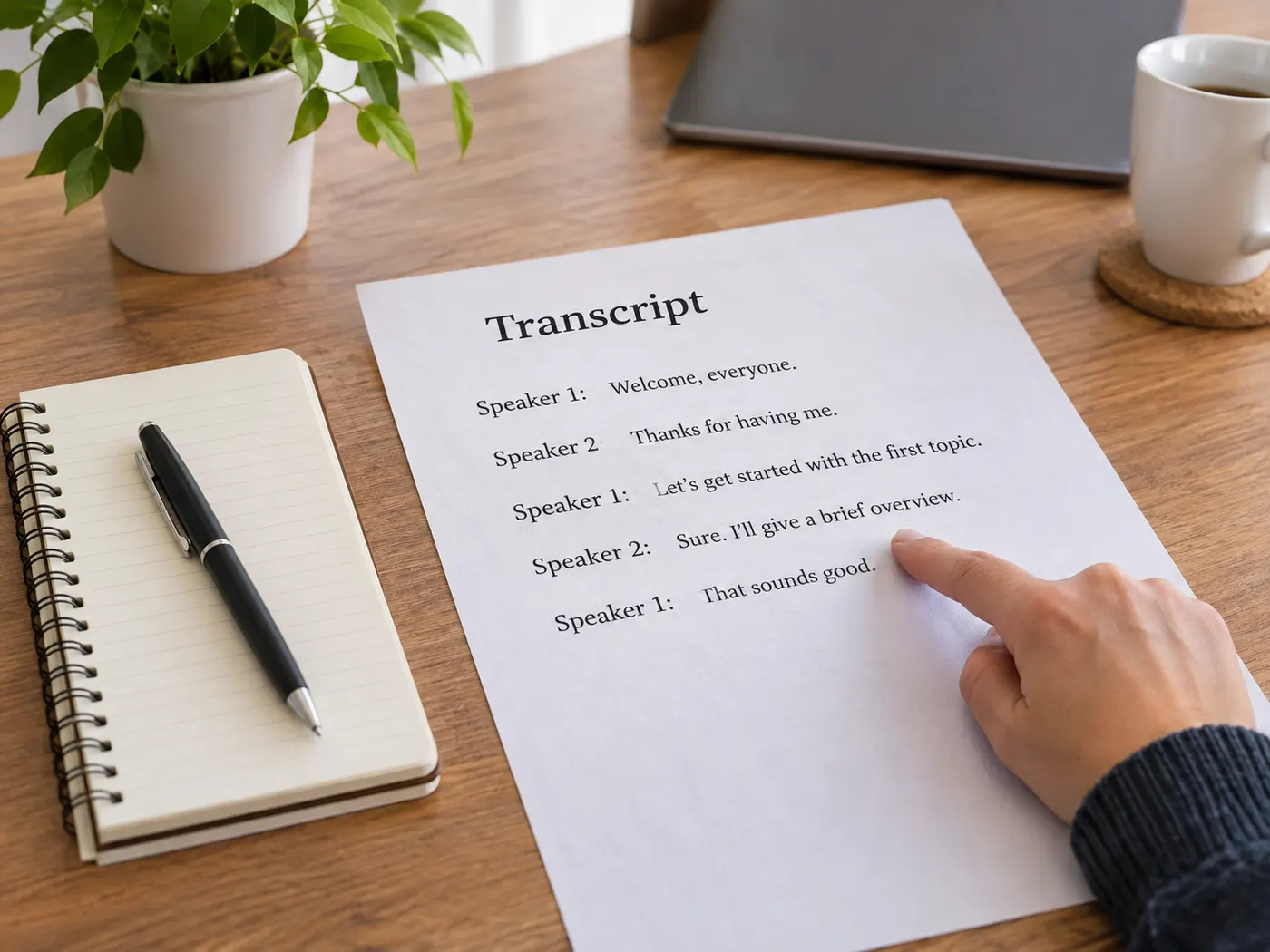
What this tool gives you
| What you get | A real preview or structured result produced by the embedded tool, with a download or export action when available. |
|---|---|
| On this page | The tool itself, step-by-step guidance, honest examples, and related tools — all on this same page. |
| Best for | Podcast transcripts with timestamps when you want a direct browser workflow without leaving the page. |
Who uses episode transcripts
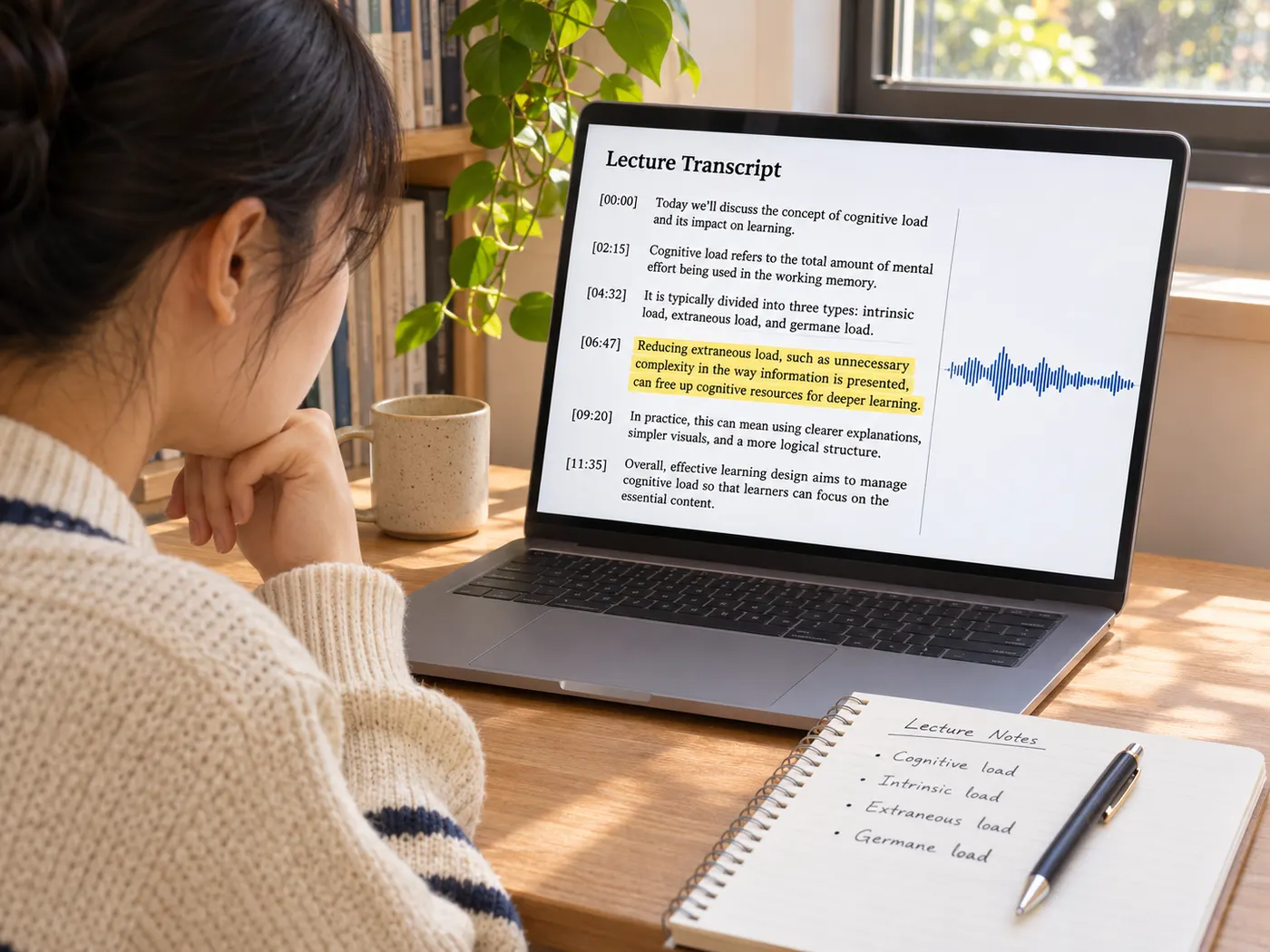
Students
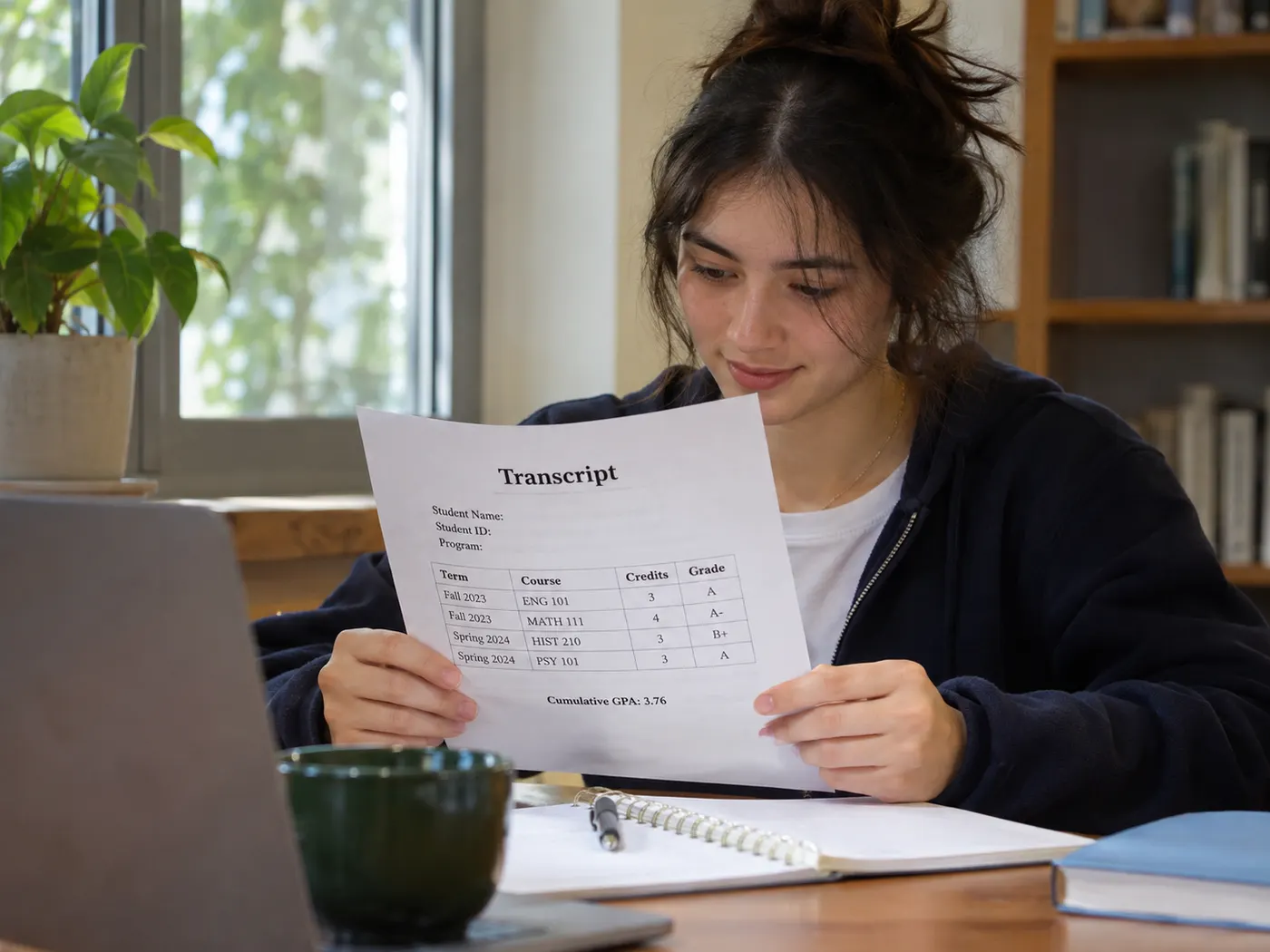
Podcast transcripts let students scan lectures, quote a passage, and revisit key ideas.
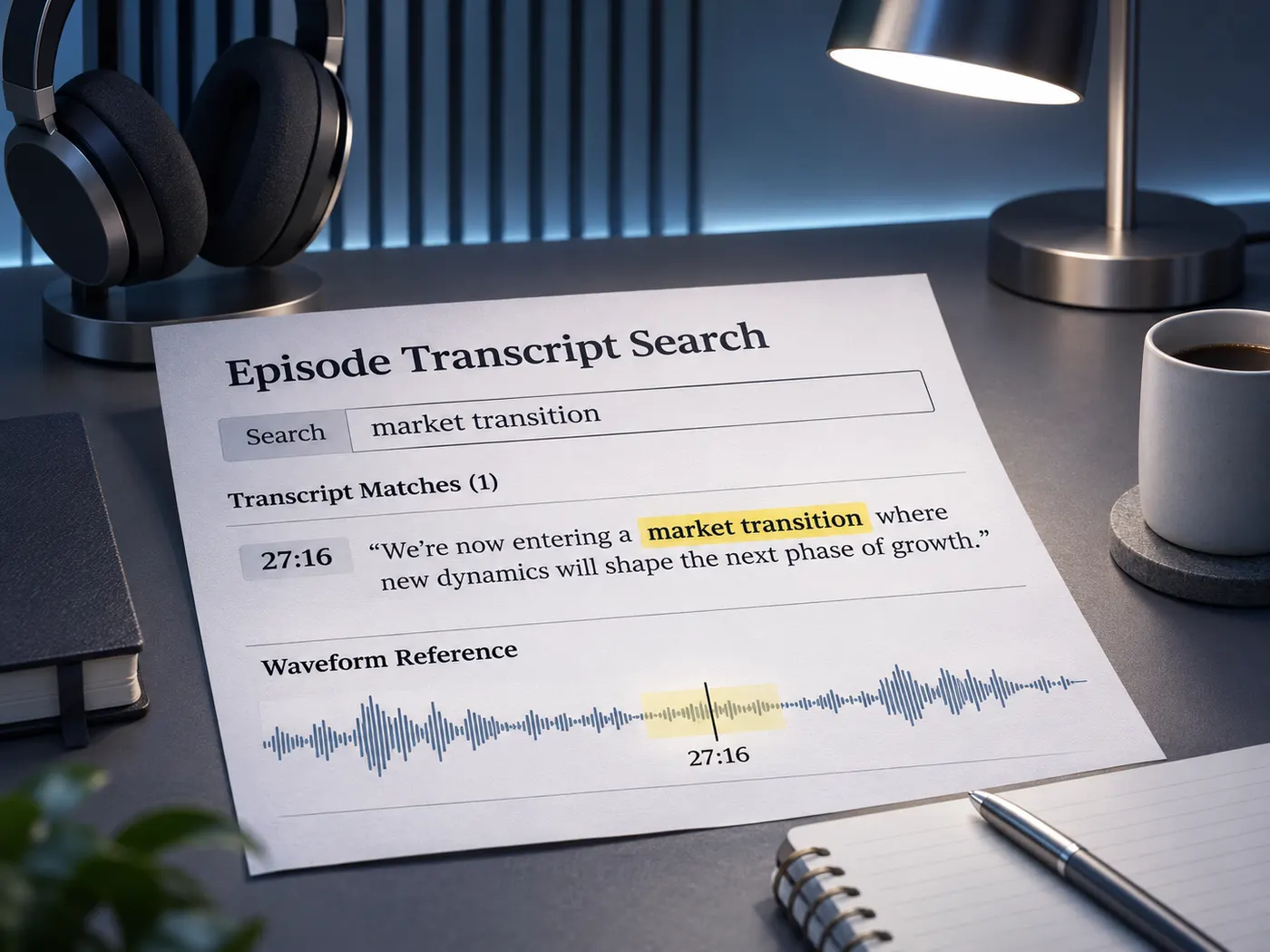
Researchers
Researchers can search an episode’s wording before citing or comparing a discussion.
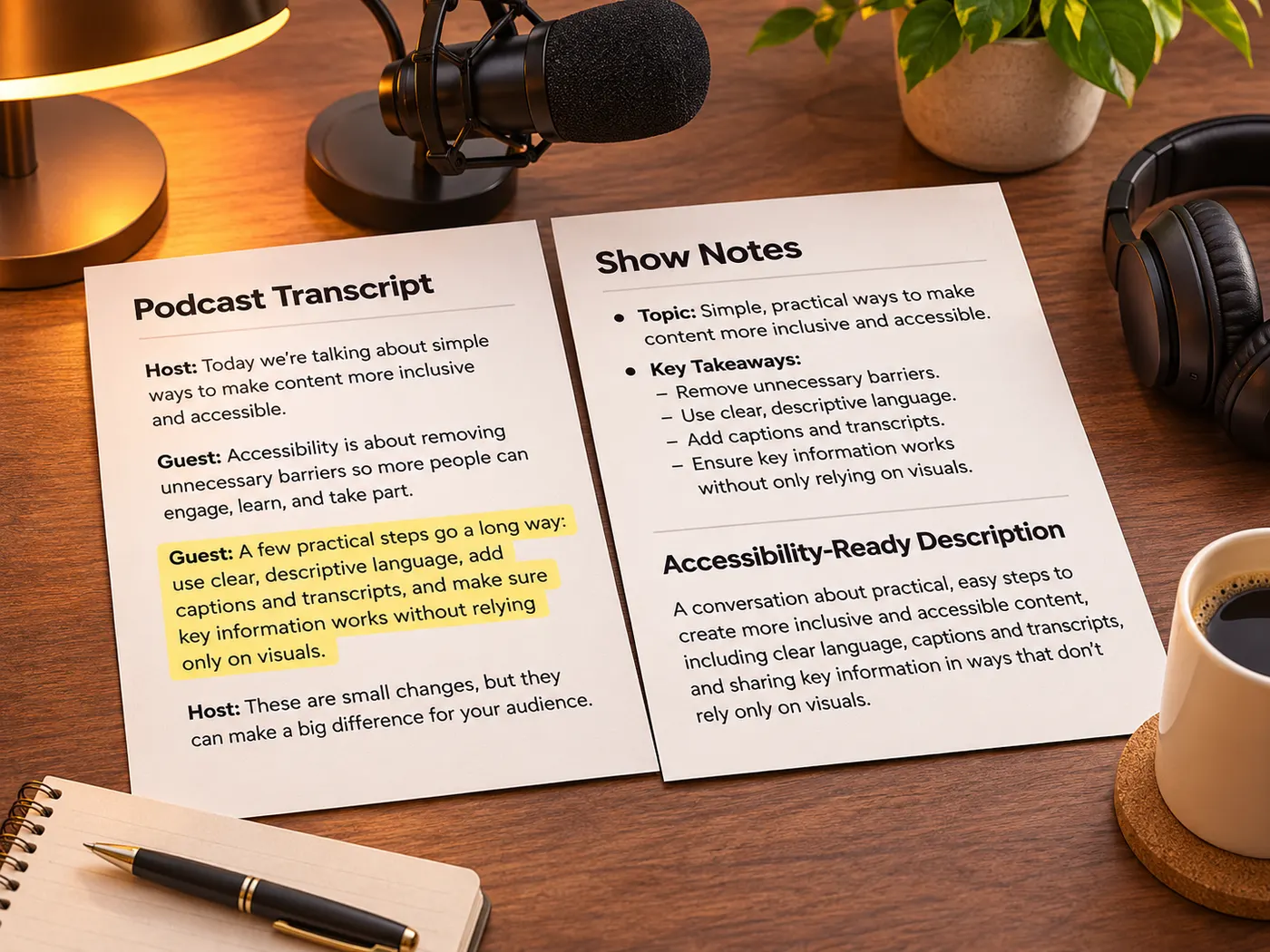
Show creators
Show creators can adapt the text for notes, descriptions, and accessibility work.
Accessibility teams
Podcast transcripts provide a readable alternative when listening is not practical.
Editors
Editors can locate a phrase quickly before checking the original audio.

Busy listeners
Busy listeners can review the important passage without replaying an entire episode.
Questions about the tool
- What does this tool create?
- The tool creates readable text from an uploaded episode; podcast transcripts support scanning, quoting, show notes, and accessibility. A podcast transcript is generated from the audio file you provide, not fetched from a podcast-app link.
- Can I preview the result for free?
- Yes, a free preview is available before paid processing, so you can inspect podcast transcripts before deciding whether to continue. Transcription uses 4 credits per minute of audio, rounded up to the whole minute.
- Which audio formats does it accept?
- It accepts MP3, M4A, WAV, AAC, FLAC, OGG, and other audio accepted by the uploader. Podcast transcripts can be made from one uploaded audio file after you start transcription.
- Are timestamps included in the text?
- Timestamps are included in the Pro result when available. Podcast transcripts can connect a passage with its position in the episode, but the page does not promise speaker labels.
- Can I copy or download the output?
- Yes, the result can be read, copied, and downloaded as a .txt file after processing. Podcast transcripts are practical for quoting, notes, and later reference.
- Can it transcribe an episode from a link?
- No, upload an audio file here instead of relying on a podcast-app link. Podcast transcripts require the file you provide, and the tool does not promise automatic speaker labels.
Simple, honest pricing
Copying and exporting a transcript you already have is free. New transcripts use credits — pick a plan when you need more.
- Free
- $0 — 5 credits on sign-up
- ProPopular
- $9.99/mo — 600 credits
Start with an audio file
Upload an episode to preview its text, review timestamps when available, then copy or download the result.