MP4, MOV, WebM, M4V & MKV · spoken words as text · preview before you run
Video to text, straight from the file
Convert video to text when the words matter more than the picture: a screen recording, a talk, a product demo or a clip you filmed yourself. Upload the video file, run the conversion, and get the spoken words back as text you can copy, search and export.
Video to text without extracting the audio first
You do not need to pull the soundtrack out of a video before converting it. Upload the MP4, MOV, WebM, M4V or MKV you already have; the page previews it in your browser, and the transcription listens to the audio track for you.
Text that points back to the video
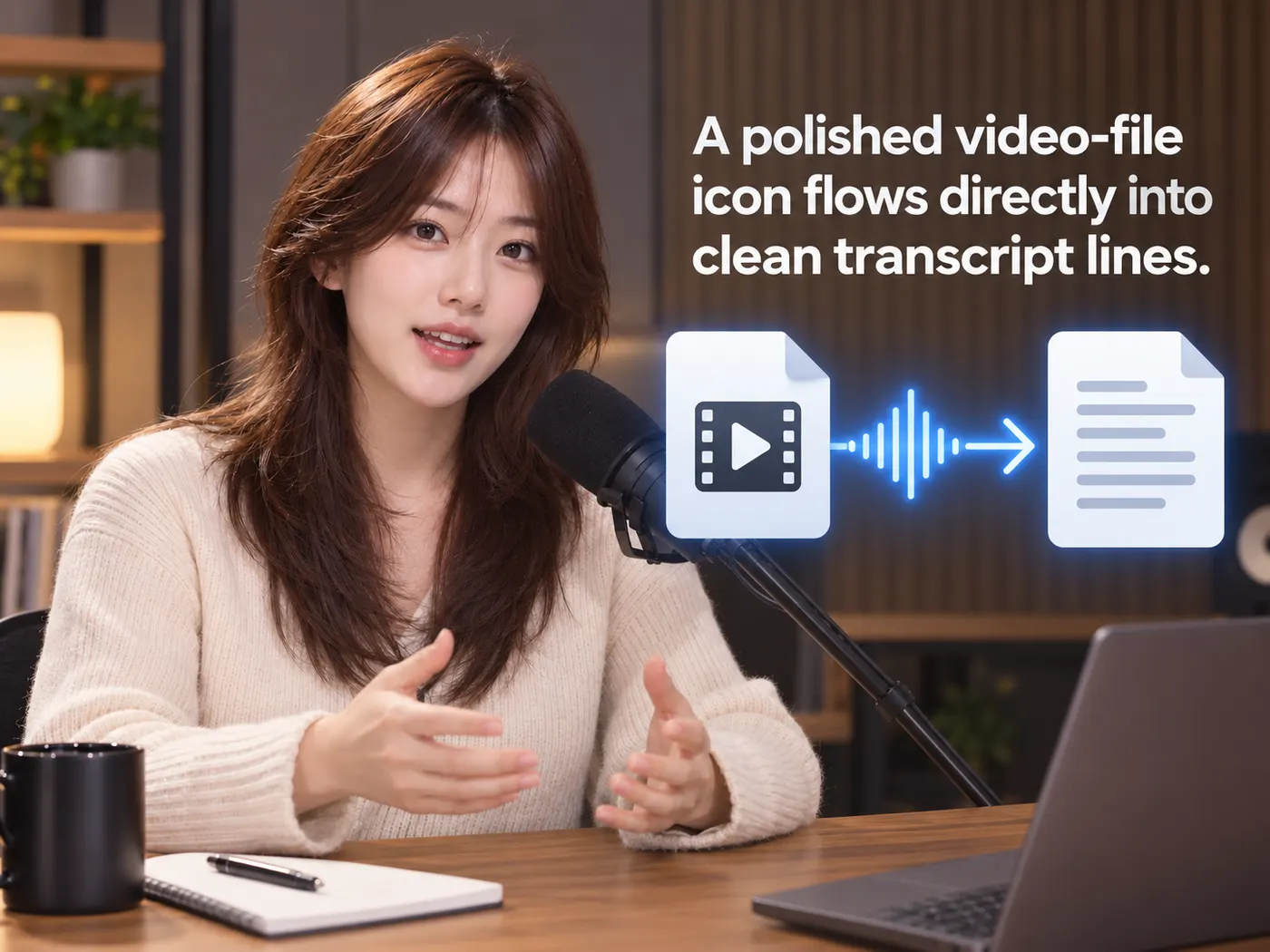
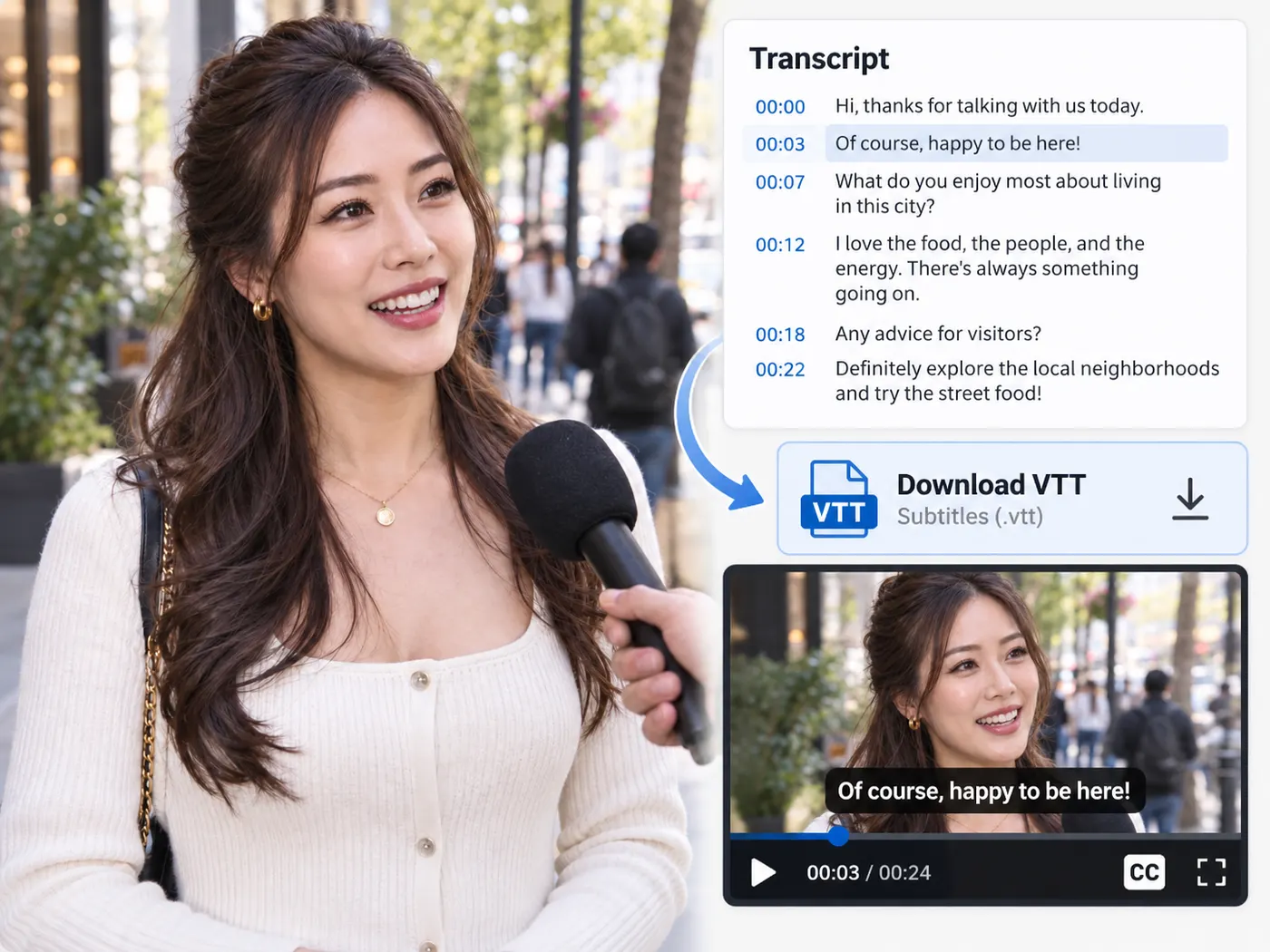
With timing kept, every line tells you where it is in the video. That makes it easy to cut a clip around a quote, write chapter markers, or export SRT and VTT captions that line up with the original footage.

Only the conversion costs credits
Uploading and previewing the video are free. Converting it is part of the Pro plan and costs 4 credits per minute of audio, rounded up to the whole minute. If the run fails, the credits reserved for it are released.
From footage to text
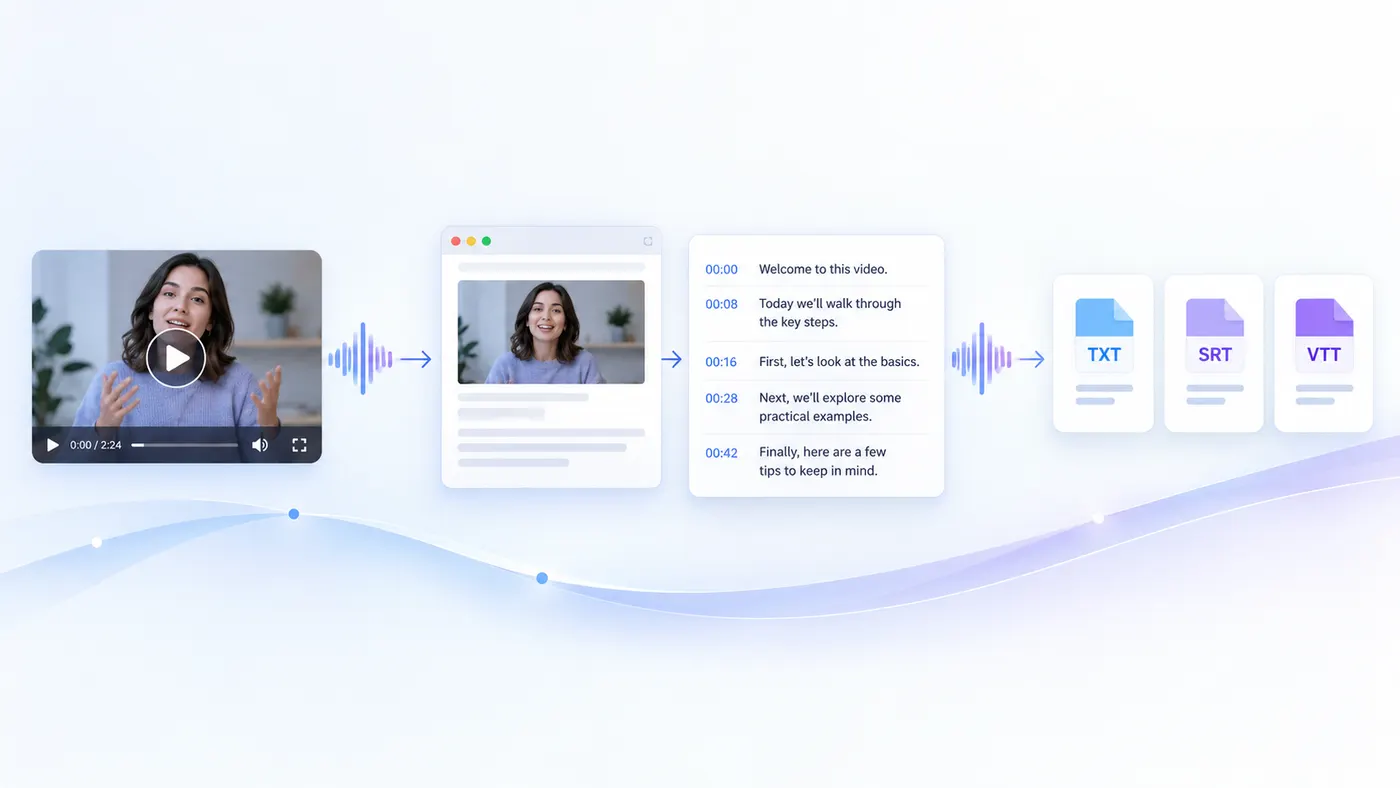
Upload a video, convert it once, and work with the words instead of scrubbing the timeline.
How to convert video to text
Step 1
Upload the video
Drop in an MP4, MOV, WebM, M4V or MKV file, or choose it from your device.
Step 2
Preview it
Make sure it is the right video. Nothing is converted until you press the button, and you sign in first.
Step 3
Convert to text
Run the conversion: 4 credits per minute of audio, rounded up, on the Pro plan.
Step 4
Copy or export
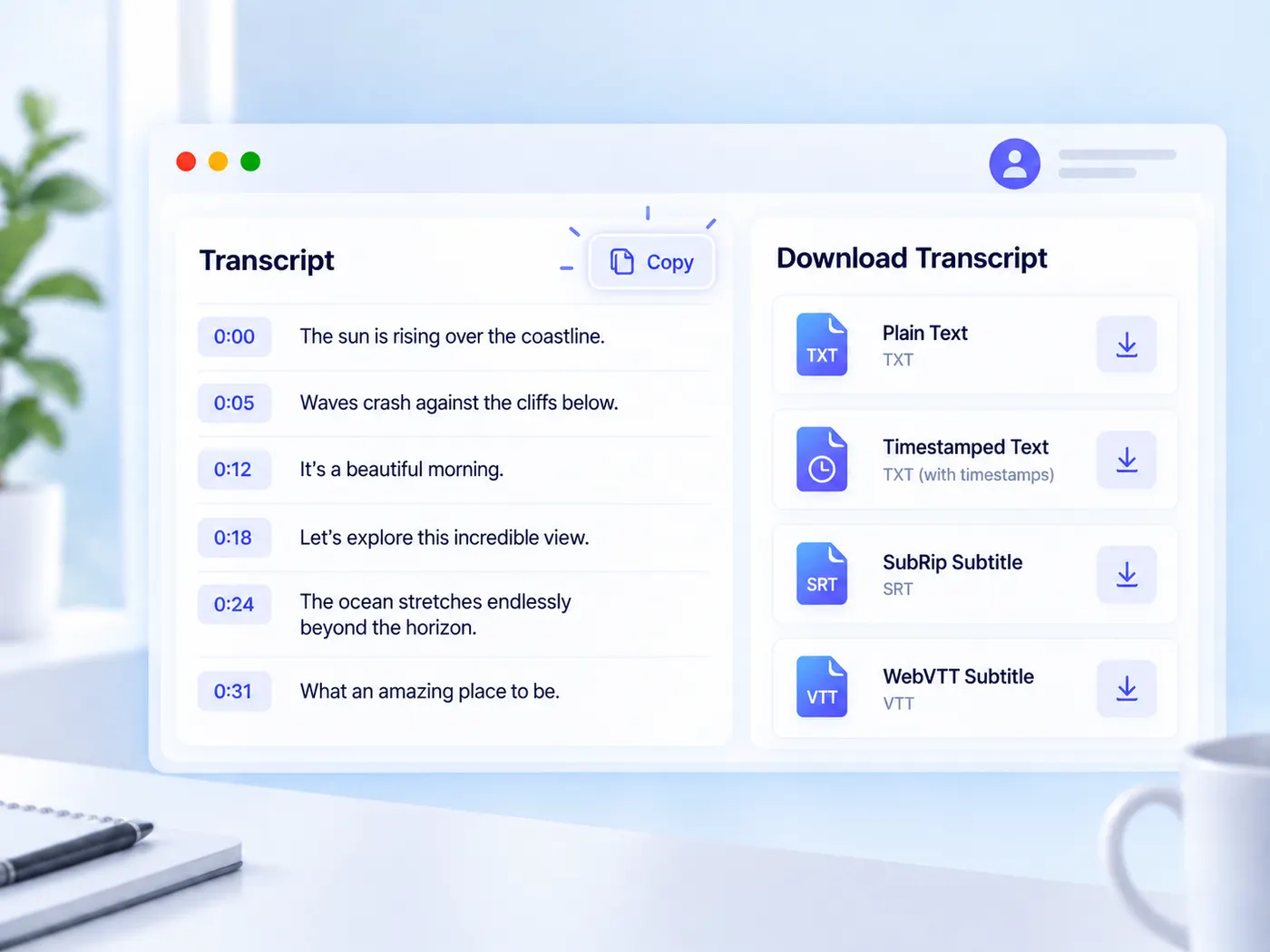
Copy the text, or download TXT, timestamped TXT, SRT or VTT when timing is available.
Upload the video as is
MP4, MOV, WebM, M4V and MKV.
No audio extraction step on your side.
Timestamped output
Lines keep their place in the video.
Useful for clips, chapters and captions.
Caption-ready exports
SRT and VTT for video players and editors.
Plain or timestamped TXT for reading.
Preview first
The video plays in your browser before processing.
Converting is always a separate click.
Per-minute pricing
4 credits per minute of audio on Pro.
A failed run releases its credits.
Searchable footage
Search the text instead of scrubbing the timeline.
Jump to the moment you need.
Video-to-text tips
How to get text you can use straight away.



What this tool gives you
| What you get | A real preview or structured result produced by the embedded tool, with a download or export action when available. |
|---|---|
| On this page | The tool itself, step-by-step guidance, honest examples, and related tools — all on this same page. |
| Best for | Video to text, straight from the file when you want a direct browser workflow without leaving the page. |
Videos people turn into text

Talks and webinars
Get a written version of a presentation to quote, share or turn into a blog post.
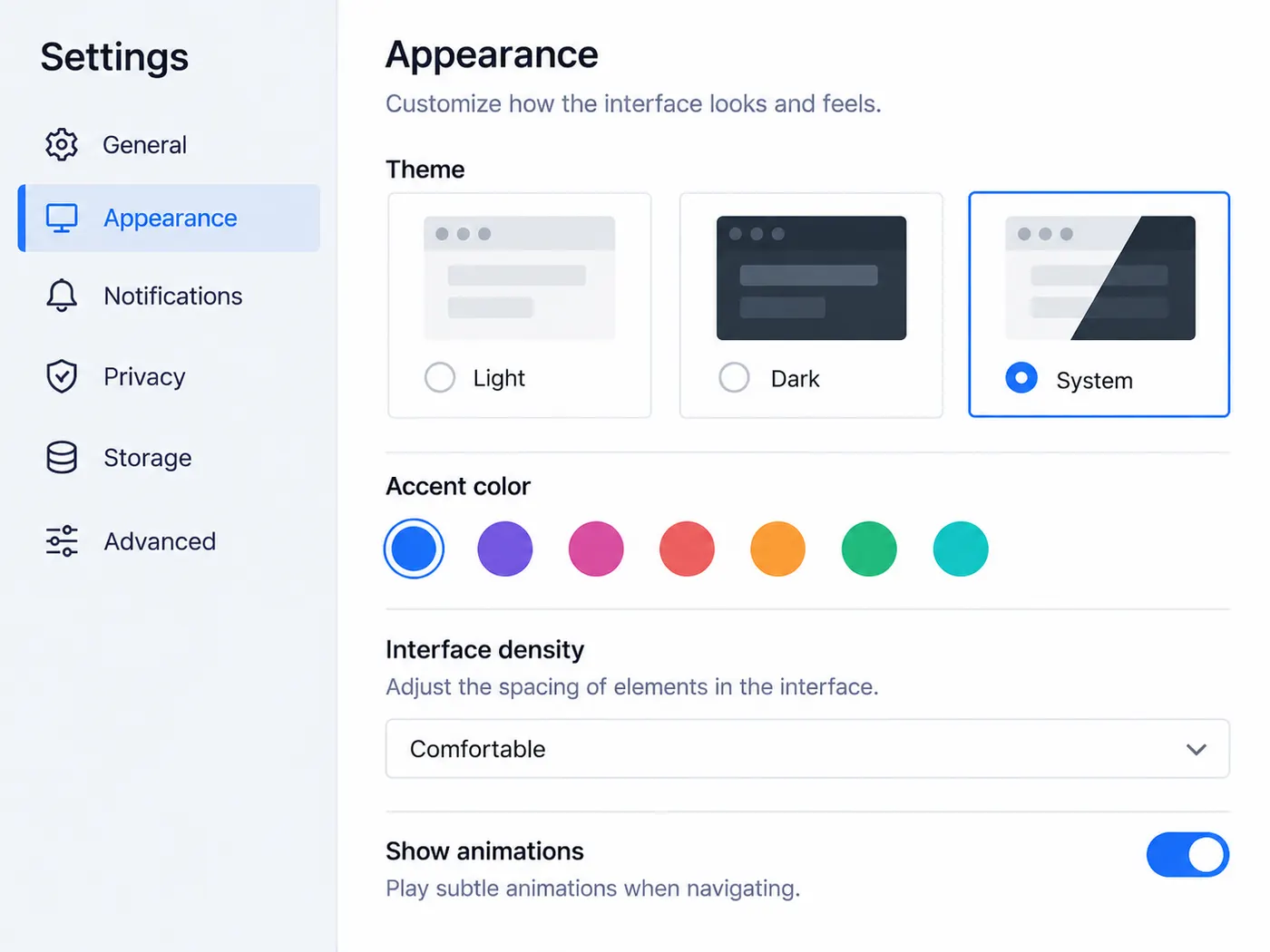
Screen recordings
Turn a narrated walkthrough into written steps someone can follow.
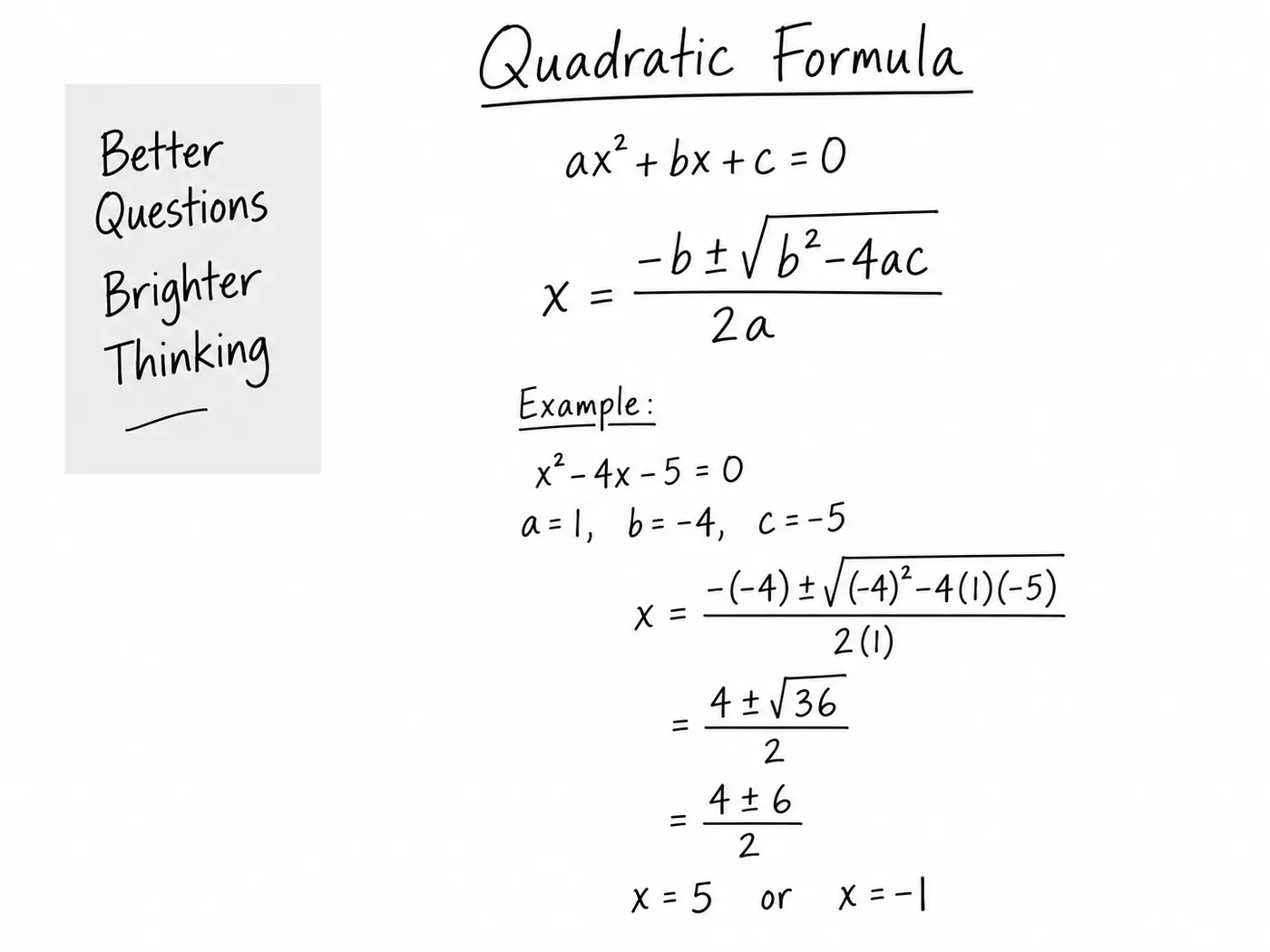
Course videos
Make text notes from lessons so you can search and revise.

Social clips
Get the words of a clip for captions or a post.
Product demos
Pull the exact wording of a demo for documentation or a sales follow-up.
Raw footage
Log what was said across takes before you start editing.
More gistmint tools
- Video TranscriptionTranscribe a video file into timestamped text.
- M4A TranscriberUpload an M4A voice memo or recording.
- Transcribe AudioTurn an audio recording into a timestamped transcript.
- Audio to TextConvert a recording into editable text.
- MP3 to TextUpload an MP3 and get its transcript.
- Video SummarizerTimestamped key points of a YouTube video (Pro).
- YouTube TranscriptPaste a YouTube link and get the transcript.
Simple, honest pricing
Copying and exporting a transcript you already have is free. New transcripts use credits — pick a plan when you need more.
- Free
- $0 — 5 credits on sign-up
- ProPopular
- $9.99/mo — 600 credits
Get the words out of your video
Upload the file, convert it once, and keep the text with its timing for whatever you edit next.