
Lyrics videos
Prepare timed lyric captions for a video by converting existing subtitle text and checking every cue before export.
This browser-only SRT to VTT converter turns pasted subtitle text or an opened SRT file into a VTT file while keeping cue text and timestamps. You can copy the result or download it without signing in, sending an upload, using an API, or spending credits.

Drop an SRT file here, or choose one from your device to begin.
Your subtitles stay in your browser; no sign-in, API, upload, or credits are required.
Paste your subtitle text into the input area or open an SRT file from your device. Keep the cue numbers, timing lines, and dialogue together so the browser can read the complete subtitle sequence before conversion begins.
After processing, inspect the displayed cues for wording, ordering, and timing. The srt to vtt converter keeps the original cue text and timestamps, while applying the format needed for a WebVTT result. Correct the source text and run it again if anything needs attention.
When the result looks right, copy the VTT text for another editor or download the file for your project. The srt to vtt conversion finishes in the browser, so you can take the formatted output without creating an account or sending the subtitle file to a service.
The browser converts subtitle structure into a VTT result while retaining the cue wording and timestamp information you provide. This makes the srt to vtt converter useful when manual line-by-line editing would risk skipped dialogue or mistyped timing. Check the visible output before copying it, then use the same content in your caption workflow without rebuilding every cue by hand.
A converted subtitle file is easier to trust when its cues remain aligned with the original timing. The srt to vtt workflow presents the result for inspection, so you can compare each dialogue line with its start and end points before taking the file. If the source contains an error, revise the input and convert again rather than guessing at a replacement timestamp.
The srt to vtt converter runs in your browser and does not require an upload, API connection, sign-in, or credit balance. Your pasted text or opened file stays part of the local workflow while you review the result. That gives you a direct way to prepare a VTT file when privacy matters and you do not want to move subtitle content to an unfamiliar service.
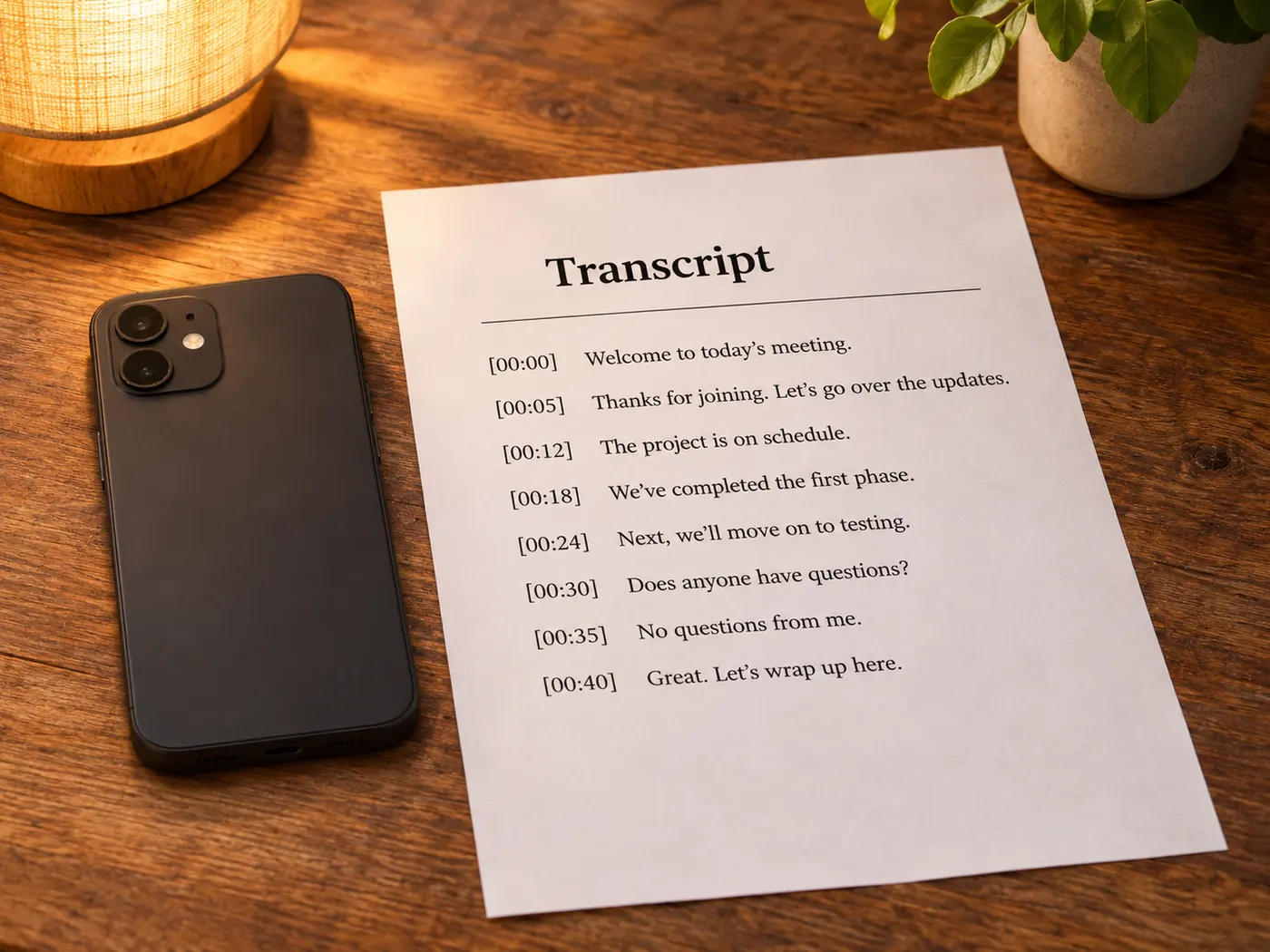
Open an SRT file or paste its complete subtitle text into the converter. The input path supports the direct workflow described on this page.
For an srt to vtt conversion, the result is formatted as VTT text that you can review, copy, or download from the browser.
Dialogue and other cue wording remain available in the converted result, helping you check that the subtitle message was not lost.
Compare the displayed timing with your source before taking the file. Reviewing the cues helps you catch source errors before use.
The browser uses the text you paste or open. If accented characters look unexpected, inspect the source text before downloading the result.
This page gives no numeric file-size limit. Because processing is browser-only, start with the subtitle content you need and review the visible result before copying or downloading.
Prepare timed lyric captions for a video by converting existing subtitle text and checking every cue before export.

Refresh a subtitle file when its format needs conversion, then review wording and timestamps in the browser.
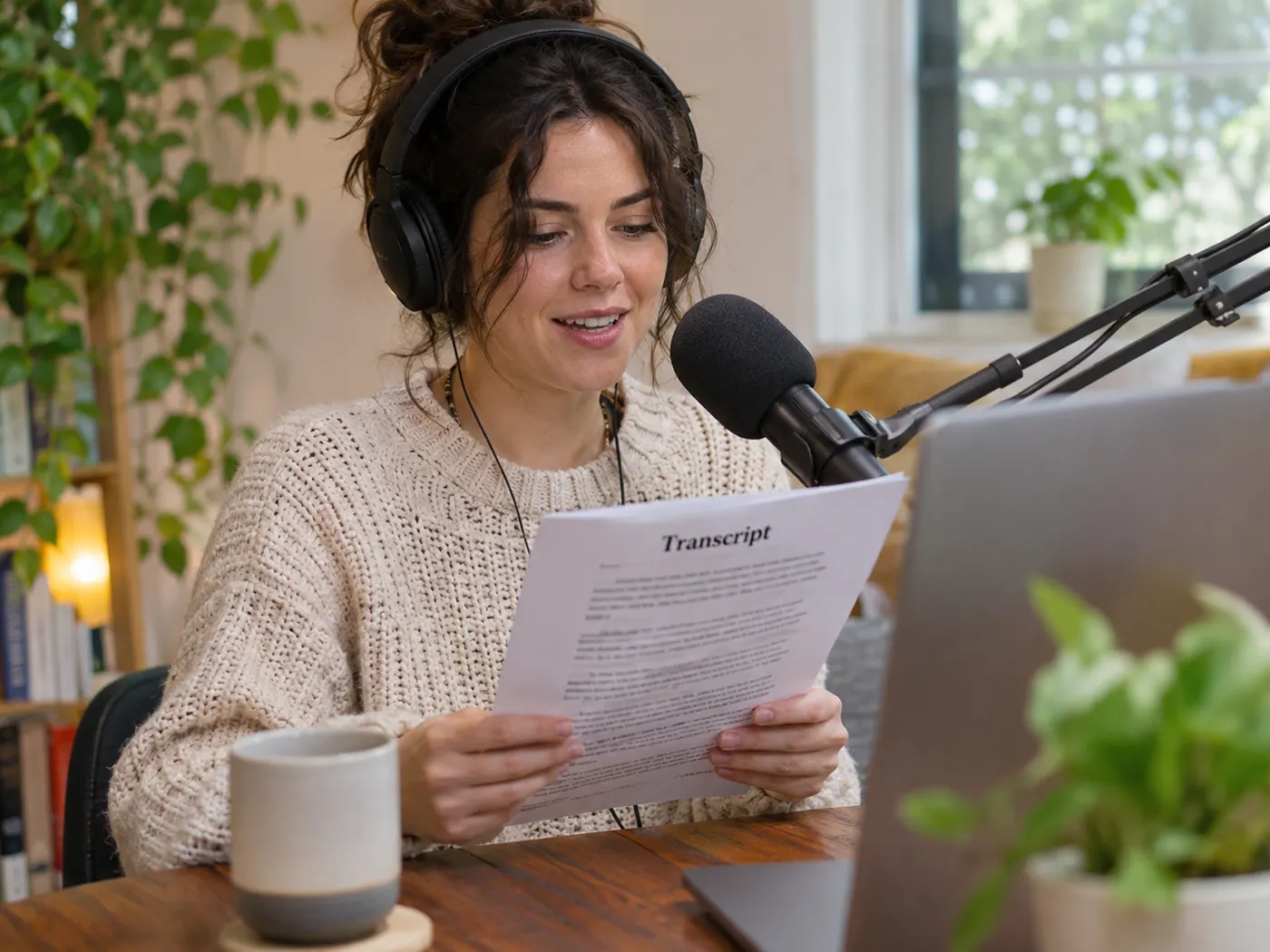
Use the srt to vtt workflow to prepare timed podcast captions from subtitle content you already have.

Turn class-video subtitles into a VTT file without creating an account or sending the text to a service.

Convert timed interview captions, compare the cues with the source, and download the checked result for later use.

Prepare captions for short company videos by pasting subtitle text, reviewing the result, and copying the VTT output.
Paste the subtitle text or open an SRT file, let the browser process it, review the displayed cues, and then copy or download the result. The srt to vtt converter keeps the cue text and timestamps available while formatting the output as WebVTT.
No. The converter is browser-only, so it does not require an upload to a remote service. You can paste subtitle content or open a file on your device, inspect the local result, and take the output without signing in.
Yes. The workflow is designed to preserve the cue wording you provide while changing the subtitle format. The srt to vtt result remains visible for review, so you can compare the dialogue with your source before copying or downloading it.
The SRT to VTT converter preserves the timestamps from the subtitle content while preparing the VTT output. Review the start and end points shown in the result, especially when the source file already contains timing mistakes, because conversion does not replace incorrect source timing with new timing.
Yes. Paste the complete subtitle text into the input area, including its cue numbers, timing lines, and dialogue. The srt to vtt conversion then creates a browser-visible result that you can inspect before copying or downloading it.
No. The SRT to VTT page does not require sign-in, an API connection, or credits. You can run the subtitle workflow directly in the browser and take the resulting VTT text or file when your review is complete.
You can copy the displayed VTT text or download the resulting file for use in a caption workflow. Review the cue wording and timestamps first, then choose the output method that fits the editor or video project you are preparing.
Paste or open your subtitles now, run the SRT to VTT conversion, review the cues, and take the VTT output when it looks right.