Pro plan · built from the video’s own captions · 1 credit per summary
Video summarizer
Paste a YouTube link and get the gist without watching: a short overview and the main points, each with the time it is said, so you can jump straight to the part that matters.
Video summaries are part of Pro ($9.99/mo, 600 credits) and costs 1 credit per summary — sign in and we bring you right back here.
Why the summary starts from the transcript
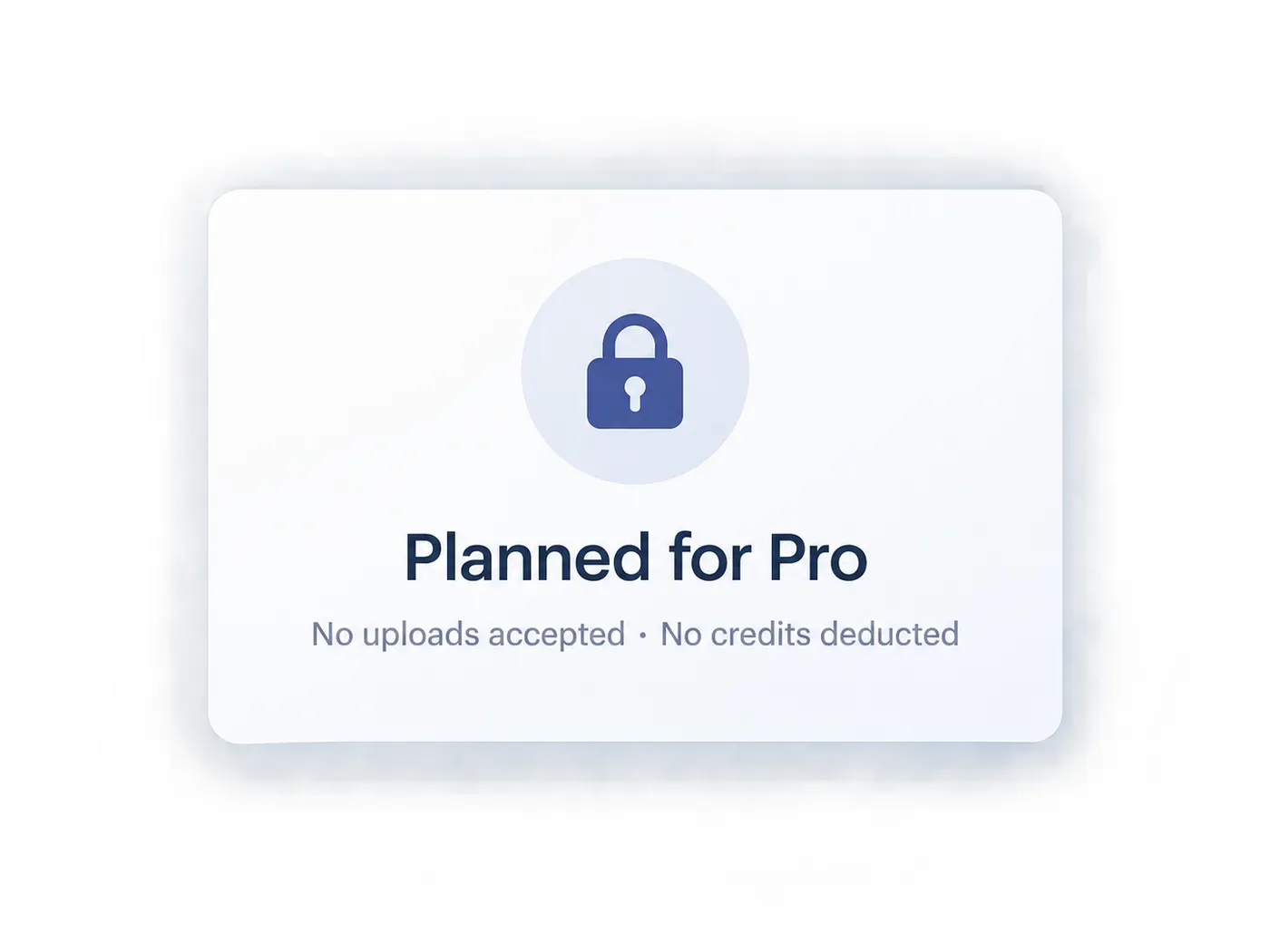
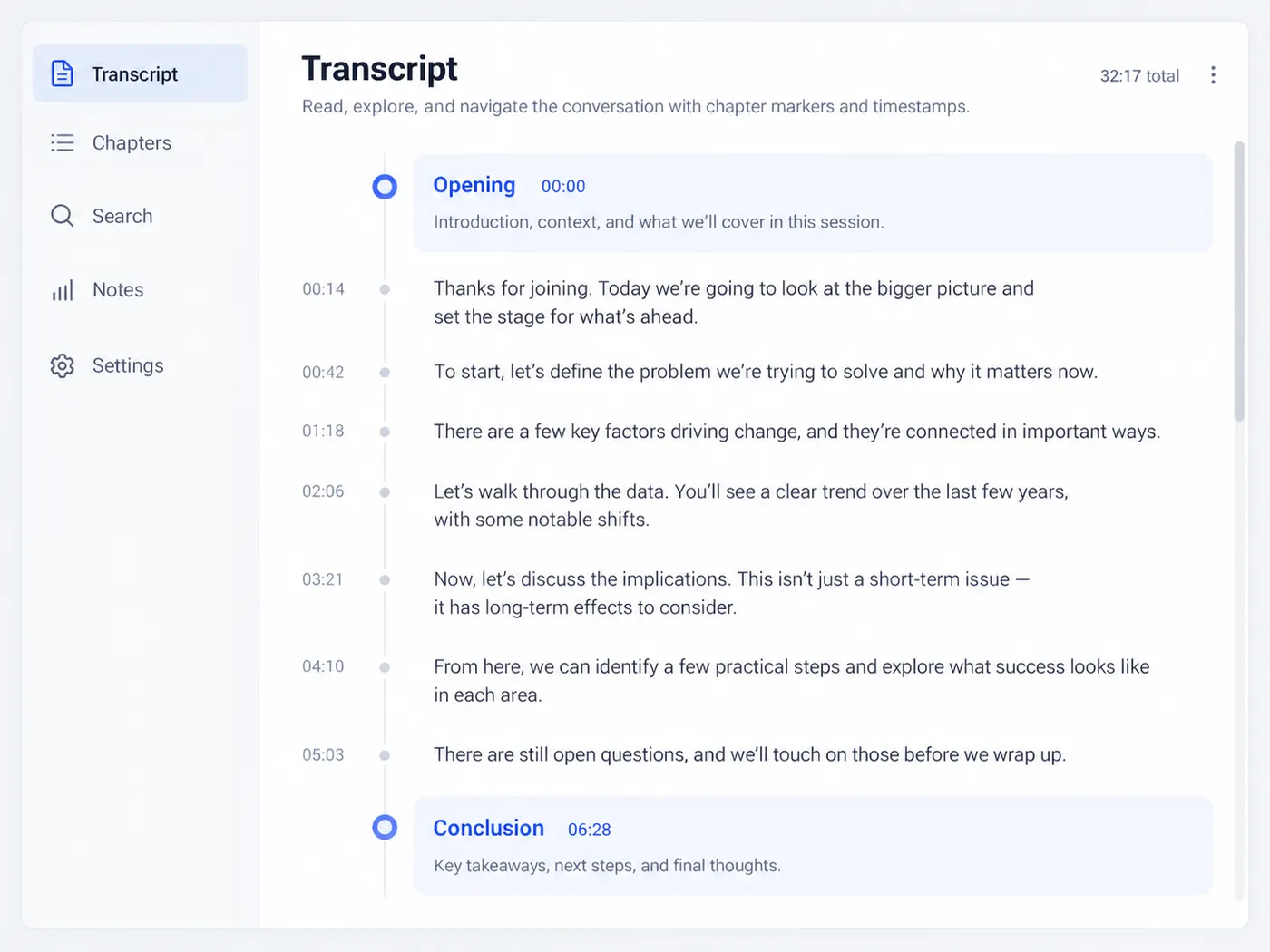
A summary is only as good as the words it is built from. gistmint first takes the video’s own captions — the same timestamped transcript its YouTube tools give you — and the summary is written only from that text. Every point carries the time it comes from, so you can check it against what was actually said.
Jump to the moment
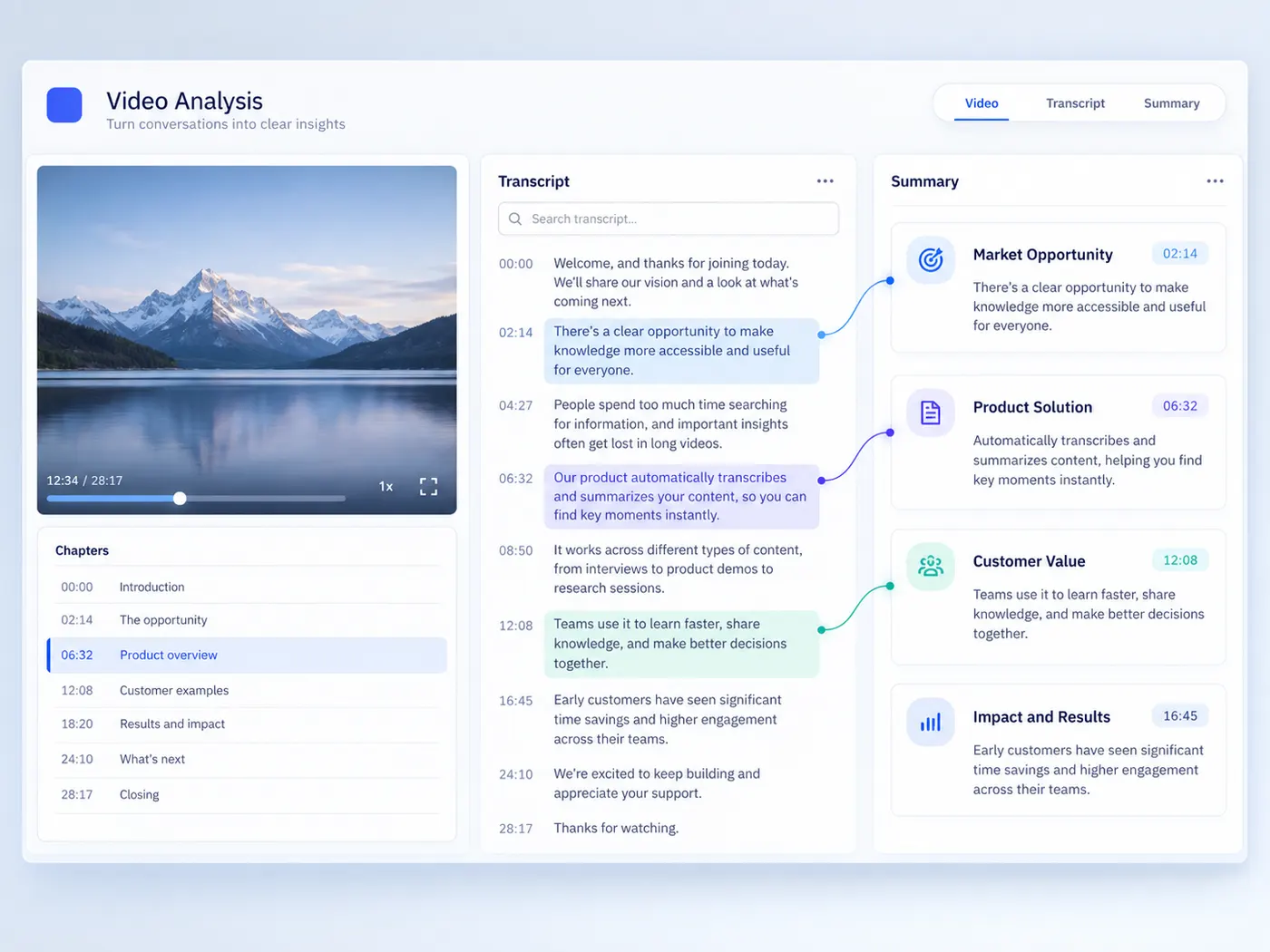
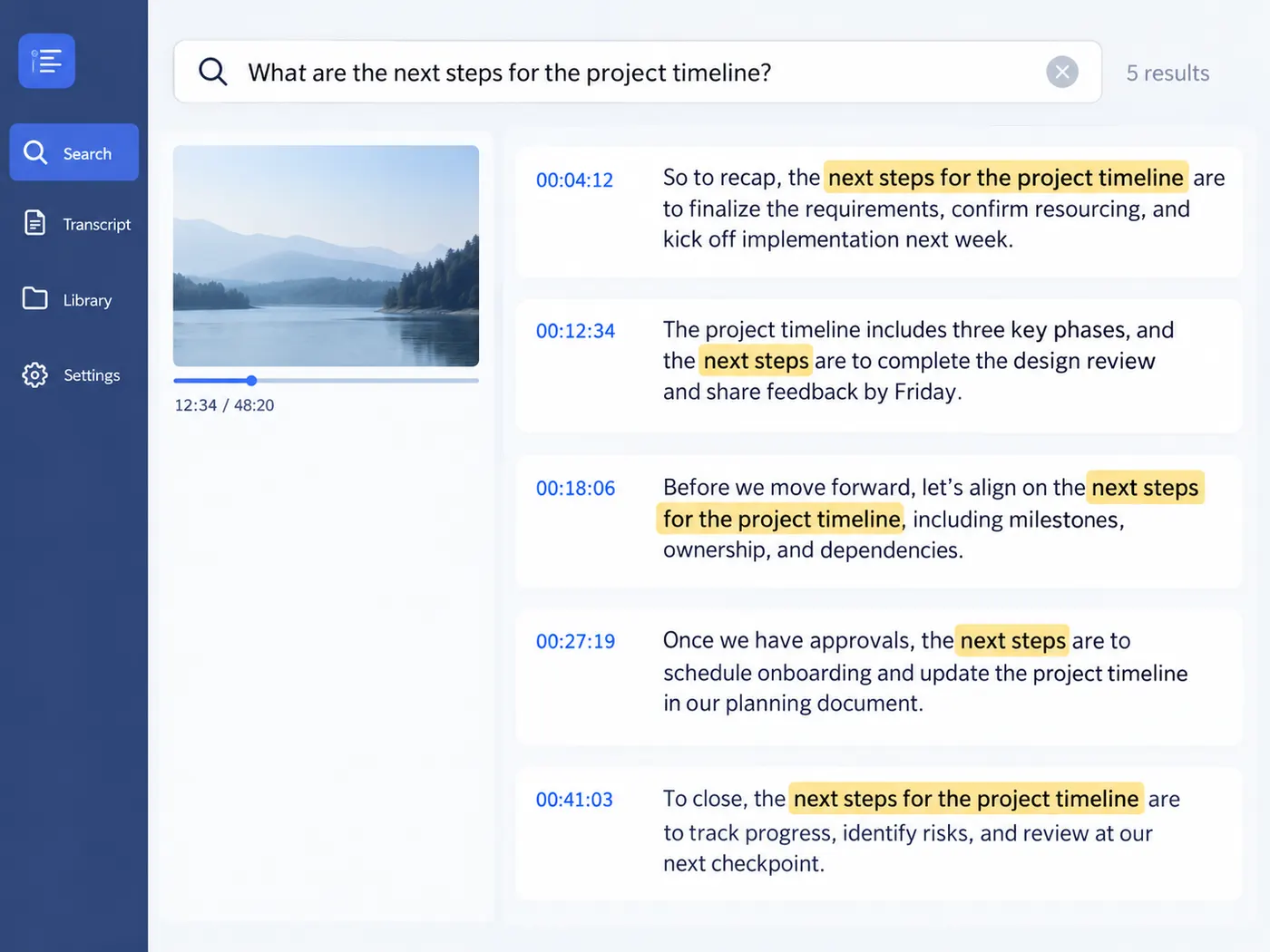
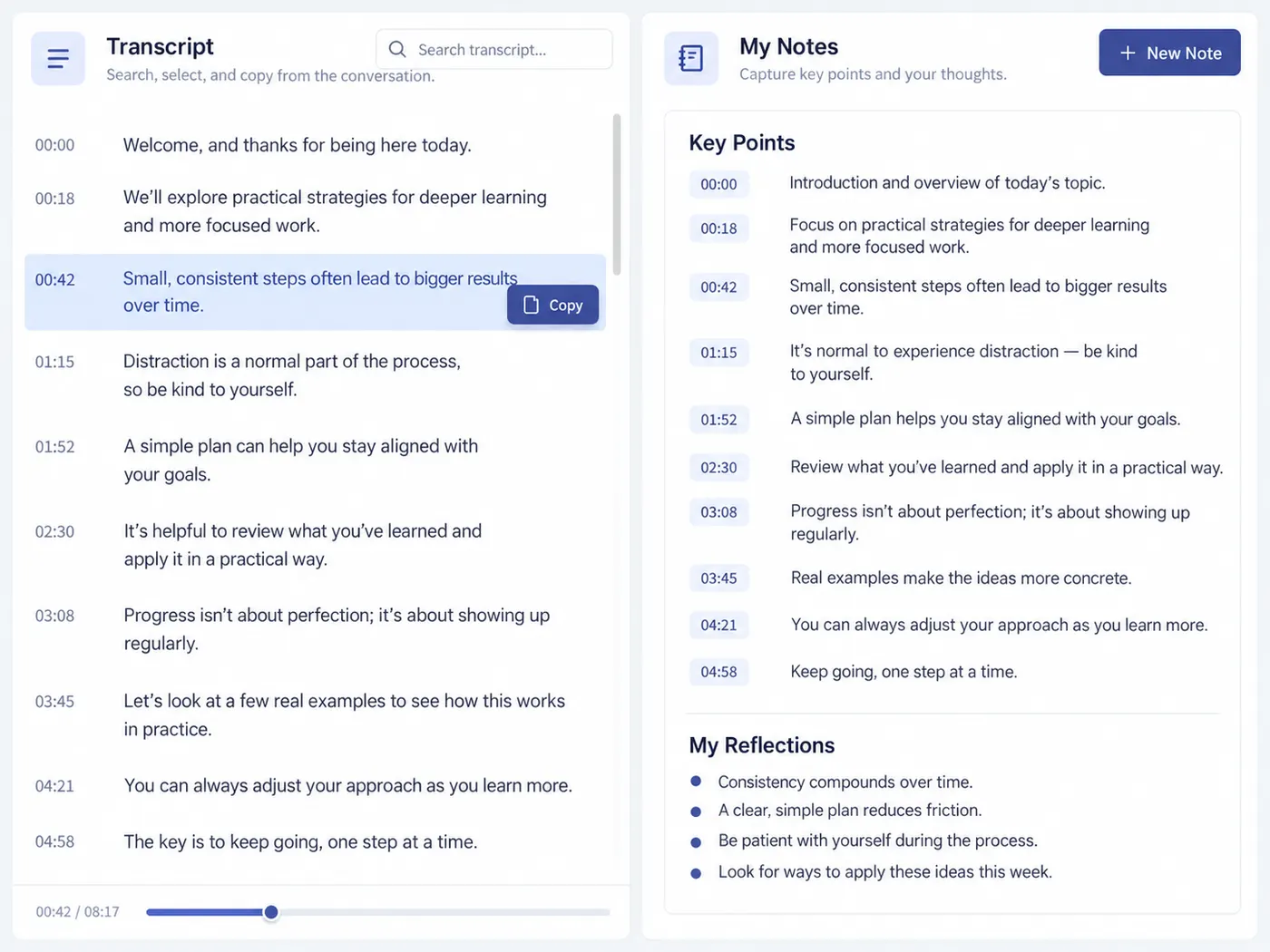
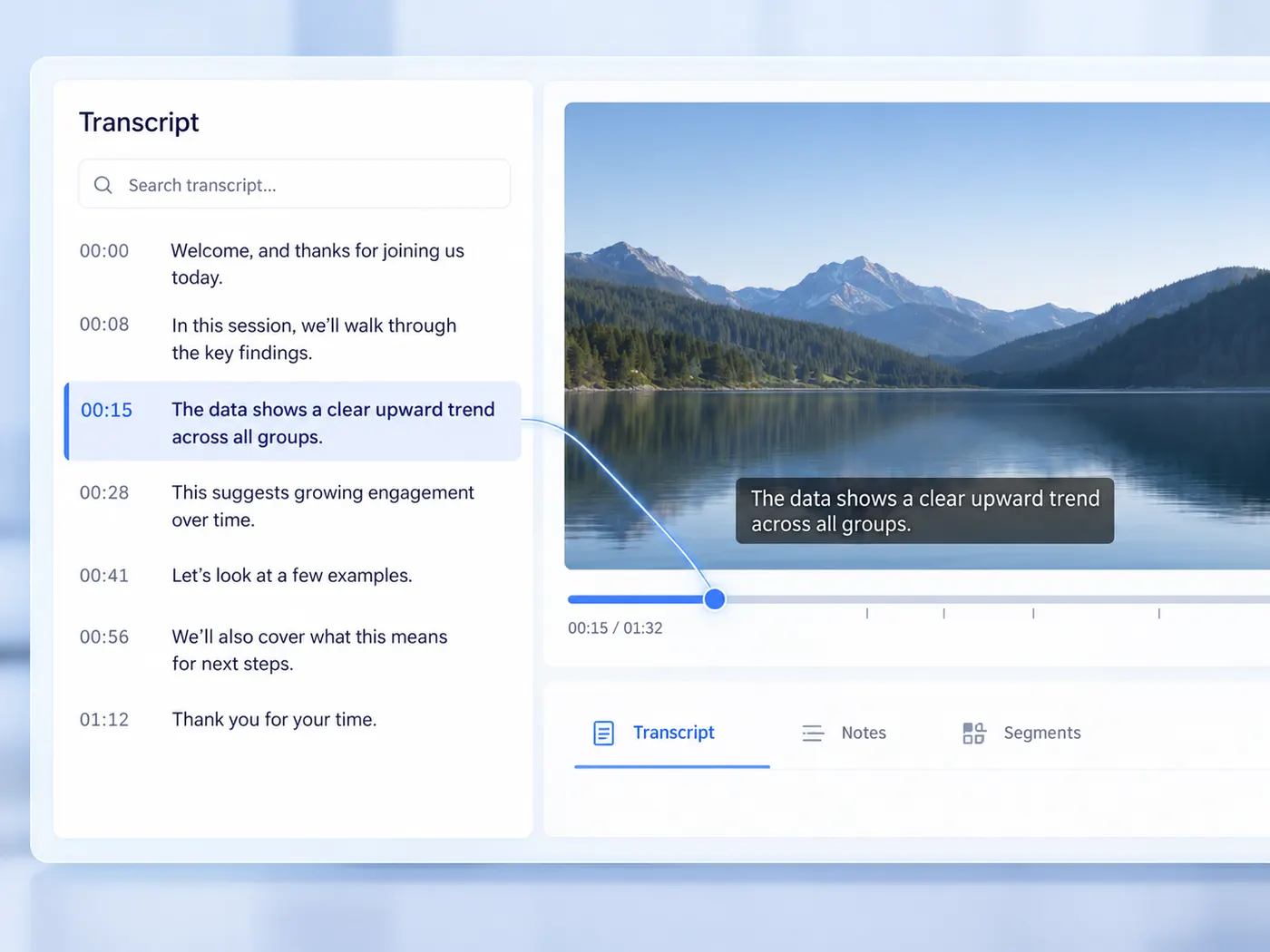
Each key point opens with a timestamp. Click it and the video jumps to that moment, so a one-hour talk becomes a list of places worth watching. The full transcript is saved to your library alongside the summary, with search and TXT, SRT and VTT export.
Pro, and honest about it
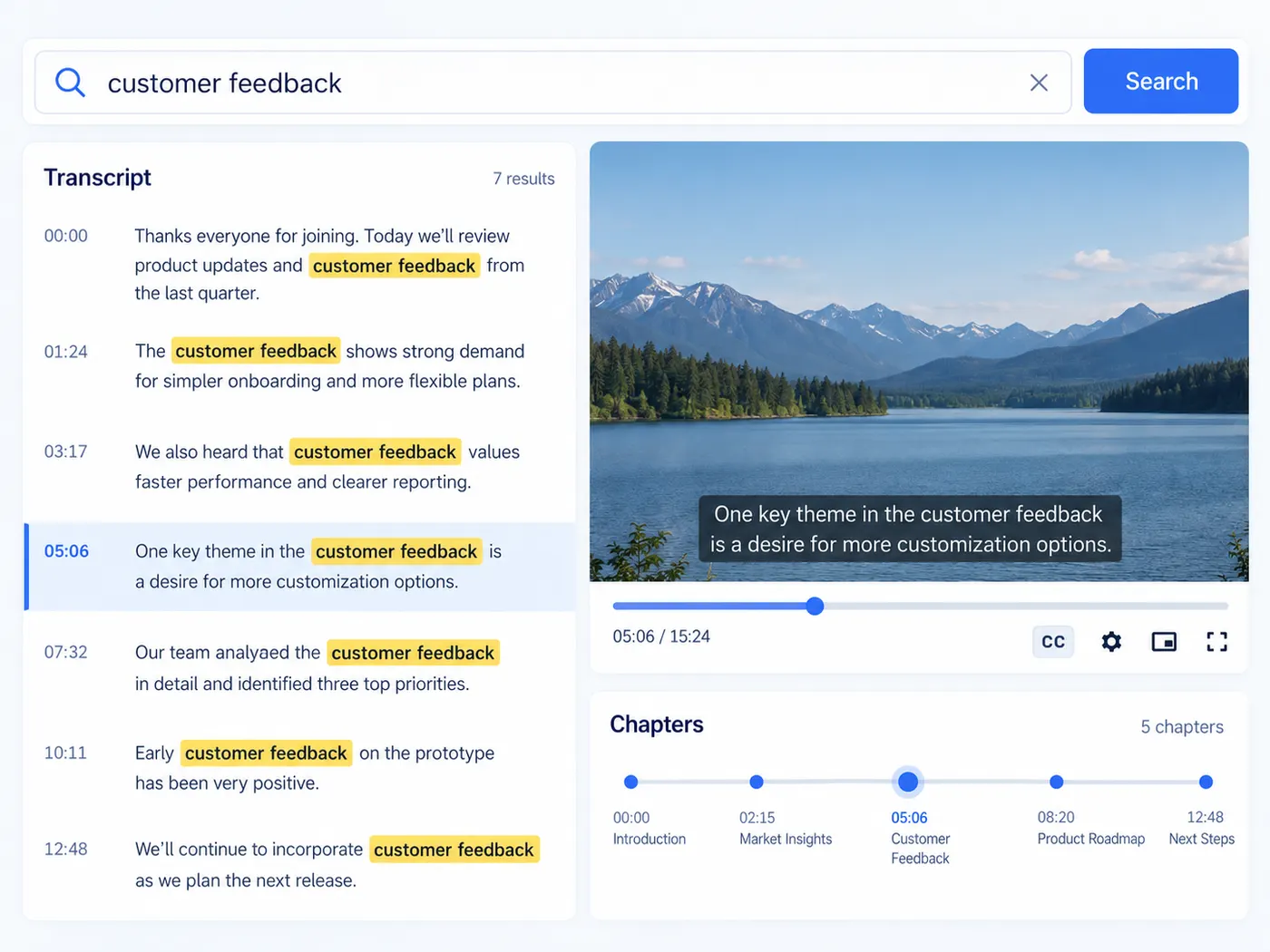
Summaries are part of the Pro plan ($9.99/month, 600 credits). Each summary uses 1 credit; if the video has no captions or a summary fails, the credit is released and nothing is charged.
Read the gist instead of the whole video
Paste a link, wait while the captions are read, and get the overview and timestamped key points.
How to summarize a YouTube video
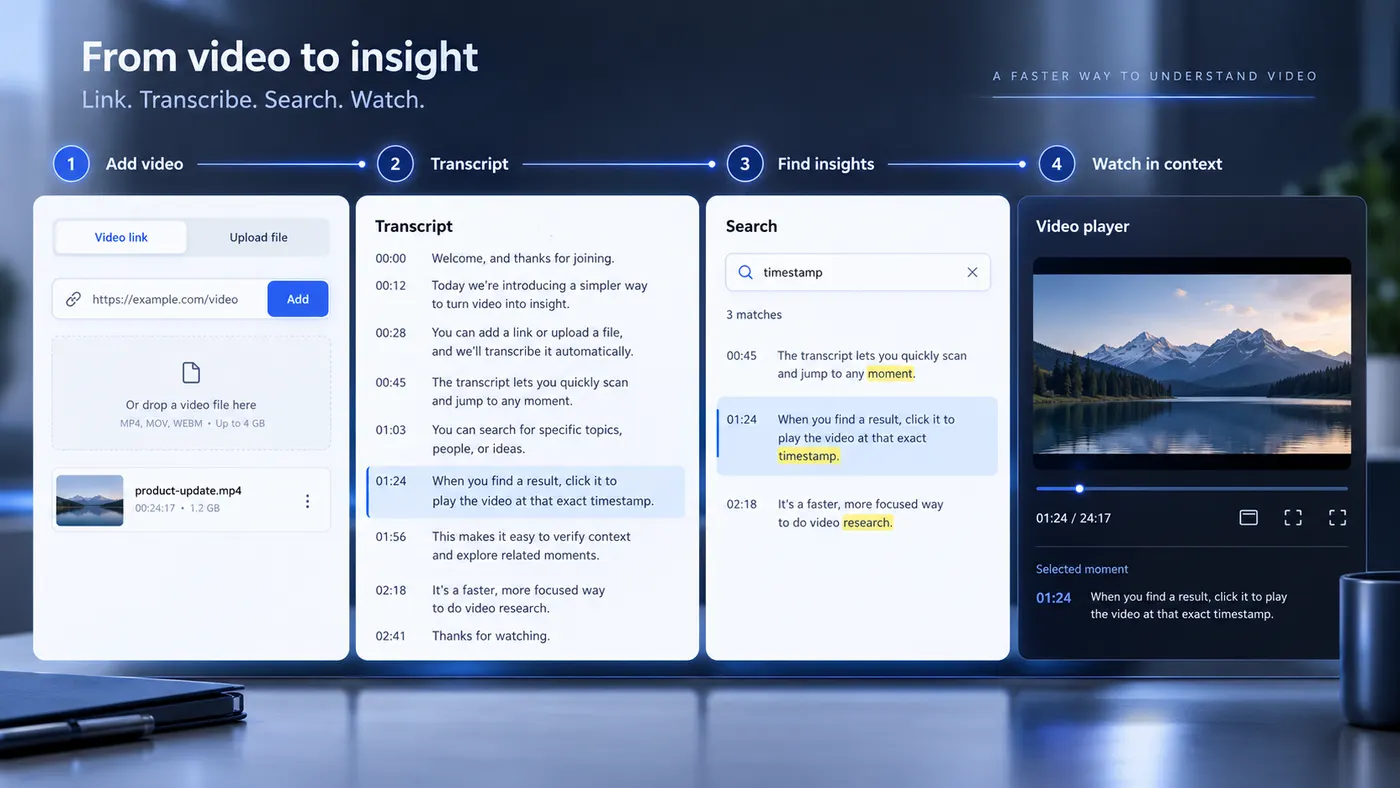
Step 1
Paste the link
Copy the video’s address from YouTube and paste it into the box — or pick a transcript you already have in your library.
Step 2
Sign in with Pro
Summaries are part of Pro and use 1 credit each. We bring you right back to this page after sign-in.
Step 3
Wait for the summary
gistmint reads the video’s captions and writes the summary — usually under a minute.
Step 4
Jump to the moment
Click a point’s timestamp to watch that part. Copy the summary or download it as text.
Overview plus key points
A few sentences on what the video covers.
Then the main points, in the order they come up.
Every point has a time
Each point is tied to the moment it starts.
Click it to watch just that part.
Built on the captions
The summary is written only from the video’s own captions.
So every point can be checked against the source.
Saved to your library
The summary and the full transcript are kept together.
Reopen, search and export them any time.
Summarize what you already have
Pick a transcript from your library instead of a link.
That includes transcripts of your own uploaded files.
Pay only for a summary you get
1 credit per summary, on Pro.
No captions or a failed run means nothing is charged.
Getting the most from a summary
Habits that turn a summary into a quicker way through long videos.
What this tool gives you
| What you get | A real preview or structured result produced by the embedded tool, with a download or export action when available. |
|---|---|
| On this page | The tool itself, step-by-step guidance, honest examples, and related tools — all on this same page. |
| Best for | Video summarizer when you want a direct browser workflow without leaving the page. |
Who the summarizer is for

Researchers
Decide whether a long talk is worth watching before you commit an hour to it.

Students
Get the main points of a lecture and go back to the parts you need to study.

Creators
Find the ideas in a source video worth reacting to or building on.

Teams
Share what a recorded meeting or demo covered with people who did not watch it.
Newsletter writers
Turn a long interview into a few points worth passing on, with the times to quote from.
Anyone short on time
Get the gist of a long video in a minute, then watch only the parts that matter.
More gistmint tools
- Video TranscriptionTranscribe a video file into timestamped text.
- M4A TranscriberUpload an M4A voice memo or recording.
- Transcribe AudioTurn an audio recording into a timestamped transcript.
- Audio to TextConvert a recording into editable text.
- Video to TextGet the spoken words out of a video file.
- MP3 to TextUpload an MP3 and get its transcript.
- YouTube TranscriptPaste a YouTube link and get the transcript.
Simple, honest pricing
Copying and exporting a transcript you already have is free. New transcripts use credits — pick a plan when you need more.
- Free
- $0 — 5 credits on sign-up
- ProPopular
- $9.99/mo — 600 credits
Get the gist of a video
Paste a YouTube link and get an overview and timestamped key points. Summaries are part of Pro.