
Lyric videos
Use srt to txt to turn lyric subtitles into clean text for reviewing lines before editing a video.
Convert subtitle files to readable text, or turn plain text into a basic timed subtitle file. This browser tool is a private converter online, so you can work directly in a browser tool without sending content to a server.

Paste text or open a local file; nothing is sent to a server.
Runs in your browser with no sign-in, upload, API, or credits required.
Paste an SRT block or plain text into the input, or open a local file from your device. For srt to txt, include the cue numbers and timestamps you want removed. For the reverse direction, place each subtitle line on its own line so the tool can assign timing.
Review the converted text before you use it elsewhere. An srt to txt conversion removes cue numbers and timestamp lines for easier reading, while plain text becomes a basic timed subtitle sequence. Adjust the duration per line when the generated timing needs a different pace.
When the output looks right, copy it for another document or download the result as a file. The browser-based workflow keeps the final step simple and does not require an account, an API key, or a separate subtitle editor.
The tool handles both directions in one browser workflow. Use srt to txt when cue numbers and timestamps make an SRT difficult to read, then receive clean plain text for notes, editing, or reuse. You can also start with plain text and create a basic SRT file by assigning a duration to each line. The two directions solve different subtitle tasks without requiring a separate upload service or account.
Plain text has no timing structure, so the tool estimates a simple sequence from the lines you provide. With srt to txt, timing is removed instead of preserved in the readable output. In the text-to-subtitle direction, you can change the duration per line before exporting. This is useful for a basic timed file, but it is not audio alignment and will not synchronize dialogue to a recording automatically.
Your subtitle content stays in the browser during the conversion flow. That local approach makes srt to txt practical for private drafts, class material, interview text, and working files that you do not want to send to a service. You can paste text or open a file, inspect the output, and copy or download it without sign-in, an API, upload credits, or a server-side processing step.
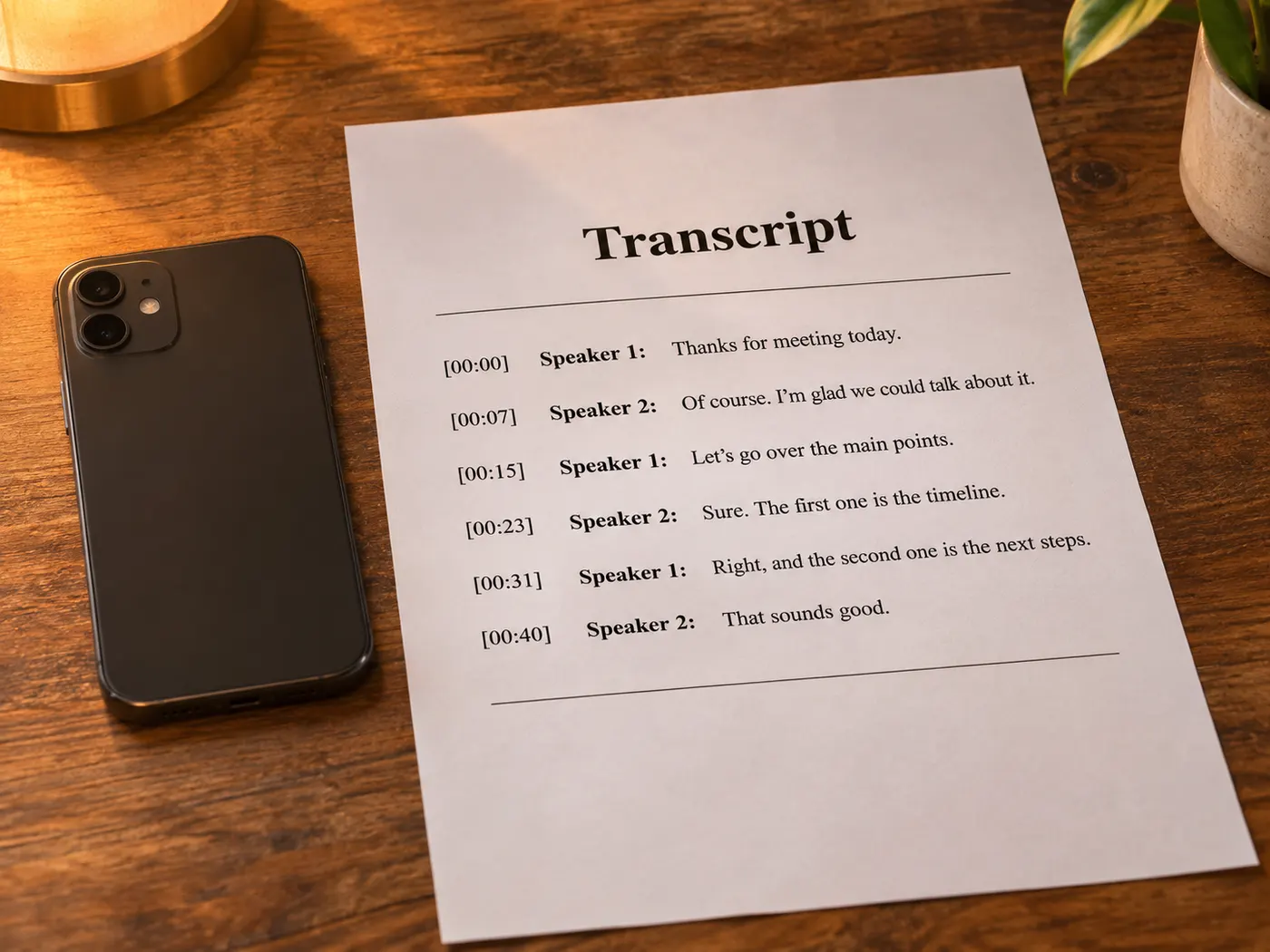
For srt to txt, provide subtitle content that includes cue numbers, timestamps, and dialogue. The converter uses the structure to produce readable text without asking you to edit every cue manually.
For srt to txt and the reverse direction, plain text can be pasted directly into the input. Put each subtitle line on its own line when you want a basic timed SRT result.
Cue numbers and timestamp lines are removed when the goal is readable text. Dialogue remains available for copying, downloading, editing, or moving into another document.
Plain text does not contain timing, so each line receives an estimated duration. The duration is adjustable before you create the basic subtitle output.
The supported conversion directions are SRT to plain text and plain text to SRT. The tool does not claim to create audio-aligned captions or convert unrelated media formats.
There is no sign-in, upload requirement, API requirement, or credit system. Paste text or open a file in the browser, then inspect and export the result locally.
Use srt to txt to turn lyric subtitles into clean text for reviewing lines before editing a video.
Strip broken cue structure, read the dialogue clearly, and rebuild a basic timed file from corrected lines.
Turn subtitle text into a readable draft for show notes, episode editing, or quick content review.

Extract dialogue from class video subtitles without manually deleting every number and timestamp line.

Review interview subtitle text as plain copy before selecting quotes or preparing a working transcript.
Create a simple subtitle file from prepared text when a basic duration per line is sufficient.
Paste the SRT content or open the local file, then use srt to txt to remove cue numbers and timestamp lines. The remaining dialogue becomes readable plain text that you can inspect, copy, or download in the browser.
Yes. Enter plain text with one subtitle line per line, choose the duration used for each line, and generate a basic SRT sequence. The result includes estimated timing, so it is useful for a simple timed file rather than precise audio synchronization.
No. The conversion reads subtitle structure and text; it does not listen to audio or align dialogue automatically. When plain text becomes SRT, timing is estimated from the line order and the adjustable duration you provide.
No. The tool works in the browser with pasted text or an opened local file. It does not require a server upload, sign-in, API connection, or credits, so the conversion flow is designed to remain local to your browser.
In the srt to txt direction, cue numbers and timestamp lines are stripped so the dialogue is easier to read and reuse. The original timing structure is not included in the plain-text result.
Yes. When plain text is converted into SRT, the duration per line is adjustable. Changing that value changes the estimated start and end times in the generated sequence, but it does not match the text to speech or audio automatically.
Review the output in the browser, then copy it for immediate reuse or download it as a file. You do not need to create an account or move the content through another subtitle service.
Paste a file or text, check the result, and copy or download a clean subtitle format without signing in or uploading content.