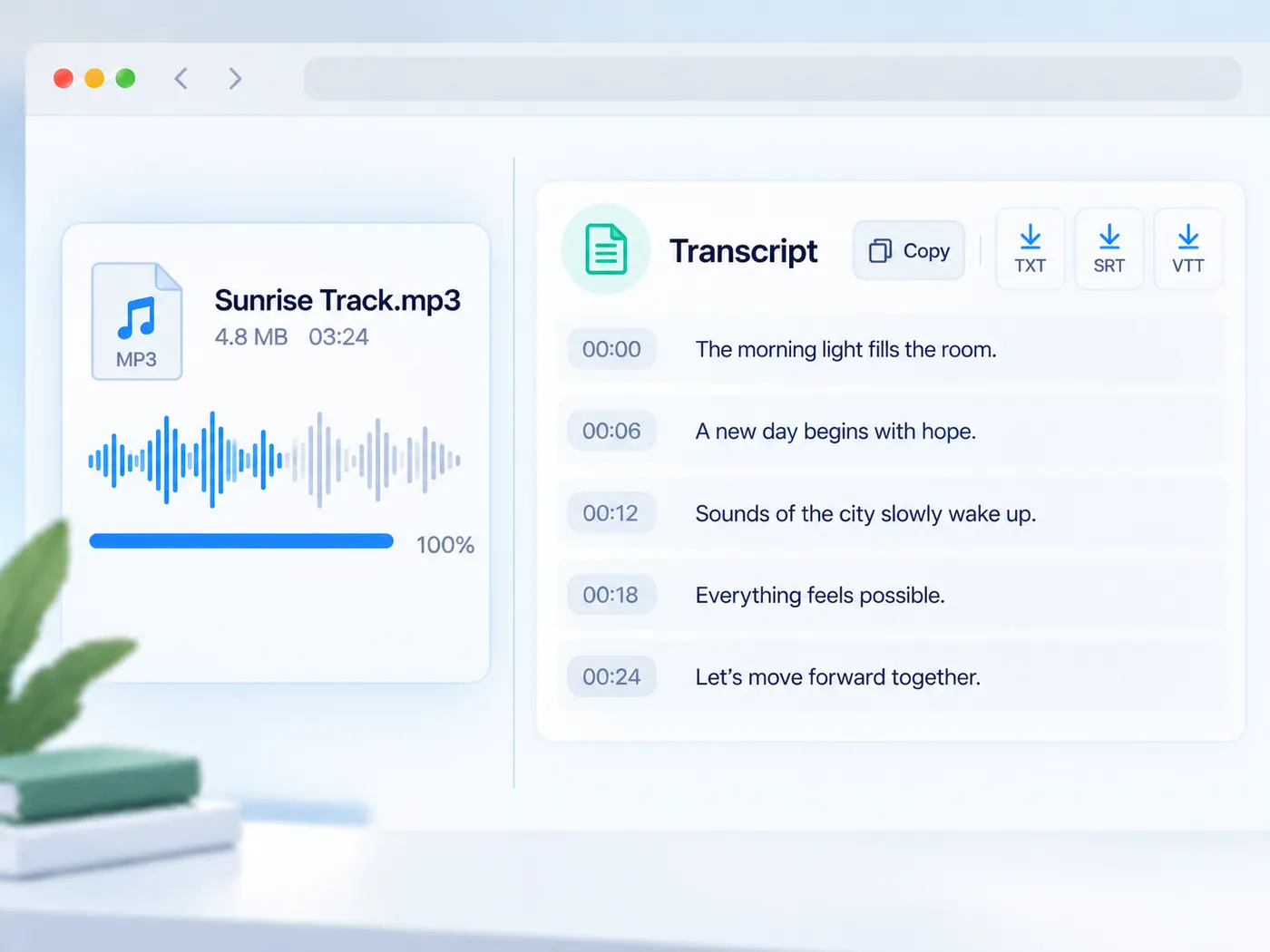
MP3 upload · timestamped transcript · copy or export TXT, SRT & VTT
MP3 to text in one upload
Convert an MP3 to text without opening an audio editor. MP3 is what most podcast feeds, recorders and download tools hand you, so this page takes it directly: upload it, check the preview, and get a transcript you can read, copy and export.
MP3 to text, made for the file you have
Podcast downloads, call recordings and dictaphone exports usually arrive as MP3. This page is set up for exactly that file type, so the upload field only asks for an MP3 and there is nothing to configure before you start.
A transcript with timing
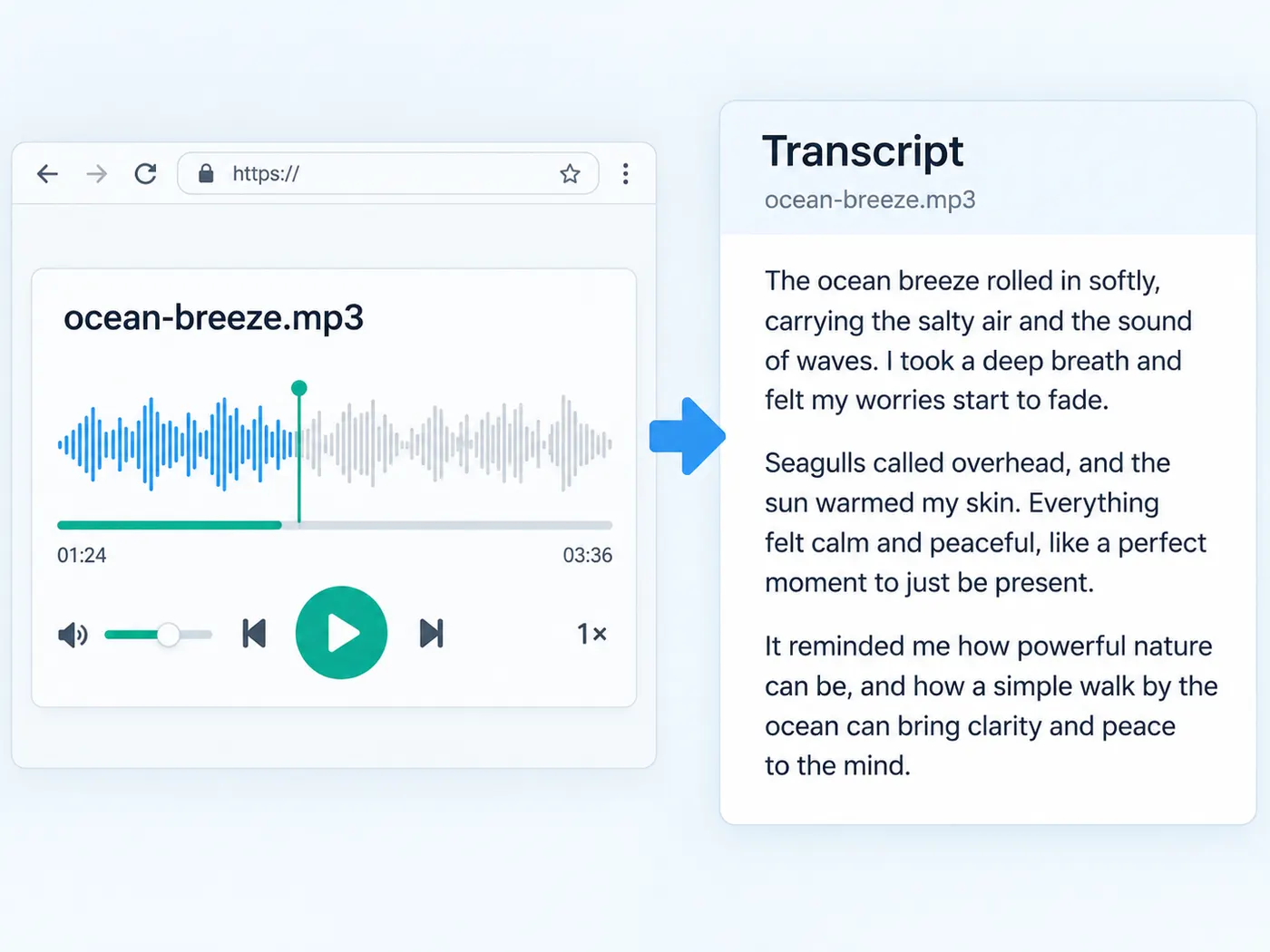
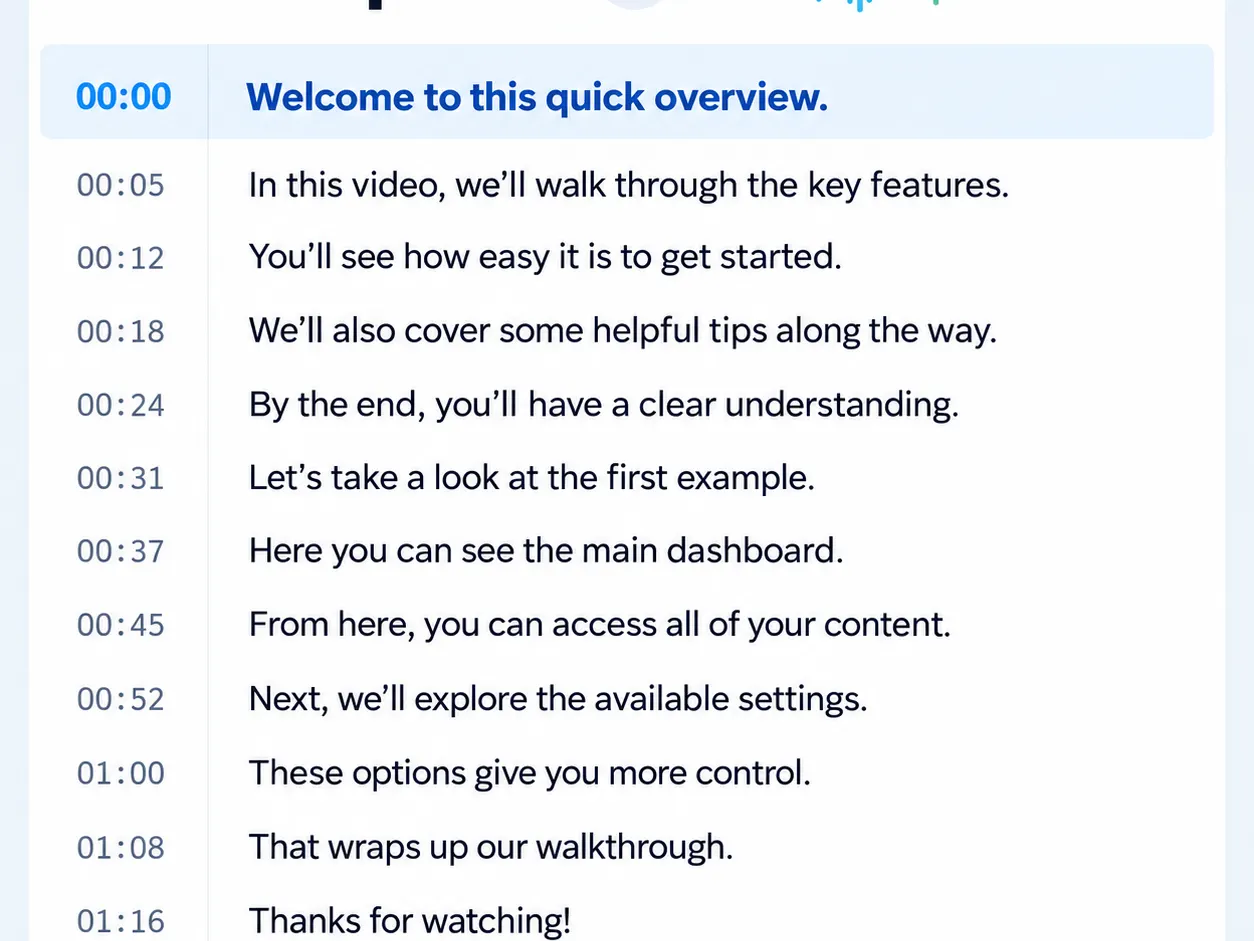
When timing comes back, each line keeps its start time. Use it to find a quote in a long episode, to write show-note timestamps, or to export SRT and VTT captions for a video version of the same audio.
Clear cost, only when you run it
Uploading and previewing the MP3 are free. Converting it is part of the Pro plan at 4 credits per minute of audio, rounded up to the whole minute. A failed run releases the credits it reserved.
From MP3 to transcript
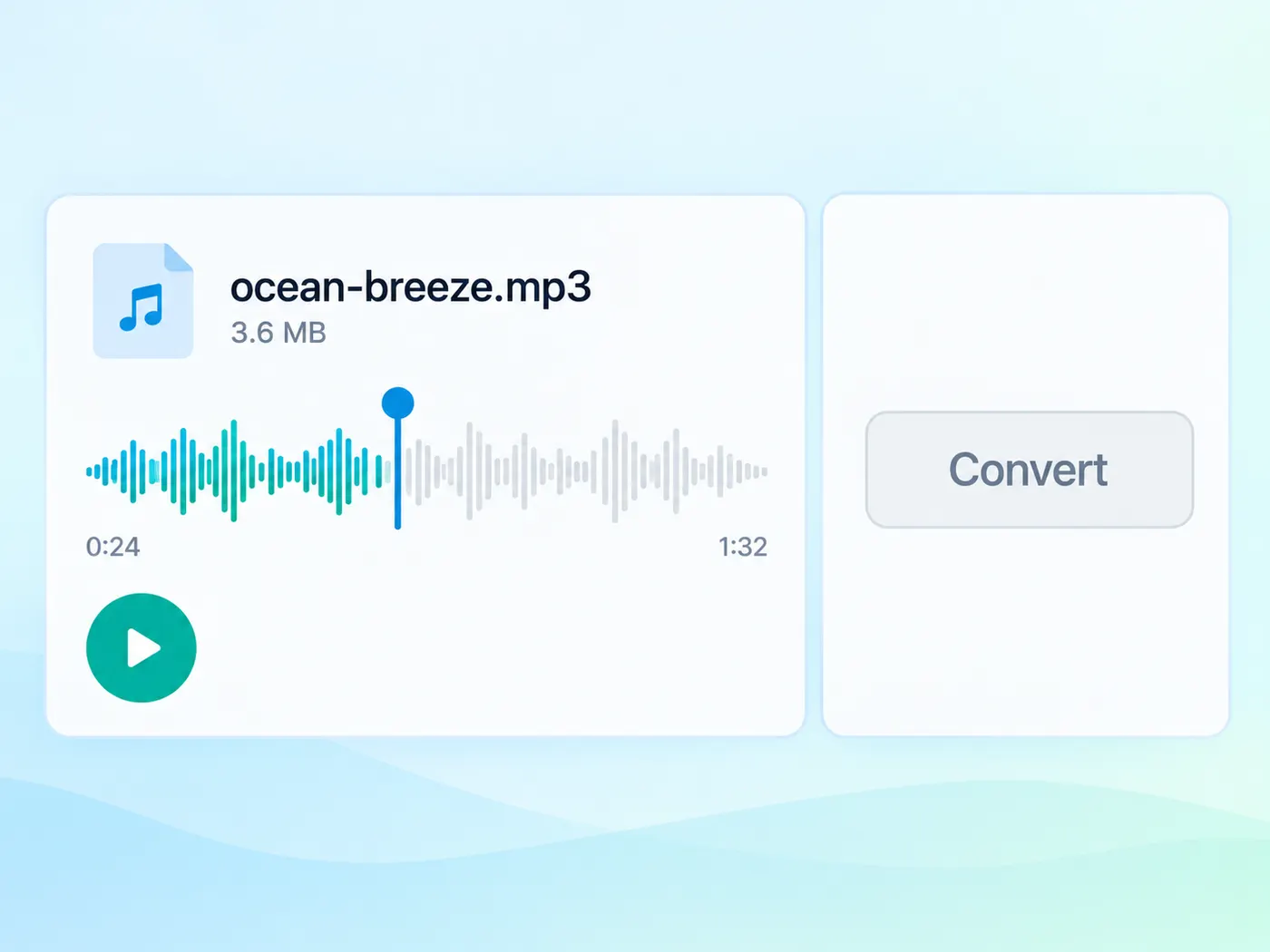
Upload the MP3, run it once, and take the text with you.
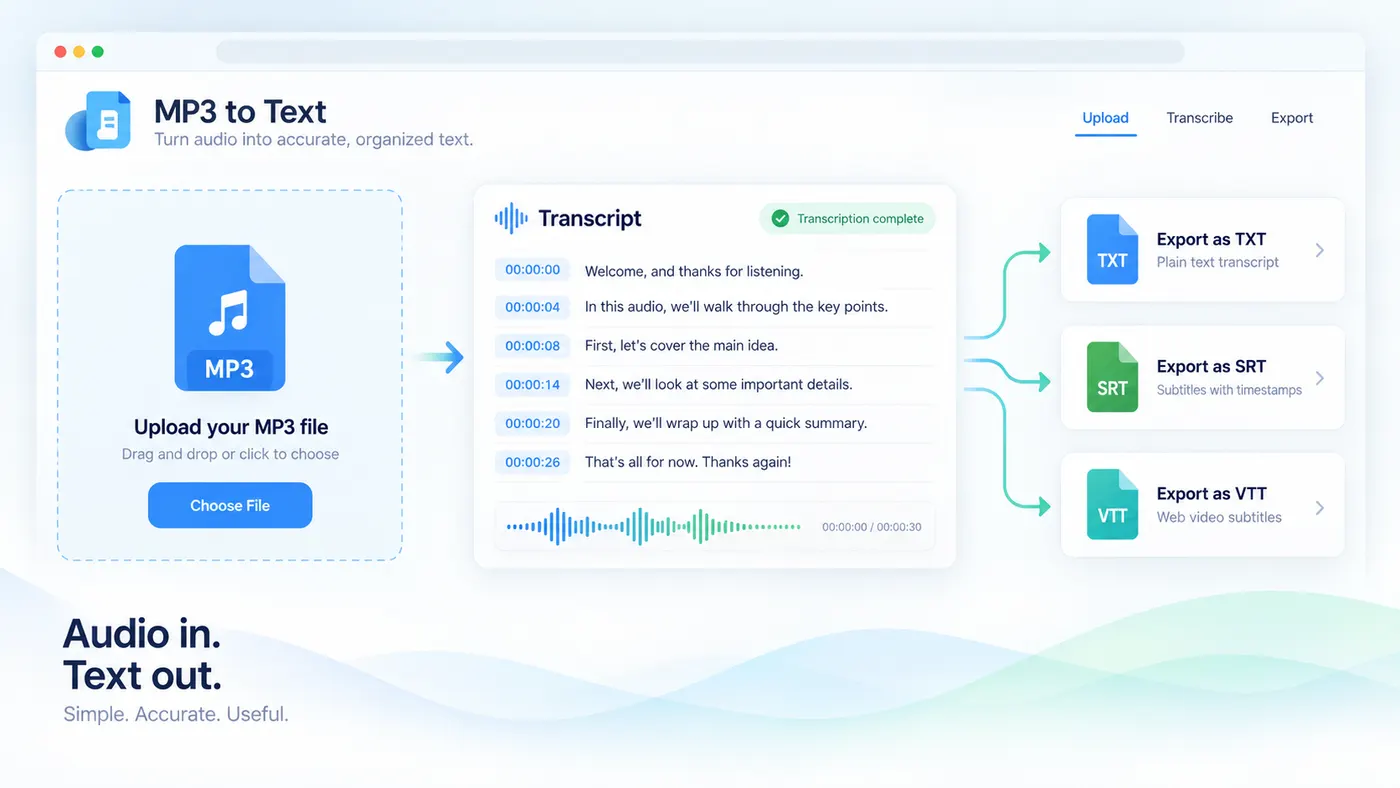
How to convert MP3 to text
Step 1
Choose the MP3
Drop the MP3 into the upload area or pick it from your device.
Step 2
Preview and sign in
Play the start to confirm the file, then sign in to run the conversion.
Step 3
Convert it
Run the transcription: 4 credits per minute of audio, rounded up, on the Pro plan.
Step 4
Copy or download
Copy the transcript, or download TXT, timestamped TXT, SRT or VTT when timing is available.
Built for MP3
The upload takes your MP3 directly.
No settings to choose before you start.
Podcast friendly
Long episodes become searchable text.
Timestamps help you write show notes.
Export options
TXT, timestamped TXT, SRT and VTT.
Or copy everything in one click.
Local preview
The MP3 plays in your browser first.
You choose when it is transcribed.
Pay per minute
4 credits per minute of audio on Pro.
Rounded up to the whole minute.
Fair on failure
If a run fails, its credits are released.
You pay for transcripts that come back.
MP3 transcription tips
Get more out of every MP3 you convert.
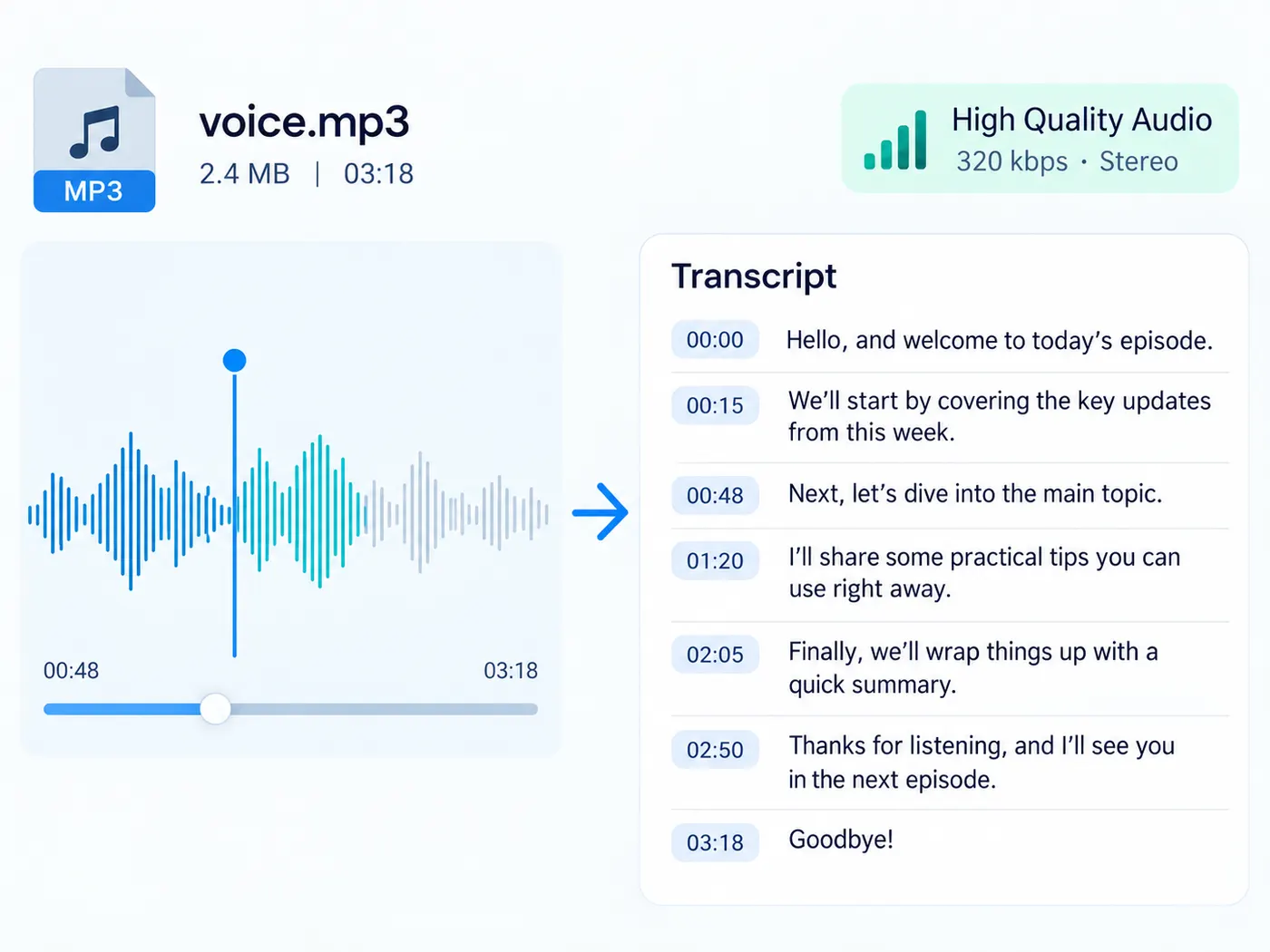
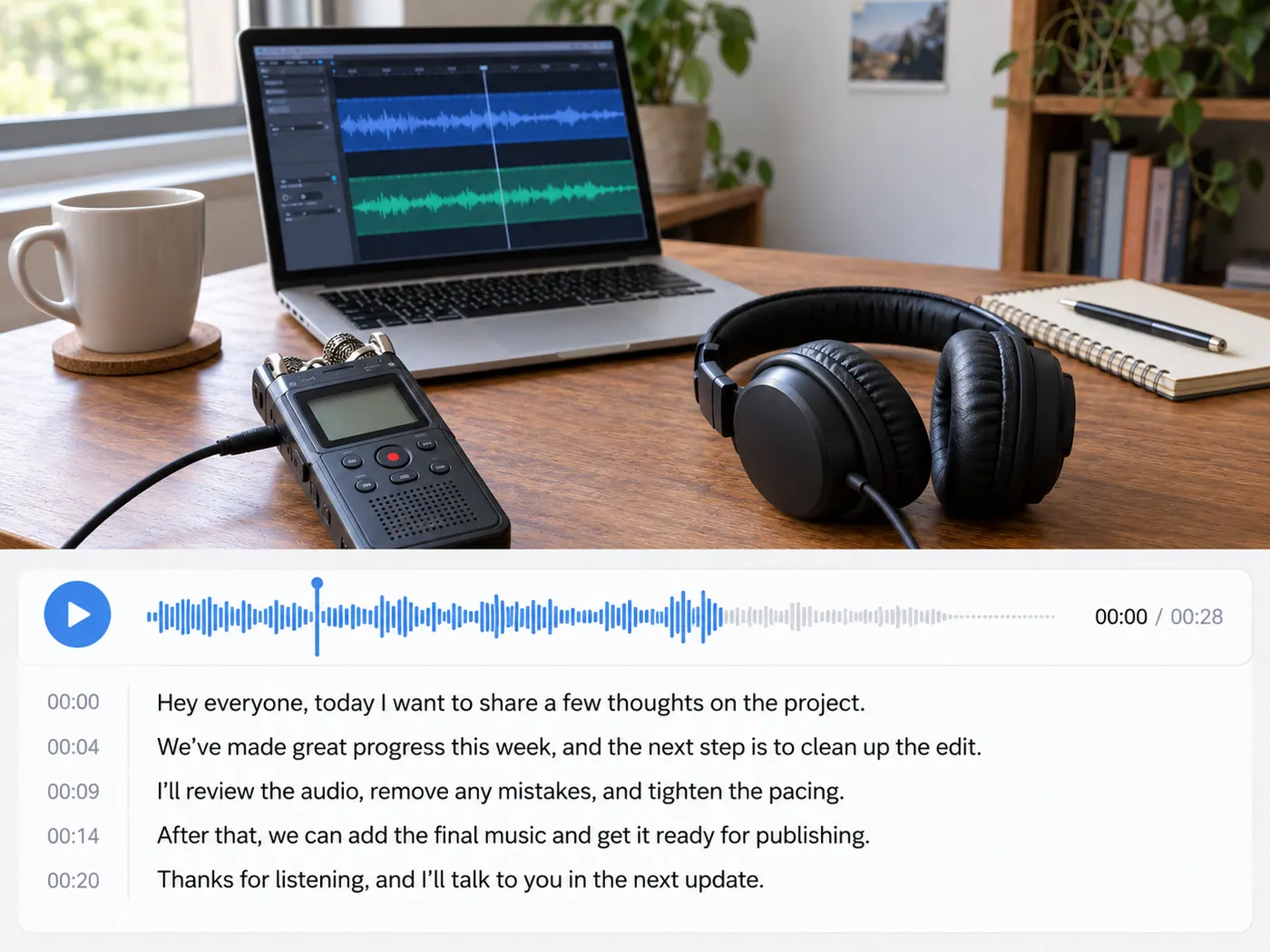
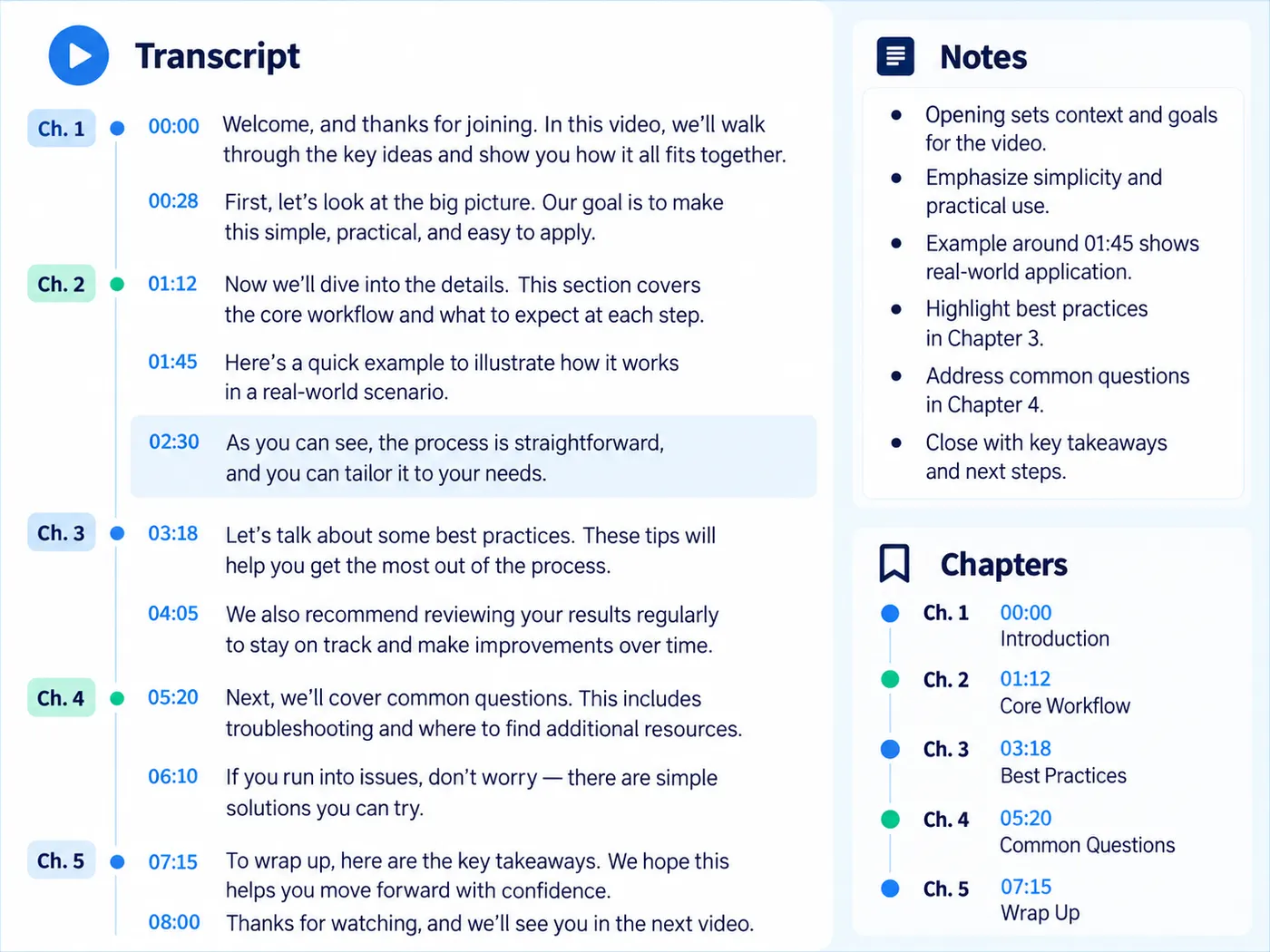
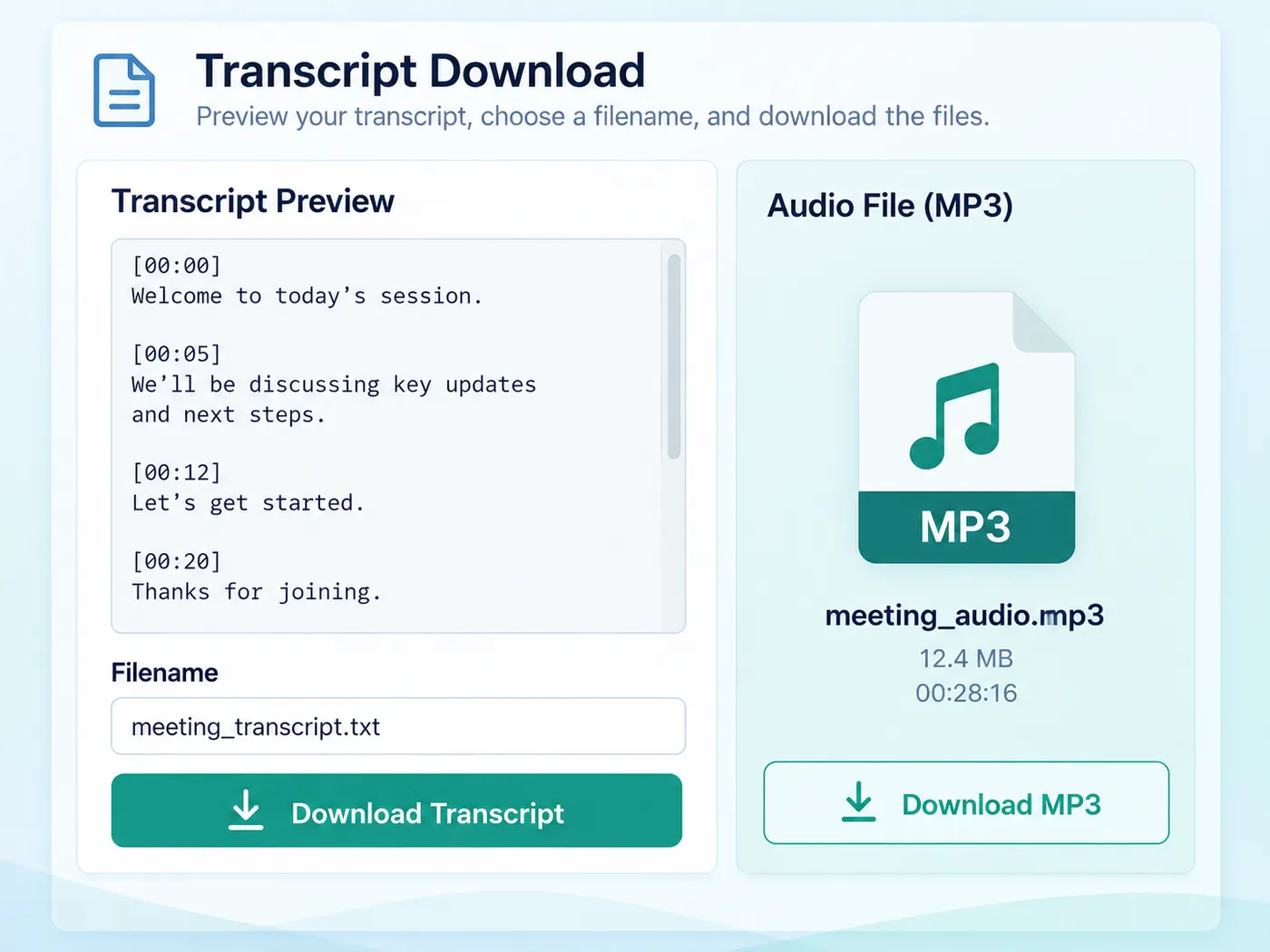
What this tool gives you
| What you get | A real preview or structured result produced by the embedded tool, with a download or export action when available. |
|---|---|
| On this page | The tool itself, step-by-step guidance, honest examples, and related tools — all on this same page. |
| Best for | MP3 to text in one upload when you want a direct browser workflow without leaving the page. |
MP3s people convert to text
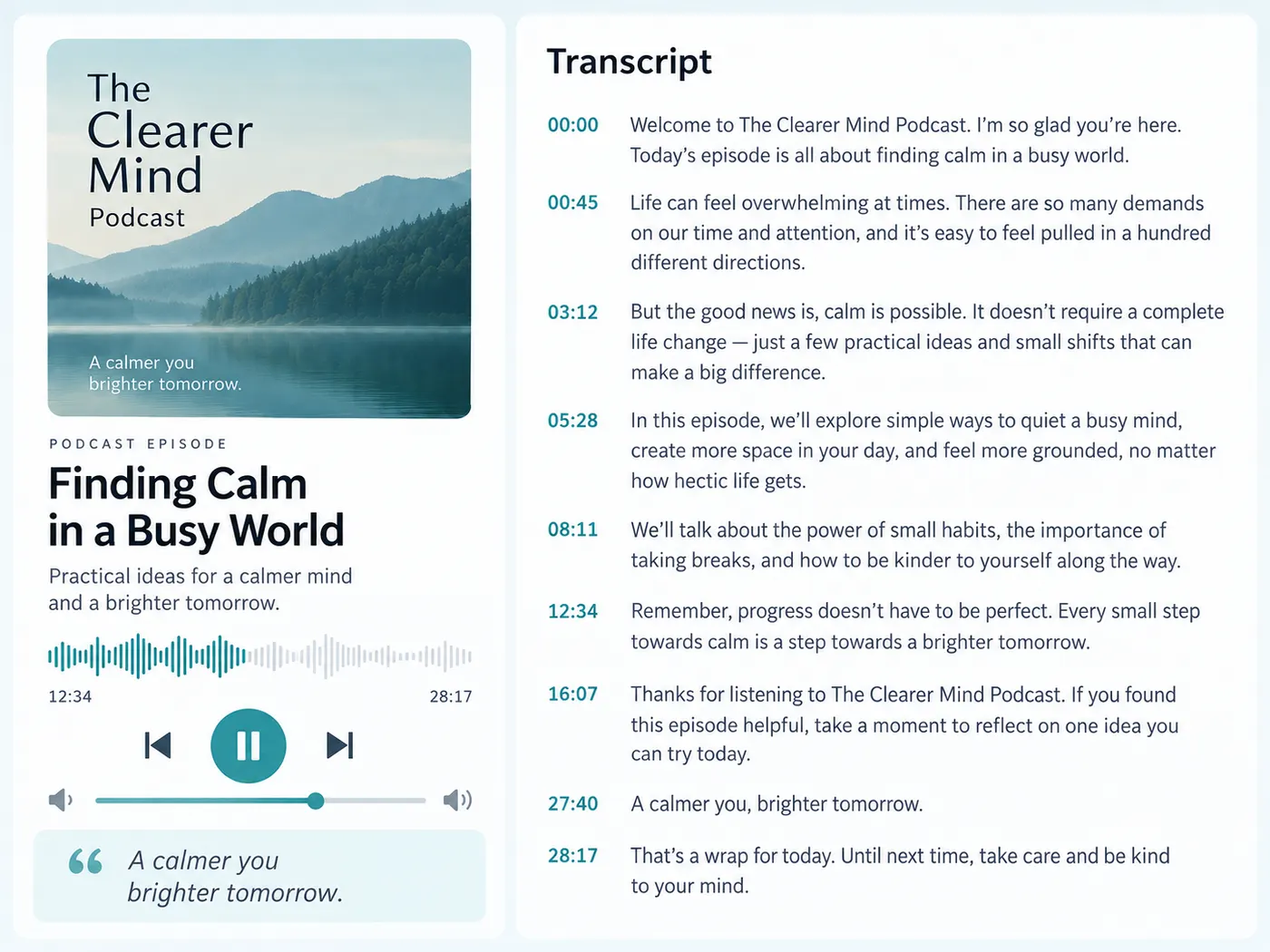
Podcast episodes
Get a full episode transcript for show notes, quotes and an accessible text version.
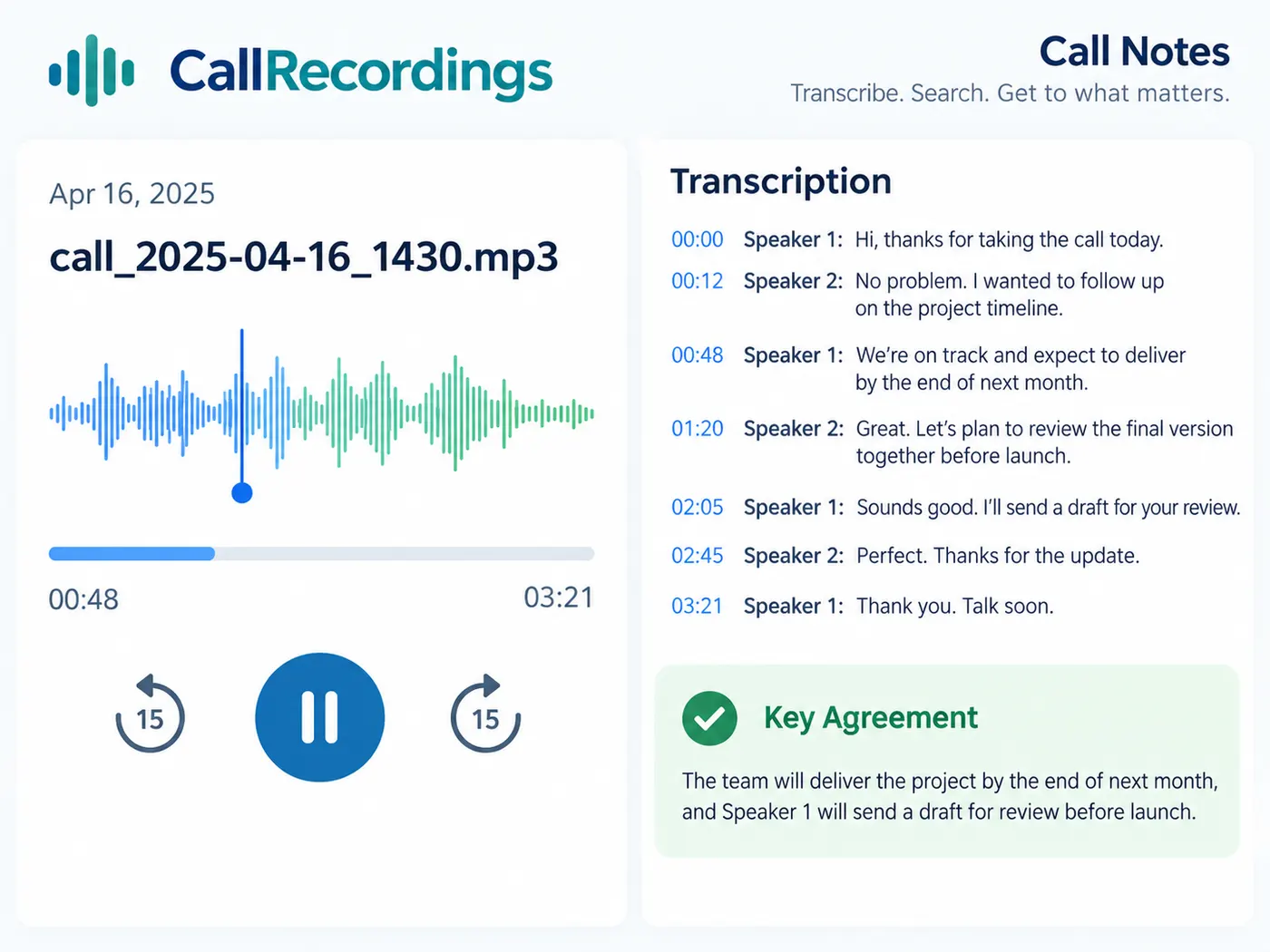
Call recordings
Turn a recorded call into text you can search for what was agreed.
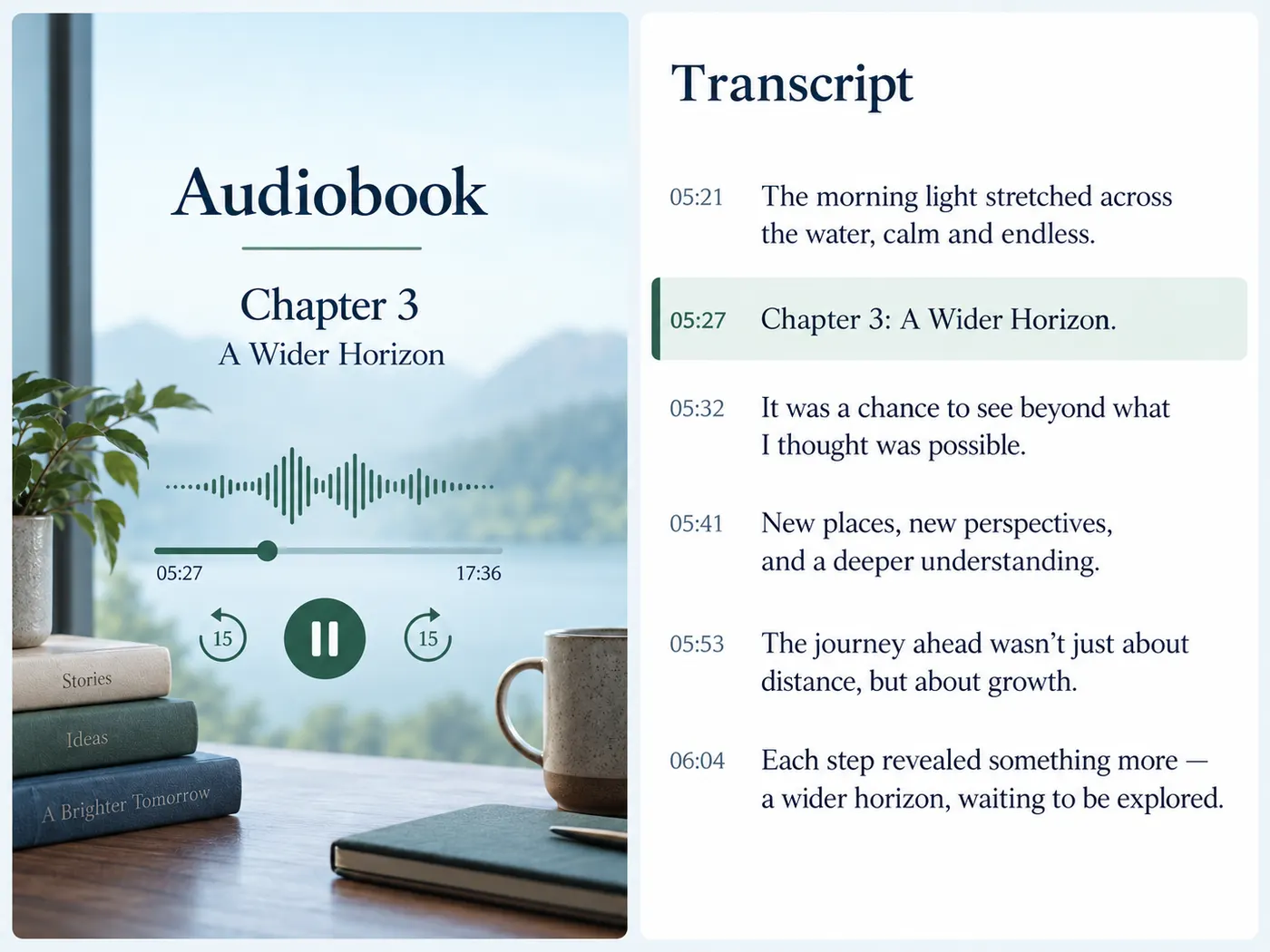
Audiobook samples
Check the wording of a narrated passage against your own text.
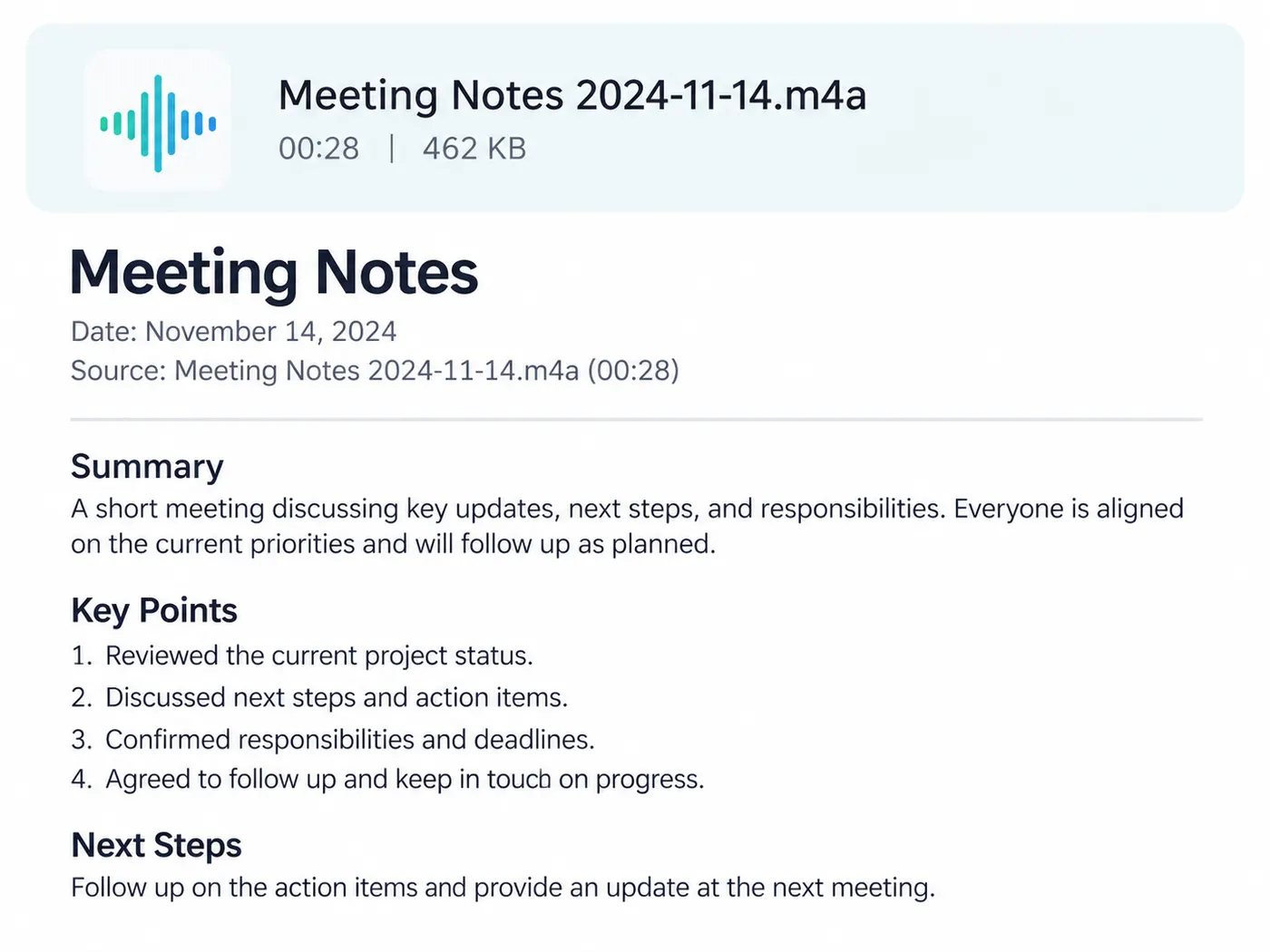
Dictation
Speak a draft into a recorder and convert the MP3 into text to edit.
Radio and archive clips
Make old MP3 recordings searchable by what was said.
Language practice
Read along with a transcript while you listen to the recording again.
More gistmint tools
- Video TranscriptionTranscribe a video file into timestamped text.
- M4A TranscriberUpload an M4A voice memo or recording.
- Transcribe AudioTurn an audio recording into a timestamped transcript.
- Audio to TextConvert a recording into editable text.
- Video to TextGet the spoken words out of a video file.
- Video SummarizerTimestamped key points of a YouTube video (Pro).
Simple, honest pricing
Copying and exporting a transcript you already have is free. New transcripts use credits — pick a plan when you need more.
- Free
- $0 — 5 credits on sign-up
- ProPopular
- $9.99/mo — 600 credits
Turn your MP3 into text
Upload the MP3, convert it once, and keep the transcript with its timing.