Public links in · clean timestamped text out
YouTube script extractor, ready to use
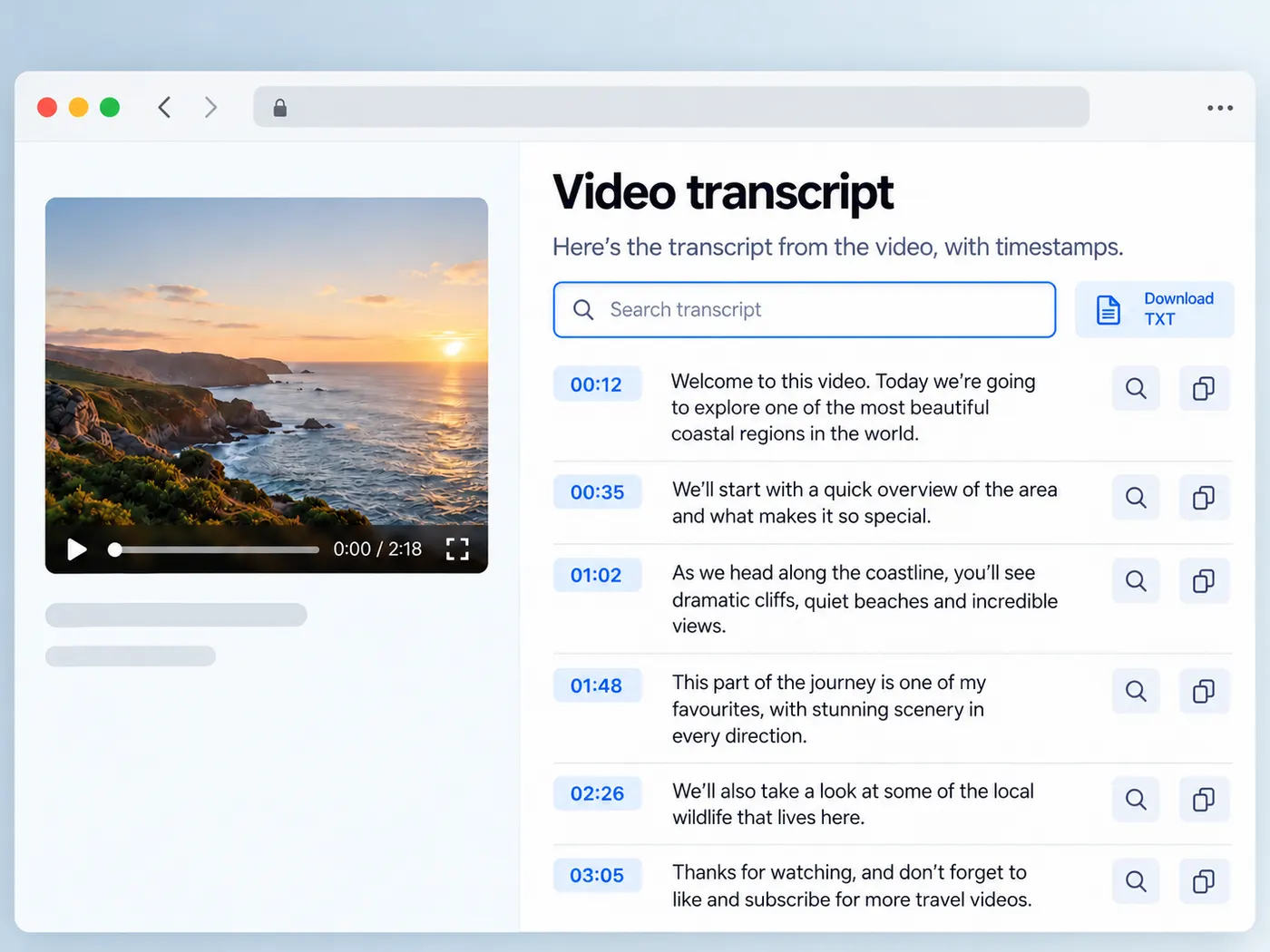
Use a YouTube script extractor to turn a public video link into clean video text you can search, copy, quote, download, and reuse for notes, captions, research, or new content.
Running it costs 1 credit per video and needs a free account (new accounts get 5 credits) — sign in and we bring you right back here.
YouTube script extractor for clean source text
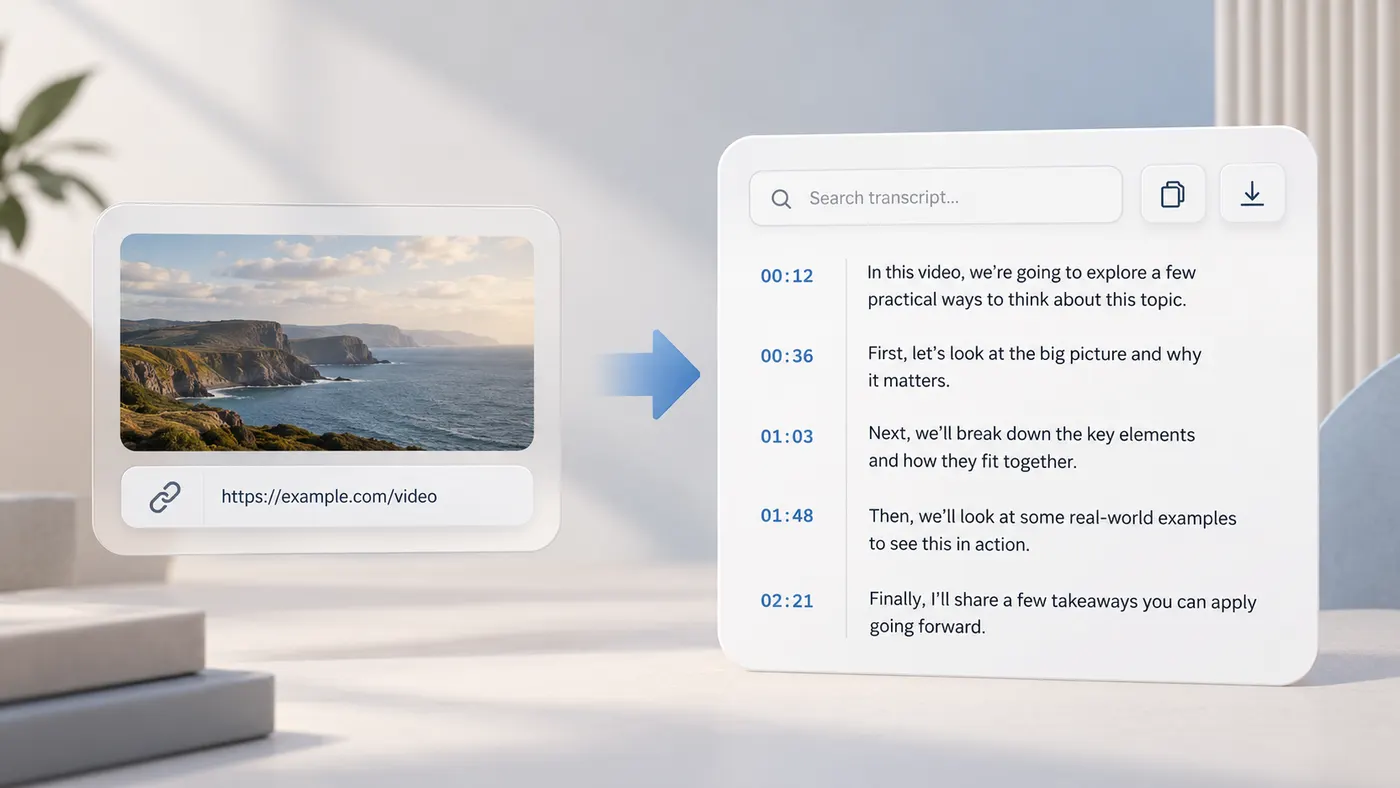
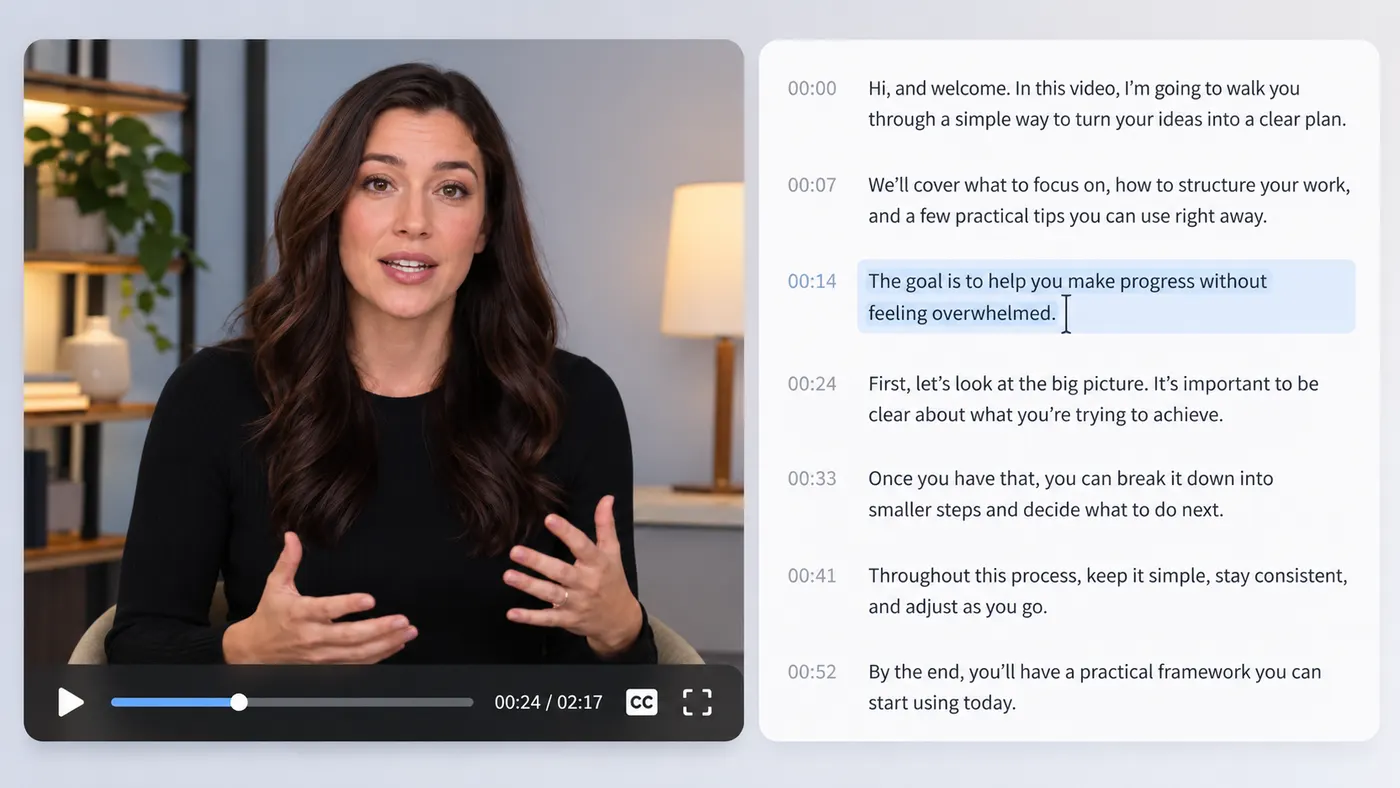
Point it at a public interview, lecture, podcast, tutorial, or commentary video. The tool reads the captions already available on YouTube and returns a complete transcript in clean, readable text. Each line keeps its timestamp, so you can skim the script, find the moment behind an idea, and copy only the passages you need. It is a practical starting point when listening again would take too long.
Find the words worth keeping
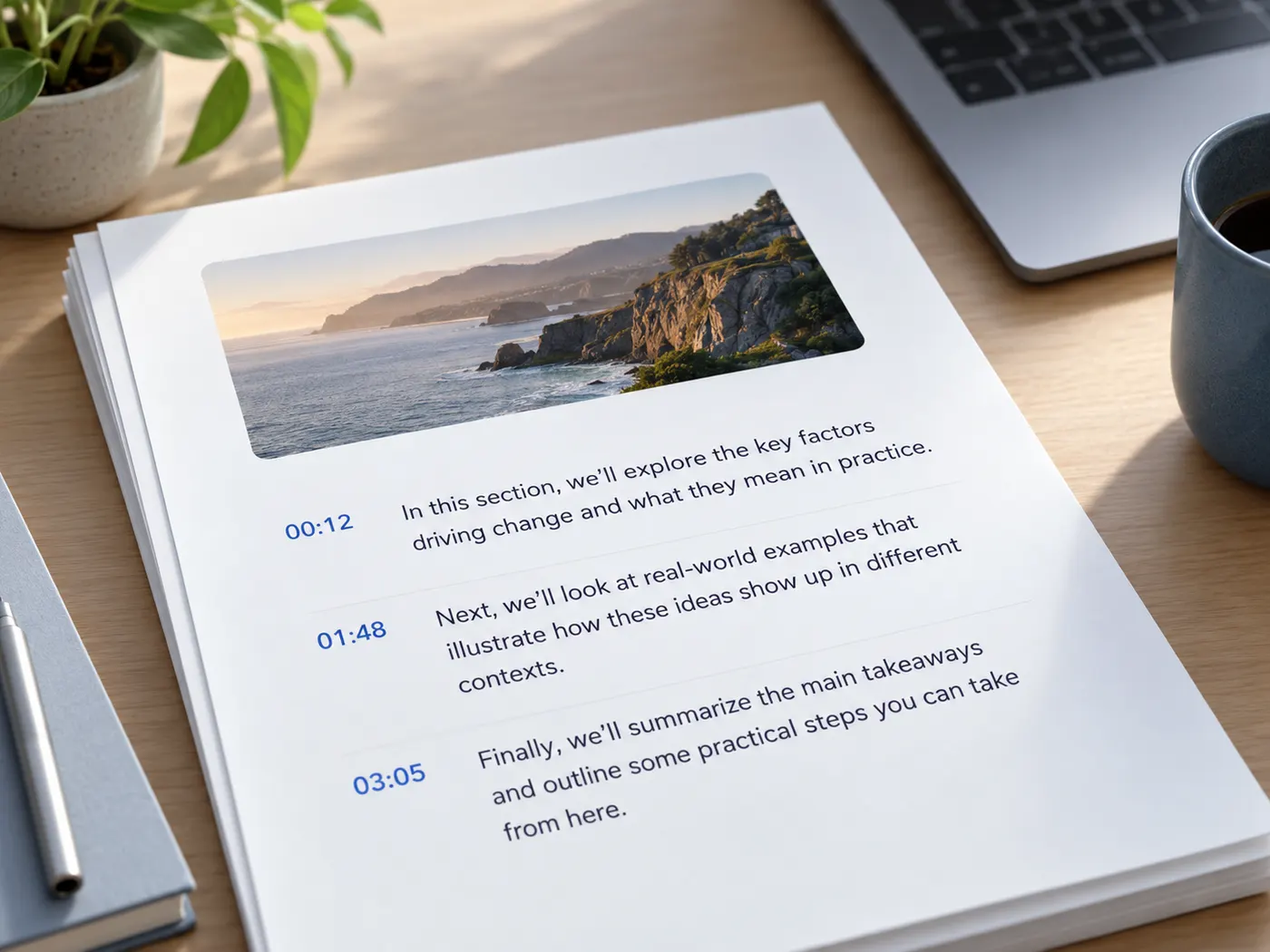
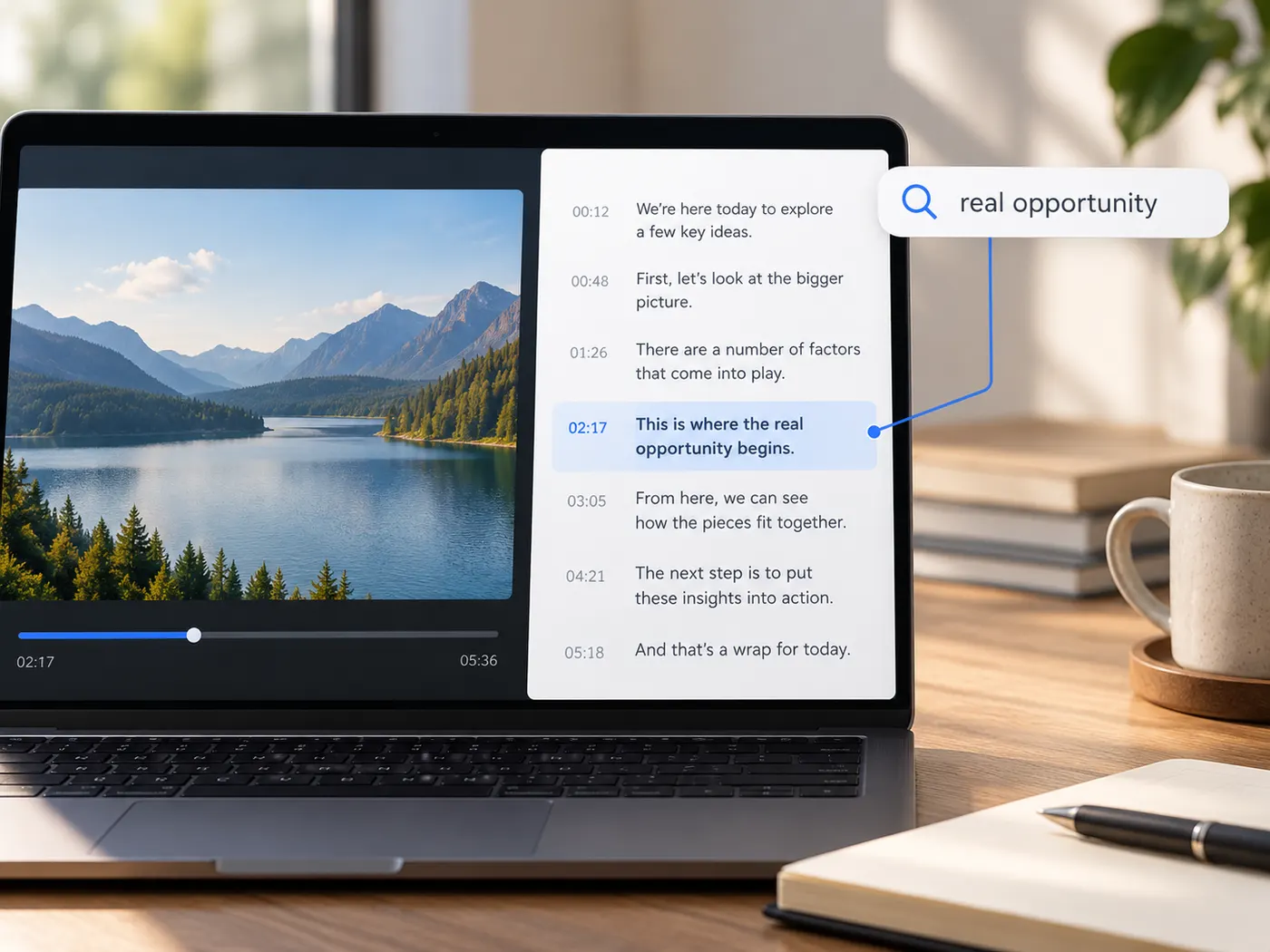
The youtube script extractor gives you written source material instead of forcing you to scan a moving video by ear. Search through the returned transcript for a name, phrase, topic, or quote, then review the surrounding timestamp in the original video. That makes long recordings easier to research, compare, and annotate. You can also copy selected passages into notes without manually typing every sentence.
Reuse a transcript across your workflow
Run the youtube script extractor once and turn the resulting text into a working draft for captions, study notes, article research, show notes, or social content. The output is made for quick copying and downloading, so you can move it into the document or editing tool where the next task happens. Start with the video’s available captions, then polish names, punctuation, or wording as needed.
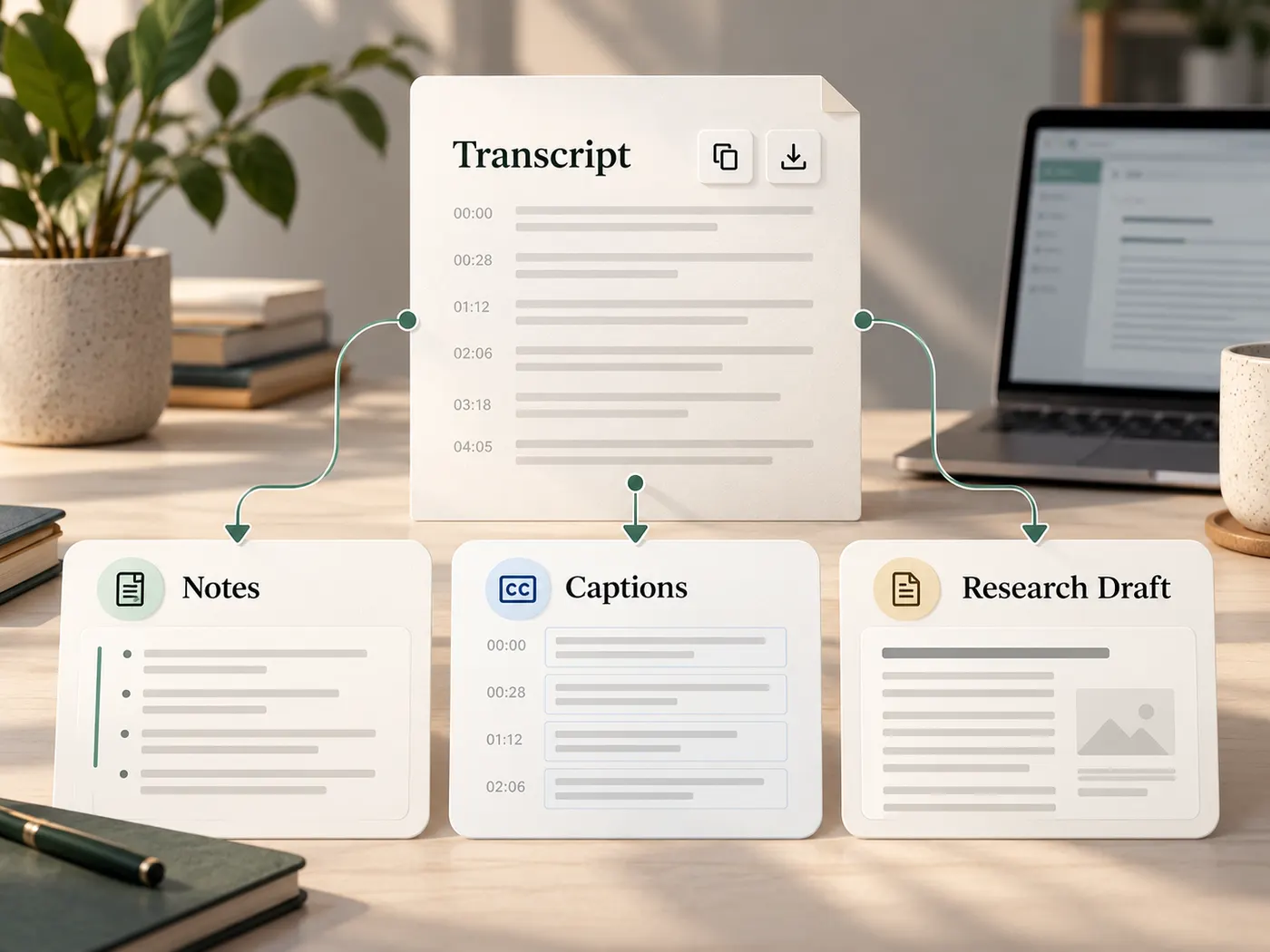
From video link to usable script
Paste a link, fetch the available captions, and get timestamped text you can search, copy, and download.
How to extract a YouTube script
Step 1
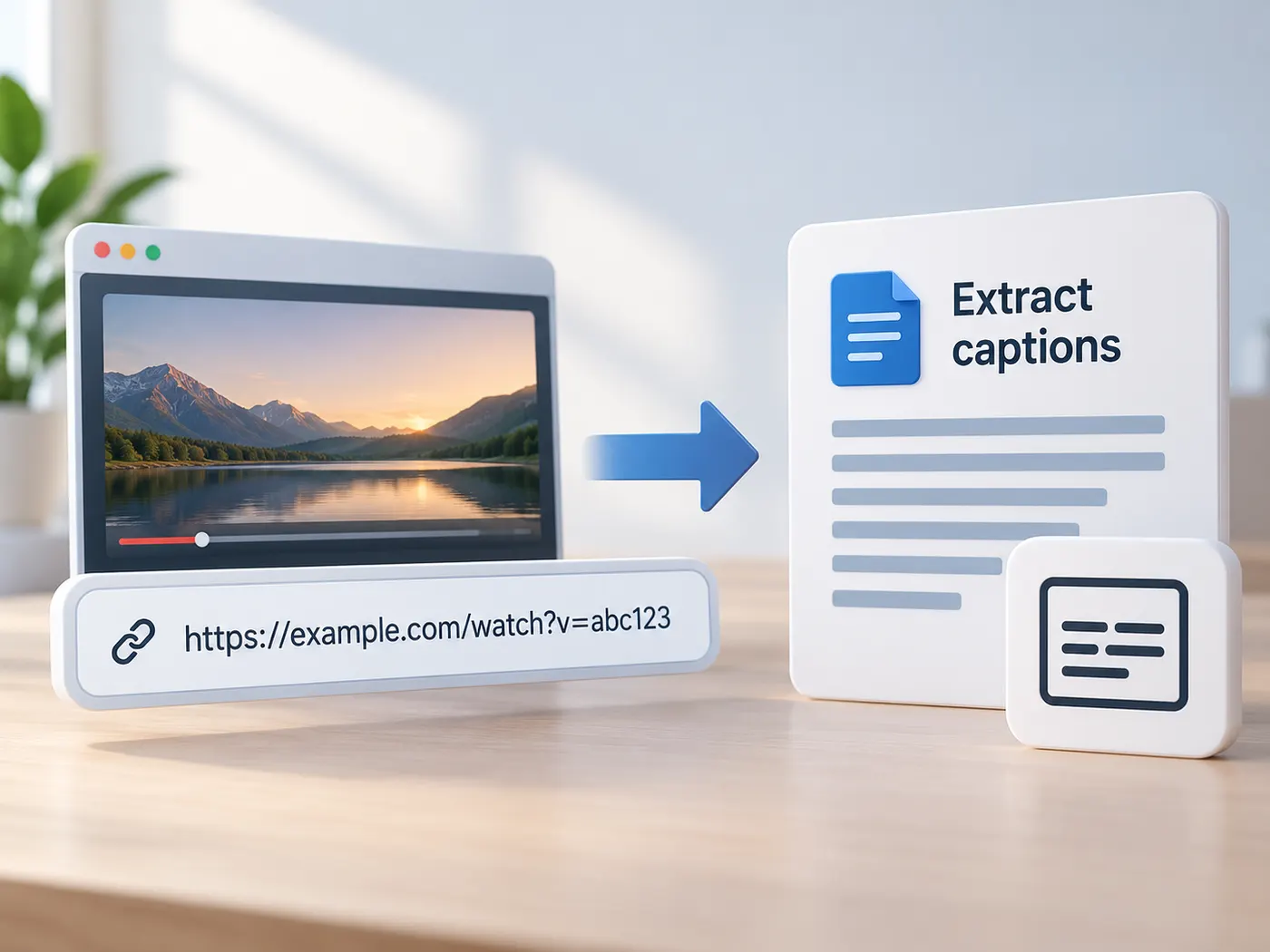
Paste the video link
Copy a public YouTube URL from your browser and paste it into the YouTube link field. Watch links and short links are both suitable starting points for the workflow.
Step 2
Sign in to run
The youtube script extractor requires a signed-in account because each transcript run uses one credit per video. Sign in, return to the page, and submit the link when you are ready.
Step 3
Fetch the captions
The tool fetches the captions the video already offers, including the available language tracks, and prepares them as a clean transcript with timestamps for reading and searching.
Step 4
Copy or download the result
Review the returned text, search for the sections you need, then copy the transcript into your notes or download the TXT file for later research, quoting, captions, or reuse.
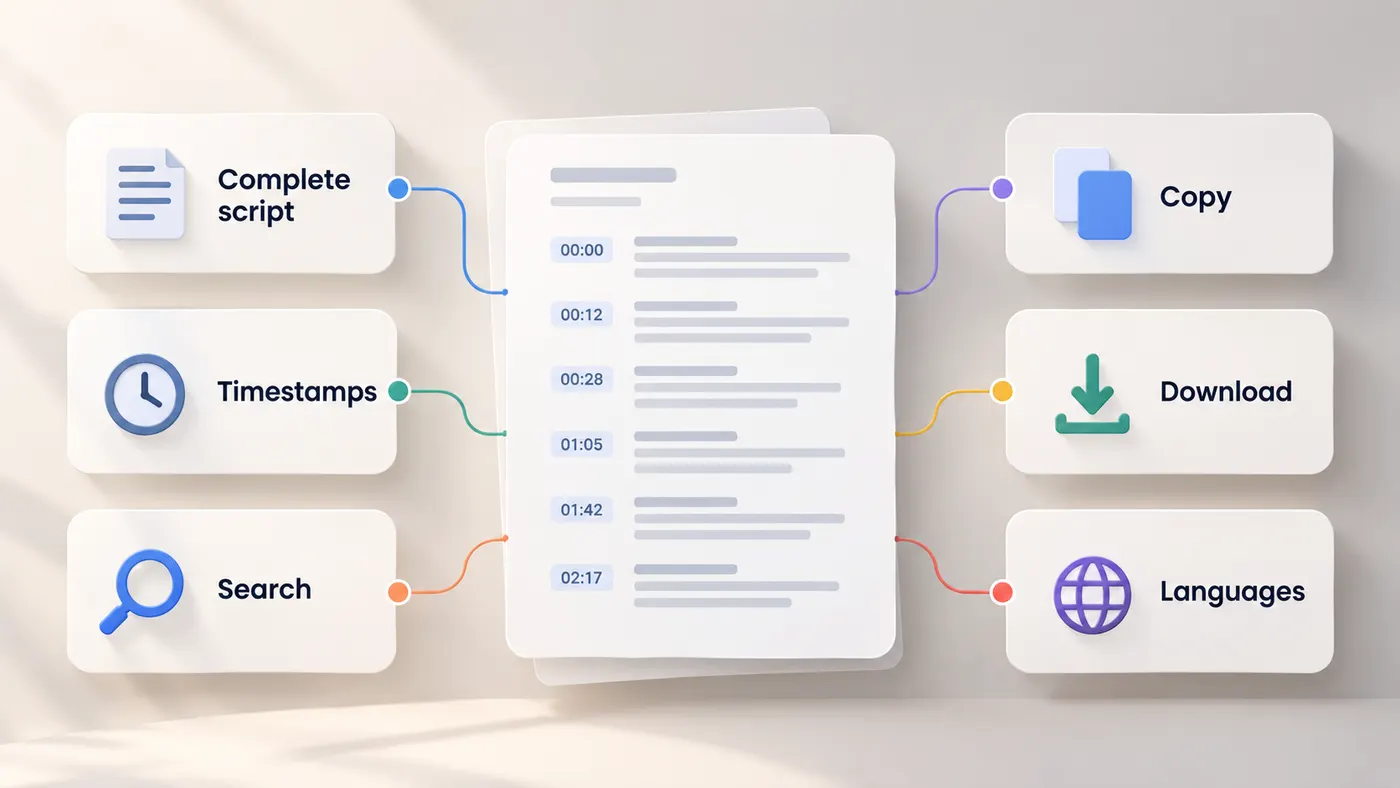
A complete starting script
The youtube script extractor turns a public video link into the spoken text available from that video.
Use the result as source material for research, notes, quotes, or a first content draft.
Timestamped lines
The youtube script extractor keeps timing with the returned captions, making it easier to locate a sentence in the original video.
Jump back to the relevant moment when you need to check context or wording.
Search before you listen again
Use the youtube script extractor to scan a long recording for names, topics, phrases, and key ideas.
Searchable text saves time when you remember what was said but not where it appeared.
Copy-ready output
The transcript is returned as clean text that can move directly into a document, research file, caption draft, or planning note.
Copy the whole script or select only the lines that support your next task.
Download for later
Download the finished transcript as a TXT file when you want a local copy for editing, archiving, or offline review.
The simple format keeps the text easy to open in common writing tools.
Useful across languages
The tool works with the caption language tracks a public YouTube video already offers.
Choose the available text that best fits your research, study, or content workflow.
See the workflow
A quick visual guide to extracting, reviewing, and reusing video text.
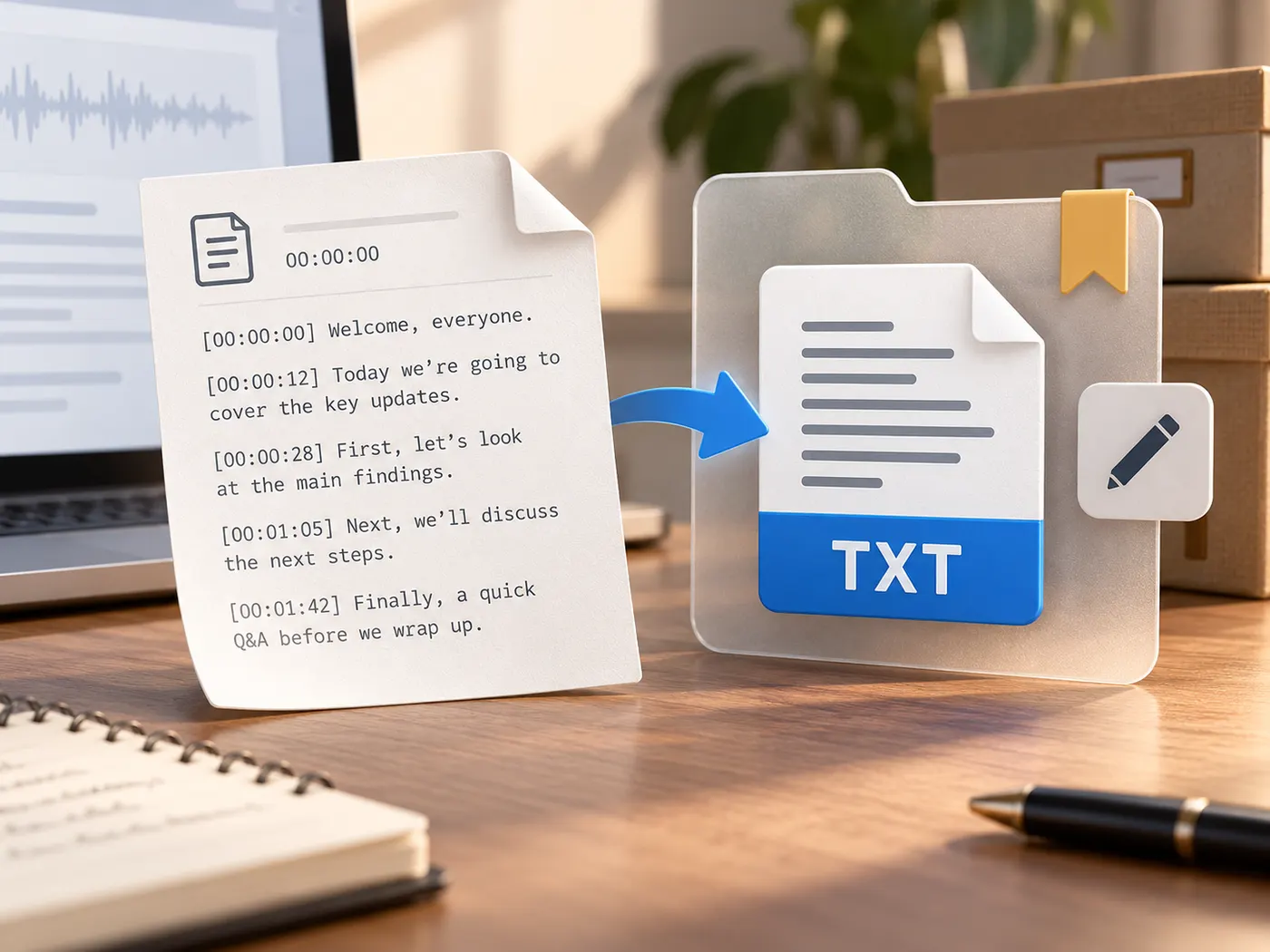
What this tool gives you
| What you get | A real preview or structured result produced by the embedded tool, with a download or export action when available. |
|---|---|
| On this page | The tool itself, step-by-step guidance, honest examples, and related tools — all on this same page. |
| Best for | YouTube script extractor, ready to use when you want a direct browser workflow without leaving the page. |
What people use it for
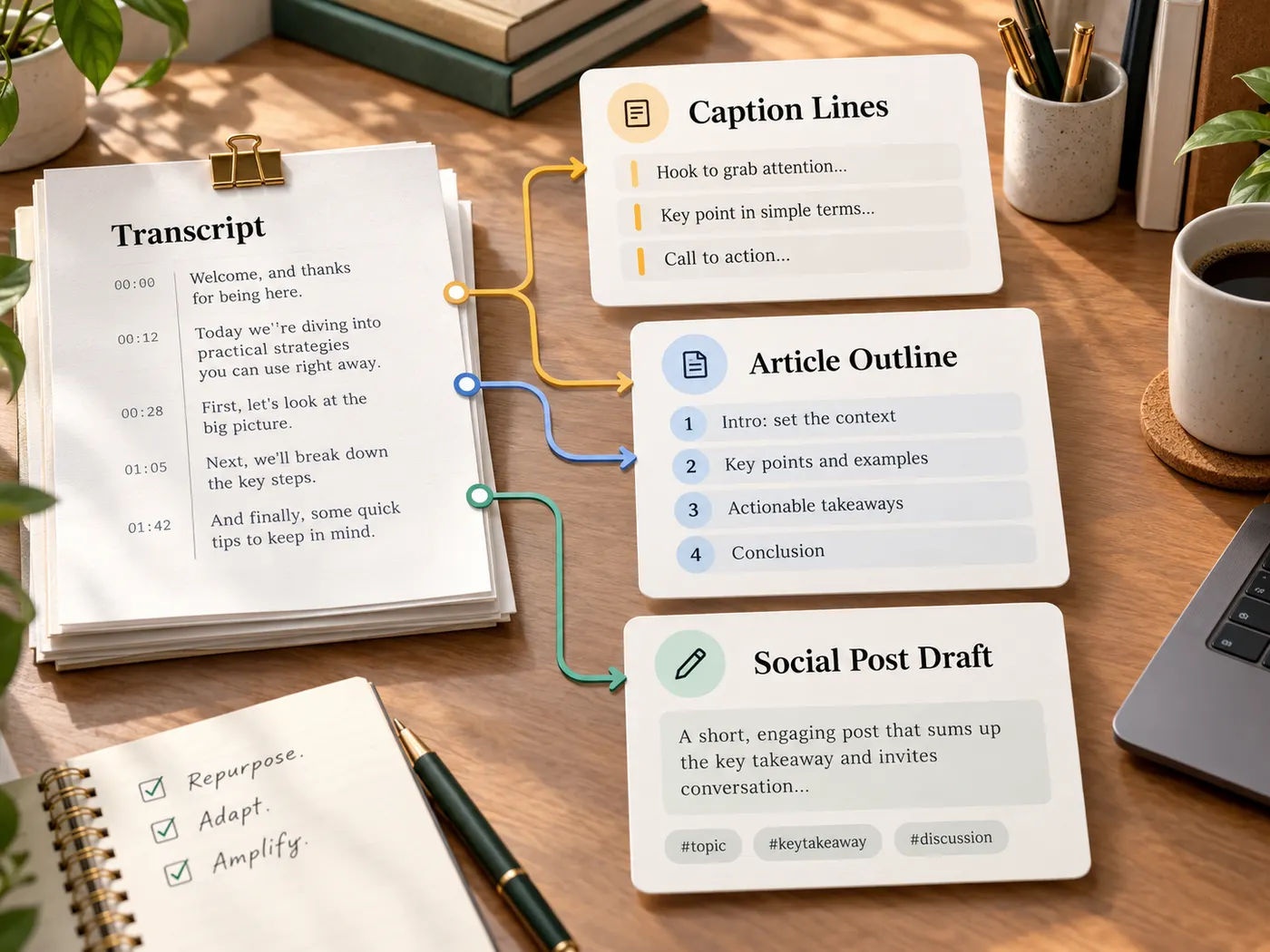
Content creators
The youtube script extractor turns a published video into source text for captions, posts, articles, and content repurposing.
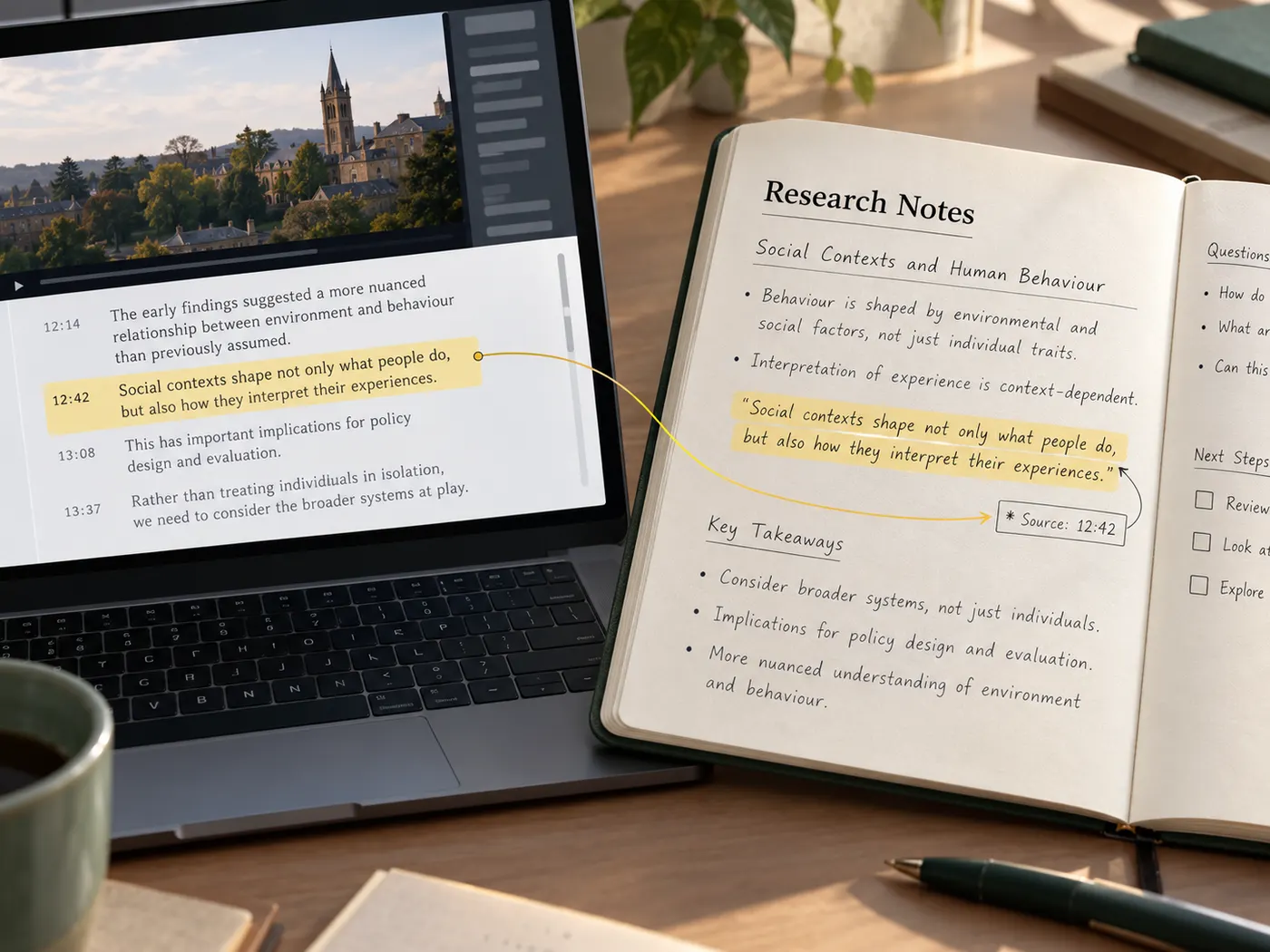
Students and researchers
Use the youtube script extractor to search lectures, interviews, and explainers for passages worth studying or quoting.
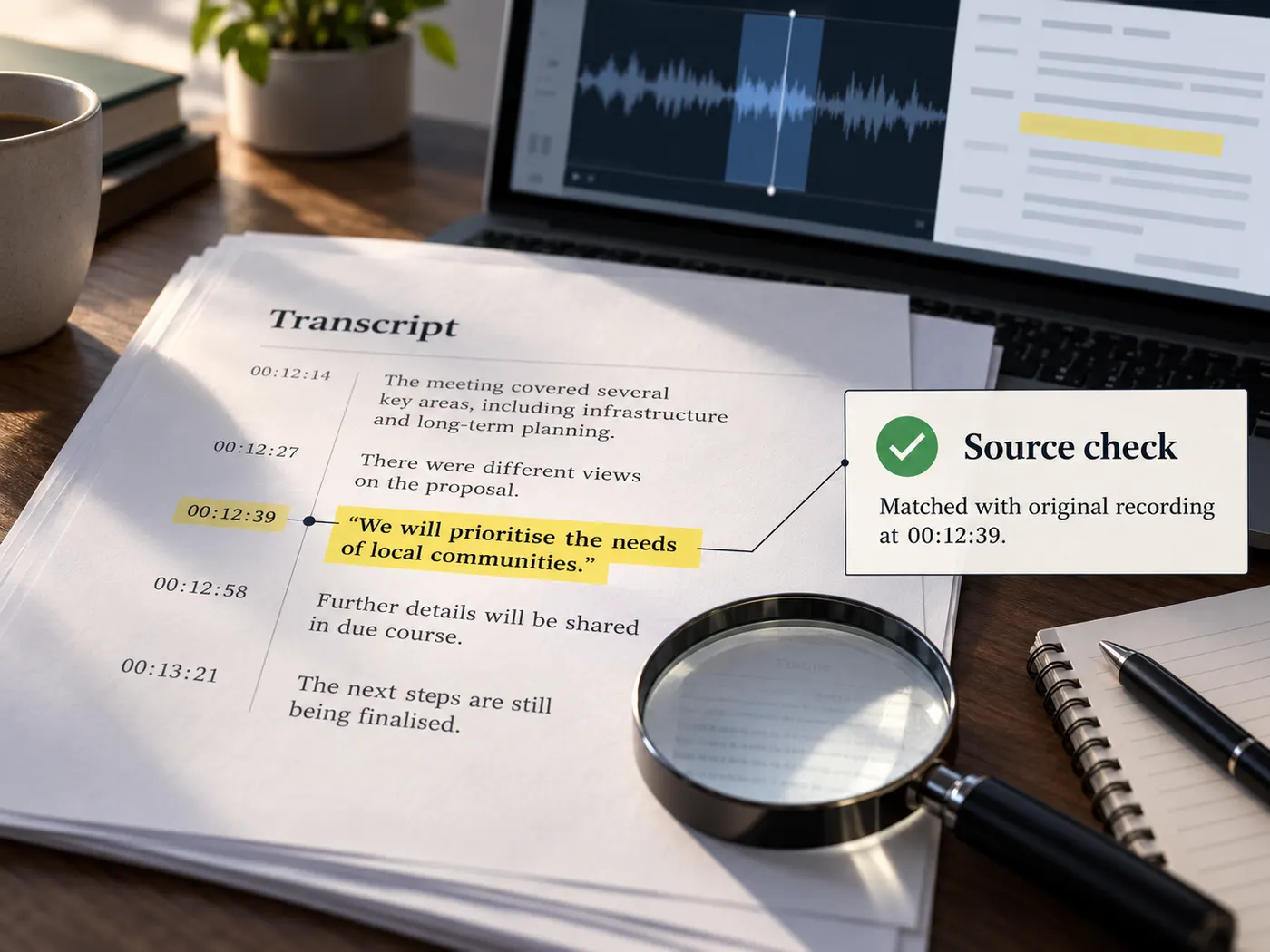
Journalists
Pull searchable text from a public interview, then return to the timestamps when checking quotes and context.
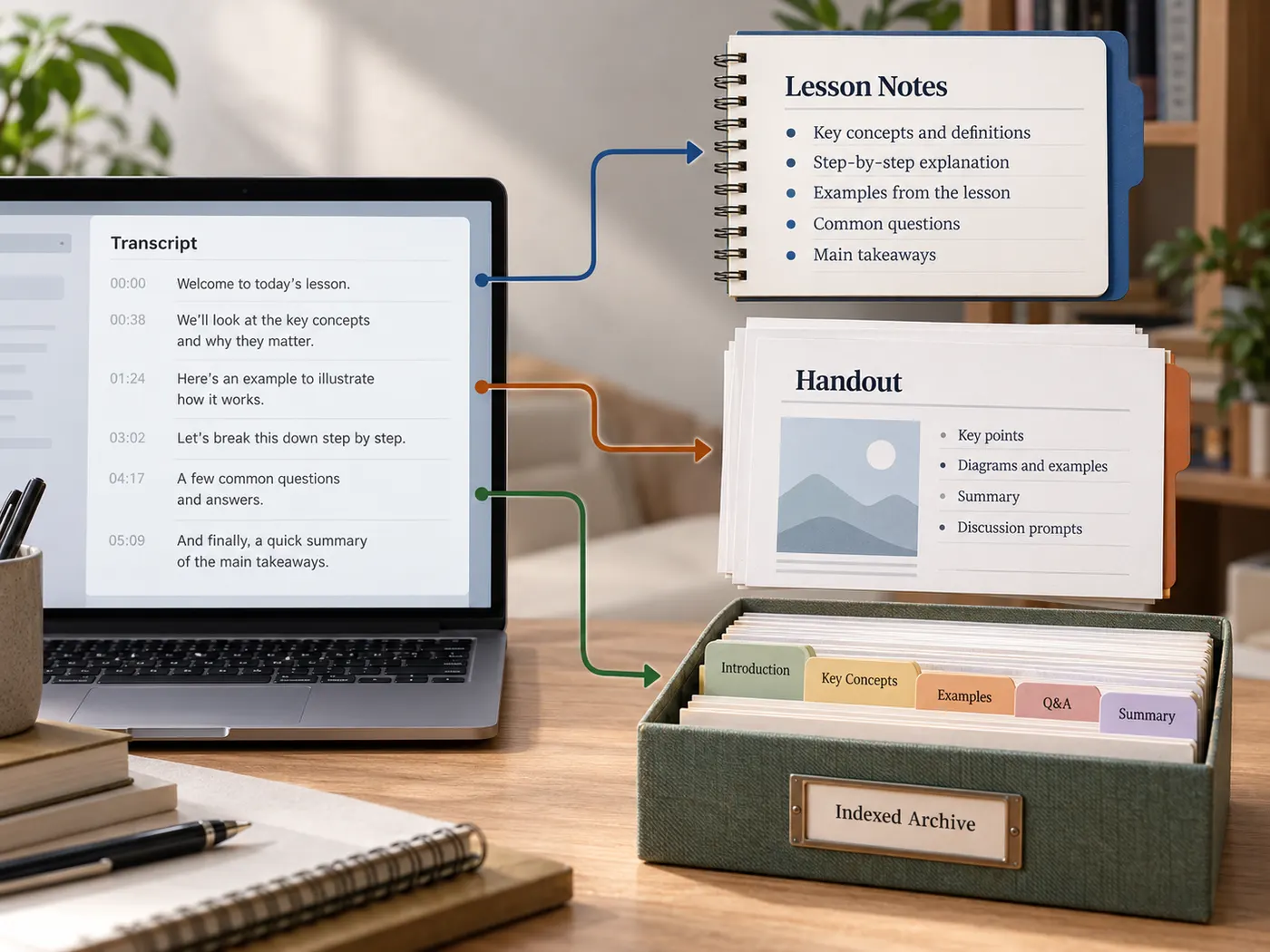
Course makers
Convert a lesson video into editable notes, handout material, or a searchable archive for future students.
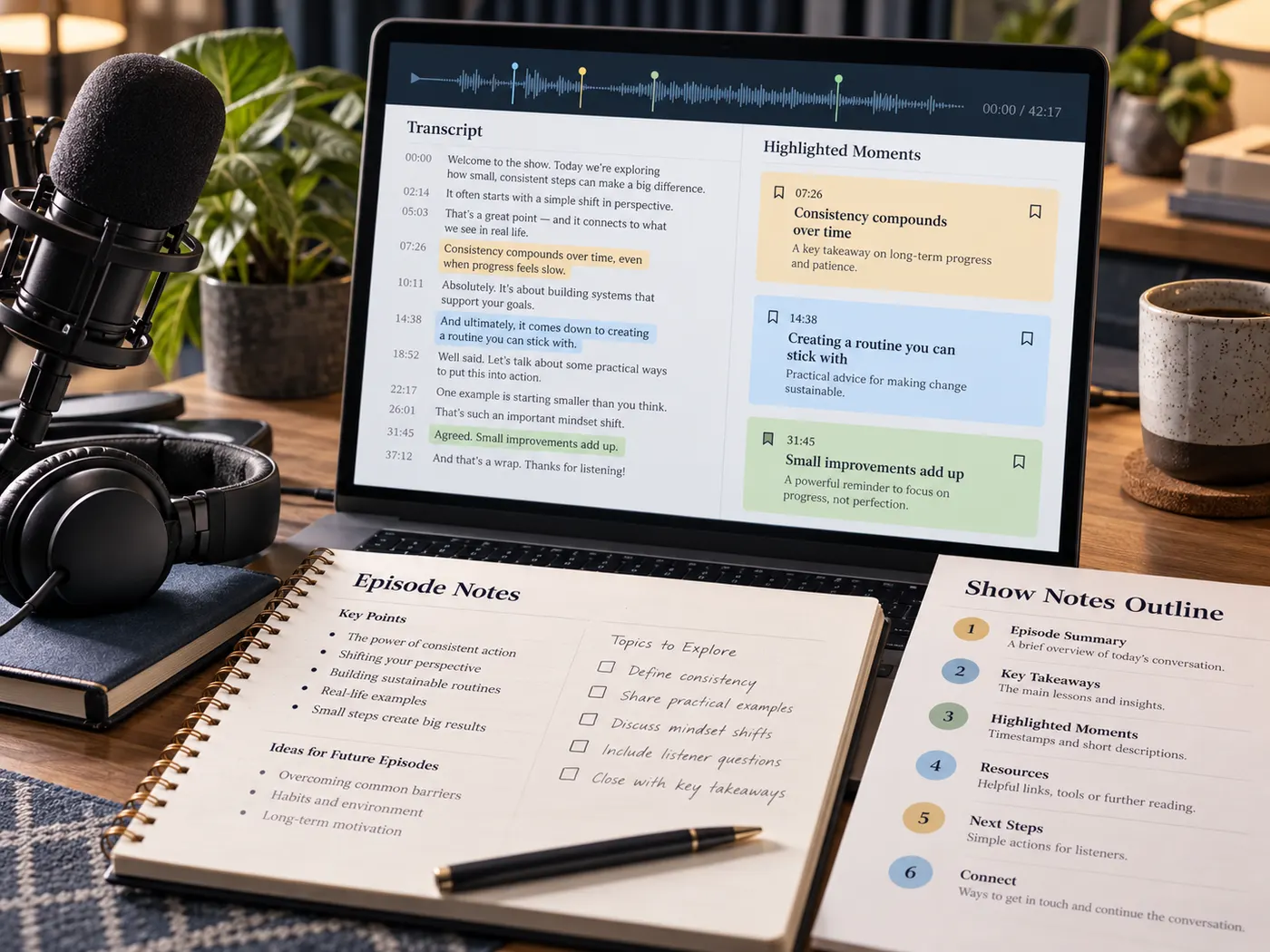
Podcast teams
Review a video podcast in text form while planning show notes, episode highlights, or follow-up content.
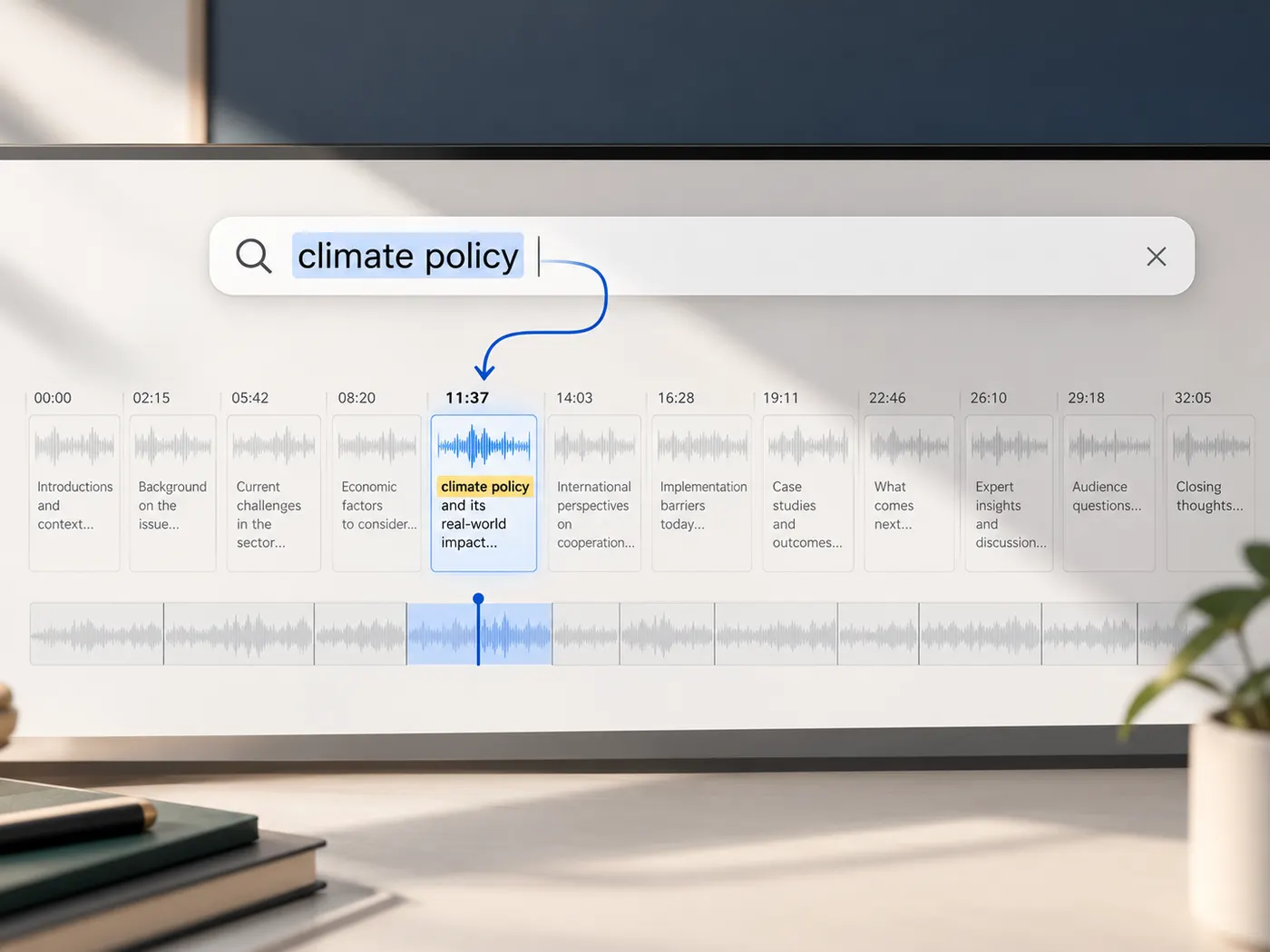
Busy viewers
Scan a long tutorial or presentation for the exact section you need instead of replaying the entire video.
YouTube script extractor questions
- What does a YouTube script extractor do?
- A YouTube script extractor turns the captions available on a public YouTube video into clean, timestamped text. That text can be searched, copied, downloaded, studied, quoted, or reused in another content workflow.
- How do I use a YouTube script extractor?
- Paste a public YouTube link into the field on this page, sign in, and run the tool. It fetches the captions the video already has and returns the transcript as readable text with timing information.
- Does the YouTube script extractor transcribe any video?
- This page is configured for public YouTube links and uses the captions already available on the video. If the video has no usable captions, use the video to text tool when you have the original video or audio file.
- How much does the YouTube script extractor cost?
- Pasting a link is available before you run the tool. After sign-in, each completed transcript run uses one credit per video, so you can see the workflow before submitting the extraction.
- Can I search the extracted YouTube script?
- Yes. The returned transcript is clean text with timestamps, so you can use your browser or document search to find names, phrases, topics, and quotes without replaying the entire video.
- Can I download the extracted transcript?
- Yes. After the transcript is ready, copy the text or download it as a TXT file. The file is useful for notes, research, captions, article planning, and other reuse that starts with written source material.
Simple, honest pricing
Copying and exporting a transcript you already have is free. New transcripts use credits — pick a plan when you need more.
- Free
- $0 — 5 credits on sign-up
- ProPopular
- $9.99/mo — 600 credits
Turn a video into usable text
Paste a public YouTube link, fetch its available captions, and start working from a clean transcript.