Accurate speech-to-text · timestamped output · pay only when it works
Phonon-2 transcription that actually reads clean
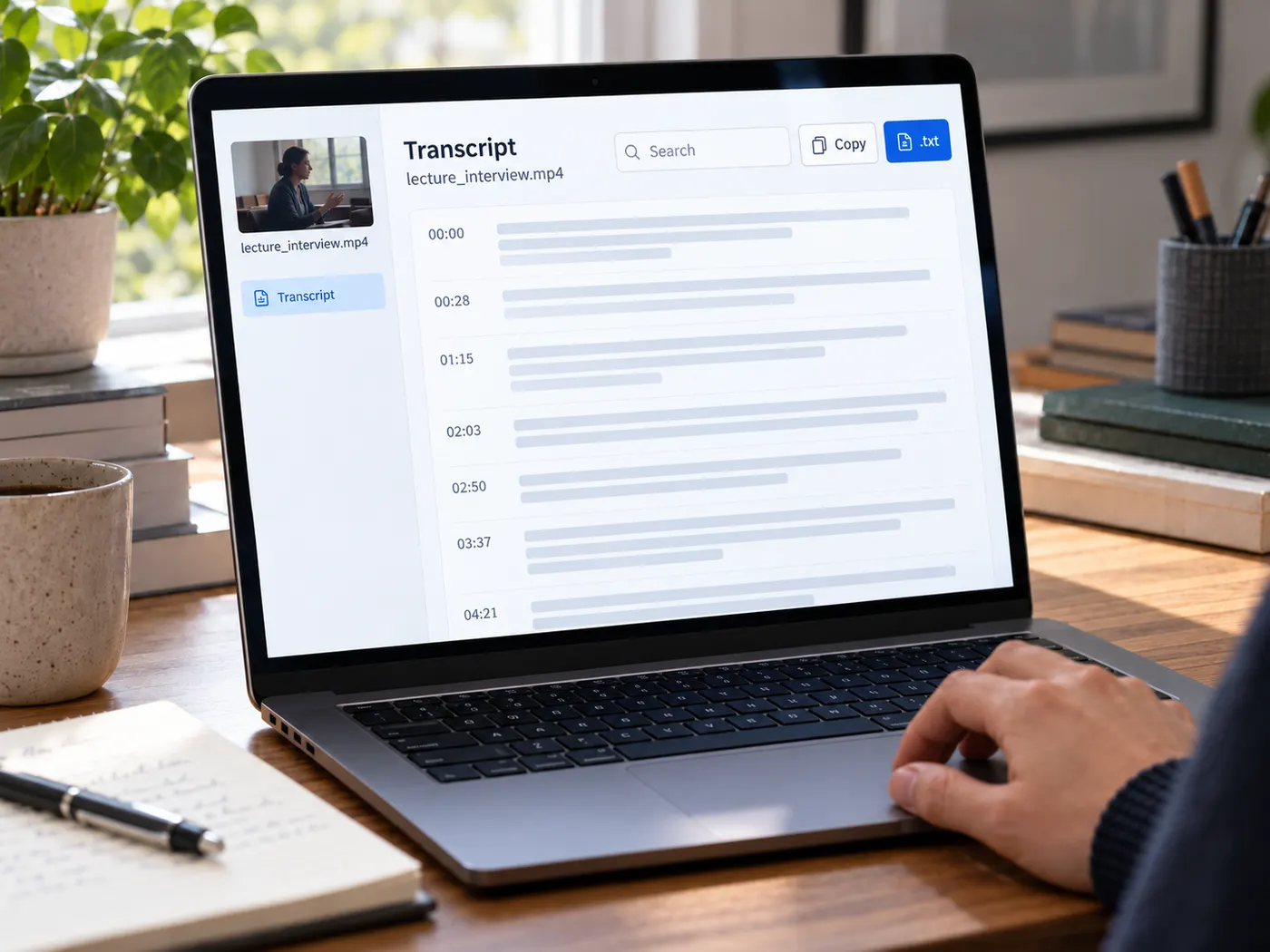
Upload a Phonon-2 video or audio file and get a readable transcript you can search, quote, copy, edit, and download. The video transcript gives you a dependable source document, while this transcript tool removes the slow, distracting work of typing every spoken word.
Turn spoken ideas into usable text
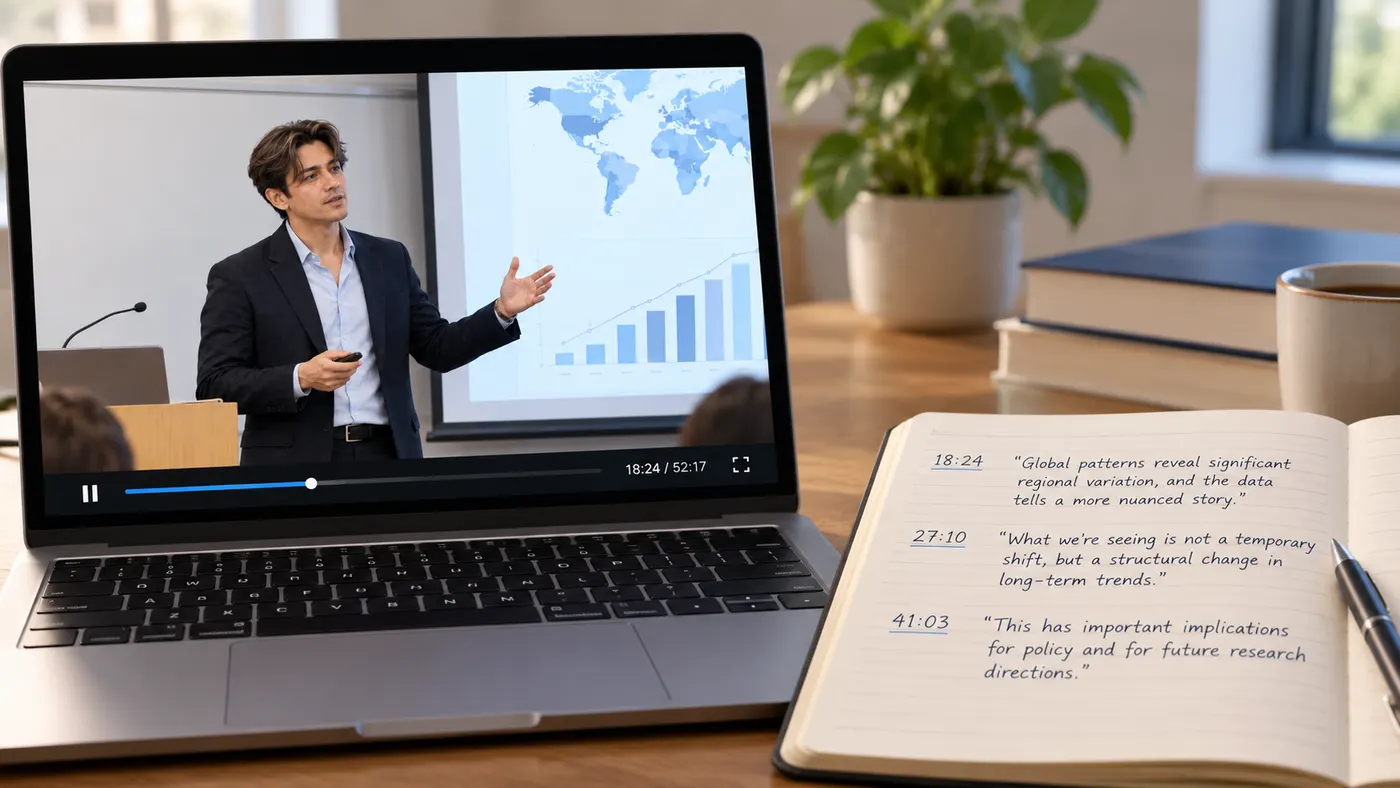
Upload a lecture, interview, presentation, podcast recording, or screen capture and let the model listen through it once. You receive readable text instead of a rough outline, making it easier to find the exact idea, quote, or explanation you remember from the recording. The transcript is ready to copy into notes, documents, research files, or a content draft.
Search, study, and quote faster
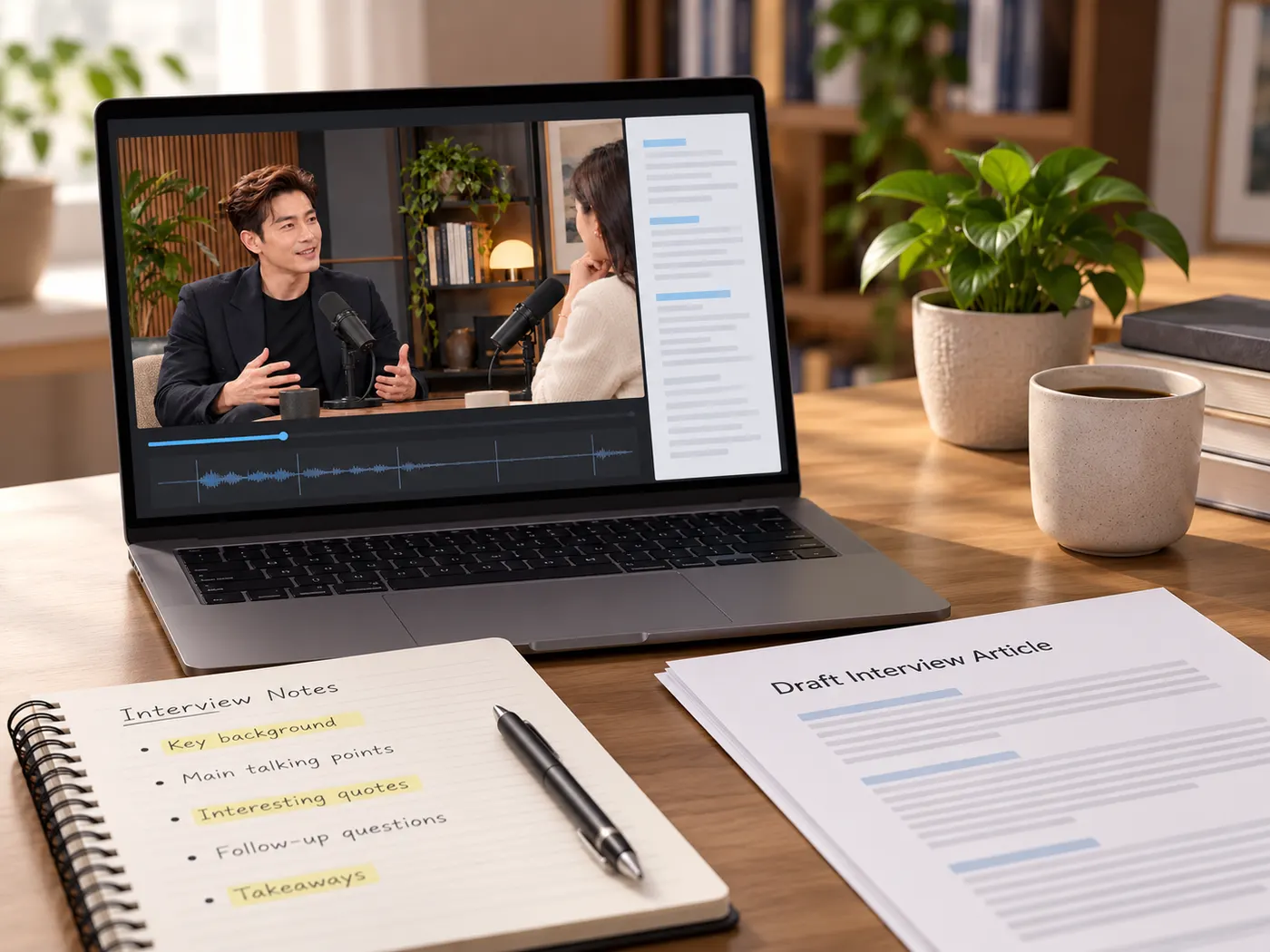
Long videos are difficult to navigate when you rely on memory or repeated scrubbing. A complete transcript gives you a searchable source document you can scan for names, claims, examples, and turning points. Find the useful passage, check it against the recording, and pull the wording you need without replaying the entire file every time.

Reuse the source everywhere
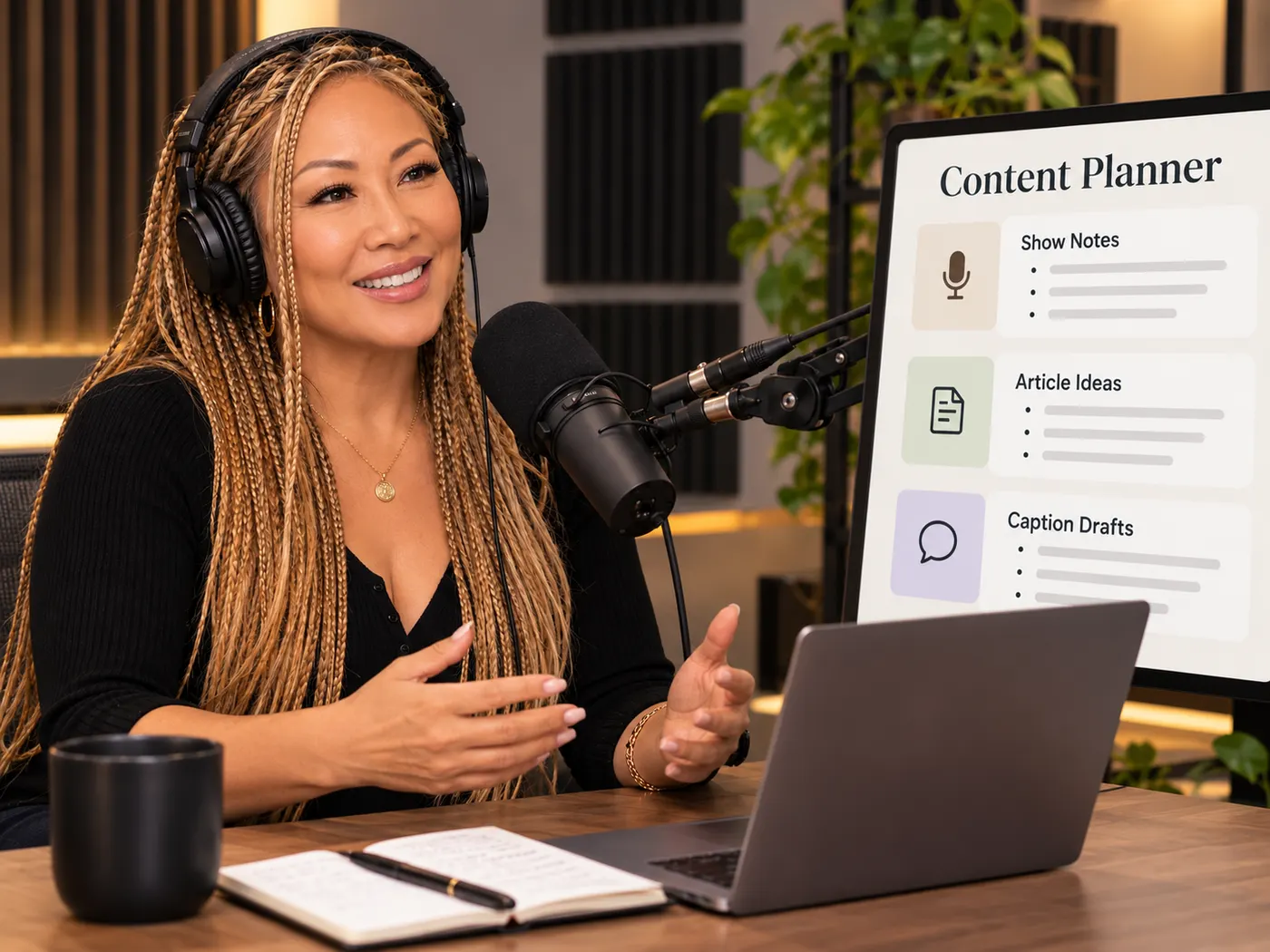
One transcript can become research notes, a quote bank, show notes, a script outline, captions, or the starting point for an article. Copy the text into your usual workflow, make light edits where needed, and keep the original spoken source close at hand. You spend your time interpreting and shaping ideas instead of typing them from scratch.
Phonon-2 from speech to source text
Upload the recording, let the AI listen, then work from clean text you can search, quote, and reuse.
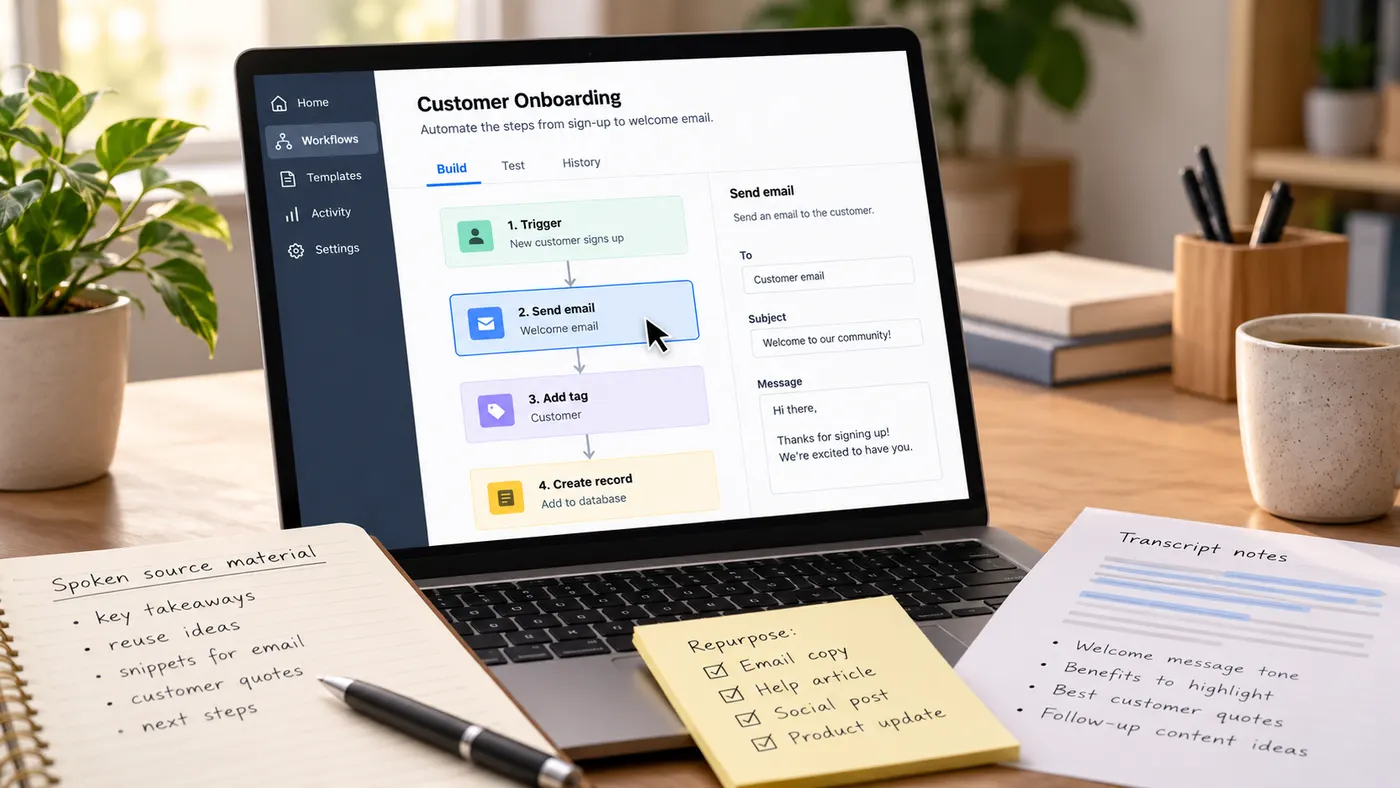
How to transcribe a Phonon-2 video
Step 1
Choose your file
Drag in a video or audio file, or click to browse. Supported uploads include MP4, MOV, WebM, MP3, WAV, and M4A files.
Step 2
Check the preview
Review the local preview to make sure you selected the right recording. Uploading and previewing are free while you prepare the run.
Step 3
Run transcription
Sign in if needed, review the credit rate, and start the job. AI transcription costs 4 credits per minute of audio, rounded up to the whole minute.
Step 4
Copy or download
Read the finished transcript, search for the passage you need, copy the text, or download it as a .txt file for research and reuse.
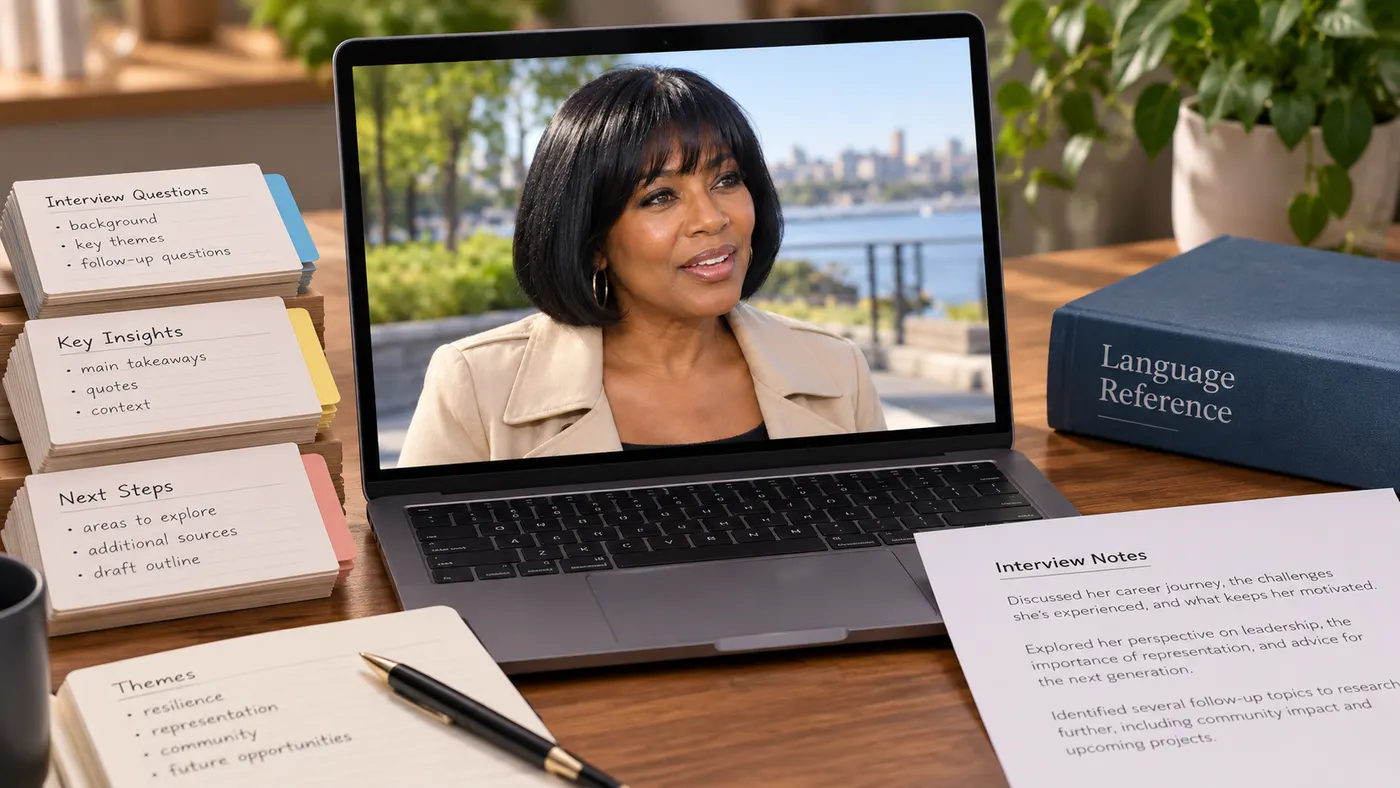
A complete source
Get the spoken content in one continuous transcript rather than relying on a short summary or scattered notes.
A complete source makes it easier to revisit context, compare ideas, and preserve details that might otherwise disappear.
Readable formatting
The returned text is organized into readable sentences with punctuation, so you can start studying instead of cleaning a wall of fragments.
You may still want to check names, acronyms, or specialist terms before publishing a quote.
Automatic language detection
The model detects the spoken language for you, keeping the workflow simple when you are working with different recordings.
There is no language menu to configure before every run.
Simple credit pricing
Transcription costs 4 credits per minute of audio, rounded up to the whole minute, so the usage rule is easy to understand.
The rate is shown before you run the job, and failed runs do not keep your credits.
Private preparation
Your selected file previews locally in the browser while you confirm the upload and get ready to run it.
The processing request is the step that sends the audio for transcription, so you can check the file first.
Plain text export
Copy the result directly into notes, a document, a research workspace, or a draft.
Download the transcript as a .txt file when you want a portable copy that works with the tools you already use.
Good transcript habits
A few practical ways to get more value from each recording.
What this tool gives you
| What you get | A real preview or structured result produced by the embedded tool, with a download or export action when available. |
|---|---|
| On this page | The tool itself, step-by-step guidance, honest examples, and related tools — all on this same page. |
| Best for | Phonon-2 transcription that actually reads clean when you want a direct browser workflow without leaving the page. |
What people use transcripts for
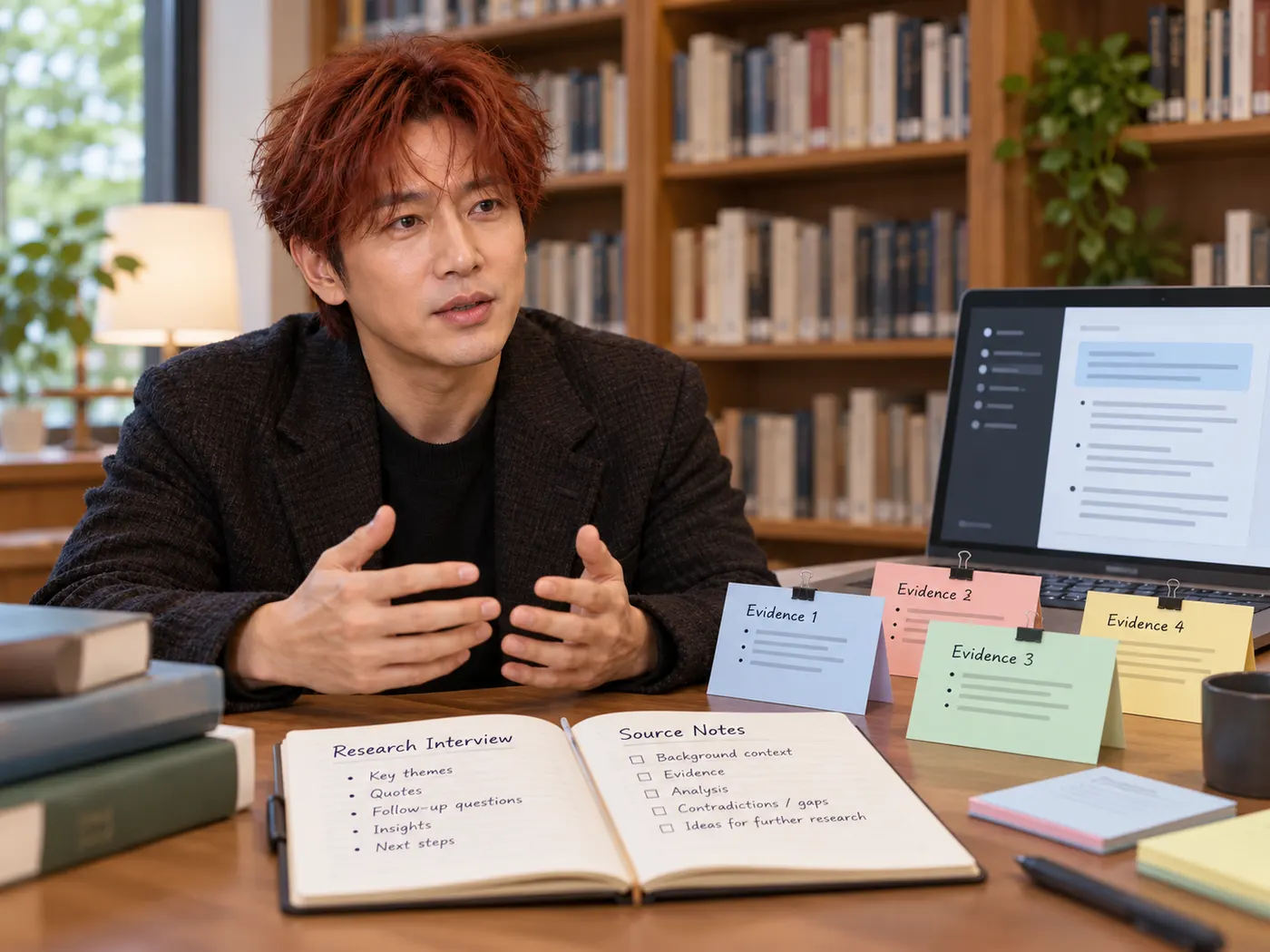
Research
Create a searchable source document from a talk, interview, or recorded discussion so you can locate evidence and ideas quickly.
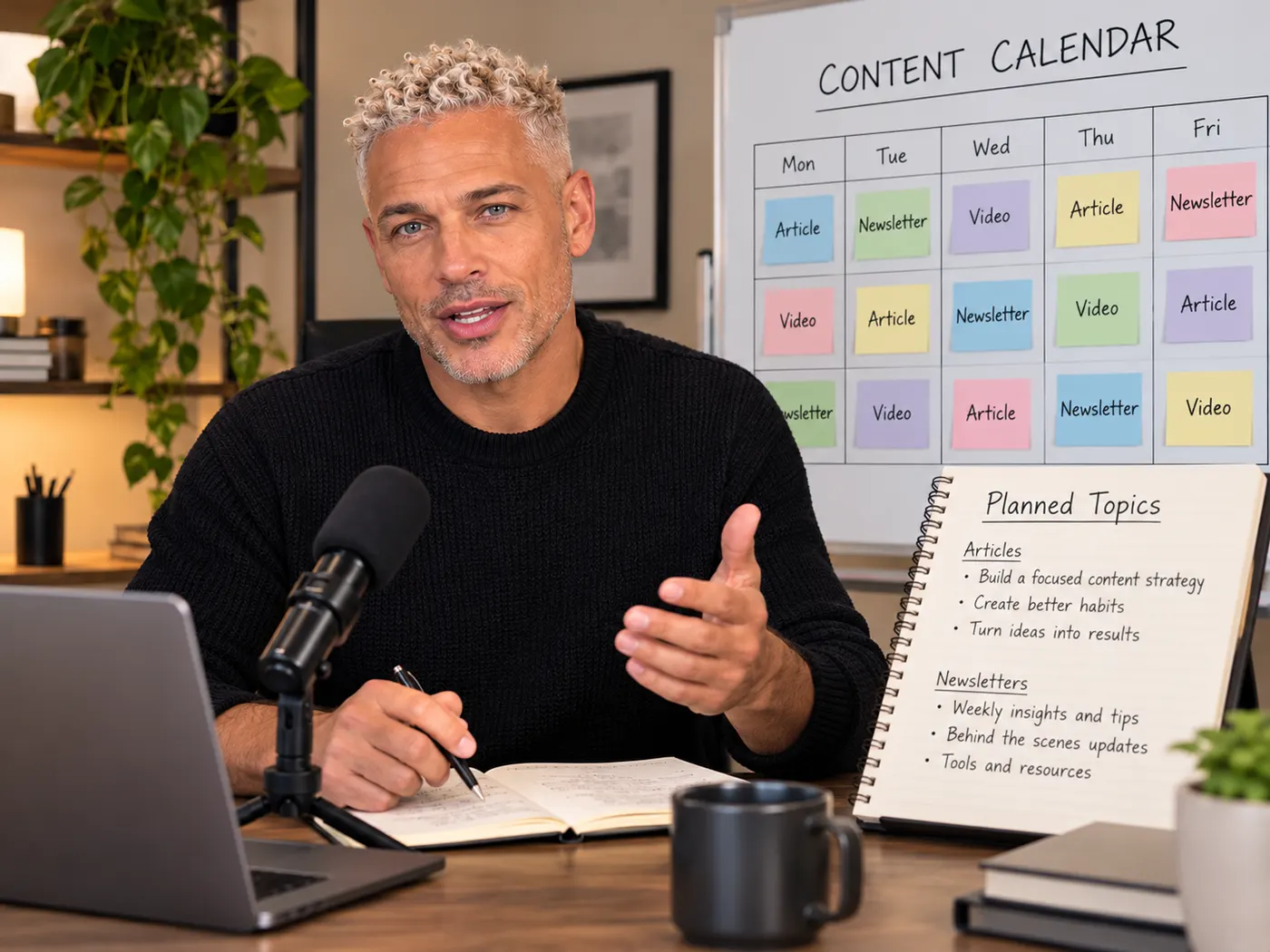
Content planning
Pull themes, quotes, and strong moments from a recording before turning them into an article, newsletter, or social post.
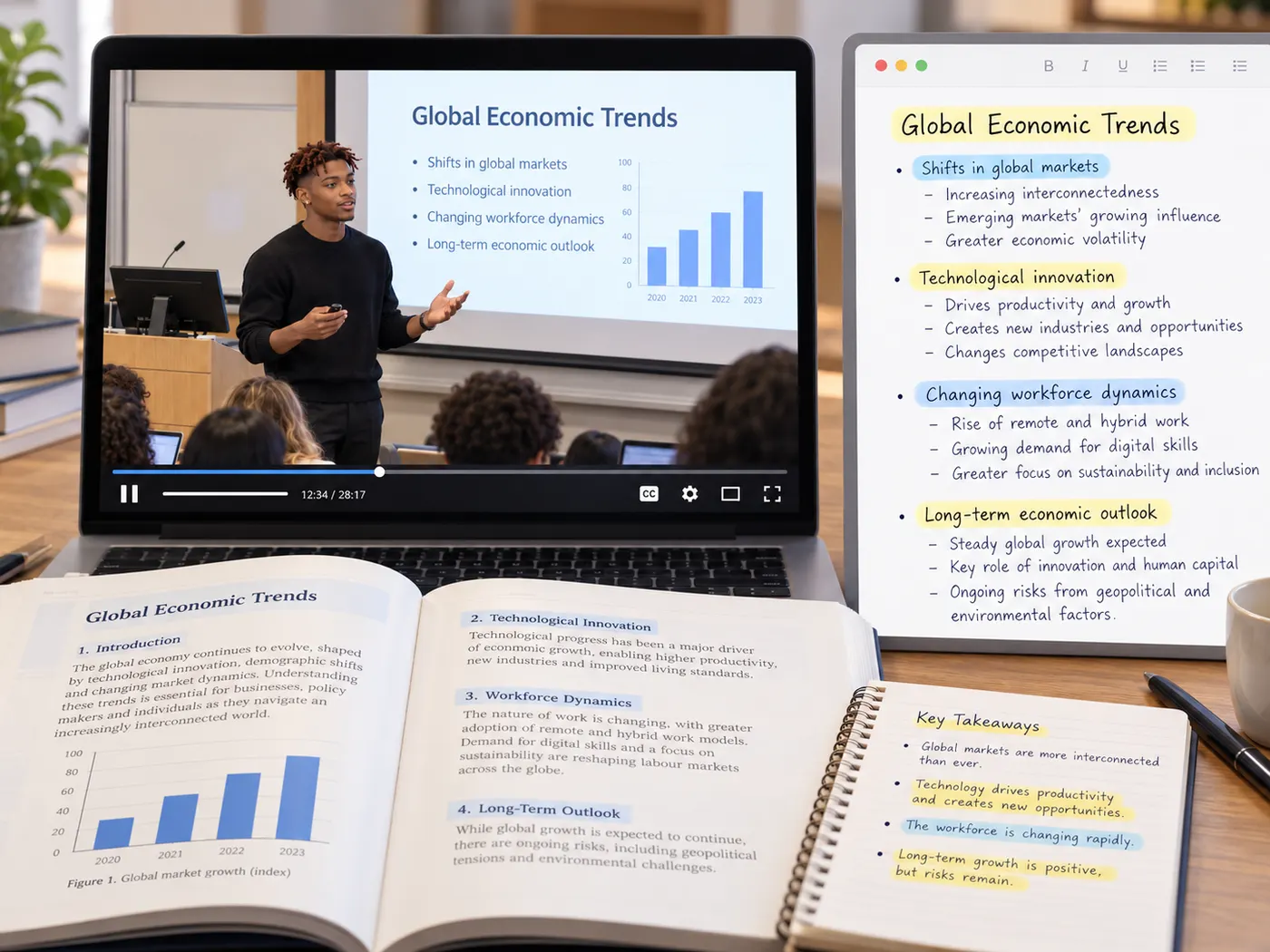
Students
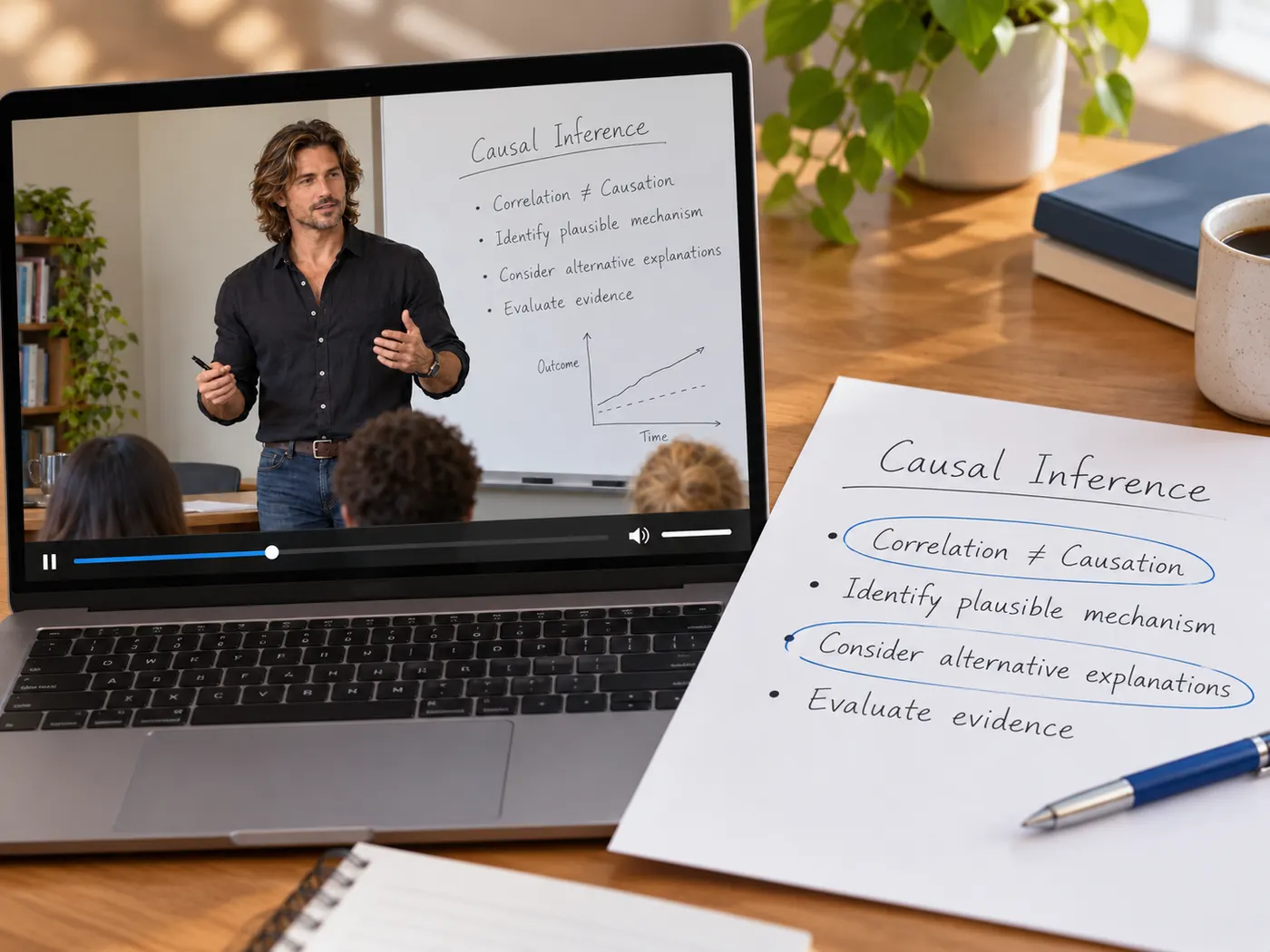
Convert a recorded lecture into text you can review, annotate, search, and revisit while studying for an assignment.
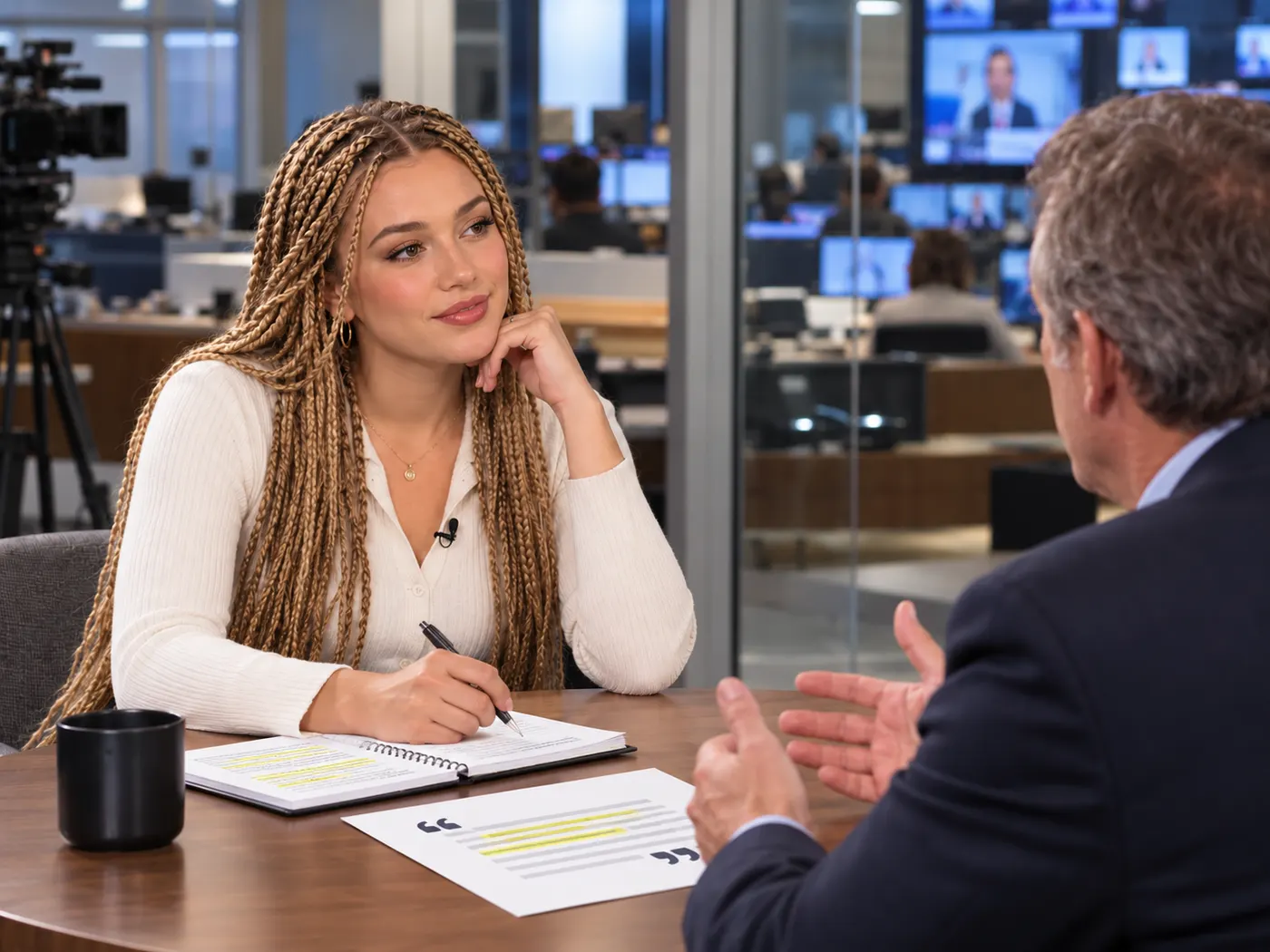
Journalists
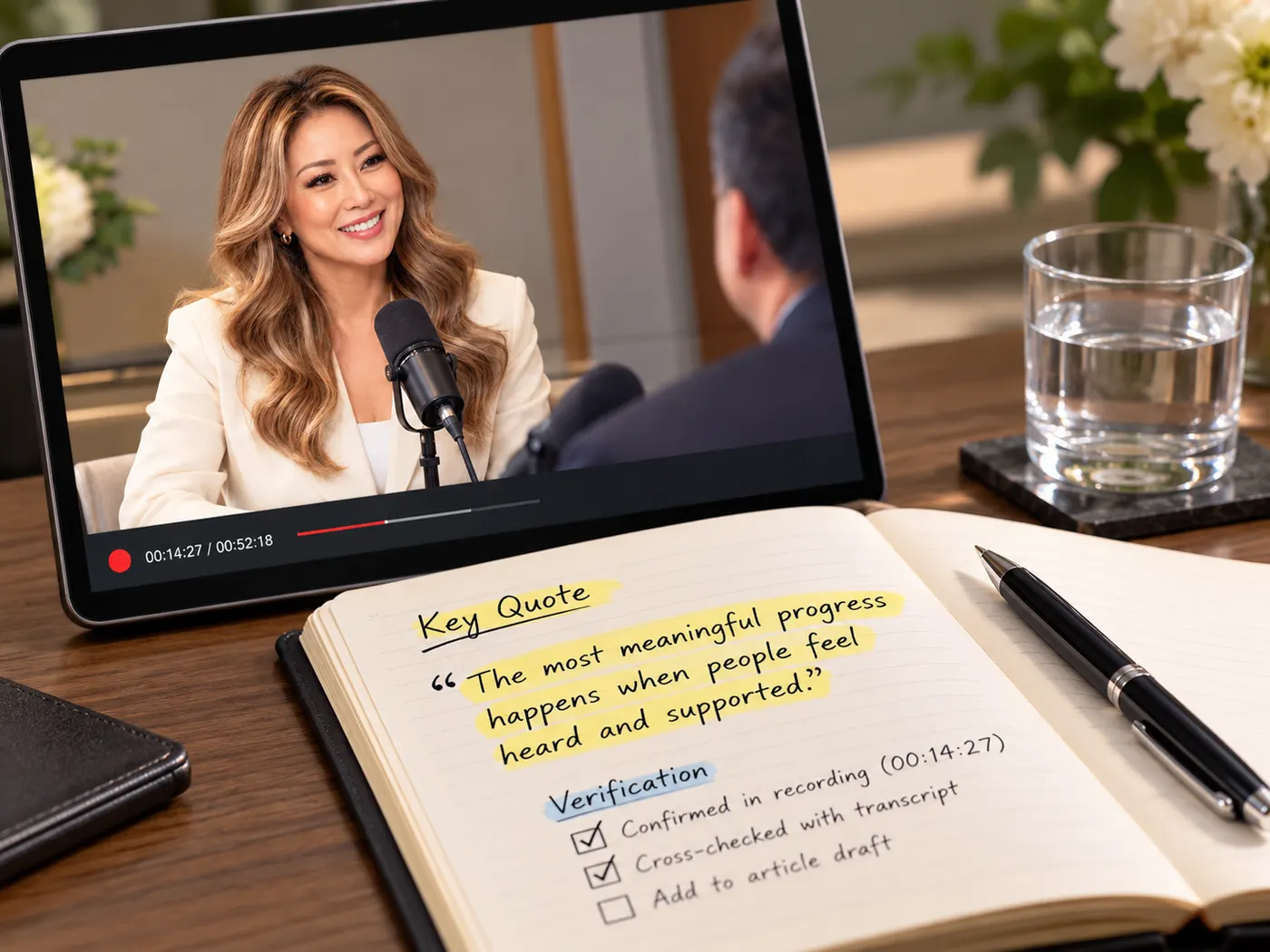
Start from the full interview, find exact wording, and verify the surrounding context before selecting a quote.
Course makers
Turn lesson recordings into handouts, searchable archives, and draft material for future course updates.
Teams
Capture the substance of a recorded meeting or presentation so people can catch up without watching the entire file.
Transcript tool questions
- How do I turn a video into transcript text?
- Upload a video or audio file, check the preview, sign in if required, and run the transcription. The finished text appears in the result area, where you can search, copy, or download it as a .txt file.
- What file types can I upload for transcription?
- The tool accepts common video and audio formats, including MP4, MOV, WebM, M4V, MP3, WAV, and M4A. Choose the file that contains the spoken recording you want to study or reuse.
- How much does audio transcription cost?
- AI transcription costs 4 credits per minute of audio, rounded up to the whole minute. Uploading and previewing are free, and the rate is shown before you start the run.
- Can I search and copy the finished transcript?
- Yes. The result is readable text that you can scan for names, ideas, and quotes, then copy into another document or workflow. You can also download the transcript as a plain .txt file.
- Does the tool detect the spoken language automatically?
- Yes. The model detects the language automatically during transcription, so you do not need to choose a language setting before running an English interview, lecture, podcast, or other recording.
- What should I check before publishing a quote?
- Use the transcript to find the passage quickly, then compare important wording against the original recording. Names, acronyms, technical terms, and heavily accented speech may need a quick manual check before publication.
Simple, honest pricing
Copying and exporting a transcript you already have is free. New transcripts use credits — pick a plan when you need more.
- Free
- $0 — 5 credits on sign-up
- ProPopular
- $9.99/mo — 600 credits
Start with the spoken source
Upload your recording, run the AI, and turn a long video into clean text you can search, study, quote, and reuse.