M4A, AAC & WAV · timestamped text · upload privately before you run
Transcribe M4A without the format shuffle
Transcribe M4A from an iPhone Voice Memo, interview recording, lecture or podcast segment and get clean, timestamped text you can search, copy and export. gistmint accepts M4A directly, so you do not have to convert the file to another format before you can work with it.
Transcribe M4A files go straight in
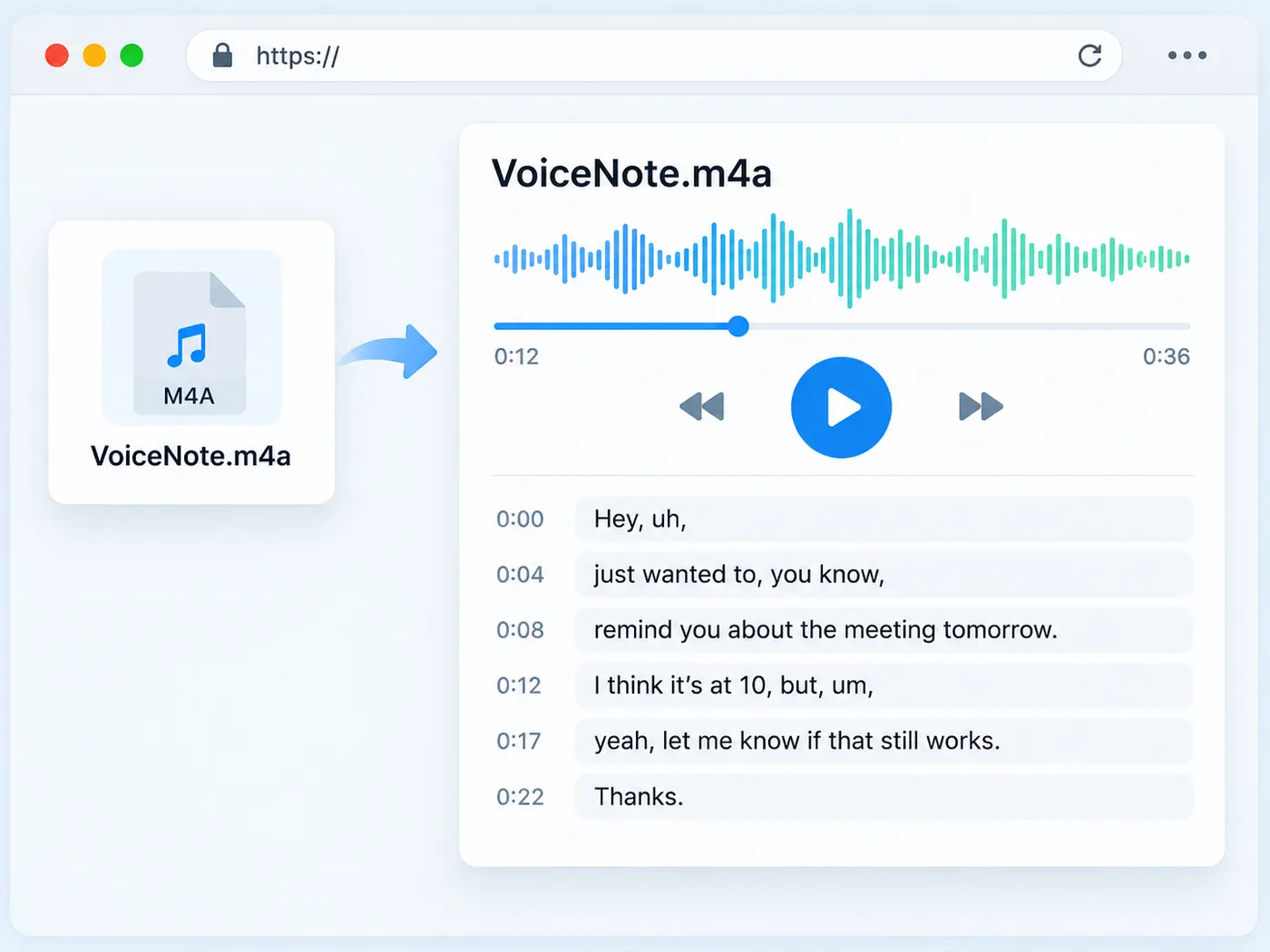
M4A is a normal audio format for iPhone Voice Memos and QuickTime recordings, but many transcription tools make you convert it first. Here, the upload field names the format plainly and accepts the file as it is. Check the local preview, then run the transcription when you are ready.
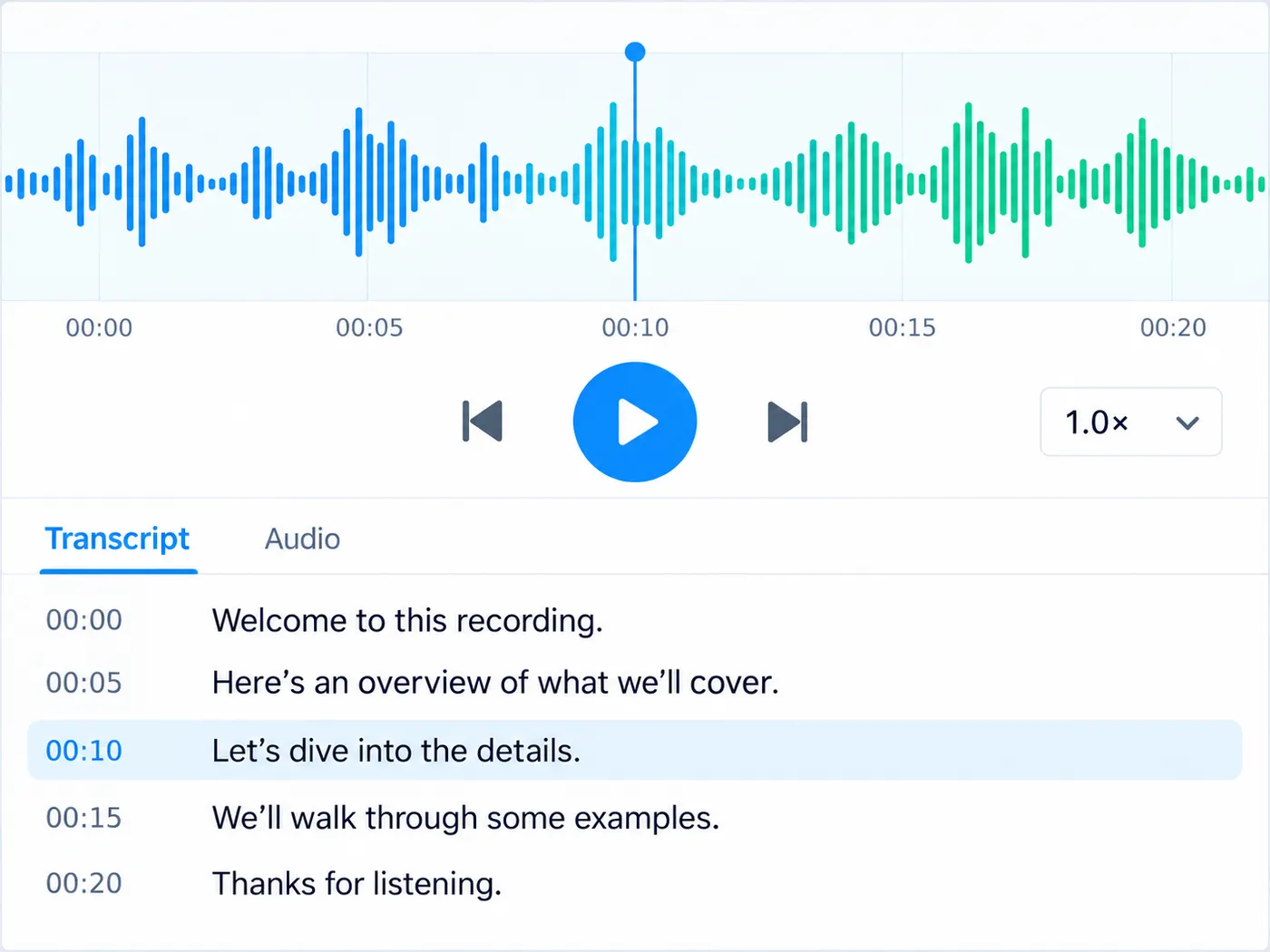
Timestamps stay attached to the words
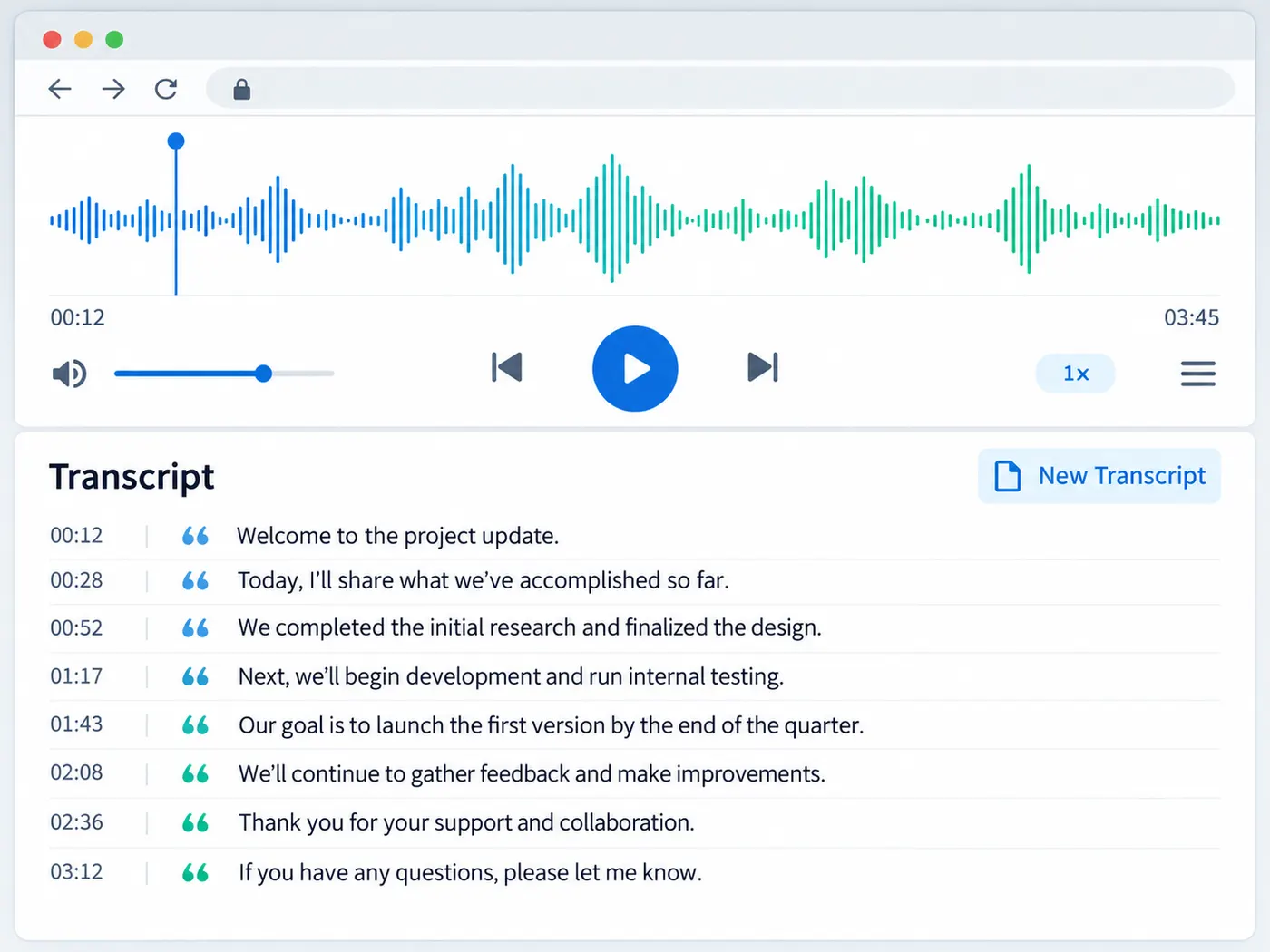
An interview transcript is more useful when you can find the moment again. The transcription keeps word-level timing with the returned text, giving you a practical starting point for captions, quotes, lecture notes and searchable archives instead of an unstructured audio dump.
Preview first, pay only to run
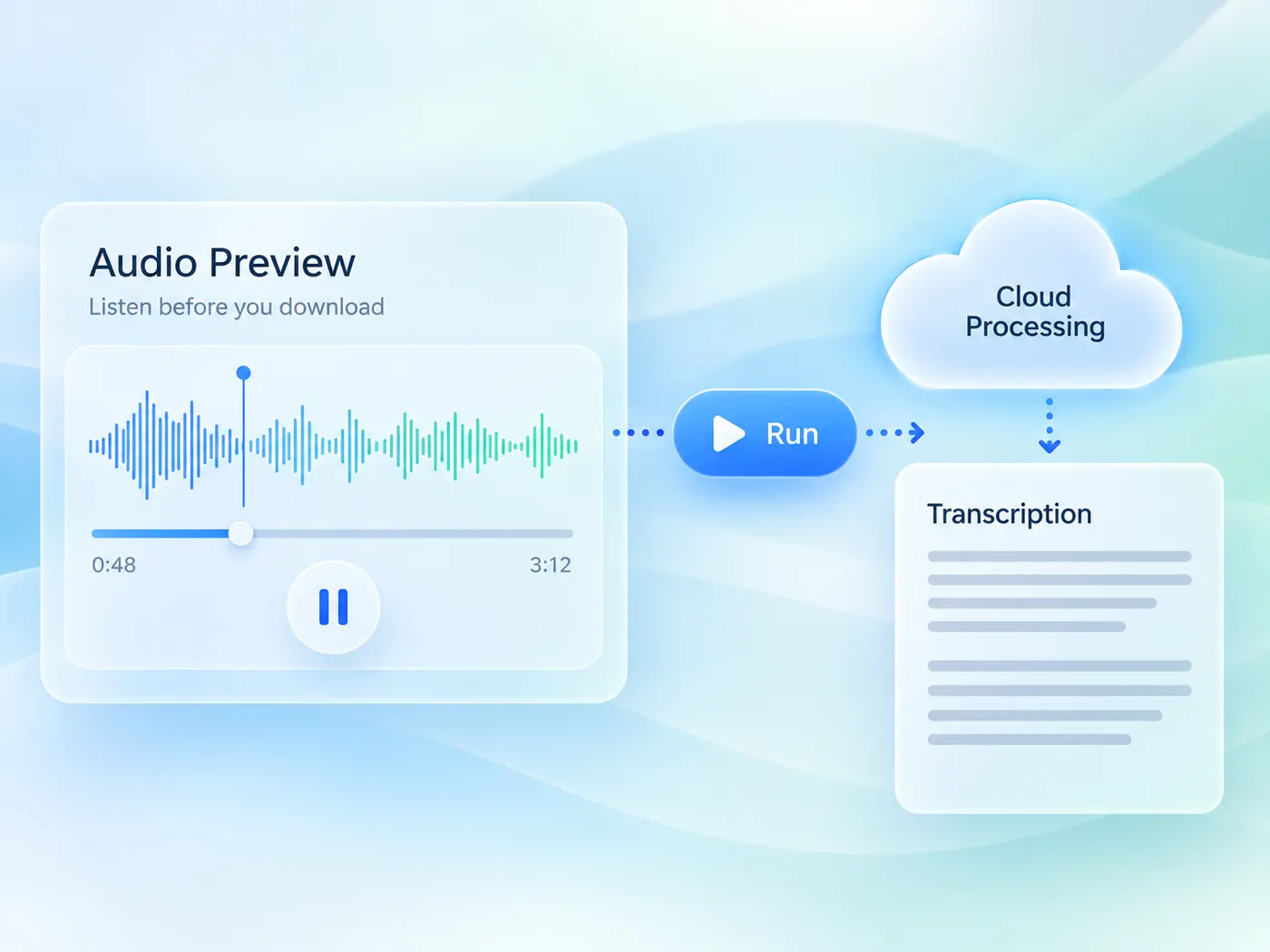
Your selected file previews in the browser before the AI starts. Running is the explicit step: it is part of the Pro plan and costs 4 credits per minute of audio, rounded up to the whole minute. If a run fails, the reservation is released, so the credit cost is tied to a transcript that actually comes back.
From speech to text, in a few steps
Upload a file, run the AI once, and get a clean, readable transcript you can copy, edit and export.
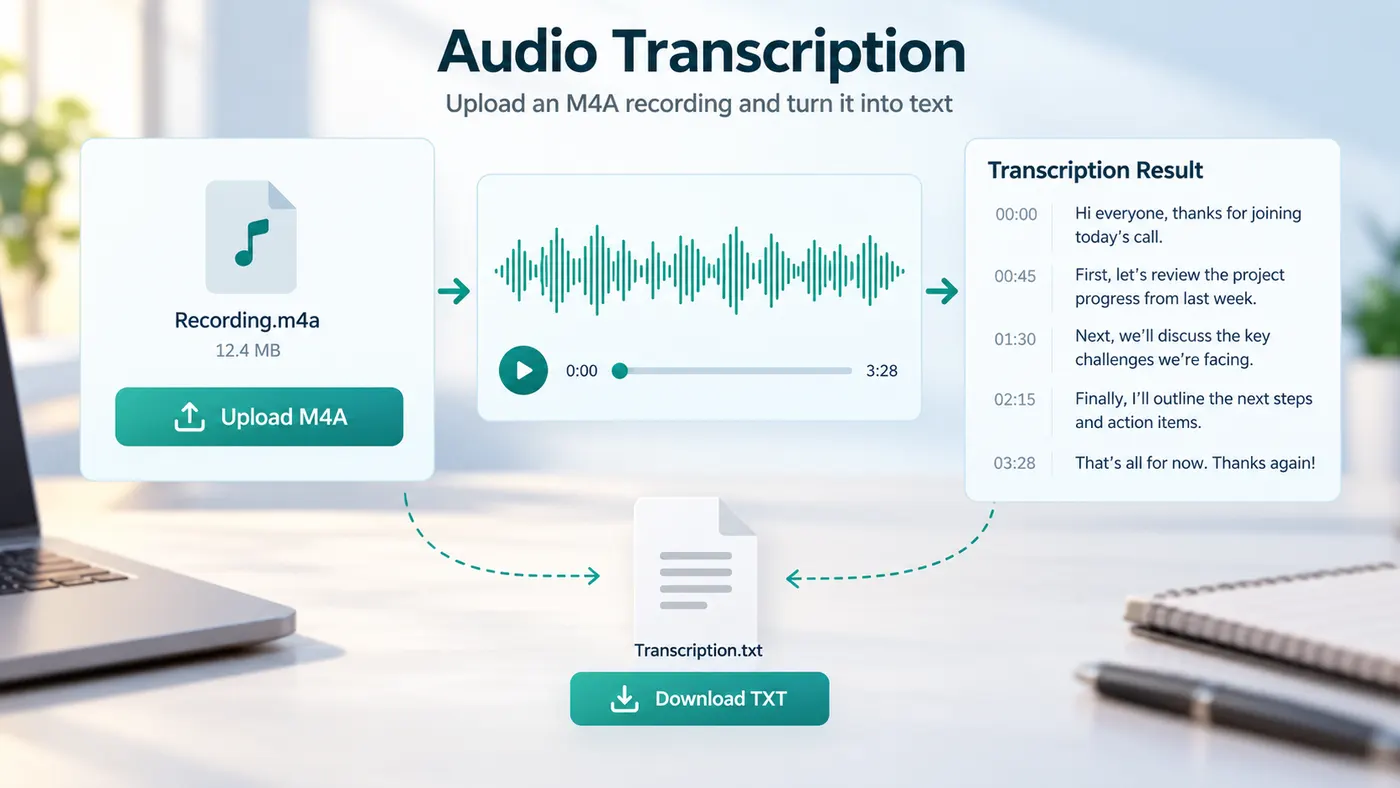
How to transcribe M4A files
Step 1
Choose your M4A
Drop in an M4A from Voice Memos or choose it from your device. The browser previews the file while you get ready.
Step 2
Preview the recording
Confirm that you selected the right recording. No format conversion is required and nothing runs before you press the transcription button.
Step 3
Run the transcript
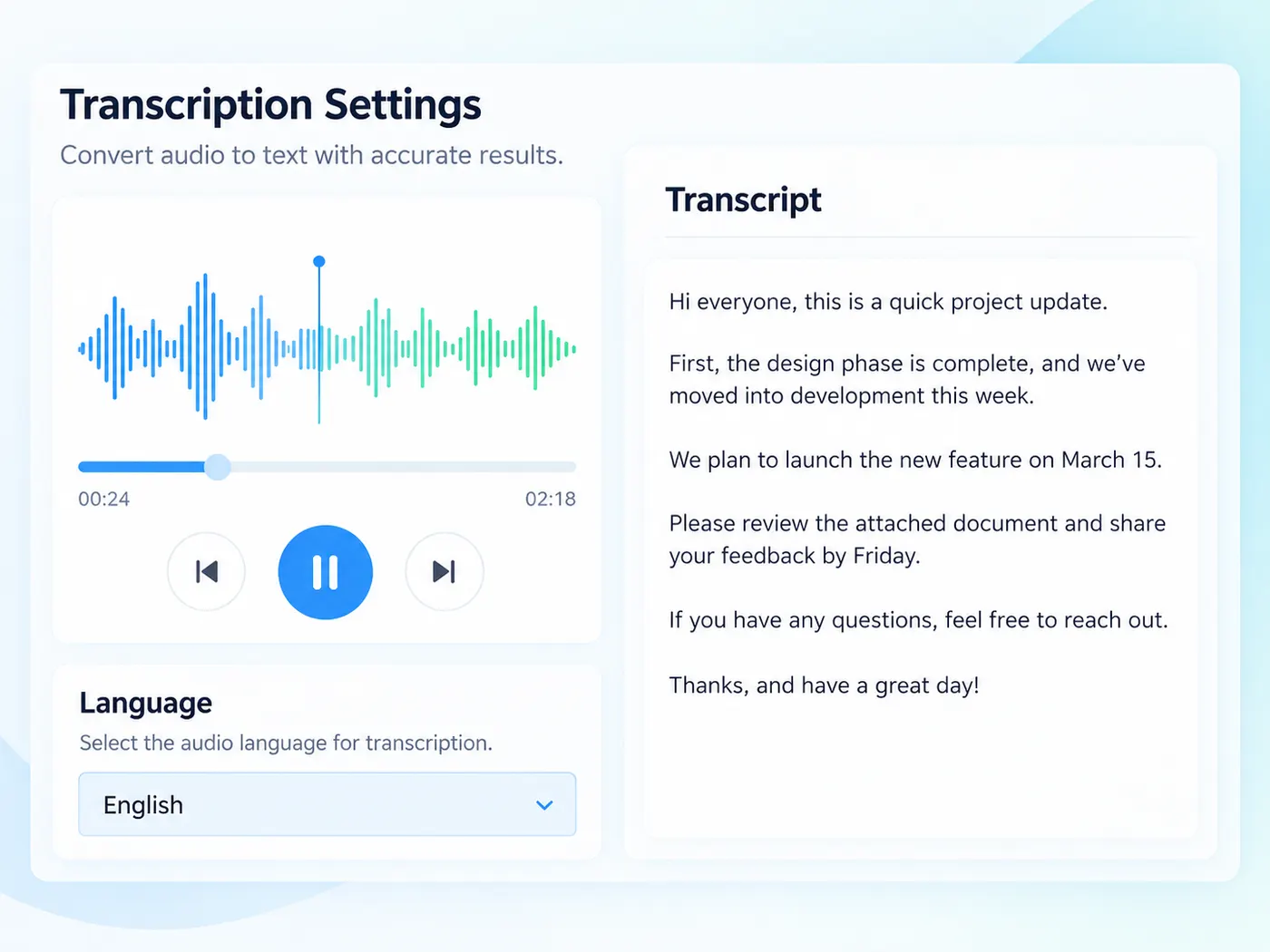
Sign in when prompted, spend 4 credits per minute of audio, and let the model listen through the M4A with language detection enabled.
Step 4
Copy or export
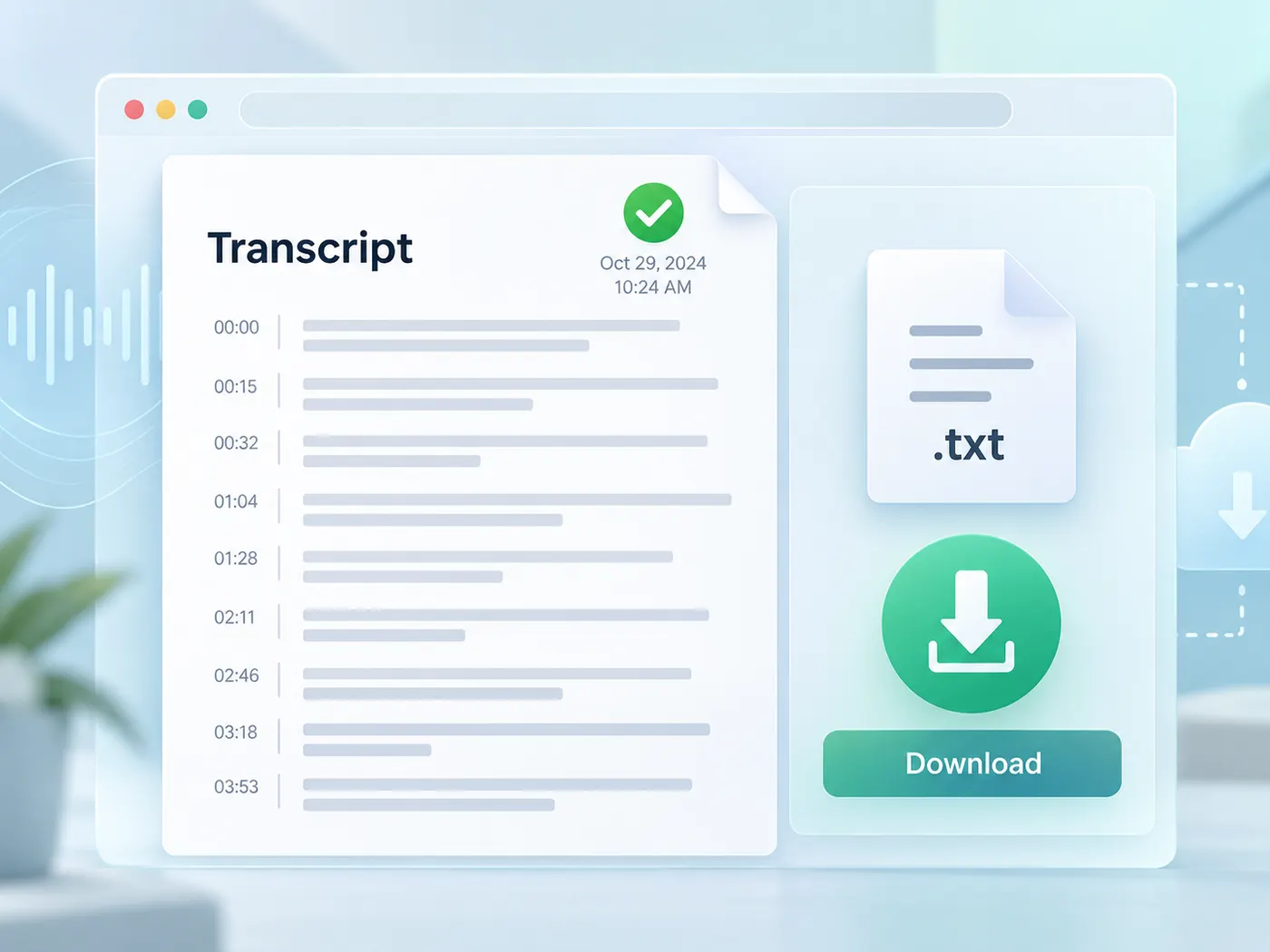
Review the text, copy the sections you need, or download a plain-text file for captions, notes or a working document.
Native M4A support
Upload the format your phone already produced.
Skip a conversion detour before transcription.
Voice Memo friendly
Built around the recordings people actually keep on iPhone.
Move from memo to searchable text in one browser flow.
Timestamped output
Keep timing attached to spoken words.
Find a quote or build captions without replaying the whole file.
Clear credit cost
The run button shows the per-minute credit cost.
A failed run releases its reservation.
Private preview
Check the file locally before processing.
Running is an explicit action, not a hidden upload.
Useful after export
Copy text into notes, captions, briefs or an archive.
The result is ordinary text you can reuse anywhere.
No desktop converter
Open the page in a browser and upload the original recording.
There is no extra app or codec workflow to install.
M4A transcription tips
Small choices that make an M4A transcript easier to use.
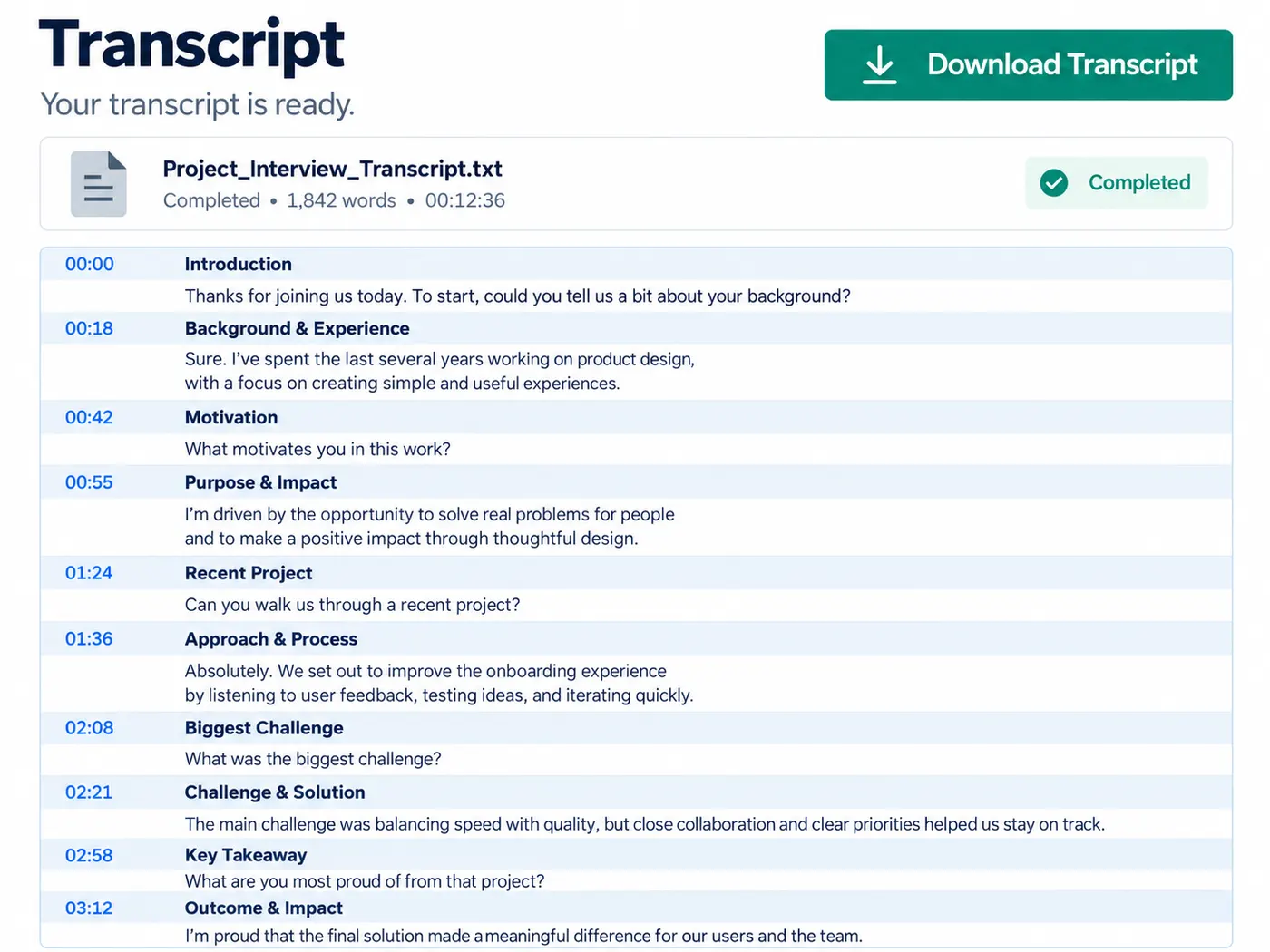
What this tool gives you
| What you get | A real preview or structured result produced by the embedded tool, with a download or export action when available. |
|---|---|
| On this page | The tool itself, step-by-step guidance, honest examples, and related tools — all on this same page. |
| Best for | Transcribe M4A without the format shuffle when you want a direct browser workflow without leaving the page. |
What people transcribe from M4A
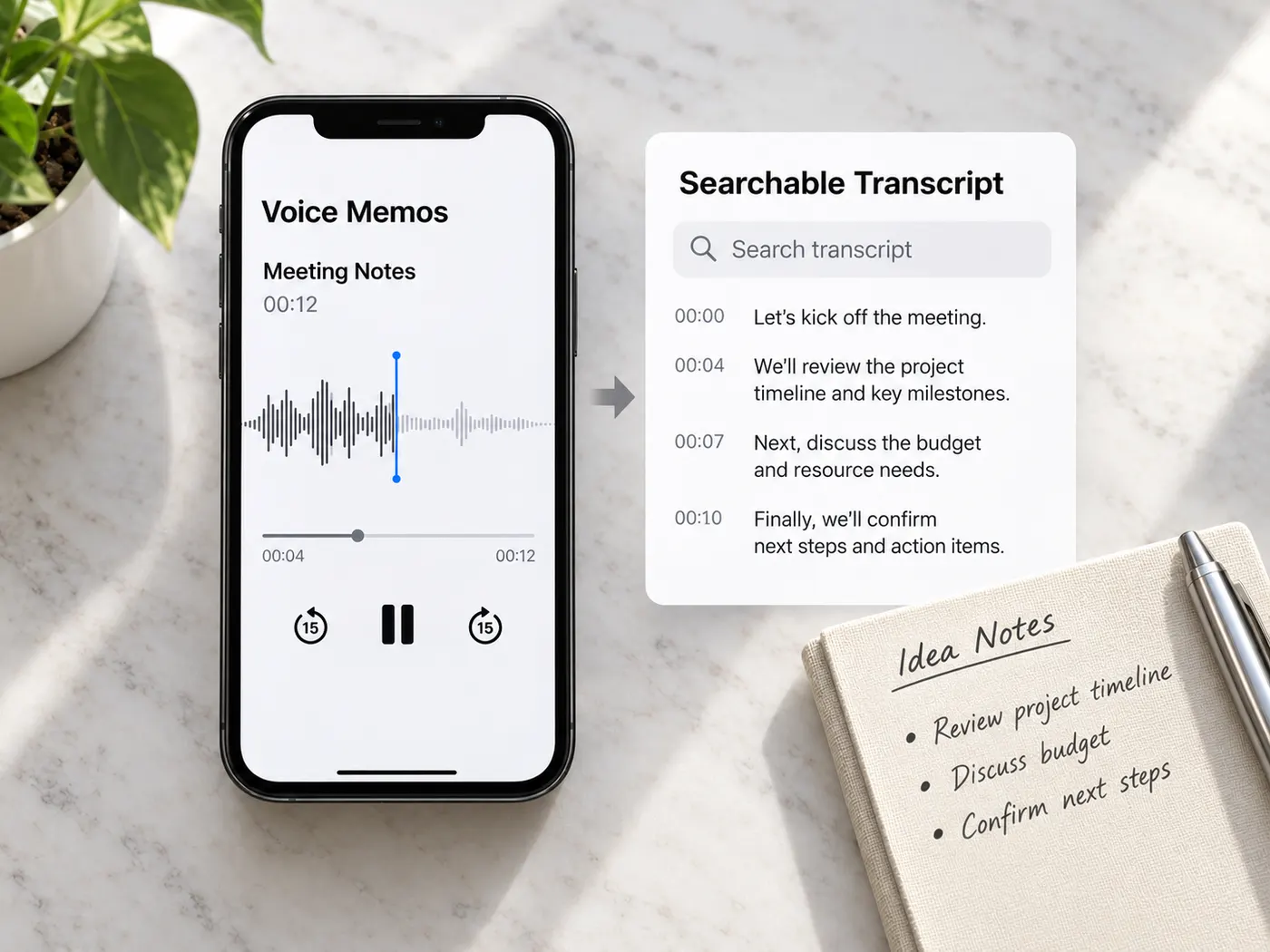
iPhone voice memos
Turn a quick idea or meeting memo into text while the context is still fresh.
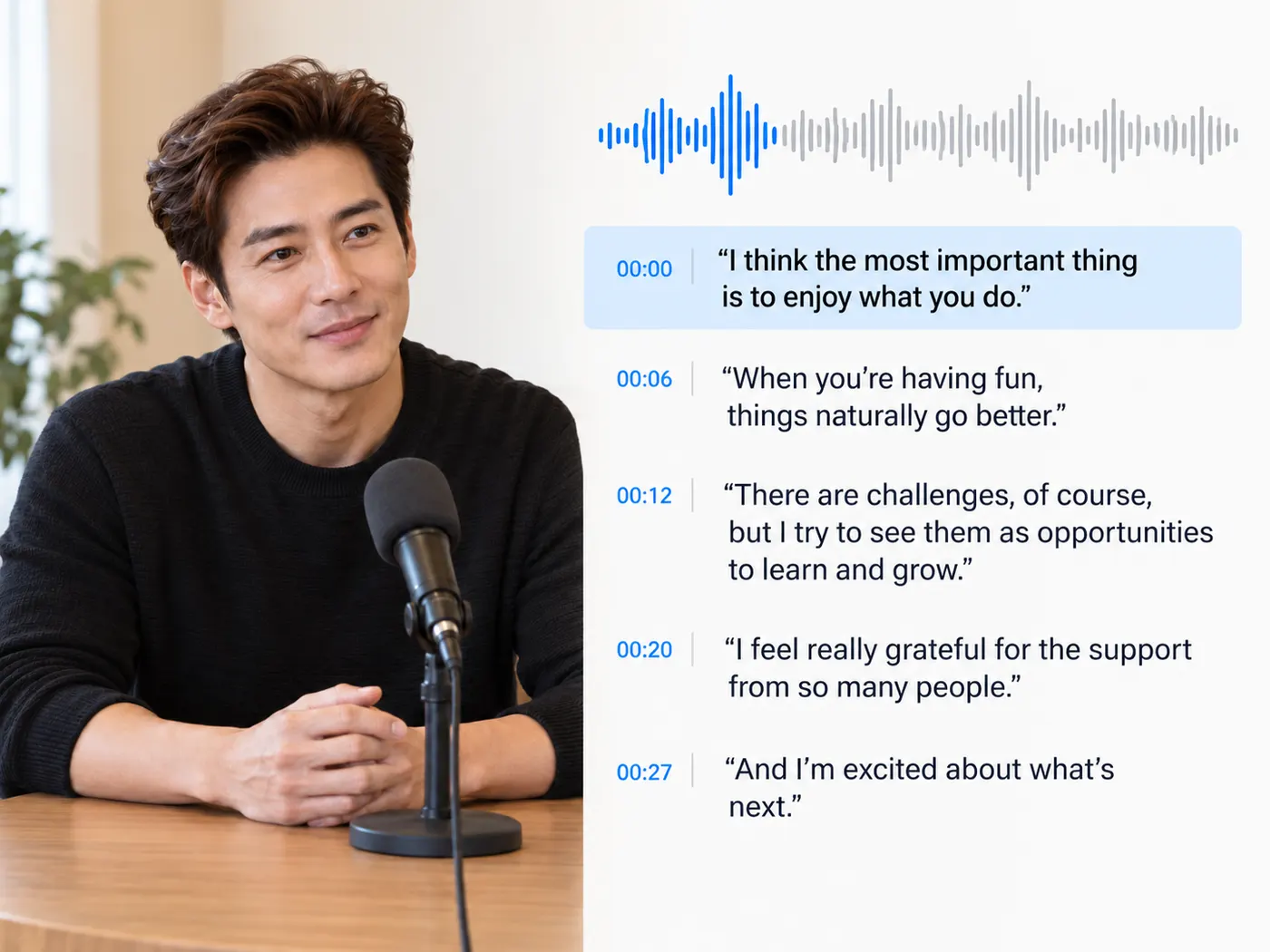
Interviews
Find accurate quotes and mark the moments worth returning to.
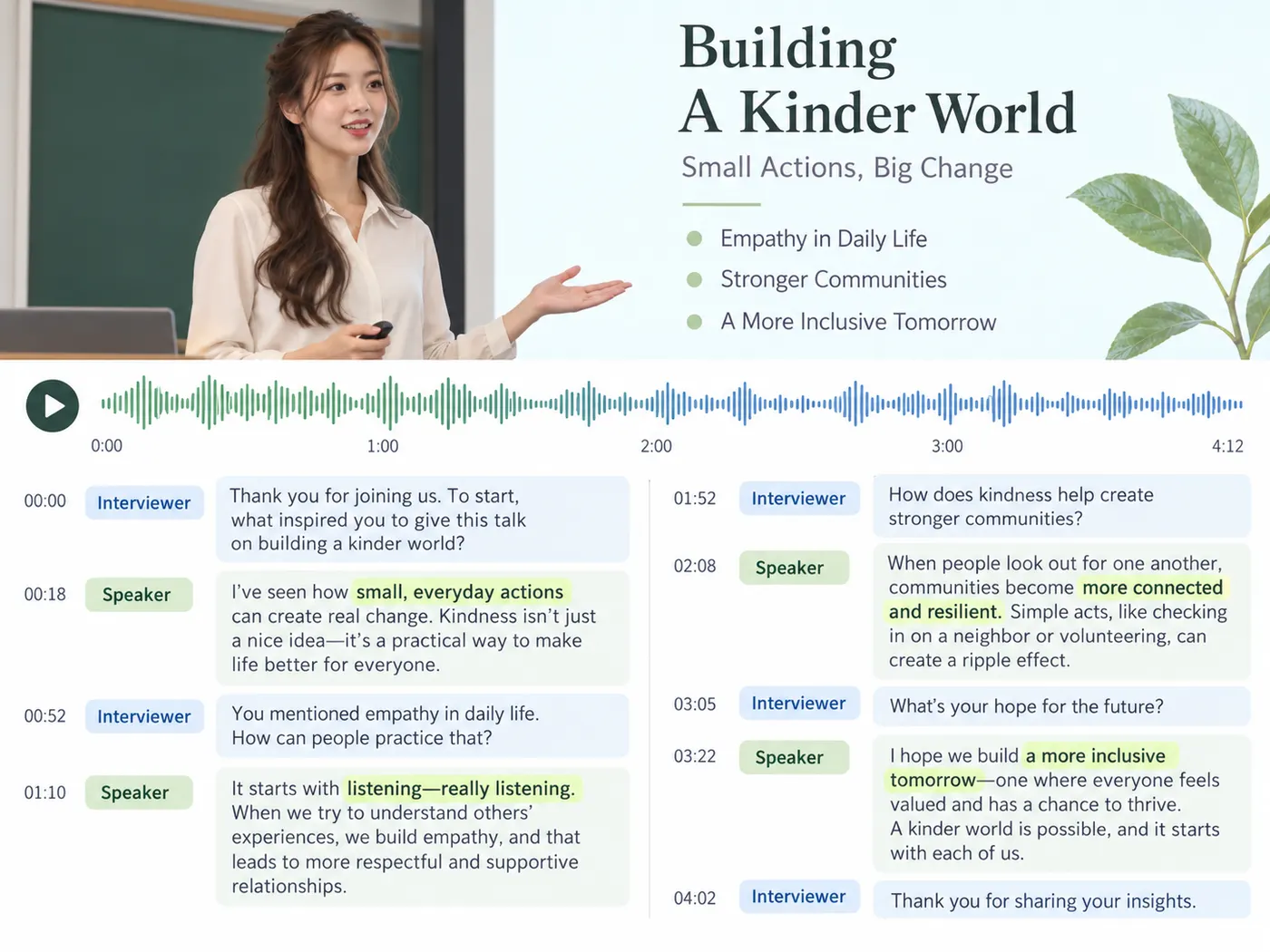
Lectures
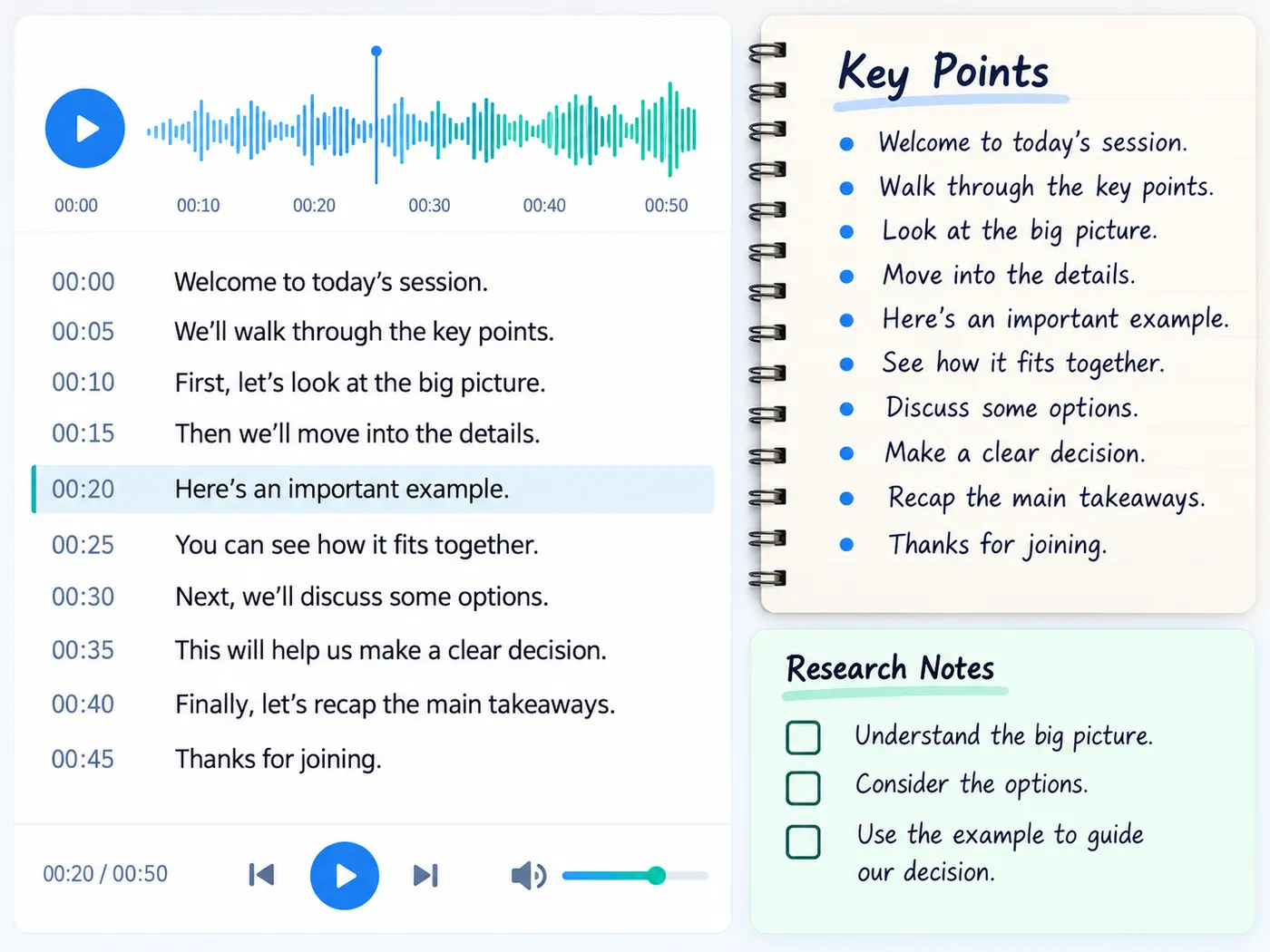
Make a searchable study copy from a class recording or voice note.
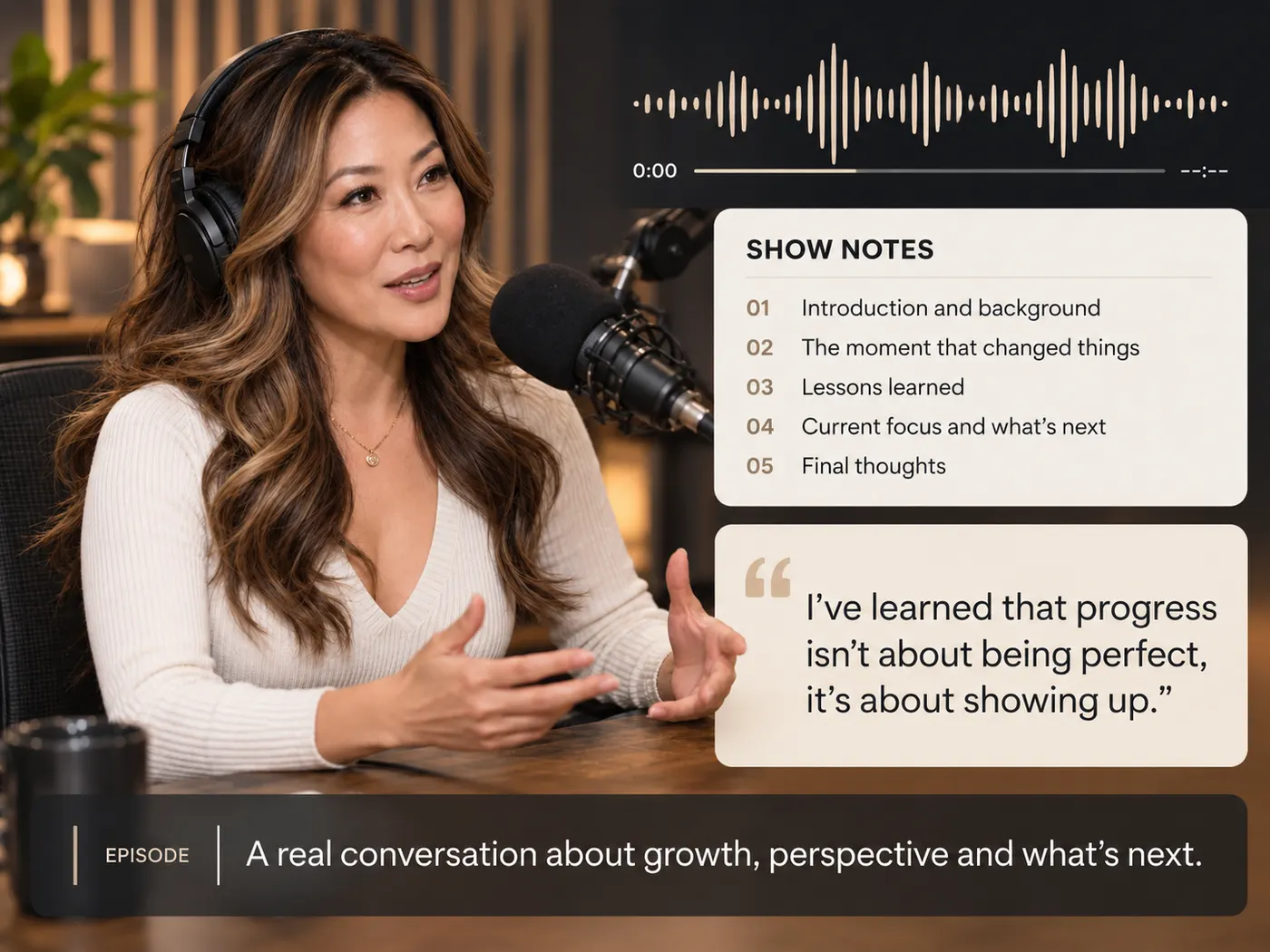
Podcast segments
Pull show notes, quotes or captions from an exported audio segment.
Research notes
Keep the recording beside a searchable working transcript while you verify names, figures and quotations.
Accessibility
Start a caption or text alternative from spoken audio, then review proper names and formatting before publishing.
More gistmint tools
- Video TranscriptionTranscribe a video file into timestamped text.
- Transcribe AudioTurn an audio recording into a timestamped transcript.
- Audio to TextConvert a recording into editable text.
- Video to TextGet the spoken words out of a video file.
- MP3 to TextUpload an MP3 and get its transcript.
- Video SummarizerTimestamped key points of a YouTube video (Pro).
Simple, honest pricing
Copying and exporting a transcript you already have is free. New transcripts use credits — pick a plan when you need more.
- Free
- $0 — 5 credits on sign-up
- ProPopular
- $9.99/mo — 600 credits
Turn your M4A into working text
Upload the original recording, run one clear transcription pass, and leave the format conversion behind.