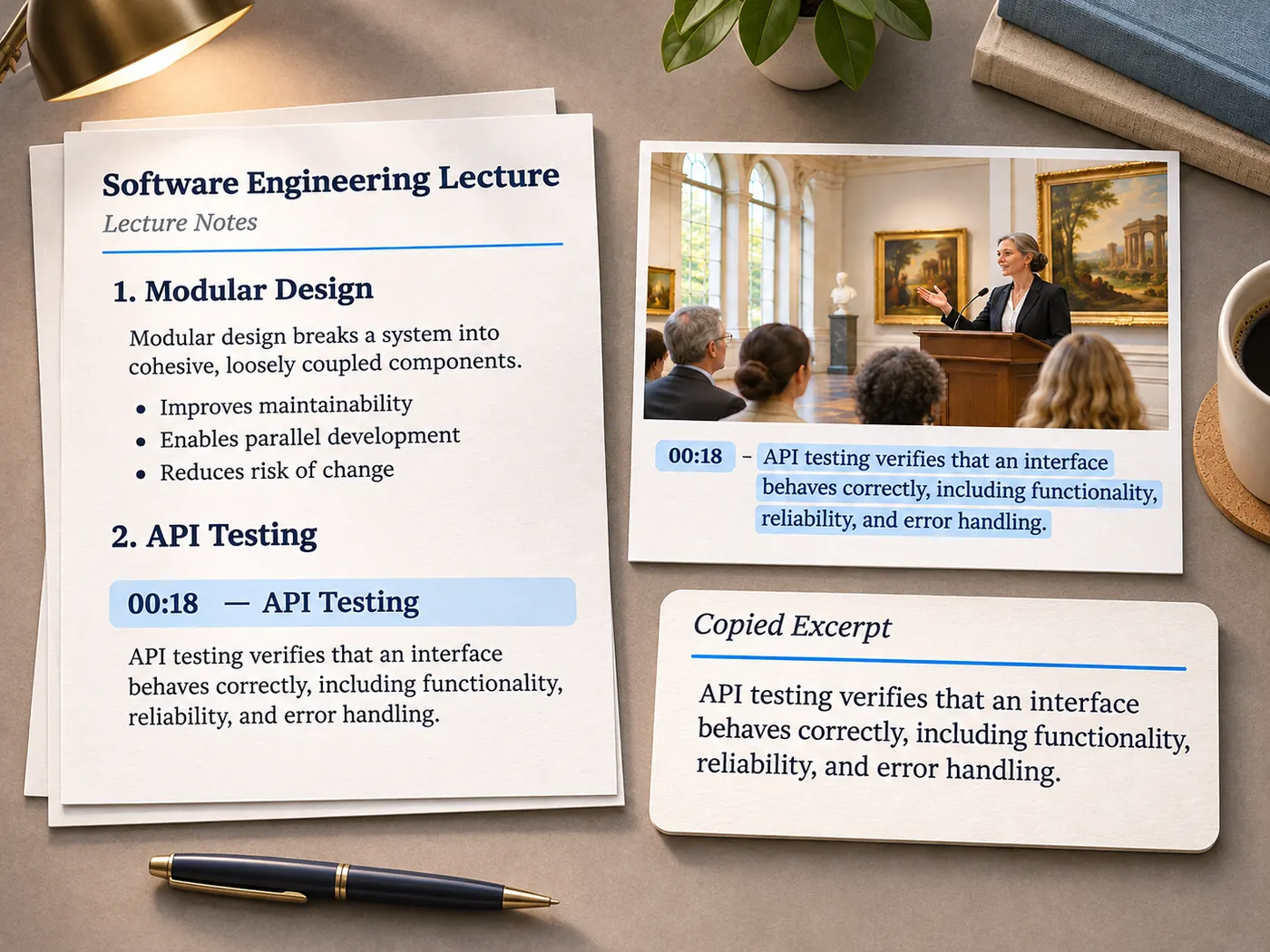
Free preview for captioned YouTube lectures
Lecture summarizer AI
Lecture summarizer ai turns a captioned YouTube lecture into fast timestamped lecture notes: concise key points with timestamps that help you review important sections without replaying the entire recording.
Video summaries are part of Pro ($9.99/mo, 600 credits) and costs 1 credit per summary — sign in and we bring you right back here.
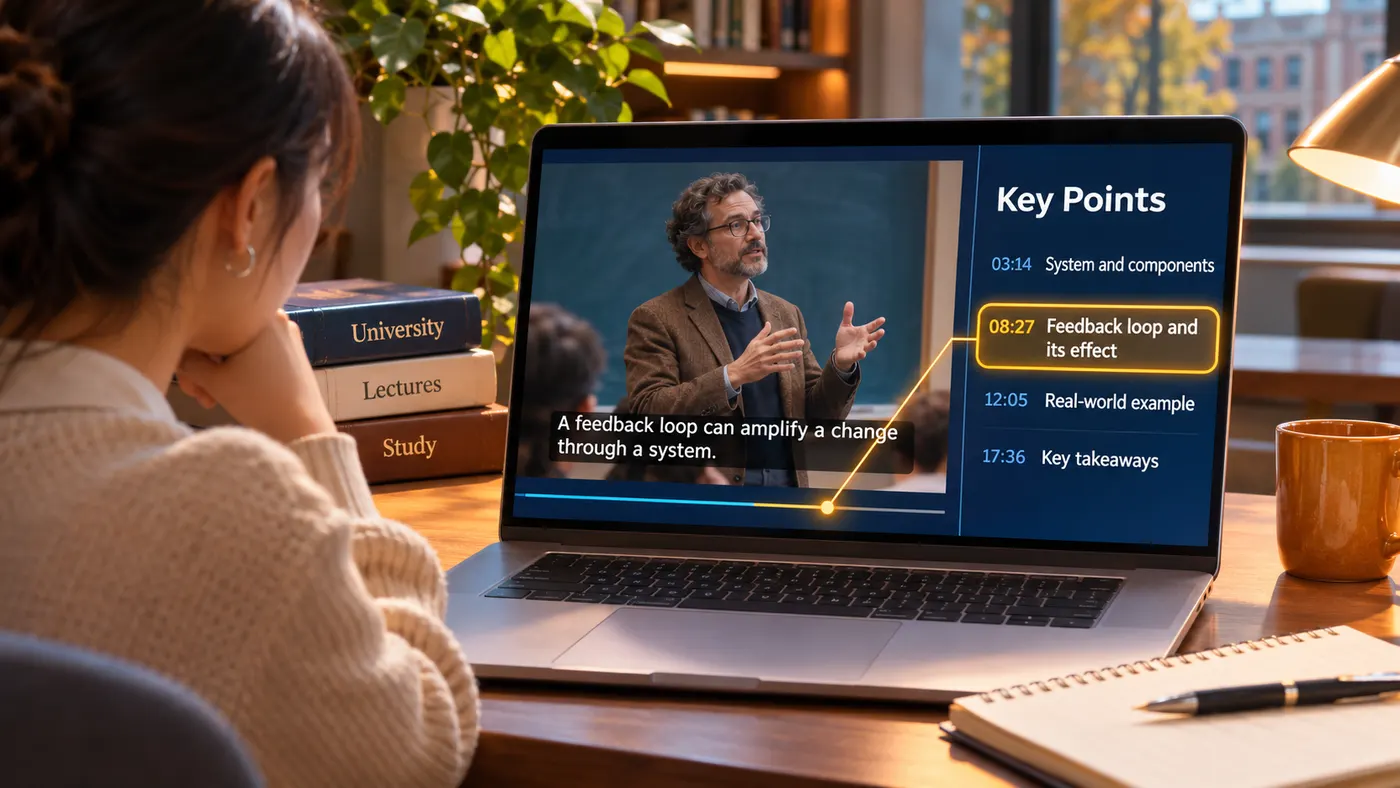
Find the key points
Lecture summarizer ai finds the main points in a long captioned lecture and presents them as a shorter review path, helping students focus on important ideas when exam preparation leaves little time for replaying the full video from start to finish.
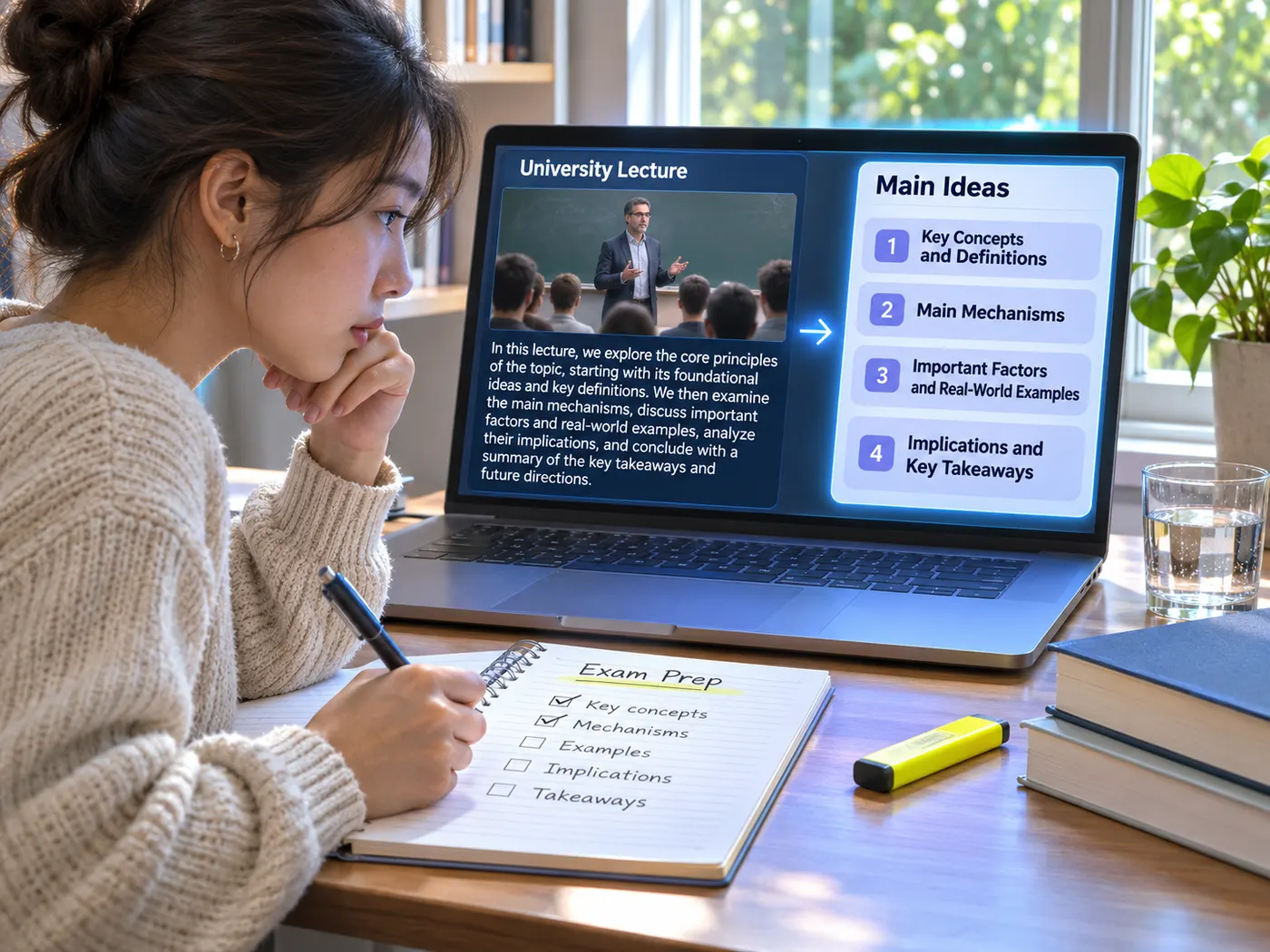
Preview with timestamps
A lecture summarizer ai free preview lets you inspect the kind of concise result you can expect, while timestamped points keep each idea connected to the moment it appears in the YouTube lecture for easier checking.
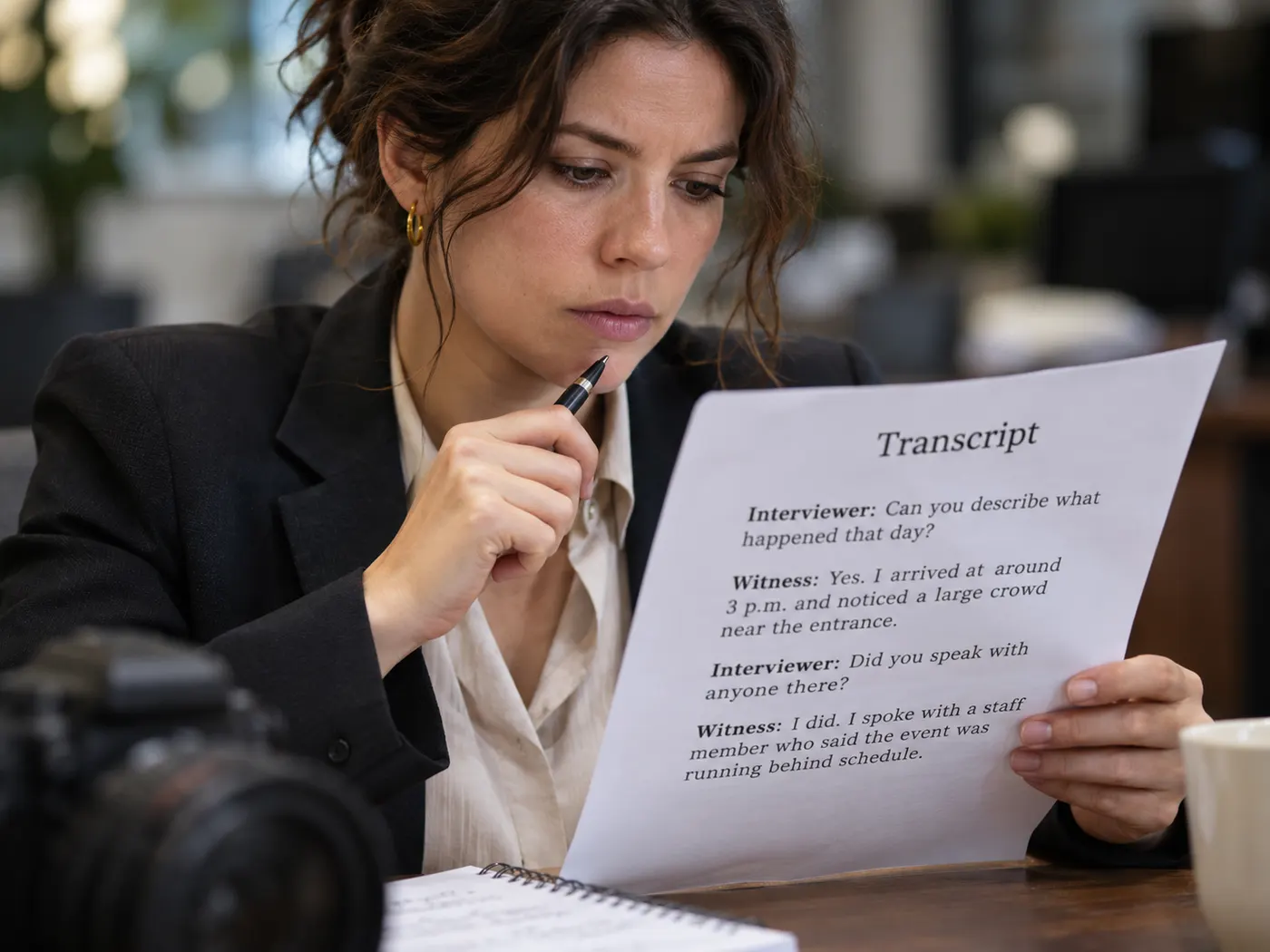
Work from captions
When captions are available, lecture summarizer ai turns the spoken record into searchable key points with timestamps; you can move back to a relevant section, confirm the surrounding context, and avoid scrubbing through the whole recording.
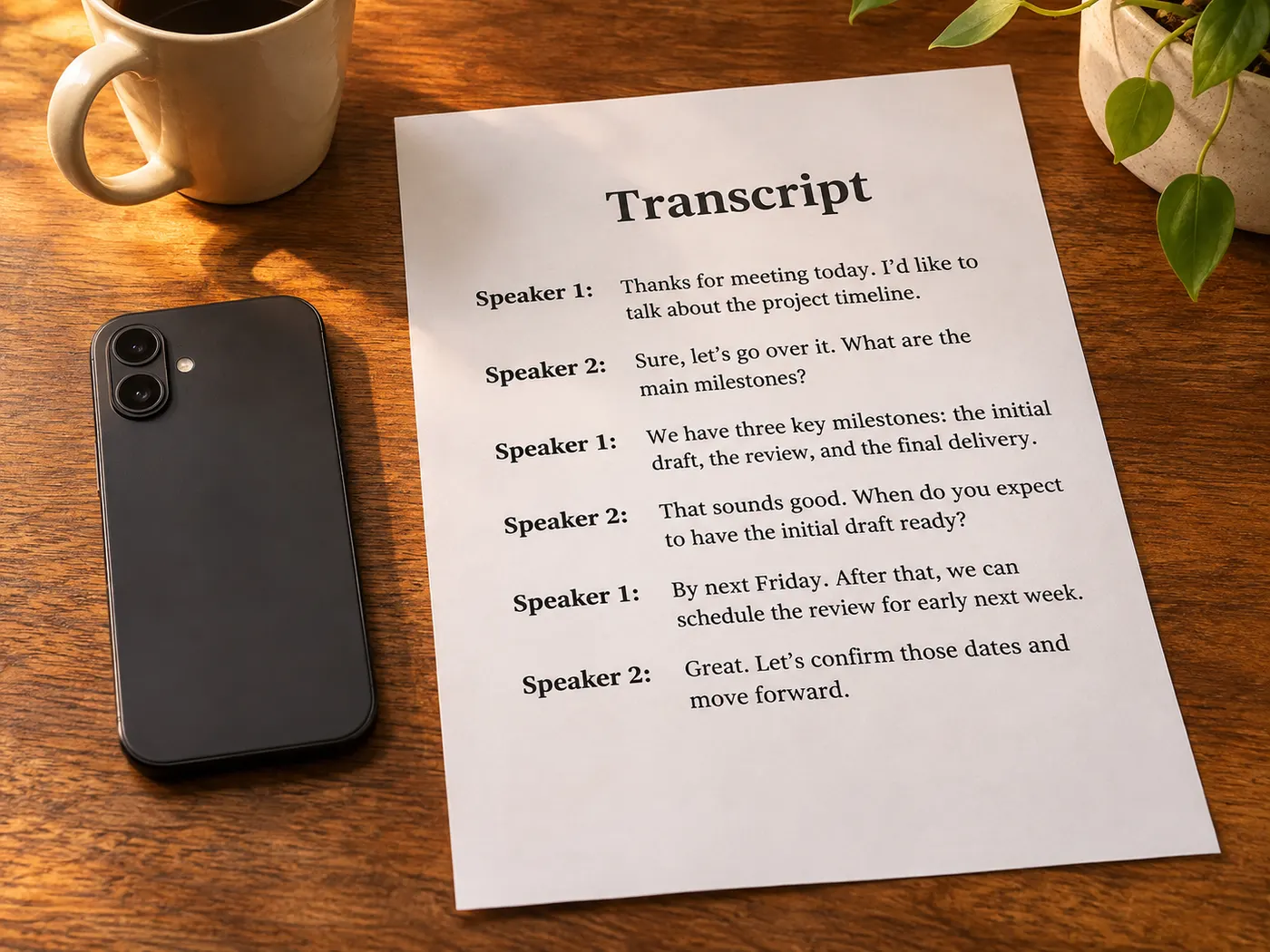
From YouTube link to readable notes
Paste a captioned YouTube link, let the tool read the available captions, and receive concise key points with timestamps you can scan and revisit.

How to summarize a lecture
Step 1
Paste a YouTube link
Start with lecture summarizer ai by pasting a YouTube URL that has captions; those captions provide the source text for the generated summary.
Step 2
Check available captions
Check that captions are available on the video. This tool is built for captioned YouTube links, not slide decks or PDF handouts.
Step 3
Wait for the summary
Run the tool and wait while it reads the captions and writes key points with timestamps for quick review.
Step 4
Search and copy results
With lecture summarizer ai, search the returned points, jump to a timestamp, then copy or download the notes for later study.
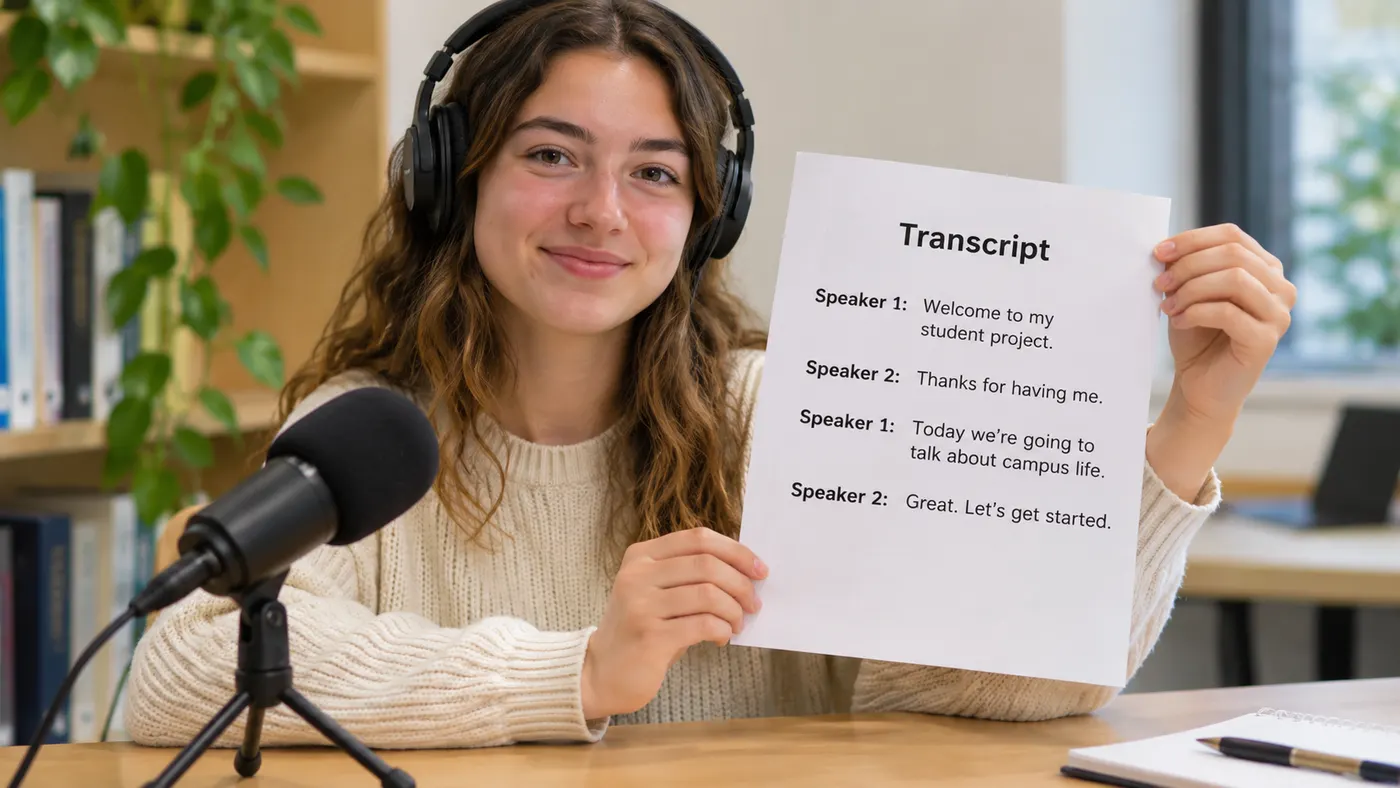
Timestamped key points
Lecture summarizer ai keeps each key point paired with a timestamp, so you can return to the exact part of a captioned lecture and verify what was said without replaying everything.
Caption requirement
YouTube captions are required for this workflow. If the video has no captions, the tool cannot use its spoken content as the source for a summary or promise a result from the recording.
One-credit summaries
Each completed summary uses one credit, while the page provides a free preview before you commit that credit. You can inspect the experience before a credit is used.
Transcript library input
A transcript already saved in your library can also be summarized; this existing-transcript route is available with Pro, so a recorded lecture can be transcribed first and summarized afterward.
Searchable review
With lecture summarizer ai, search the generated points, follow a timestamp to the source moment, then copy or download notes for an exam review session or later reference.
Video-to-notes workflow
For a lecture video to notes ai workflow, start with a captioned YouTube link and turn a long recording into organized points, rather than manually sorting every spoken detail.
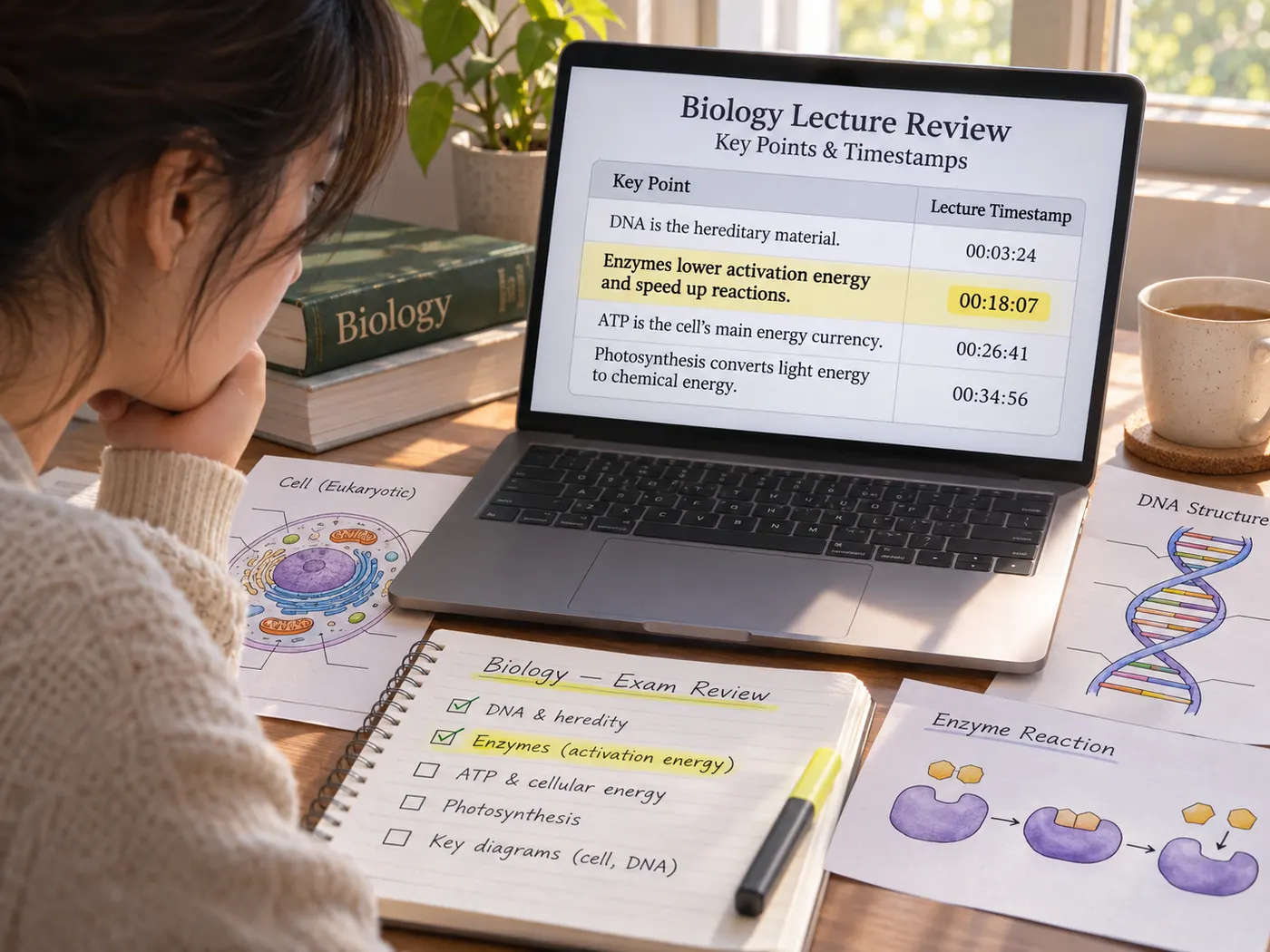
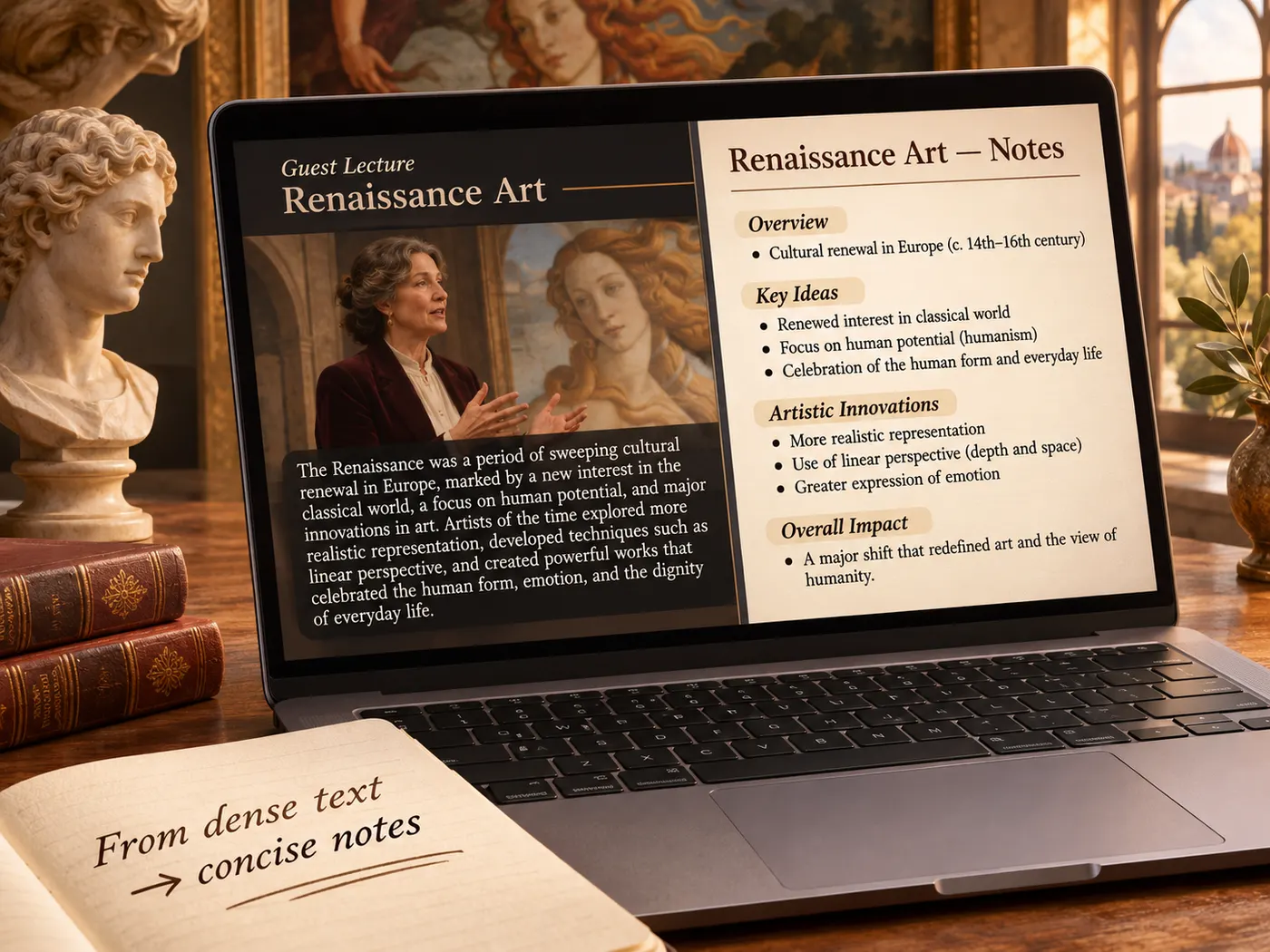
Small details, faster review
See how timestamps keep summaries connected to the source.
What this tool gives you
| What you get | A real preview or structured result produced by the embedded tool, with a download or export action when available. |
|---|---|
| On this page | The tool itself, step-by-step guidance, honest examples, and related tools — all on this same page. |
| Best for | Lecture summarizer AI when you want a direct browser workflow without leaving the page. |
Who benefits from shorter lectures
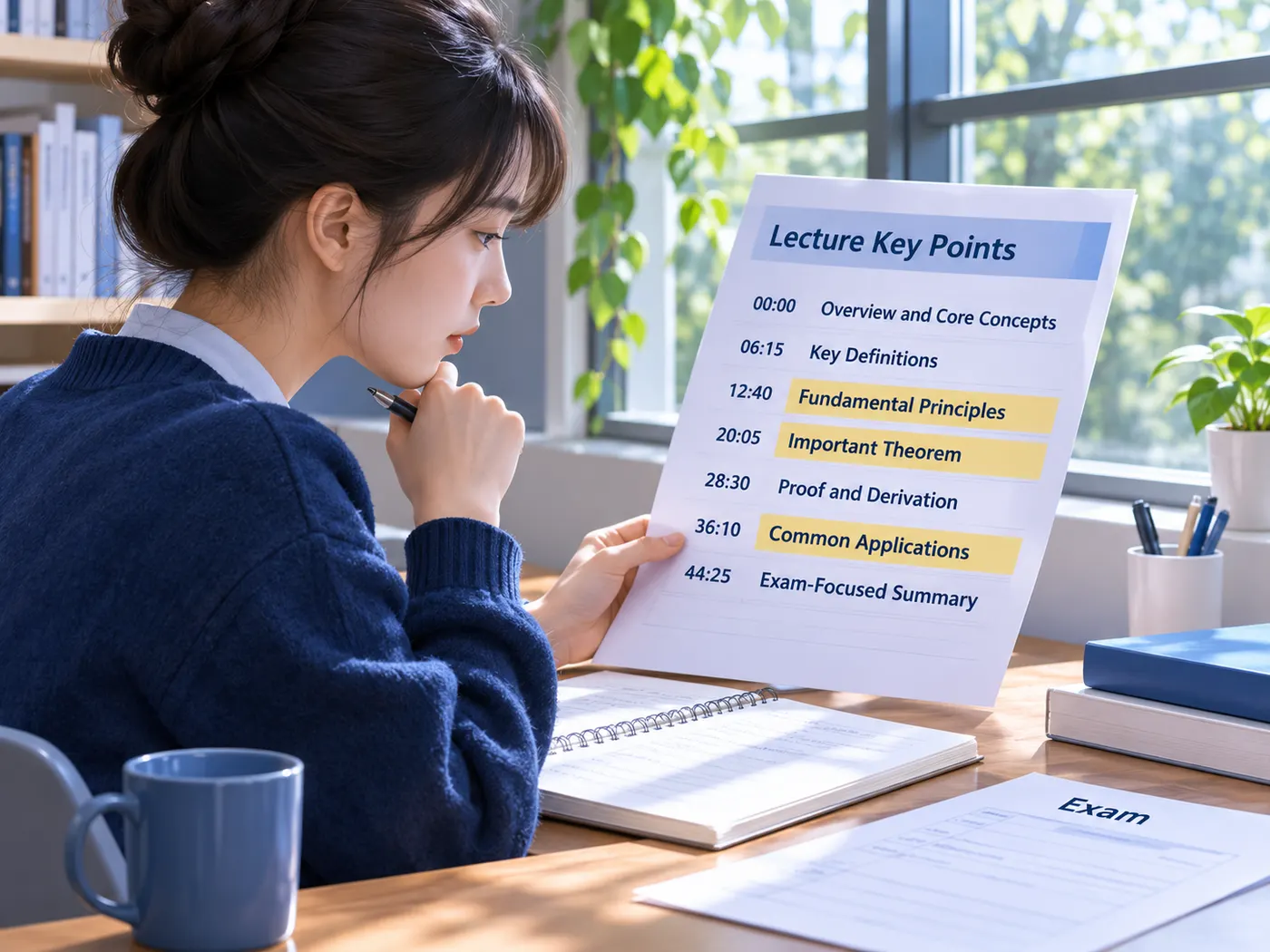
Exam review
Students can scan key points and timestamps instead of replaying a long lecture before an exam.
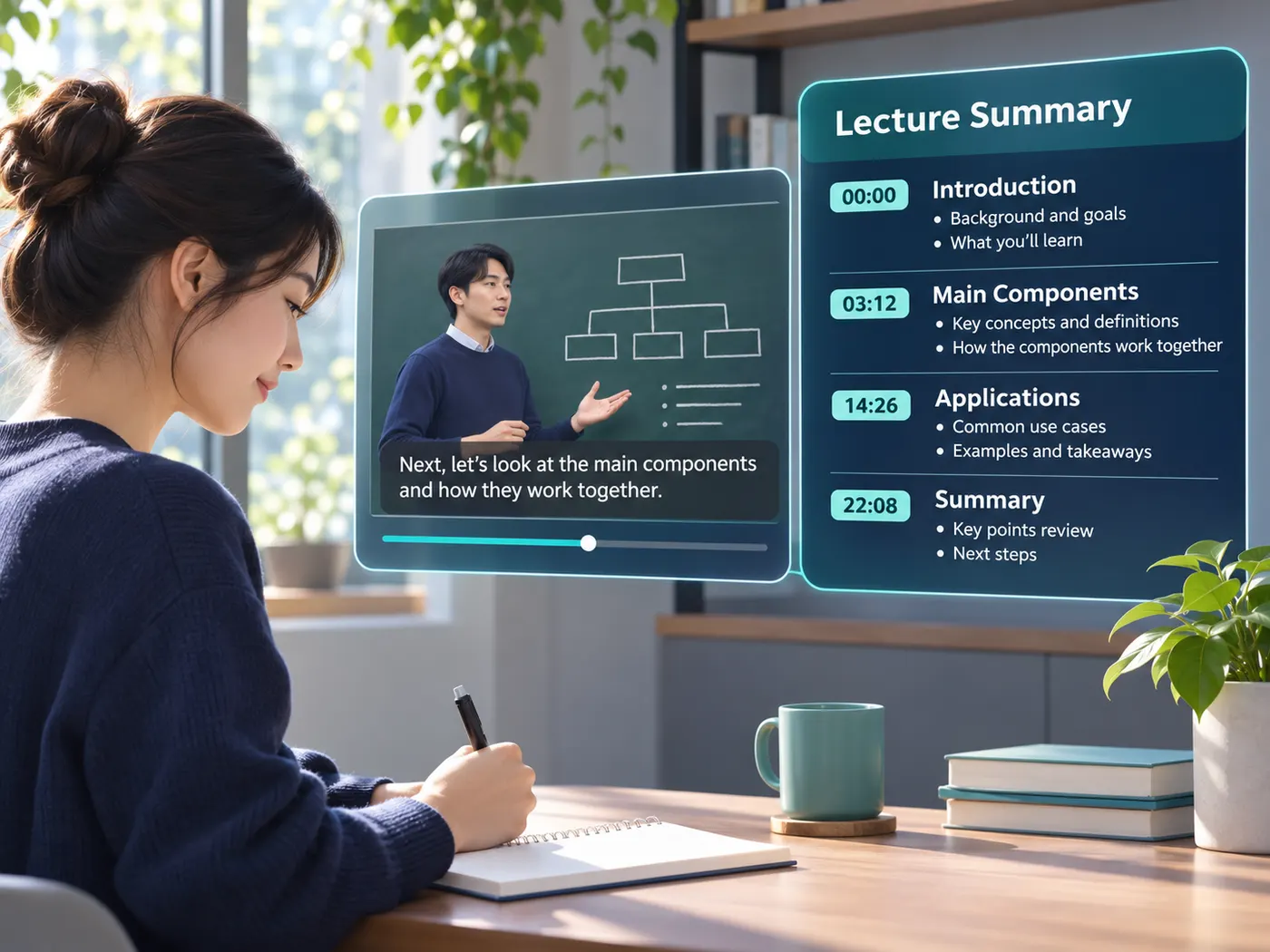
Missed lectures
Learners can catch the main structure of a captioned recording when they cannot rewatch every minute.
Class follow-up
After class, students can revisit concise points and jump to the source moment for context.
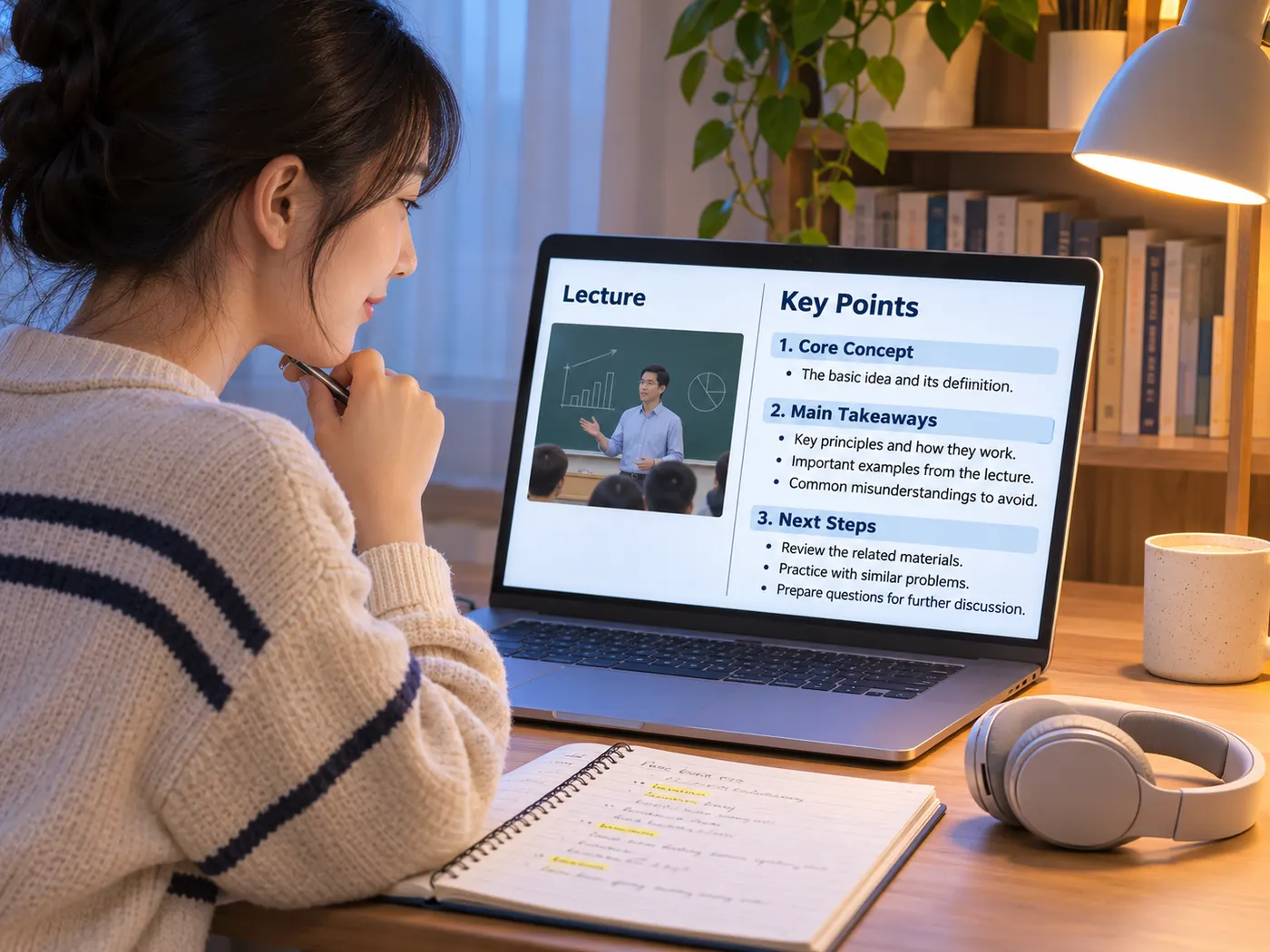
Note-taking support
People who miss content while listening can review the generated points after the lecture ends.
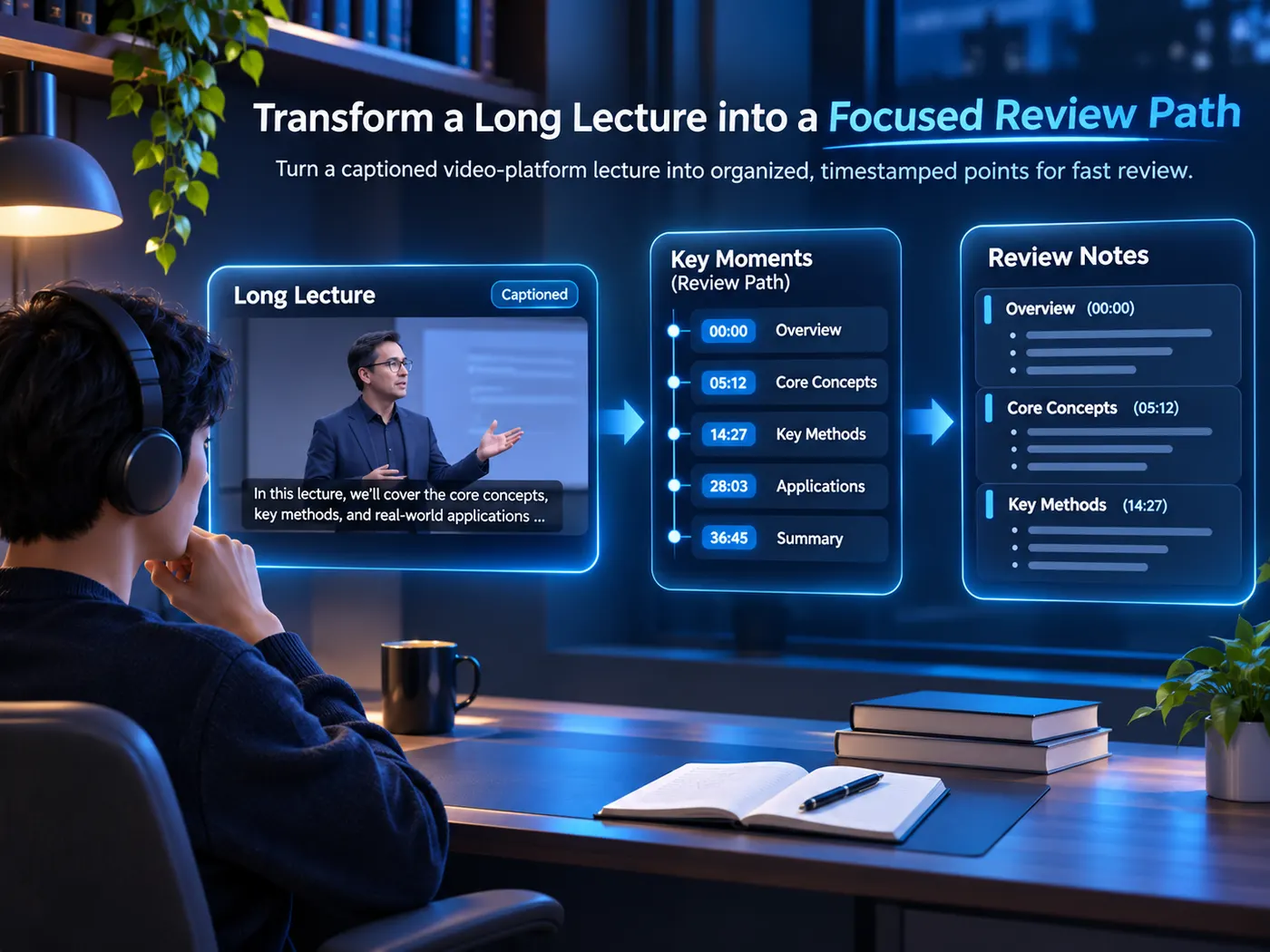
Online courses
With lecture summarizer ai, course learners can turn a captioned YouTube lecture into a focused review path.
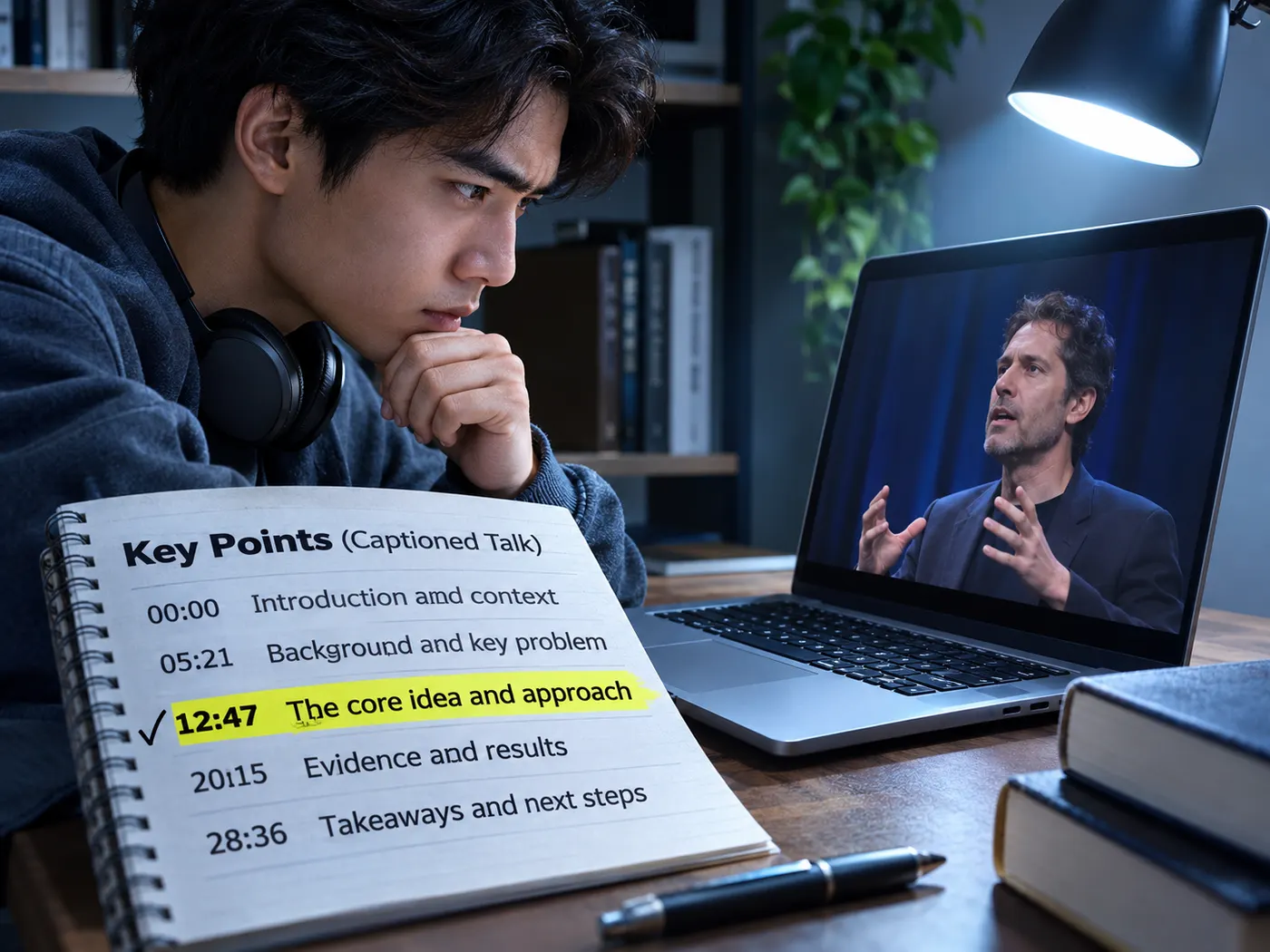
Long talks
Anyone facing a lengthy captioned talk can find important sections without scrubbing from start to finish.
Questions about lecture summaries
- What does this tool return from a captioned YouTube lecture?
- Lecture summarizer ai returns concise key points with timestamps from the video's available captions, giving you a shorter way to review the lecture and a direct path back to important sections.
- Does the tool work when a YouTube video has no captions?
- Usually no. Captions are required for the lecture summarizer ai workflow, because they provide the source text used to create the summary. A video without captions cannot provide that input.
- Can I jump back to the exact moment behind a key point?
- Yes. Search the returned points in lecture summarizer ai and follow their timestamps back to the relevant section of the YouTube video. The timestamps make checking the source faster.
- Is there a free way to preview the summary before spending credits?
- Yes. The page offers a free preview before a completed run of lecture summarizer ai uses one credit; the tool charges one credit per summary, so the preview comes first.
- Can I summarize a transcript already saved in my library?
- Yes. The lecture summarizer can summarize a transcript already in your library; the brief identifies this existing-transcript route as a Pro capability, rather than the captioned-link flow.
- Can it read slides or PDF handouts from my lecture?
- No. This page is based on available video captions and does not claim to read slides or PDF handouts from a lecture. Use the captioned video as the source.
Simple, honest pricing
Copying and exporting a transcript you already have is free. New transcripts use credits — pick a plan when you need more.
- Free
- $0 — 5 credits on sign-up
- ProPopular
- $9.99/mo — 600 credits
Summarize your next lecture
Paste a captioned YouTube link and get timestamped key points you can review in a minute.