Free preview; one credit per video run
MP4 to Text, Ready to Edit
MP4 to text is a practical text converter that turns spoken content from an uploaded video into editable video transcripts for searching, quoting, copying, and reuse.
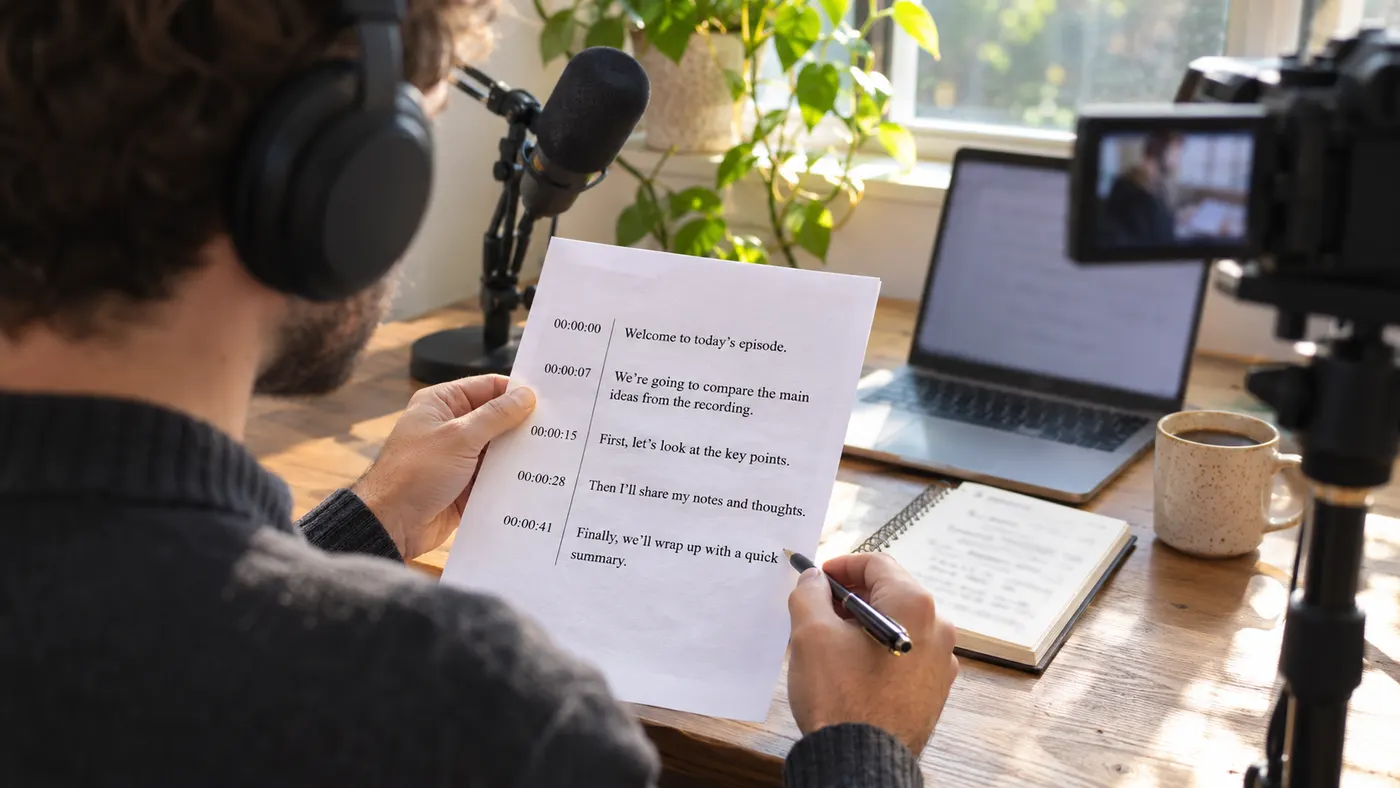
Searchable words
MP4 to text creates a usable text source instead of leaving important ideas inside a video timeline. Search the transcript for a name, phrase, or quote, then copy the wording into notes, a brief, a script, or another draft without replaying the same section.
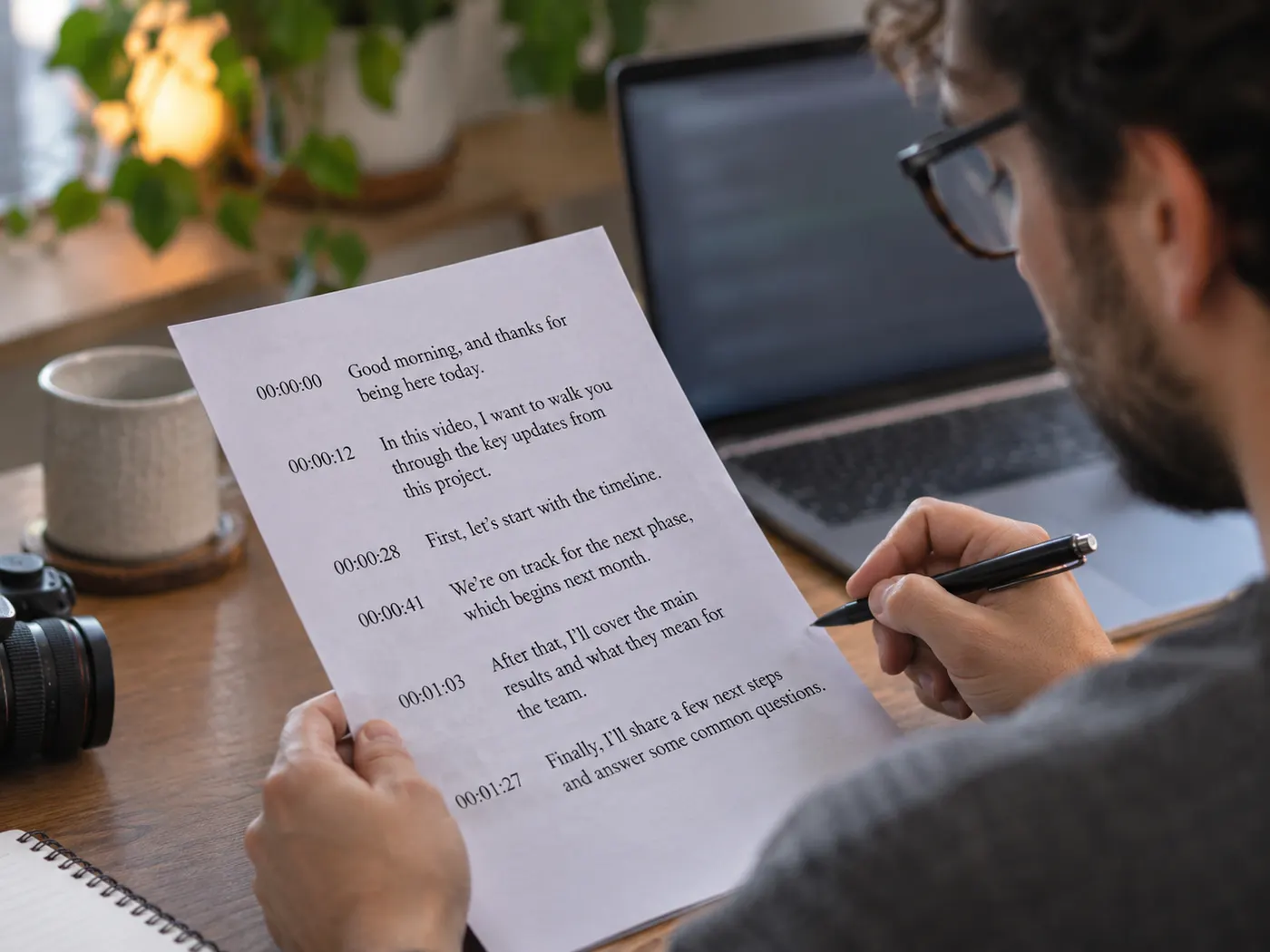
Timestamp context
MP4 to text brings the transcript back as plain lines you can scan, so you can find a moment, verify a quote, and move from a written line back to the relevant point in the recording.
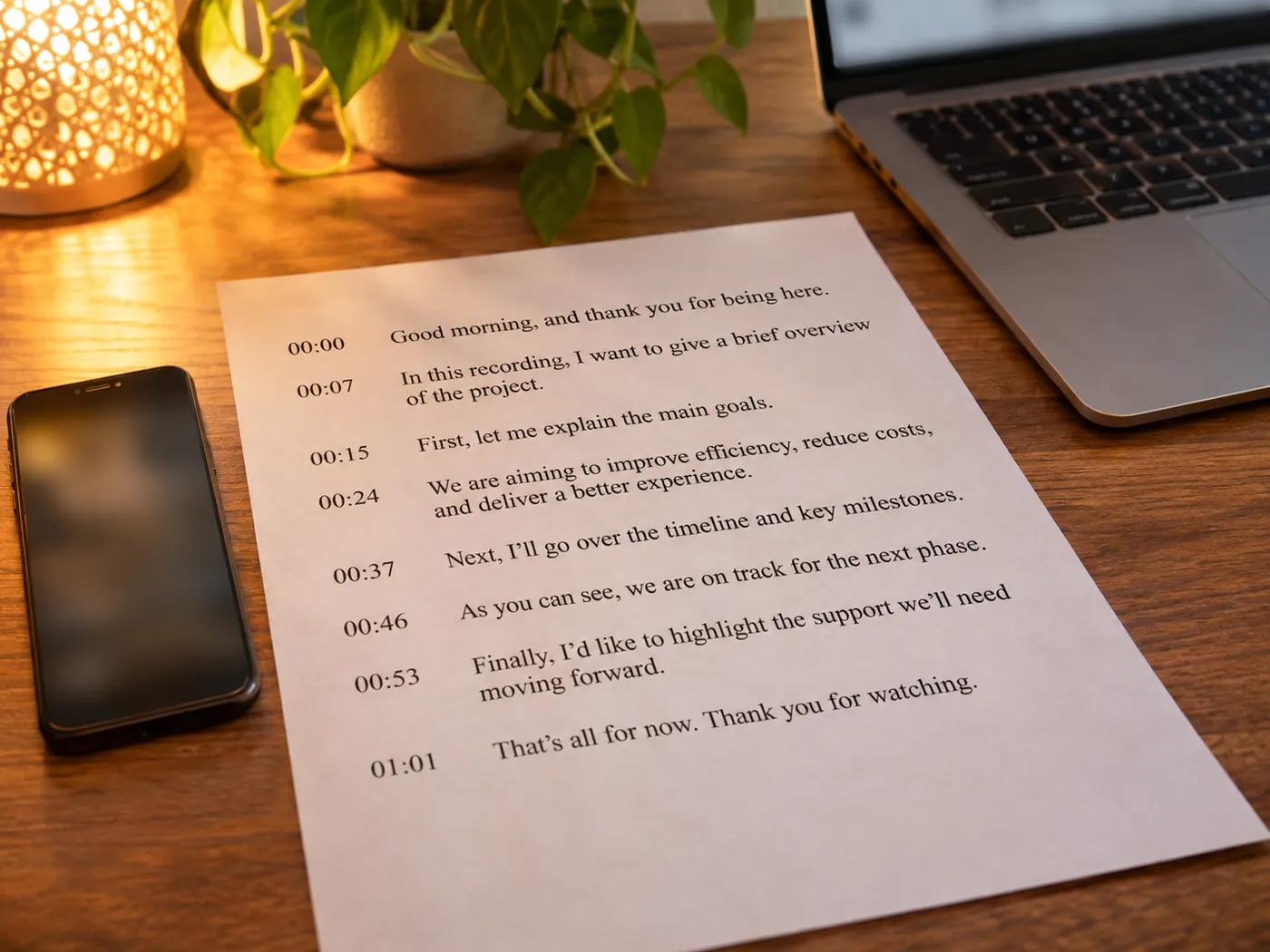
Spoken-word coverage
MP4 to text turns the spoken words in your video into text that is easier to read and reuse, so interviews, lectures, meetings and clips become something you can search and quote.
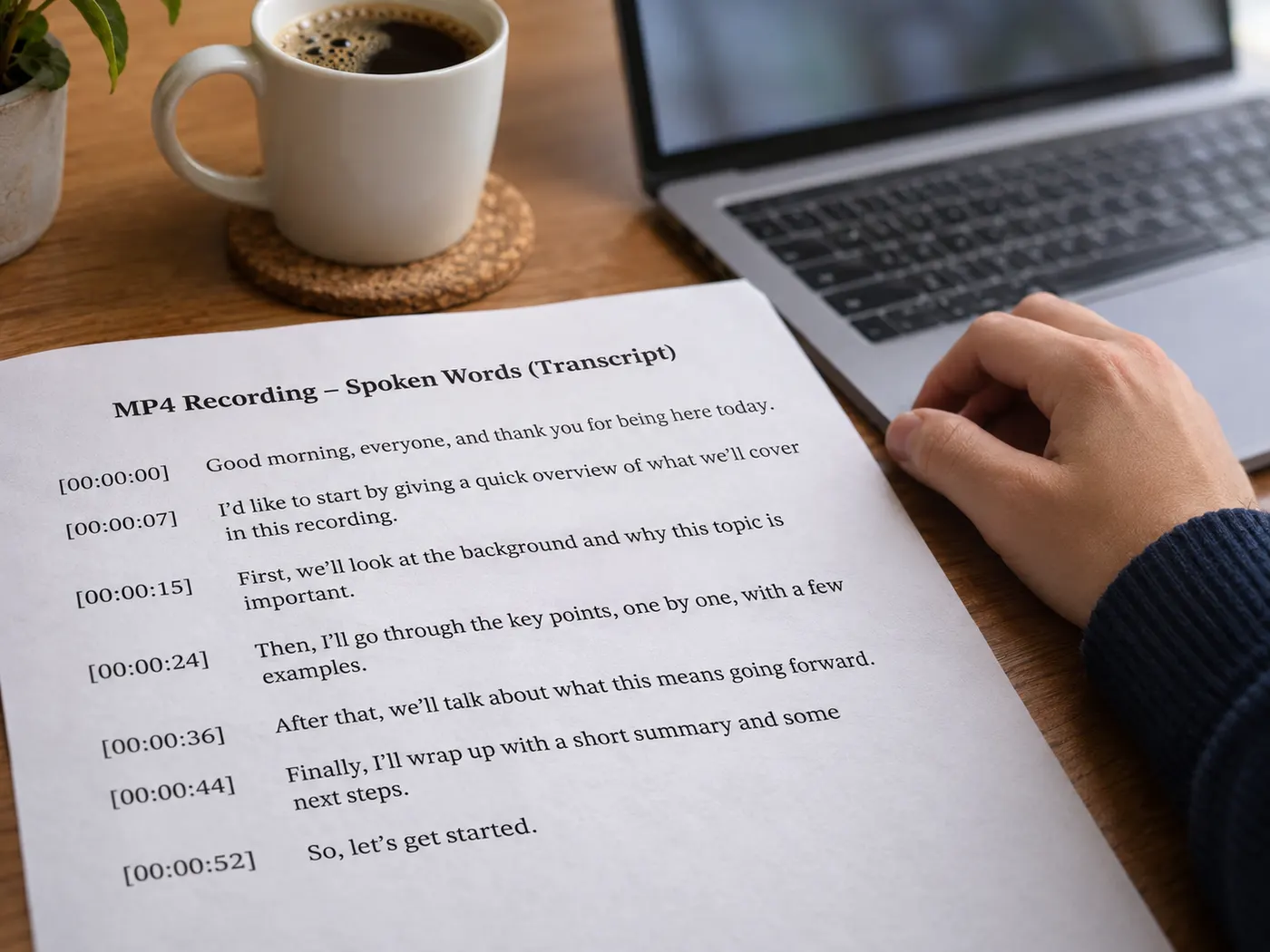
From Link to Searchable Words
Upload an MP4 and MP4 to text brings its spoken content into a transcript you can inspect and download.

How to Get Your Transcript
1
Add a source
For MP4 to text, upload your MP4 file (an .m4v works too) in the converter at the top of the page.
2
Choose a language
Check that the spoken language in your video is one the tool can transcribe, then continue.
3
Wait for the transcript
Start the run and let the tool transcribe the uploaded video into a readable result.
4
Search, copy, or download
Your MP4 to text result is ready to search, quote, edit, and download as a .txt file when you need a portable text source.
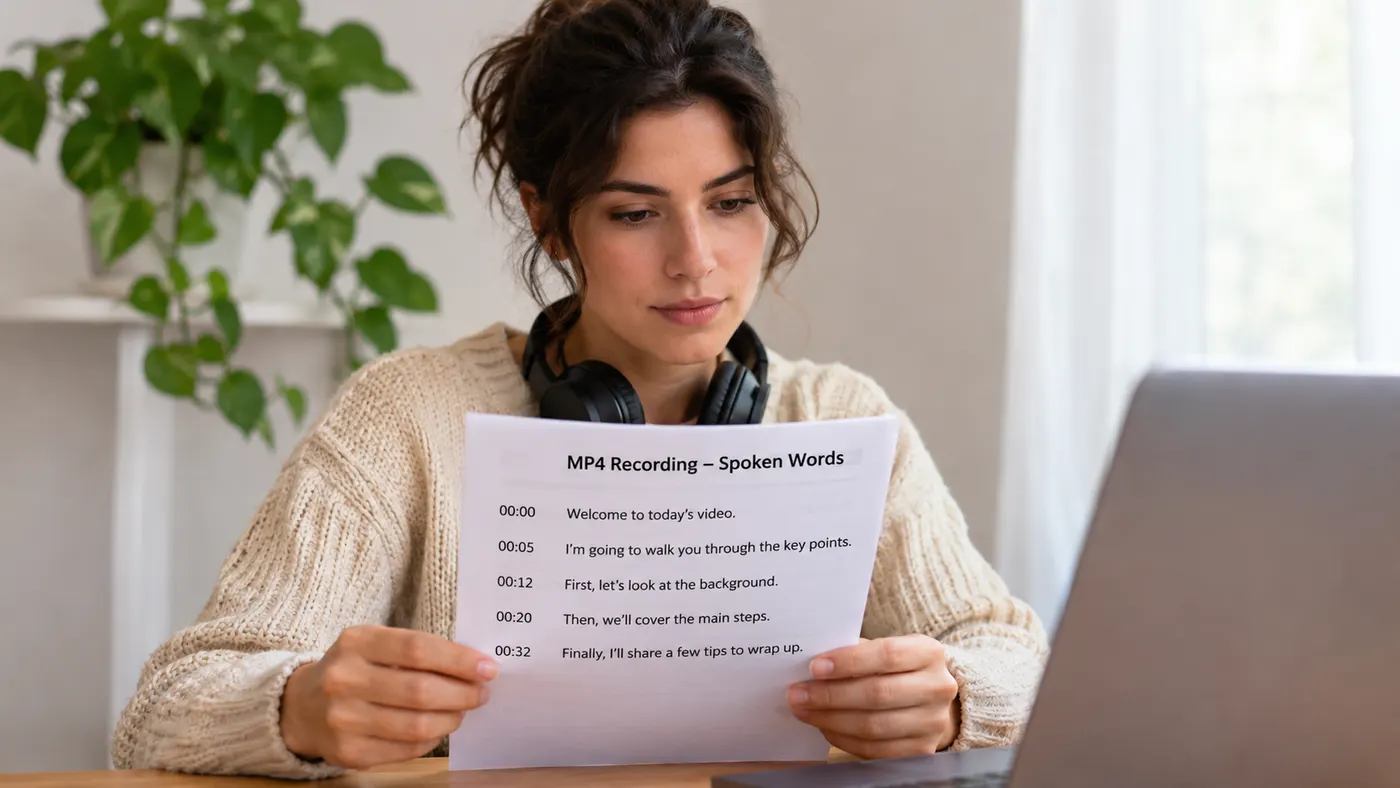
Text-first review
A readable source from MP4 to text helps you check ideas, names, and quotes without replaying every moment.
Readable lines
The transcript comes back as plain lines of text, so you can scan it, search it and copy the wording you need.
Flexible inputs
Use supported video or audio files, including MP4, MOV, WebM, MP3, WAV, and M4A.
Downloadable output
The completed transcript can be downloaded as a plain .txt file for editing, storage, or sharing.
One-credit runs
Each run produces one transcript, and MP4 to text uses one credit for every completed run.
Simple repurposing
For notes, scripts, summaries, emails, and drafts, each MP4 to text run gives you reusable words.
Small Details, Ready to Use
Printed transcript pages make spoken content easier to review and mark.

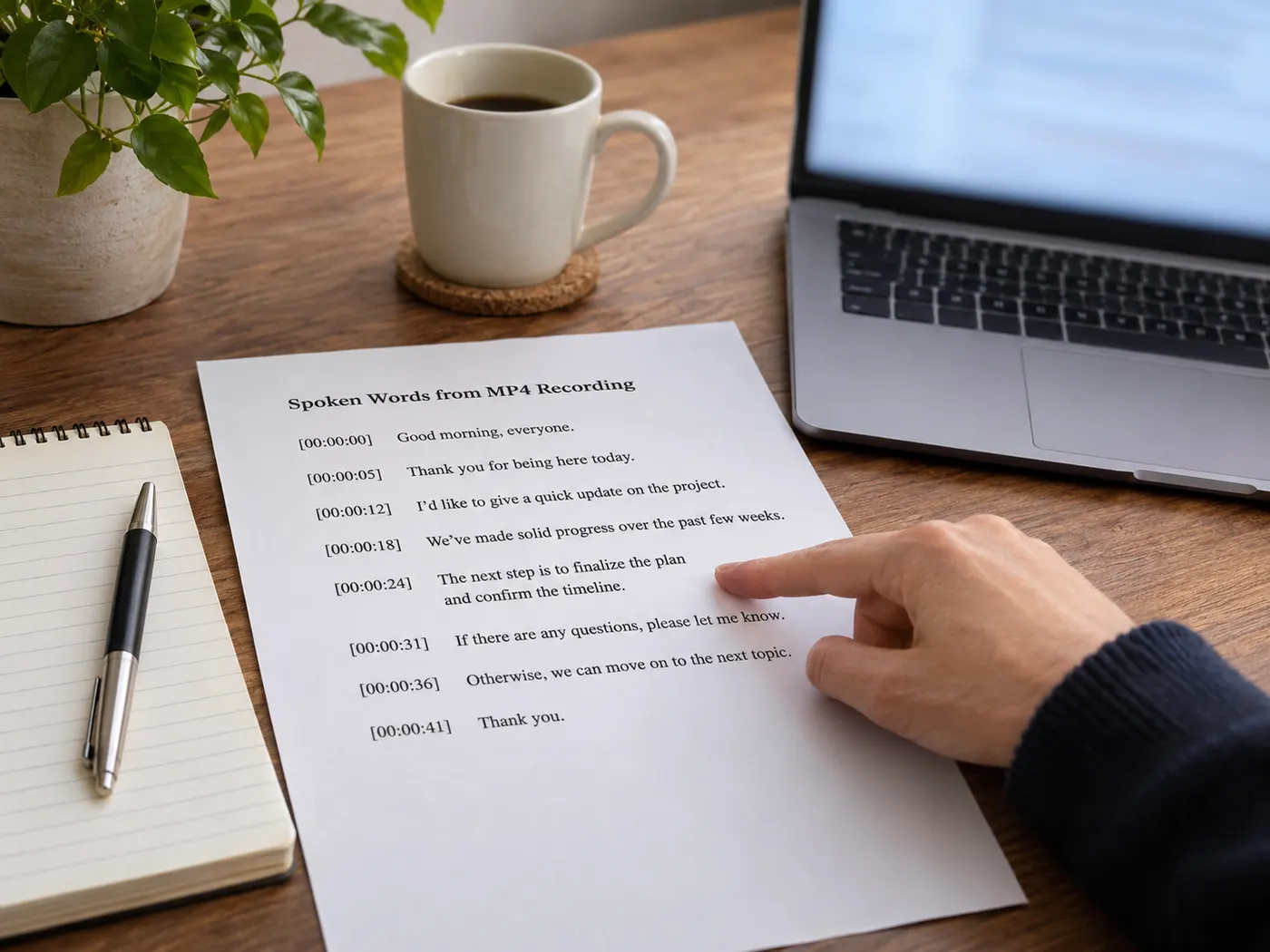
What this tool gives you
| What you get | A real preview or structured result produced by the embedded tool, with a download or export action when available. |
|---|---|
| On this page | The tool itself, step-by-step guidance, honest examples, and related tools — all on this same page. |
| Best for | MP4 to Text, Ready to Edit when you want a direct browser workflow without leaving the page. |
Who Uses a Video Transcript?

Trainers
Turn recorded training sessions into handout drafts without typing every spoken line.
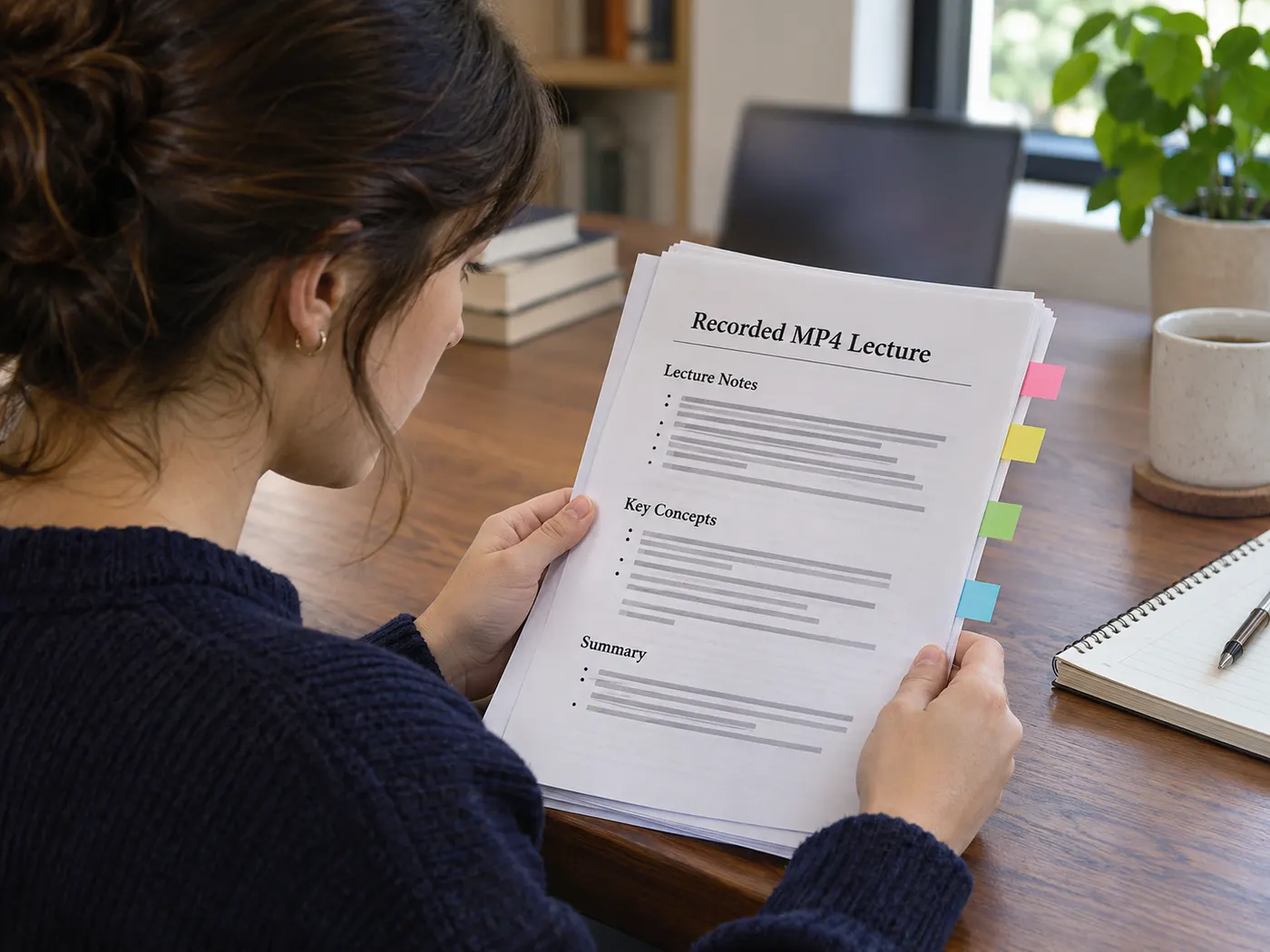
Students
Review lecture wording in a readable form, then mark passages for study notes and quotes.

Small businesses
MP4 to text makes customer-interview lines easier to review, compare, and reuse in a brief.

Video editors
Mark spoken moments in a cut without repeatedly replaying the entire recording.

Webinar hosts
Highlight webinar wording and shape a clear follow-up email from the transcript.
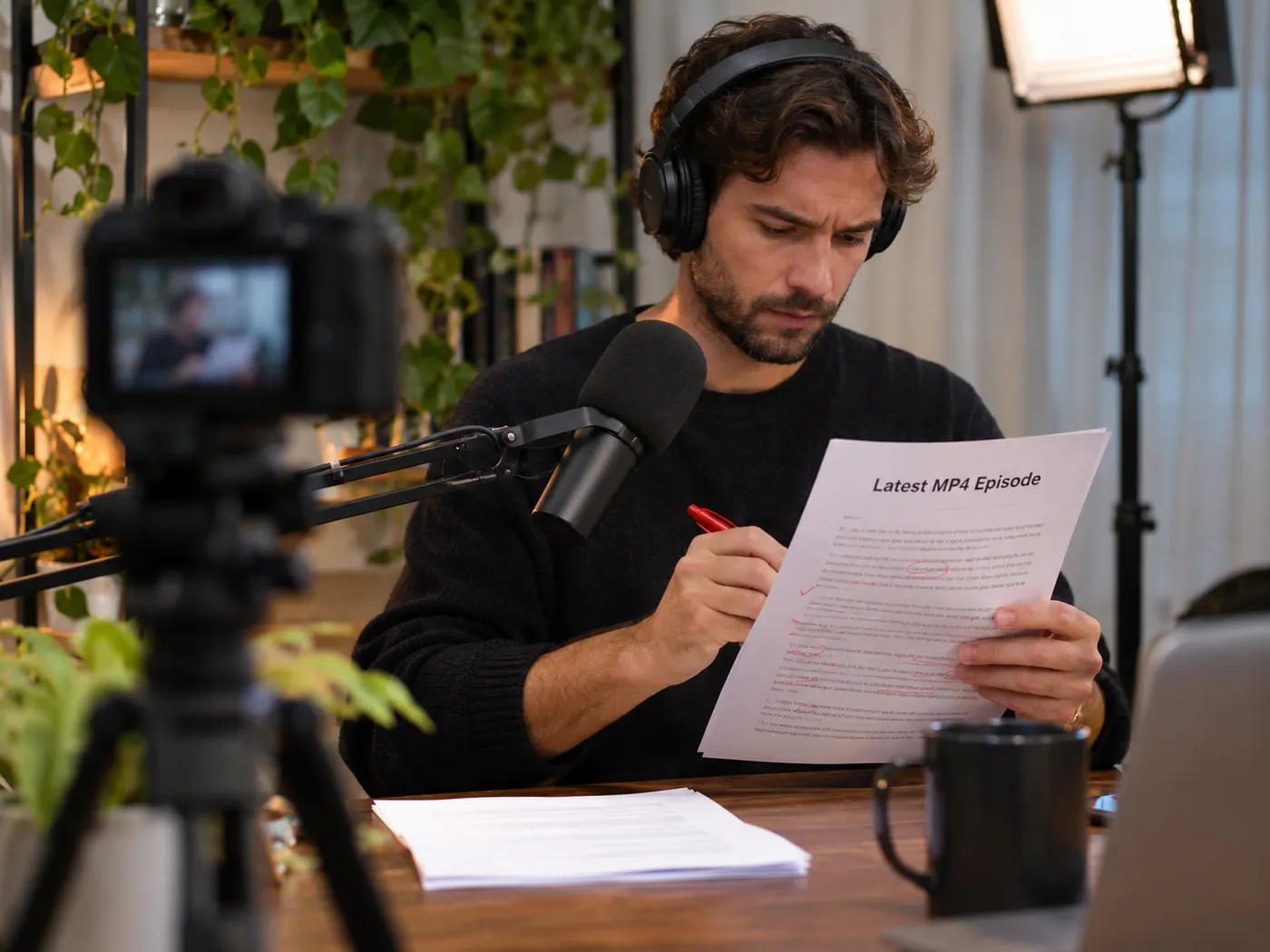
Podcasters
Use MP4 to text to proofread an episode draft before publishing or repurposing it.
Questions About This Transcript Tool
- How does this tool turn an MP4 into text?
- MP4 to text takes the spoken content from the MP4 you upload and returns it as a readable transcript you can search, copy, and download.
- Can I try the workflow before spending a credit?
- Yes. You can preview the workflow before running it, but sign-in is required to run MP4 to text, and each transcript uses one credit.
- Will the transcript include timestamps?
- The result is a downloadable .txt transcript of the spoken words in your MP4.
- What file types can I use?
- MP4 to text accepts MP4 files (and .m4v). Other formats have their own converter pages.
- Can I work with a video in another language?
- Yes, as long as it is a spoken language the transcriber supports; upload the MP4 and review the result.
- Can I download and reuse the resulting text?
- Yes. After processing, MP4 to text gives you a transcript you can search, quote, edit, repurpose, and download as a .txt file.
More gistmint tools
Simple, honest pricing
Copying and exporting a transcript you already have is free. New transcripts use credits — pick a plan when you need more.
- Free
- $0 — 5 credits on sign-up
- ProPopular
- $9.99/mo — 600 credits
Start With Your Video
Upload a source and let MP4 to text create a usable transcript for your next edit, note, quote, or draft.